On this page
Too long? Read this
- Bans come from three things: automating the phone app with bulk-sender tools, messaging people who did not opt in, and ignoring the quality signals Meta sends back
- The safe route is the WhatsApp Business API with approved templates, recorded opt-in, paced sending and suppression of opted-out and capped contacts
- Meta's controls in 2026: messaging tiers per business portfolio, the per-user marketing frequency cap (131049), quality ratings, template pausing (132015) and account-level penalties for retrying capped recipients
- A 14-day warm-up plan, the numbers that predict trouble, and what to do at each quality rating
WhatsApp bans bulk senders for two reasons that are easy to avoid and one that takes discipline: automating the phone app with bulk-sender tools (a terms violation Meta detects), messaging people who did not agree to hear from you (which produces the blocks and reports that trigger restrictions), and ignoring the quality signals Meta sends back after every campaign. Sending at scale safely means the WhatsApp Business API with approved templates, recorded opt-in, paced sending and automatic suppression of anyone who should not be messaged. This guide explains each of Meta's controls in 2026, what the numbers mean, and a 14-day plan to go from a new number to sustained volume without a restriction.
Where bans actually come from
| Cause | What Meta sees | Result |
|---|---|---|
| Bulk-sender tools on the phone app or WhatsApp Web | Automation signatures, unsaved-contact volume, identical messages | Number banned, often permanently |
| Unsolicited messages on the API | Blocks and "report spam" taps in the first hours | Quality rating drops, tier falls, templates paused |
| Retrying capped or opted-out recipients | Repeated attempts to users who signalled no | Account-level penalties since April 2026 |
| Misleading content, prohibited categories | Reports, template rejections | Template disabled, account review |
| One spammy brand on a shared portfolio | Portfolio-level quality signals | Every number in the portfolio throttled |
Nothing in that table is about volume. A verified business sends millions of messages a month without incident; a business sending 300 unsolicited ones gets restricted.
Meta's controls in 2026, plainly
Messaging tiers. Unique customers you can start conversations with per rolling 24 hours: 250 (unverified), 1,000, 10,000, 100,000, unlimited. Per business portfolio since October 2025. Raised when you use at least half the limit in 7 days with Medium or High quality.
Quality rating. Per number: High, Medium, Low (green, yellow, red), from blocks and reports over the last 7 days relative to messages sent. Low lowers the tier one step; sustained Low restricts the account. It recovers in days once the cause stops.
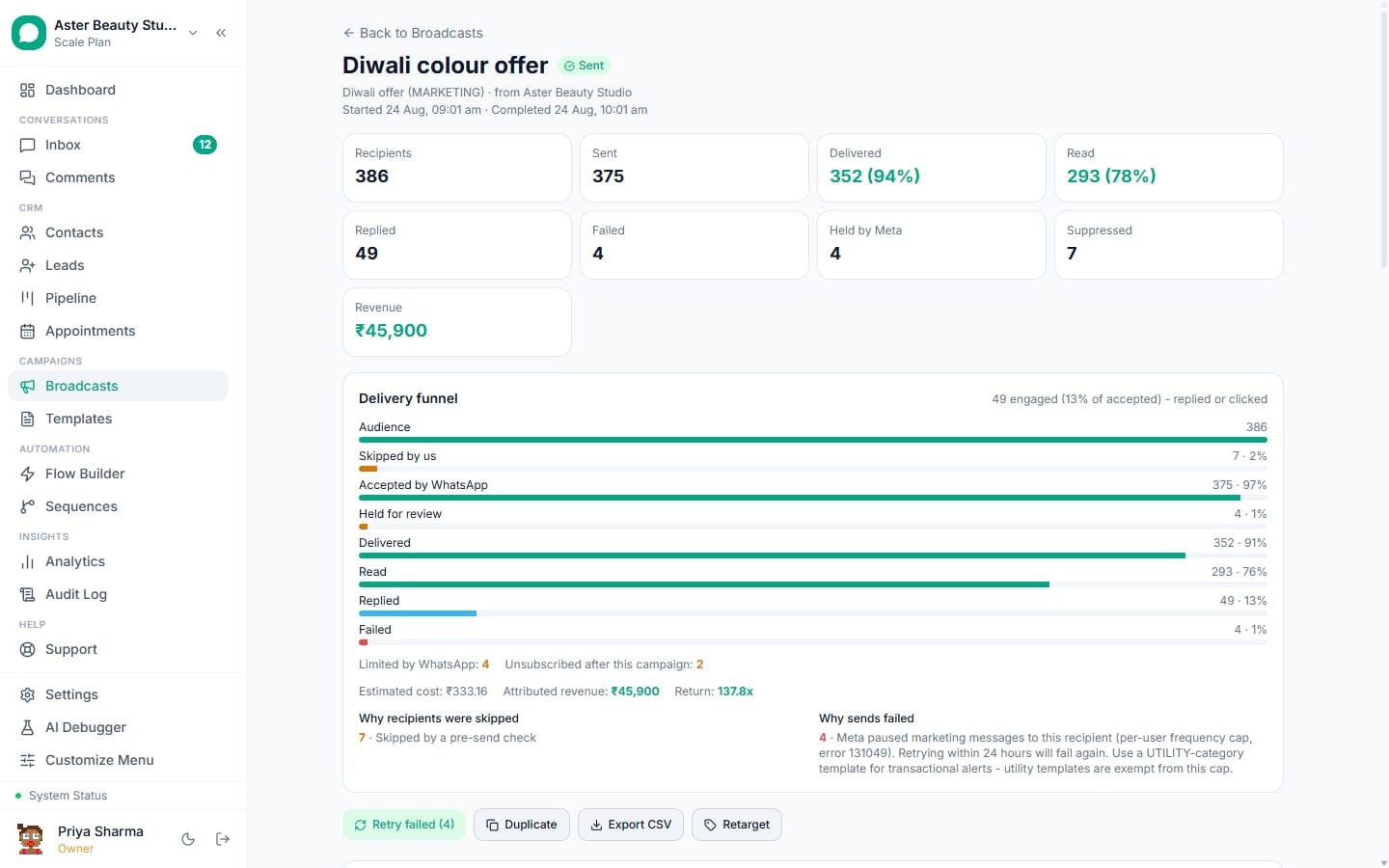
Per-user frequency cap. Meta limits marketing messages a user receives from all businesses. At the cap, your marketing message is not delivered and the API returns 131049. Utility and authentication messages are exempt.
Template pausing. Meta samples marketing templates for complaints. A template that draws them is paused for 3 hours, then 6, then disabled (132015, 132016). Campaigns using it stop.
Retry penalties. Since April 2026 Meta penalises WhatsApp Business Accounts that repeatedly retry messages to users who are capped or opted out.
The safe sending system
- Opt-in, recorded per contact. Website and form checkboxes, click-to-WhatsApp ads, QR codes, "reply YES", prior conversations. Store the source and date. Never import a purchased list.
- Templates that match their category. Utility for anything transactional (a seventh of the price, no cap); marketing only for promotion, with an opt-out line. Do not disguise promotions as utility; Meta reclassifies and the cap applies anyway.
- Segment by engagement. Recent buyers, recent repliers, recent readers. Cold contacts get capped and report more.
- Pace by quality. 50 messages a second on green, half on yellow, a tenth on red. Send in the recipient's daytime; hold campaigns overnight with quiet hours.
- Budget the tier. Count unique recipients started in the trailing 24 hours across the portfolio; park the campaign when headroom runs out and resume when it reopens, instead of failing the remainder.
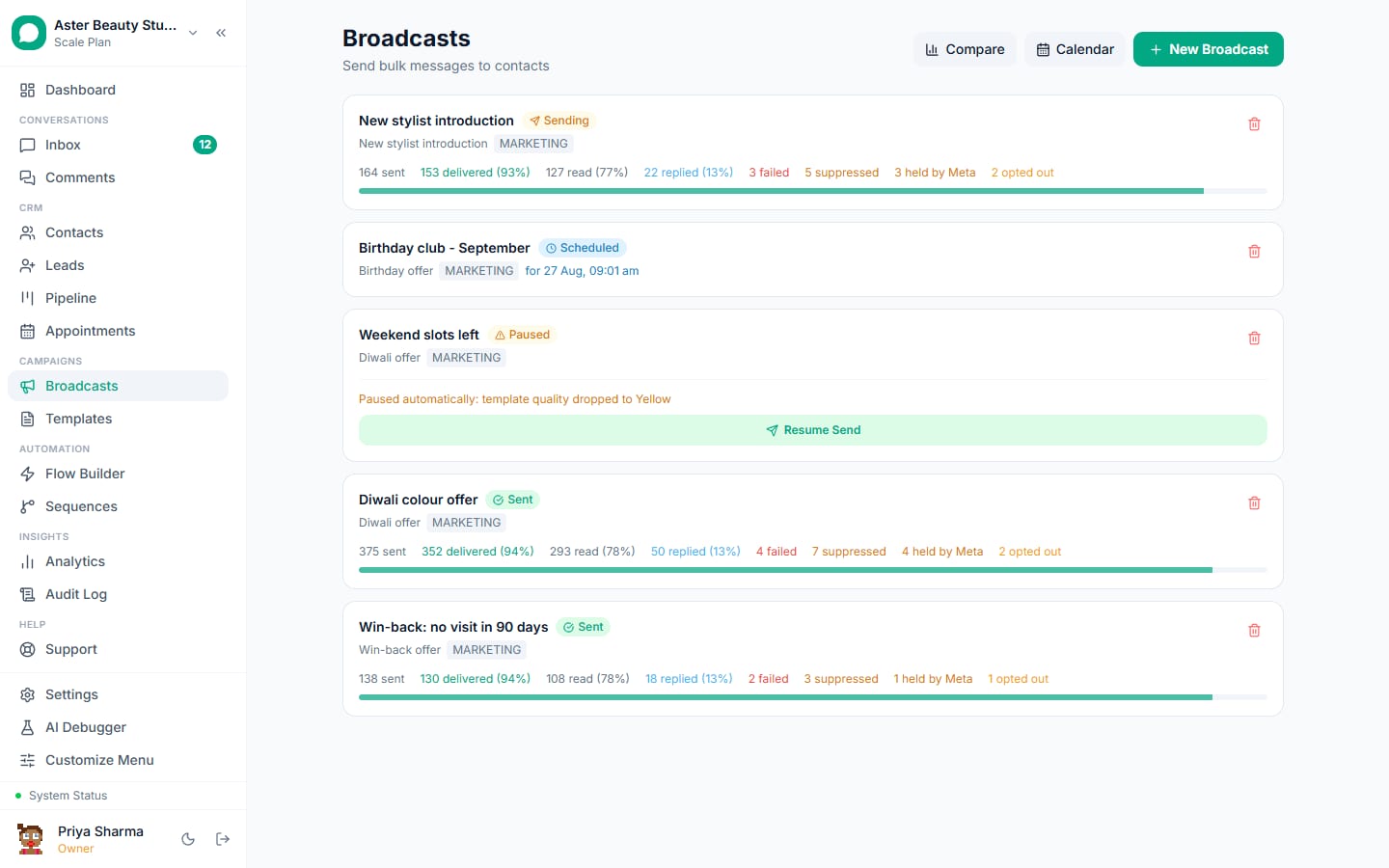
- Suppress, never retry. Opted-out, blocked, marketing-stopped (from Meta's user preferences), capped (131049 window) and unreachable contacts are never attempted, never billed, never retried.
- Watch the template. Park a campaign the moment Meta pauses its template; resume when the pause lifts.
- Cap frequency yourself. No contact gets more than one marketing broadcast a week unless they engage.
VGraple CRM's delivery protection implements steps 4 to 7 in the sending engine; the rest are decisions you make.
A 14-day warm-up for a new number
| Day | Send | Watch |
|---|---|---|
| 1 to 2 | Utility messages to existing customers who have messaged you before: order updates, appointment confirmations. Under 200 a day. | Delivery above 95 percent, zero blocks |
| 3 to 5 | Utility to all opted-in customers; first marketing template to the 100 most engaged. | Quality stays green; tier rises to 1,000 after verification |
| 6 to 9 | Marketing to repliers and readers of the first send; utility flows on. Up to 1,000 a day. | Blocks under 0.2 percent; 131049 under 5 percent |
| 10 to 14 | Broadcasts to engaged segments, retargeting cohorts, sequences live. Tier rising to 10,000. | Read above 60 percent, reply above 3 percent |
If any watch column fails, hold at the previous day's volume until it passes. A number that reaches day 14 clean can scale from there.
The numbers that predict trouble
| Signal | Threshold | Action |
|---|---|---|
| Block rate on a campaign | Above 0.3 percent | Stop the segment; review the template and the opt-in source |
| Failed with 131049 | Above 10 percent | The list is cold; switch to utility or retarget engaged only |
| Read rate | Below 45 percent | Wrong hour or weak first line; not a ban risk by itself |
| Quality rating | Yellow | Halve volume, marketing to engaged only, 3 days |
| Quality rating | Red | Stop marketing 3 to 7 days, utility only, then rebuild with small batches |
| Template paused | Any | Do not resubmit the same text; rewrite, and let the campaign resume on its own |
What to do at each quality rating
Green (High). Normal operation. Keep segments engaged and hours sensible.
Yellow (Medium). Something recent drew blocks. Find the campaign (blocks by campaign in analytics), suppress that segment, halve the pace, send only to engaged contacts for three days. The rating usually returns to green within a week.
Red (Low). Stop marketing. Keep utility messages flowing to engaged customers so Meta sees healthy traffic. Review the last week's sends for the cause. After 3 to 7 clean days, resume with a small engaged batch and grow. Do not open a second number to route around it; the portfolio shares the consequence.
Restricted. Appeal in Meta Business Manager with the corrective steps taken. Restrictions on the API for a first offence typically lift after the review window.
The app-based bulk senders, specifically
Tools that promise "unlimited WhatsApp messages without API" work by automating WhatsApp Web or an Android app. They send from a number that is not on the API, to unsaved contacts, at machine speed, with identical text. WhatsApp's anti-abuse systems are built to detect exactly that pattern, and the ban is on the number, not the tool. The tool's vendor does not lose anything. If the number matters to your business, do not put it in one of these.
What VGraple CRM does here
Pacing by quality rating, tier budgeting with auto-resume, auto-park on template pause, suppression of opted-out, blocked, marketing-stopped and capped recipients, quiet hours and a frequency cap, per-recipient statuses with the Meta reason, retarget cohorts and a template validator are on every plan including Free. Consent is recorded per contact, STOP is honoured automatically, and "Retry failed" never touches suppressed recipients. Meta's message charges are billed by Meta with no markup.