On this page
Too long? Read this
- WhatsApp reaches a CRM only through the WhatsApp Business API; the phone app cannot be connected to anything
- Four routes: the CRM's own WhatsApp add-on (limited templates, per-seat pricing), Zapier (contacts and events, no inbox), webhooks and the API (anything, some engineering), or a WhatsApp CRM that runs the inbox and syncs records to Zoho or HubSpot
- For teams whose customers live on WhatsApp, the WhatsApp CRM route wins: the conversation is the record and the traditional CRM keeps the deals
- Setup steps, field mapping and the three-recipe pattern for each route
WhatsApp connects to a CRM only through the WhatsApp Business API; the phone app has no integration surface at all. Once a number is on the API, there are four routes into a CRM: the CRM's own WhatsApp add-on, Zapier, webhooks and the REST API, or a WhatsApp CRM that runs the inbox and syncs records out to Zoho, HubSpot or whatever holds your deals. This guide explains what each route gives you, what it costs, how to set it up, and which teams pick which. The short version: if your customers live on WhatsApp, run the conversation in a WhatsApp CRM and sync the records; if WhatsApp is an occasional channel, the CRM add-on is enough.
The four routes
| Route | What you get | What you do not get | Cost pattern | Who picks it |
|---|---|---|---|---|
| CRM's WhatsApp add-on (Zoho, HubSpot, Salesforce) | Templates and replies inside the CRM, records auto-linked | Delivery protection, chatbot builder, campaign tooling, Instagram | Per seat plus a provider's per-message markup | Teams where WhatsApp is one channel among many |
| Zapier | Contacts, leads, events synced both ways; messages sent as actions | An inbox, real-time replies, automation depth | Zapier plan plus a WhatsApp platform | Small teams, quick wins |
| Webhooks and REST API | Anything: custom sync, custom triggers | Nothing, at the cost of engineering | Developer time | Teams with a developer or an in-house system |
| WhatsApp CRM syncing to the CRM | Full inbox, campaigns, bots, delivery protection; records pushed to the CRM | Deals live in two places unless you sync them | WhatsApp CRM plan (from Rs 0) plus Zapier or API | Teams whose customers live on WhatsApp |
Route 1: the CRM's own WhatsApp add-on
Zoho, HubSpot, Freshworks and Salesforce each offer a WhatsApp channel through a partner provider. You connect a number, approve templates, and agents send and receive inside the CRM's conversation view; records link automatically. Strengths: no second tool, deal context in the chat. Limits: campaign tooling is basic, chatbots are limited or extra, Meta's delivery rules (per-user caps, template pausing, tiers) are largely your problem, Instagram and Messenger are separate add-ons, and pricing is per seat with the provider's markup on Meta rates. Right for teams where WhatsApp is a support channel alongside email and phone, not the primary one.
Route 2: Zapier
VGraple CRM has a Zapier app with triggers (new message, new contact, new lead, lead stage changed, form submission, and more) and actions (create or update contact, send template, enrol in sequence). Combine them with your CRM's Zapier app:
- New contact in VGraple CRM -> create or update contact in Zoho or HubSpot (map phone, name, tags, consent).
- Lead stage changed in VGraple CRM -> update deal stage in the CRM.
- Deal won in the CRM -> send a WhatsApp utility template (thank you, next steps) and tag the contact.
Setup takes an afternoon; the limits are Zapier's polling interval on non-instant triggers and the absence of an inbox in the CRM (agents work in VGraple CRM). Recipes: Zapier integration, Google Sheets, HubSpot, Zoho CRM.
Route 3: webhooks and the REST API
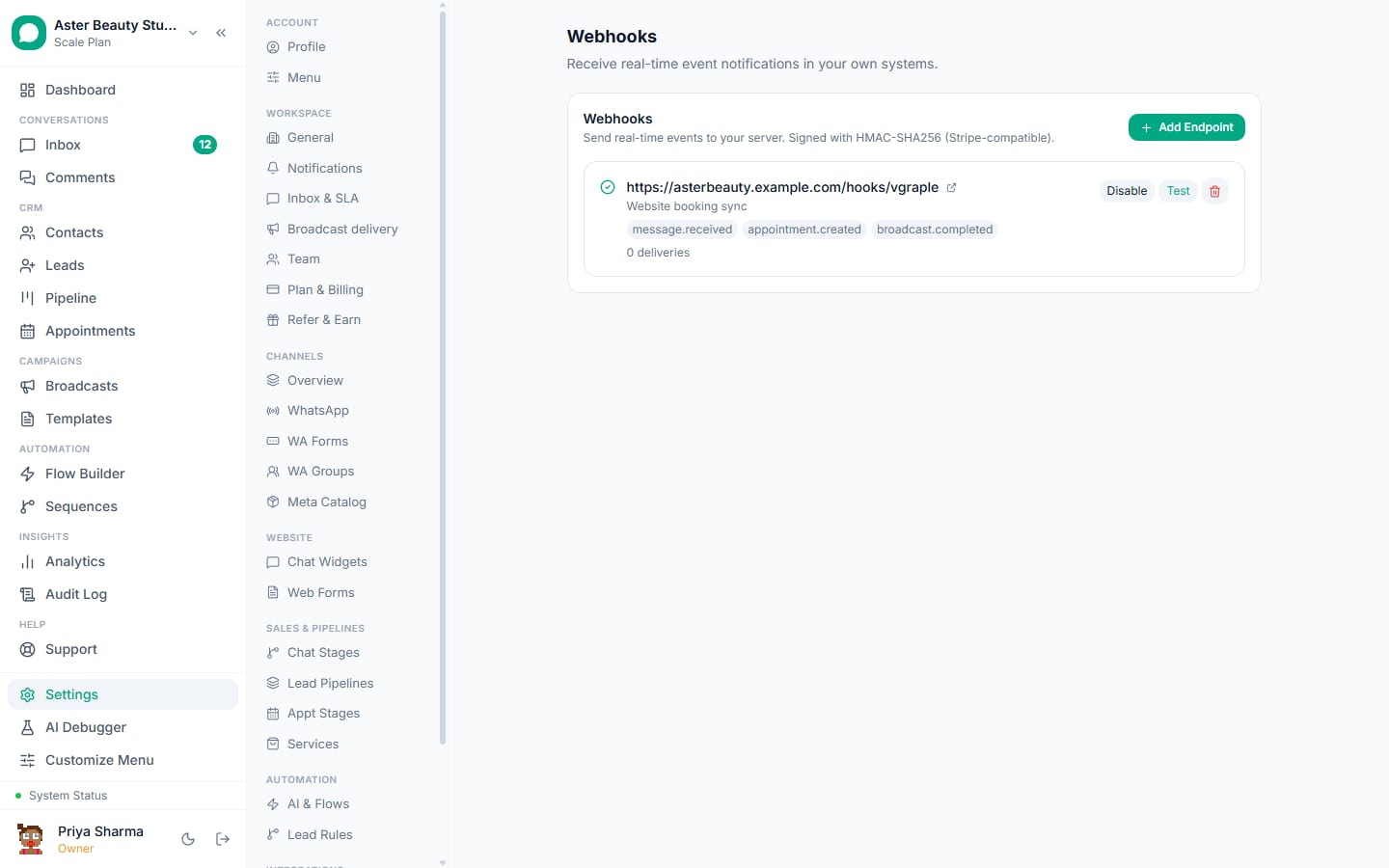
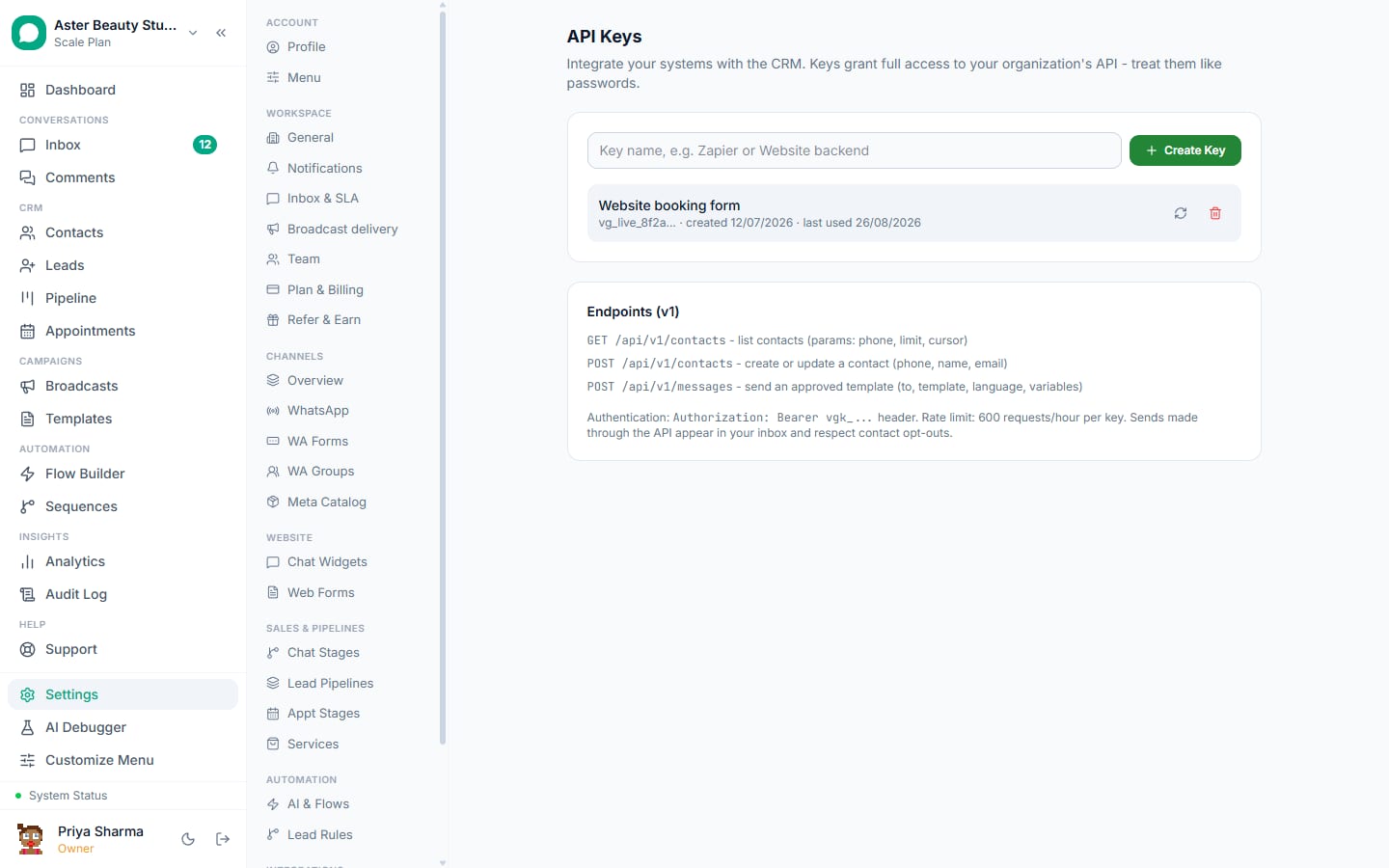
For a custom CRM or an in-house system: VGraple CRM's outbound webhooks post signed JSON on events (messages, contacts, leads, forms, flow steps) to your endpoint within seconds; the REST API creates or updates contacts, sends approved templates and reads conversations. Verify the HMAC signature, map the fields, and you have a sync that behaves exactly as you want. Budget a few hours of developer time for a relay and a day for a two-way sync with retries.
Route 4: a WhatsApp CRM, with the traditional CRM behind it
The pattern most Indian sales and support teams end up with: agents live in the WhatsApp CRM inbox (WhatsApp, Instagram, Messenger, web chat), bots and campaigns run there with delivery protection, and records flow to Zoho or HubSpot through Zapier or the API so managers keep their pipeline reports. The conversation is the customer record where the work happens; the deal is the record where the reporting happens.
Field mapping that works:
| VGraple CRM | Traditional CRM | Direction |
|---|---|---|
| Contact (phone, name, email, tags, consent, source) | Contact | Both ways, phone as the key |
| Lead (pipeline, stage, score, owner) | Deal or Lead | VGraple CRM to CRM on create and stage change; CRM to VGraple CRM on won or lost |
| Revenue logged on conversation | Deal amount | VGraple CRM to CRM |
| Conversation link | Custom URL field on the CRM record | VGraple CRM to CRM |
| Campaign membership | Tag or list | VGraple CRM to CRM |
Worked example: a real estate agency on Zoho
Skyline Realty runs deals in Zoho CRM and enquiries on WhatsApp. Agents work in VGraple CRM: enquiries arrive from the website widget, click-to-WhatsApp ads and the number on hoardings; a welcome flow captures configuration and budget; leads are scored and assigned. Two Zaps do the sync: a new lead in VGraple CRM creates a Zoho lead with phone, configuration, budget, source and a link to the conversation; a stage change to "Site visit done" updates the Zoho deal stage and sets a follow-up task. When Zoho marks a deal Won, a third Zap sends a utility template ("Congratulations on {{1}}, your allotment letter is attached") and tags the contact "customer" so marketing sequences stop. Managers never open the inbox; agents never open Zoho; the phone number is the key on both sides. Setup took one afternoon and the only cost above the platform fees was Zapier's plan.
Which route for which team
- Solo or two-person business on Zoho or HubSpot already: the CRM's add-on if WhatsApp volume is low; a WhatsApp CRM on the free plan with Zapier if WhatsApp is where enquiries arrive.
- Sales team of five to twenty: the WhatsApp CRM route; agents need the inbox, managers need the pipeline report, and the sync keeps both honest.
- Support team: the WhatsApp CRM route, with tickets or deals created in the traditional CRM only for escalations.
- Business with an in-house system: webhooks and the API; a relay of a few hundred lines gives exactly the sync you want.
- Agency handling many clients: a workspace per client in the WhatsApp CRM, each synced to the client's own CRM through its own Zaps or keys.
Setup checklist, any route
- Get the number on the API first (how to get the WhatsApp Business API); coexistence if the phone app must stay.
- Decide the key: phone number in E.164 format on both sides.
- Record consent as a field that syncs; never let a CRM campaign message WhatsApp contacts without it.
- Map the minimum fields; add more later.
- Test with three contacts end to end, including an opt-out.
- Document which system owns which field so two-way syncs do not fight.
What VGraple CRM does here
A native Zapier app, HMAC-signed outbound webhooks, a REST API with per-organisation keys, and an inbox that carries every channel are on every plan, including Free. Recipes for Zoho, HubSpot, Google Sheets, Shopify, WooCommerce and WordPress forms are in the integrations directory.