On this page
In short
- WhatsApp Flows are Meta's own interactive forms; they open as a structured screen inside the chat, not a browser
- Build a form from ten field types (text, choices, dropdown, date, opt-in and more) with no code
- Five ready-made templates cover lead capture, appointment booking, feedback, event registration and inquiries
- Send a flow from the visual flow builder, or directly to up to 20 contacts at once from settings
A WhatsApp Flow is Meta's own interactive form: instead of a customer typing free text back and forth, it opens as a structured screen inside the chat itself, with real text fields, dropdowns, date pickers and choice buttons. VGraple CRM's WA Flows builder lets you design one of these forms without code, publish it to Meta, and use it for bookings, lead qualification, surveys and registrations, all without sending anyone to a website. What changes for a business is completion rate: a customer filling in three tap-to-choose fields inside WhatsApp finishes far more often than one asked to leave the chat for a form.
What you get
- A no-code form builder producing a native Meta WhatsApp Flow, published directly from VGraple CRM
- Ten field types: text, paragraph, email, phone, number, date, single choice, multiple choice, dropdown and an opt-in checkbox
- Five ready-made templates (lead capture, appointment booking, feedback, event registration, service inquiry) or a blank custom form
- A live phone preview while you build, so you see exactly what the customer will see
- Automatic lead creation on submission, with name, phone and email extracted from your tagged fields
- Sending from the visual Flow Builder as a step in an automated conversation, or directly to up to 20 contacts at once
- Submitted answers resolved into readable question-and-answer pairs and attached to the contact or lead
How it works
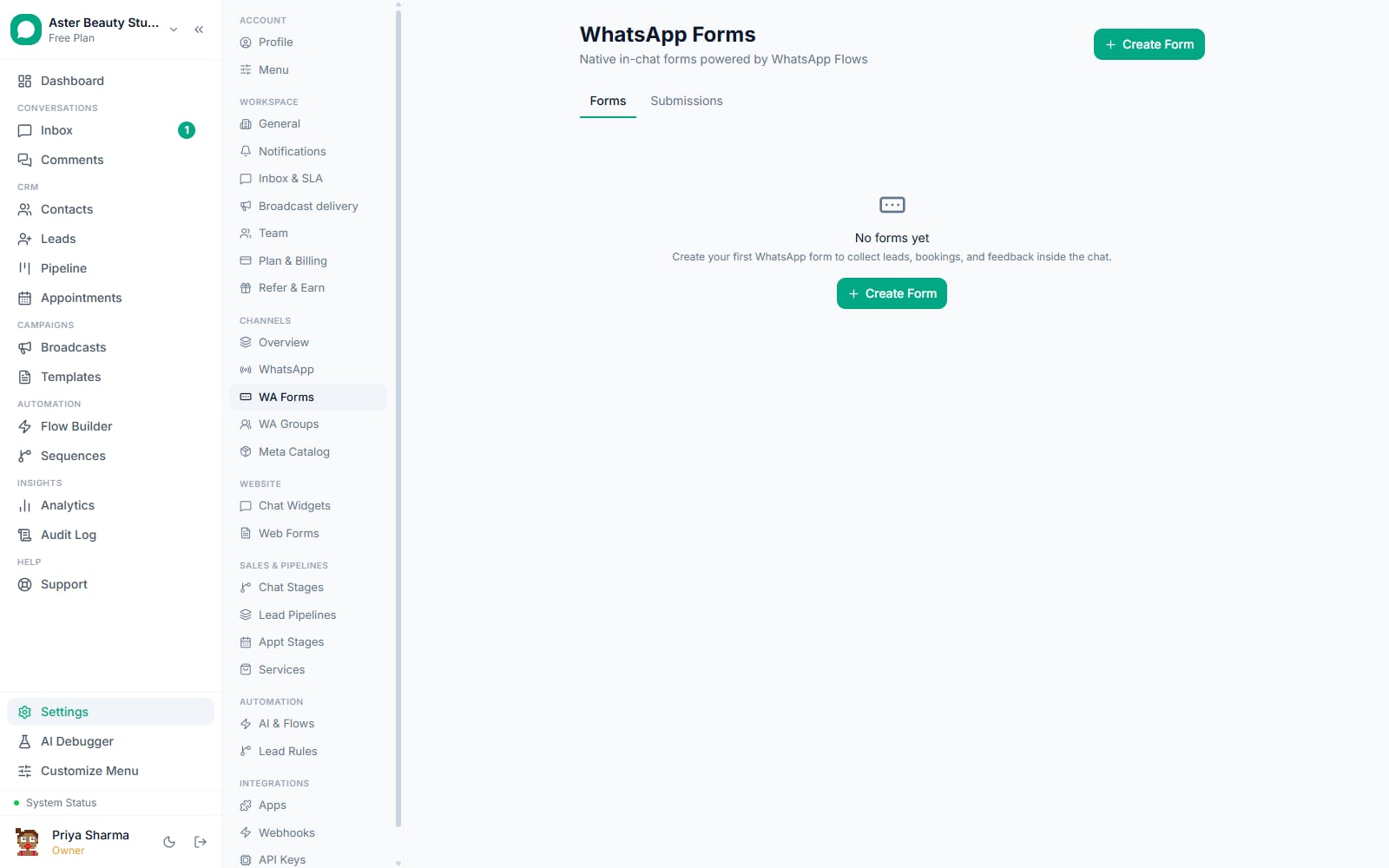
- Pick a starting point. Go to WA Flows and choose a template, Lead Capture, Appointment Booking, Feedback, Event Registration or Service Inquiry, or start from Custom with a blank form. Each template comes pre-filled with the field types and categories Meta expects for that use case.
Add and order your fields. Name the form, then add, remove or reorder fields by dragging them. For each field, set the label, type, whether it is required, and options for a choice or dropdown field. A live phone preview updates as you edit, so you always see the form the way a customer will.
Turn on lead capture, if you want it. Choose whether a submission should automatically create a lead, and in which pipeline. VGraple CRM reads which fields you marked as a name, phone or email and pulls those into the lead record; everything else is stored as the lead's form answers.
Publish to Meta. Publishing sends the form definition to Meta as an approved Flow. You must explicitly confirm you understand a published form's fields cannot be changed afterwards, since customers may already be mid-submission on the live version.
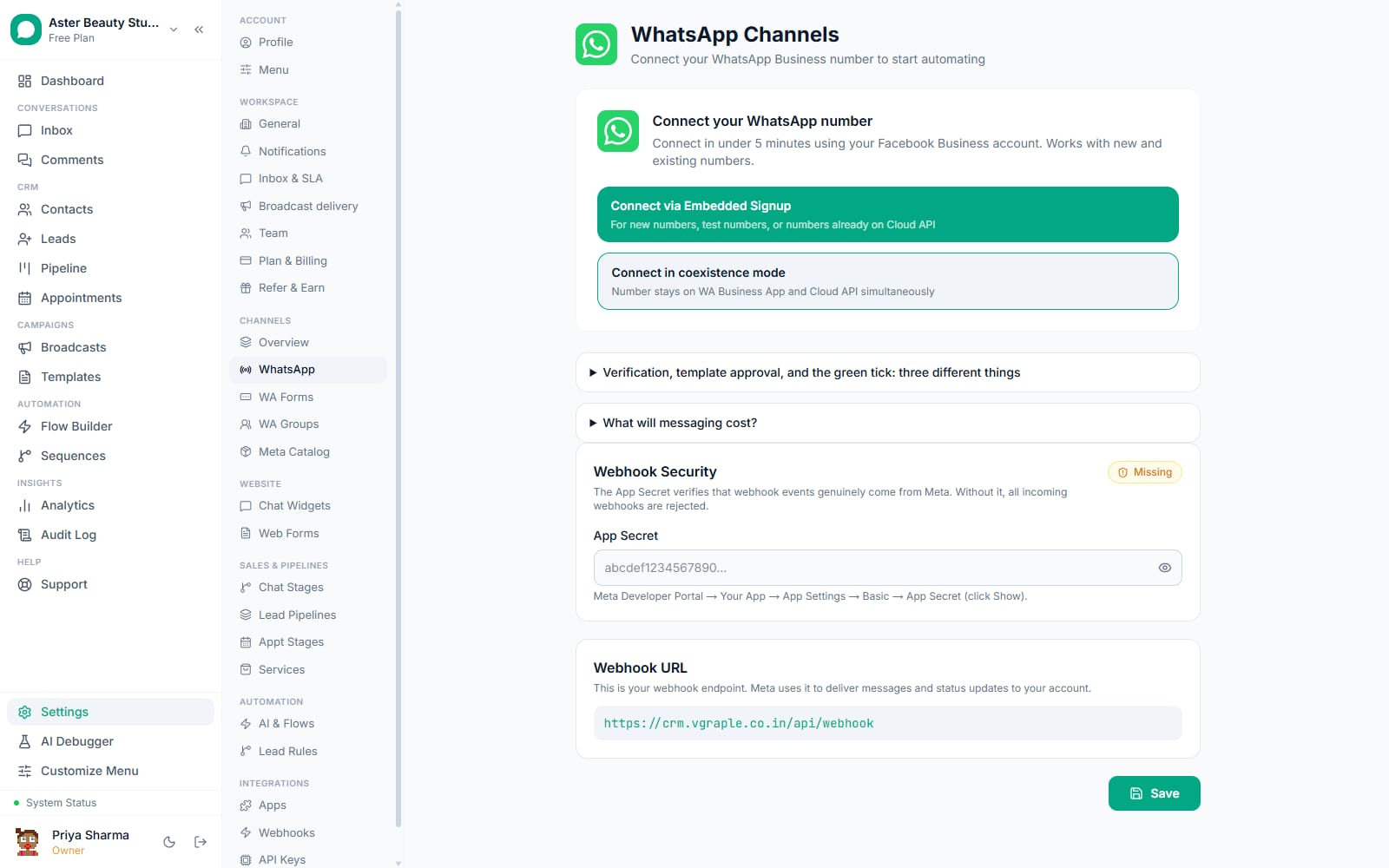
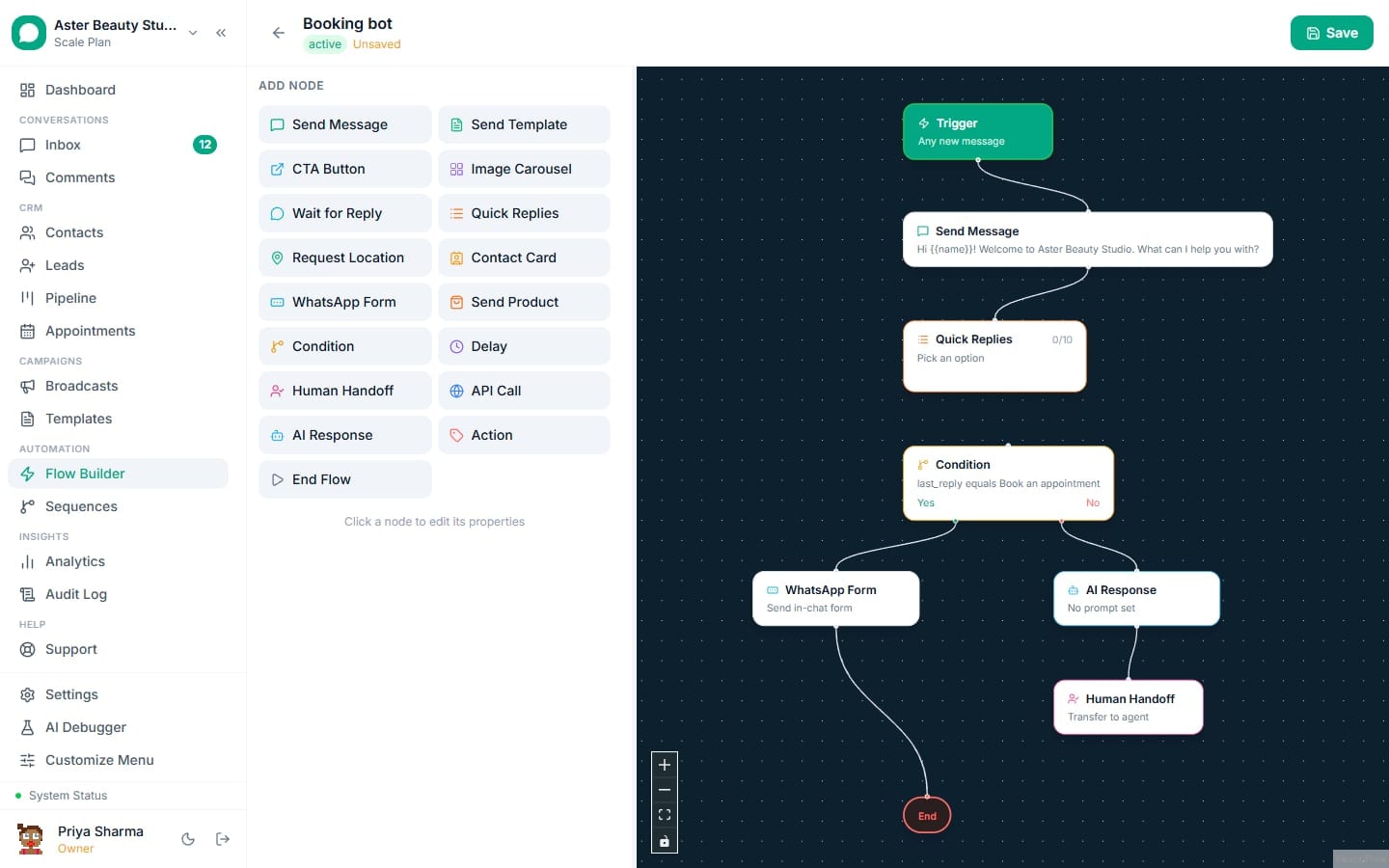
Send it. Attach a "Send WA Flow" step to a chatbot flow in the Flow Builder so it fires automatically at the right point in a conversation, or open the published form and send it directly to a hand-picked list of up to 20 contacts with a custom header, body and button text.
Review submissions. Every submission appears against the form with the answers resolved into plain question-and-answer pairs, matched to the contact, and, if lead capture is on, already sitting in your pipeline ready for follow-up.
Why does a native form beat a link to a website?
A customer who has to leave WhatsApp for a browser tab loses momentum, especially on mobile where switching apps is friction enough to lose a chunk of respondents. A WhatsApp Flow keeps the entire interaction inside the same chat window the customer is already in, with input controls native to WhatsApp itself rather than a webpage rendered inside a browser.
This matters most for anything time-sensitive or low-intent, a quick feedback rating, a callback request, a "which service are you interested in" qualifier, where every extra tap to leave the app costs you respondents.
Example
A real-estate agency replaces a "click here to register interest" link, which its own numbers showed under a third of recipients ever opened, with a WA Flow asking budget, locality and preferred visit time in three taps. The form opens in the same chat the broadcast arrived in.
What field types are available, and what are their limits?
The builder supports ten field types, each mapped directly to a native Meta WhatsApp Flow component, so what you build in VGraple CRM is exactly what Meta renders.
| Field type | Meta component | Notes |
|---|---|---|
| Text | Text input | Single line |
| Paragraph | Text area | Multi-line, for open comments |
| Text input (email) | Validated as an email on the device | |
| Phone | Text input (phone) | Validated as a phone number |
| Number | Text input (number) | Numeric keyboard on the device |
| Date | Date picker | Native date picker |
| Single choice | Radio buttons | 2 to 20 options |
| Multiple choice | Checkbox group | 2 to 20 options |
| Dropdown | Dropdown | 2 to 20 options |
| Opt-in checkbox | Opt-in | For consent or terms acknowledgement |
A form can have up to 20 fields and each choice field up to 20 options. There is no multi-screen wizard in the current builder, every field lives on one screen and submits together, which keeps forms fast to fill but means a genuinely multi-stage process needs to be split into separate flows sent at different points.
How does data come back into VGraple CRM?
When a customer submits, Meta sends the raw answers back as a webhook keyed by each field's internal id. VGraple CRM resolves that against the form's own field list, so what you see is the actual question label next to the actual answer, not a raw field key, and a multiple-choice answer is expanded to the option text the customer actually picked, not an internal index.
If lead capture is turned on, the platform looks through the answers for whichever field you tagged as a name, a phone number or an email and fills those onto the new lead automatically; every other answer is stored as the lead's form data, viewable on the lead record. A form edited after some submissions still resolves old answers correctly against the field list as it existed at submission time.
Can I use a WA Flow for booking and does it double-book?
Yes, the Appointment Booking template starts you with name, phone, preferred date, a time-of-day choice and a service type, and you can extend or trim it. The flow itself collects the request; VGraple CRM does not automatically check the request against your live calendar to reject an already-taken slot inside the form, so a booking flow works best paired with the Appointments feature, where a request lands for a staff member to confirm, rather than as a fully automated double-booking-proof scheduler on its own.
Who uses it
Coaching institutes send a lead-qualification flow from a Facebook ad reply, asking course interest, preferred batch and budget in three taps instead of a back-and-forth chat. See WhatsApp CRM for education.
Salons and clinics attach a booking-request flow to their WhatsApp chatbot so a new conversation can request a service and preferred time without leaving the chat, with a staff member confirming the slot. See WhatsApp CRM for salons.
Event organisers send a registration flow ahead of a webinar or open house, capturing name, email and which session someone wants, all inside the invite conversation. See WhatsApp CRM for events.
Real-estate agencies follow a new-listing broadcast with a feedback or interest flow, so a reply becomes structured data (budget range, locality) instead of a free-text message an agent has to parse by hand. See WhatsApp CRM for real estate.
What Meta allows
Sending a Flow to a contact outside an open 24-hour customer service window follows the same rule as any other WhatsApp message: it needs to ride on an approved template message, with the Flow attached as that template's interactive component, rather than being sent as a free-form message.
Plans and limits
WA Flows are available on every plan, including Free. The builder, the five templates, publishing to Meta, and sending from the Flow Builder or directly to up to 20 contacts are identical at every tier; what differs by plan is only your monthly conversation quota, since each Flow send that starts a new conversation counts against it the same way any other outbound message does.
Recent improvements
- 2026-07-15: A wider dropdown and settings-tab consistency sweep across the app improved the WA Flows editor's field pickers and layout on smaller screens.
- 2026-06-11: Automation flows can now resume with a completed WA Flow's answers injected as variables, so a form submission can feed directly into the next step of a chatbot conversation instead of only creating a lead.
- 2026-06-11: Multi-recipient sending shipped, letting a published form be sent to a hand-picked group of contacts at once with a customisable header and body, instead of one contact at a time.
- 2026-05 to 2026-06: URL and settings-tab consistency pass renamed and reorganised the WA Flows section for clearer navigation from the main settings menu.