On this page
- What you get
- How it works
- What events can I subscribe to?
- What does a payload actually look like?
- How do I verify the signature?
- Why does a webhook URL sometimes get rejected?
- How does this power the Zapier integration?
- With VGraple CRM webhooks vs a typical WhatsApp CRM
- Who uses it
- What Meta allows
- Plans and limits
- Recent improvements
In short
- 15 event types, from message.received and contact.created to broadcast.completed and form.submitted
- Every delivery is signed with HMAC-SHA256 in an X-Signature-256 header, the same pattern Stripe uses
- Failed deliveries retry automatically at 1 minute, 5 minutes and 30 minutes, then stop
- An SSRF guard blocks endpoints that resolve to localhost, private IP ranges or the cloud metadata address, checked at creation and again at send time
Outbound webhooks send a signed HTTP POST to a URL you control the moment something happens in VGraple CRM, a message arrives, a contact is created, a broadcast finishes, so your own systems, or a tool like Make, Pabbly Connect or n8n, can react in real time instead of polling an API. What changes for a business is that WhatsApp events stop being locked inside the inbox: a new lead can trigger a Slack alert, a completed broadcast can update a spreadsheet, an opted-out contact can sync to an external list, all without anyone checking the CRM by hand.
What you get
- 15 event types covering messages, contacts, leads, broadcasts, conversations and forms
- HMAC-SHA256 signed payloads (X-Signature-256 header), the same verification pattern Stripe uses
- Automatic retry on failure at 1 minute, 5 minutes and 30 minutes, then a clear failed state
- A delivery log per endpoint showing every attempt, its response status and body
- An SSRF guard that blocks private, loopback and cloud-metadata hosts, checked at save time and again at send time
- The same event system that powers the built-in Zapier app, so any endpoint you build works identically to a Zap
How it works
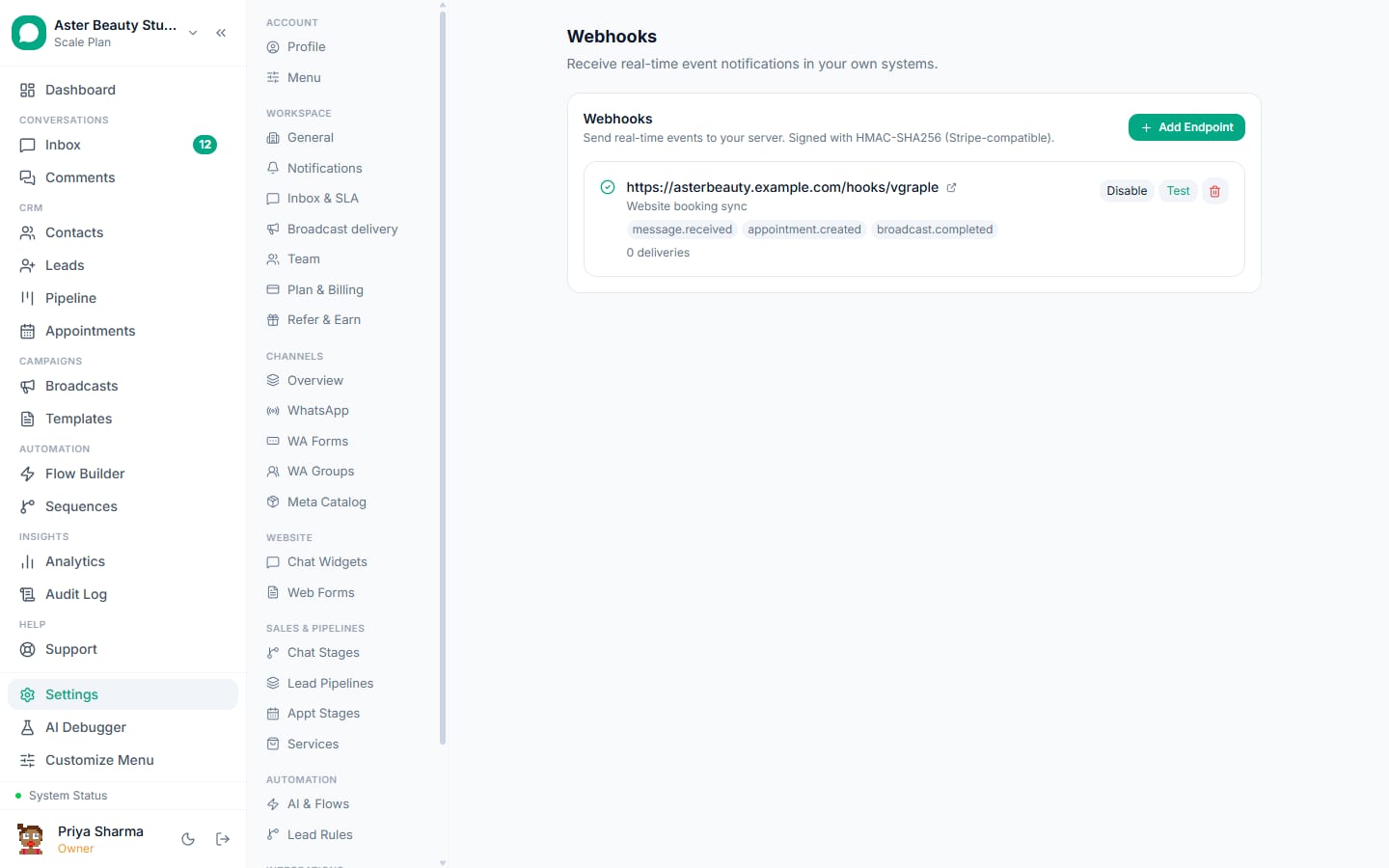
- Open Settings > Webhooks. The page lists every endpoint your organisation has created, its subscribed events, whether it is active, and how many deliveries it has made. Endpoints created by the Zapier integration show a "Zapier" badge here.
Add an endpoint. Enter the URL your receiver listens on and pick one or more events from the 15-item catalog. The URL is validated immediately: it must be https or http, it must not contain embedded credentials, and it must not resolve to a private, loopback or link-local address.
Copy the signing secret. The endpoint's secret (formatted
whsec_...) is shown exactly once at creation. Store it in your receiver's environment so it can verify the X-Signature-256 header on every incoming request.The event fires and VGraple CRM POSTs the payload. The instant the underlying action happens (a message arrives, a lead is created), a signed JSON envelope is sent to every active endpoint subscribed to that event type, in parallel if you have more than one.
Your endpoint responds, and the delivery is logged. A 2xx status is recorded as delivered; anything else, or a timeout, is recorded as failed and queued for retry. The delivery log on the endpoint's detail view shows the response status and the first 500 characters of the response body for every attempt.
A failed delivery retries automatically. Three retries follow, at 1 minute, 5 minutes and 30 minutes after the first failure. If the third retry also fails, the delivery is marked failed permanently and stops retrying; you can see exactly which delivery failed and why in the log.
What events can I subscribe to?
The event catalog covers the actions most integrations actually need to react to, not every internal state change. Subscribing an endpoint to an event means it receives that event's payload the moment it happens; you choose per endpoint which of the 15 to receive.
| Event | Fires when |
|---|---|
message.received | A customer's inbound message is saved to a conversation |
message.sent | An agent, automation rule or API call sends an outbound message |
contact.created | A new contact is created from any real source (inbound message, manual add, CSV import, lead, Calendly, comment DM, API); synthetic web-chat placeholder contacts do not fire it |
contact.opted_out | A contact opts out of messaging |
lead.created | A new lead is created, from any of the six lead sources |
lead.stage_changed | A lead moves to a different pipeline stage |
broadcast.started | A broadcast campaign begins sending |
broadcast.paused | A broadcast auto-parks (template pause, portfolio pacing, red quality, quota, failure rate) |
broadcast.completed | A broadcast finishes, including crash-recovery completion after a deploy |
broadcast.failed | A broadcast ends in a failed state |
broadcast.reply | A recipient replies to a broadcast |
conversation.assigned | A conversation is assigned to an agent, manually or by SLA auto-assign |
conversation.resolved | An agent marks a conversation resolved |
conversation.reopened | A resolved conversation reopens, by an agent or a new customer message |
form.submitted | A VGraple form is submitted |
Note
Broadcast events are campaign-level, not per-recipient. A campaign reaching 10,000 contacts fires one broadcast.completed event, not 10,000 individual message events, so your endpoint is never asked to absorb a burst proportional to audience size.
What does a payload actually look like?
Every delivery is a JSON object with a stable envelope: an id prefixed evt_, a type matching the event name, a Unix created timestamp, and a data object holding the event's own payload. Here is a real message.sent shape:
{
  "id": "evt_9f2a7c1b4e8d0a3f",
  "type": "message.sent",
  "created": 1798329600,
  "data": {
    "message": {
      "id": "msg_01H...",
      "wa_message_id": "wamid.HBgL...",
      "body": "Your appointment is confirmed for Saturday at 3 PM.",
      "type": "text",
      "direction": "outbound",
      "template_name": null,
      "created_at": "2026-08-26T09:00:00.000Z"
    },
    "contact": { "id": "con_01H...", "name": "Priya Sharma", "phone": "+919876543210" },
    "conversation_id": "conv_01H..."
  }
}
A contact.created event's data.contact carries id, wa_id, name, phone, email, source, source_channel, opted_in and created_at. A lead.created event's data.lead carries id, name, phone, email, source, stage_id, stage_name, pipeline_id, contact_id, form_name and campaign_name. Every payload shape is stable across the events that share a resource, so a message.received and a message.sent event use the same message object structure with only direction differing.
How do I verify the signature?
Every request carries an X-Signature-256 header formatted sha256=<hex digest>, computed as an HMAC-SHA256 of the exact raw request body using the endpoint's secret. On your receiver, read the raw body before any JSON parsing, compute the same HMAC with your stored secret, and compare it to the header using a constant-time comparison. A mismatch means the request either did not come from VGraple CRM or the body was altered in transit, and should be rejected.
Example
A Node receiver computes "sha256=" + crypto.createHmac("sha256", secret).update(rawBody).digest("hex") and compares it to the X-Signature-256 header with crypto.timingSafeEqual. This is exactly the server-side check VGraple CRM itself uses to sign the request in the first place, so any language with an HMAC-SHA256 implementation can verify it the same way.
Why does a webhook URL sometimes get rejected?
An outbound webhook is the server making an HTTP request to whatever URL you give it, which means a URL pointing at your own internal network, a metadata endpoint, or localhost would let a webhook configuration reach infrastructure that was never meant to be internet-facing. VGraple CRM checks every webhook URL against a list of private, loopback, link-local and reserved address patterns (10.x, 172.16-31.x, 192.168.x, 127.x, 169.254.x, and their IPv6 equivalents) both when you save the endpoint and again, via a DNS resolution check, at the moment of every delivery. The second check exists because a hostname can resolve to a public address when you save it and a private one later (DNS rebinding), so the guard is not a one-time gate.
Watch out
A webhook URL must resolve to a public host at all times. If your receiver moves behind a VPN, a private load balancer, or a hostname that later starts resolving internally, deliveries will start failing with "Webhook host resolves to a private or reserved address" until the URL points somewhere public again.
How does this power the Zapier integration?
The Zapier app does not have a separate delivery system; turning a Zap on calls the public API's POST /api/v1/hooks endpoint, which creates a row in the exact same webhook endpoint table described on this page, tagged with source "zapier." Every event, retry, and delivery log entry works identically whether the endpoint was created by hand in Settings or by a Zap turning on. Deleting a Zapier-created endpoint from the Settings page breaks the Zap until it is reconnected, since the two are the same underlying object.
With VGraple CRM webhooks vs a typical WhatsApp CRM
| Typical WhatsApp CRM | VGraple CRM webhooks | |
|---|---|---|
| Event coverage | Message events only, if any | 15 events across messages, contacts, leads, broadcasts, conversations, forms |
| Payload authenticity | Often unsigned, or a shared static token | HMAC-SHA256 per request, verifiable without a live call back to the vendor |
| Failed delivery handling | Often silent, no retry, no log | Automatic retry at 1m/5m/30m with a visible delivery log |
| Campaign-scale events | Per-recipient events flood the endpoint | Campaign-level events (started, paused, completed, failed, reply) |
| Internal network safety | Rarely checked | SSRF guard on every URL, checked at save and at send time |
| Zapier compatibility | A separate, thinner integration | Zapier rides the same event catalog and delivery system |
Who uses it
Salons and spas wire broadcast.completed into a spreadsheet automation that logs campaign results without anyone exporting a CSV by hand. See WhatsApp CRM for salons.
D2C stores subscribe to lead.created and contact.opted_out to keep an external marketing list in sync, so a customer who stops WhatsApp marketing is not still receiving email campaigns built from a stale export. See WhatsApp CRM for D2C.
Real-estate agencies use lead.stage_changed to post a Slack message when a lead reaches "Site Visit Scheduled," so an agent's manager sees pipeline movement without opening the CRM. See WhatsApp CRM for real estate.
Coaching institutes use form.submitted to push new enrolment enquiries into a spreadsheet-based counsellor roster the moment a prospective student fills out a form. See WhatsApp CRM for coaching institutes.
What Meta allows
VGraple CRM's webhook payloads carry only the data your organisation already has in its own account (its own contacts, its own messages, its own leads); nothing about another organisation on the platform is ever included, and the delivery system enforces organisation-level scoping the same way every other part of the platform does.
Plans and limits
Webhooks are available on every plan, including Free. Managing endpoints requires the org settings permission (Owner, Admin, or a custom role granted that access); agents and viewers cannot create or delete endpoints. There is no plan-based cap on user-managed endpoints or on which events you can subscribe to; API-created subscriptions, the kind the Zapier integration uses, are capped at 50 per organisation.
Recent improvements
- 2026-07-13: The full 15-event catalog went live alongside the public API v1 and the Zapier app; every event now fires from every real code path that produces it (verified per-event against actual call sites, not just declared in the catalog).
- 2026-07-13:
contact.createddeliberately excludes synthetic web-chat placeholder contacts, so an endpoint listening for new contacts is not flooded with rows for visitors who never gave contact details. - 2026-07-13: The SSRF guard's DNS-rebinding check was added at send time, on top of the existing save-time URL validation, closing the gap where a hostname could resolve publicly when saved and privately when actually delivered to.