On this page
- What you get
- What actually syncs, and when
- How it works
- What are the real constraints, stated plainly?
- What happens to phone-app replies, exactly?
- Why is sending slower on a coexistence number?
- When should I choose coexistence, and when should I move to API-only?
- With coexistence vs a CRM that requires giving up the phone app first
- Who uses it
- What Meta allows
- Plans and limits
- Recent improvements
In short
- Keep the WhatsApp Business app on your phone and connect the same number to VGraple CRM at the same time
- Up to 180 days of chat history and your phone's address book sync in once, within 24 hours of connecting
- Replies you send from your phone appear in the CRM inbox in real time, and vice versa
- The right choice for a business not ready to give up the phone app; API-only is the right choice once you are
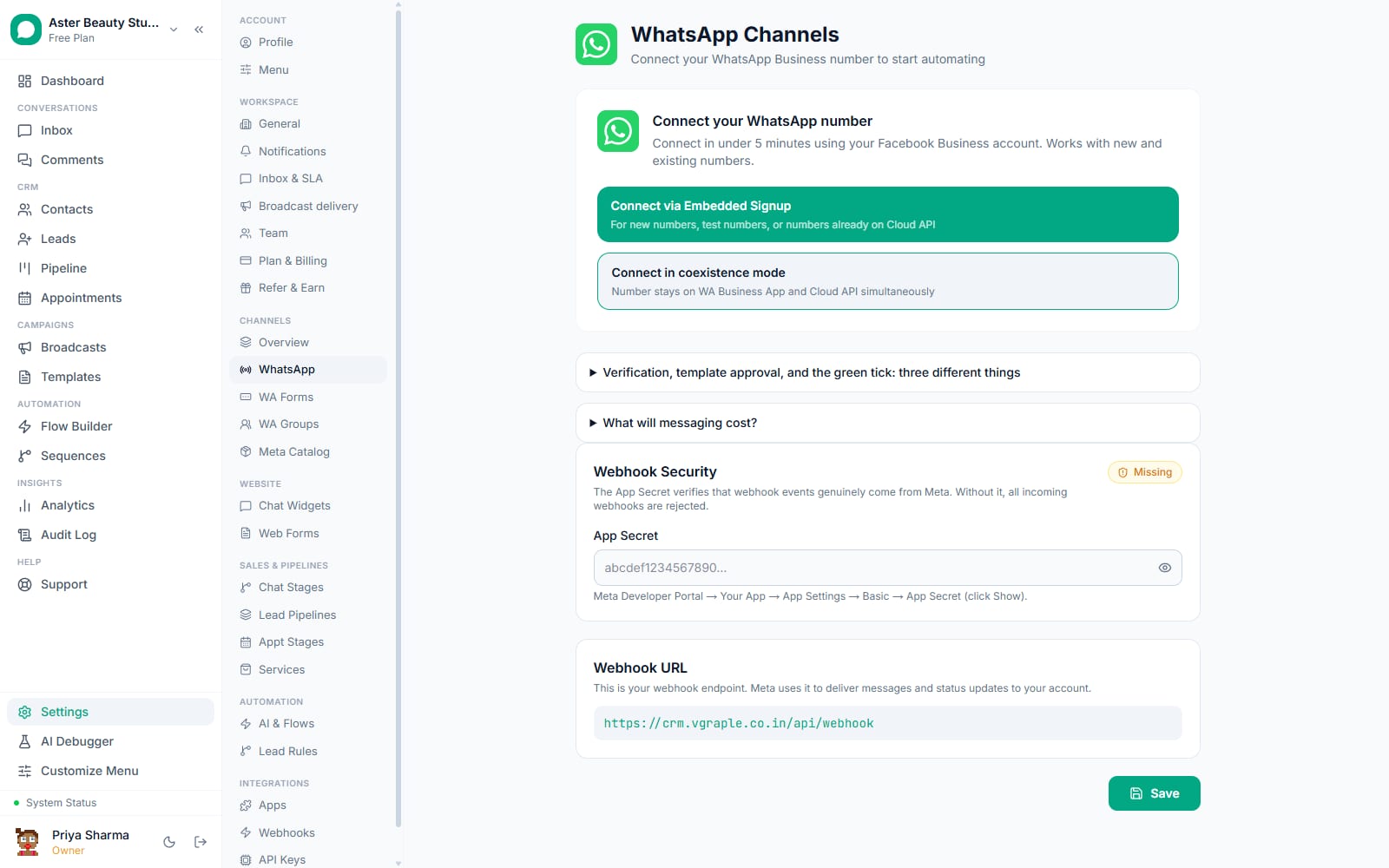
WhatsApp coexistence is Meta's own official feature that lets a business run the WhatsApp Business app on a phone and the Cloud API (the connection VGraple CRM uses) on the exact same number at the same time, with messages, chat history and contacts syncing between the two. What changes for a business is that adopting a CRM stops being an all-or-nothing decision: staff can keep replying from the phone they already know while the same conversations, and up to 180 days of history behind them, become visible and workable inside VGraple CRM from day one.
What you get
- The same WhatsApp number active on both the phone app and VGraple CRM at once
- Up to 180 days of existing chat history imported once, within 24 hours of connecting
- Phone address book contacts imported the same way, plus ongoing contact updates
- Replies sent from the phone mirrored into the CRM inbox in real time, and customer messages flowing both ways continuously
- Human-reply parity: replying from the phone pauses the AI and cancels pending reminders on that conversation exactly like replying from the inbox does
- A dedicated settings panel showing import status, counts, and a manual retry
- A documented, supported path to switch to API-only later if a business outgrows the phone app
What actually syncs, and when
| Data | How it arrives | Timing |
|---|---|---|
| Past chats, up to 180 days | A one-time history request Meta answers over webhooks, in chunks | Once, within 24 hours of connecting |
| Phone address book contacts | A one-time contact-sync request, plus ongoing updates | Once within 24 hours, then continuously for updates |
| Messages you send from the phone app | Mirrored into the CRM in real time as they are sent | Continuous |
| New customer messages | The normal inbound message webhook | Continuous |
The one-time syncs (history and contacts) can only be requested once per onboarding and only within 24 hours of the QR-code connection step. Missing that window, or having it fail silently because Meta had nowhere to deliver the data, means the only way to get another attempt is to disconnect and reconnect through the coexistence flow again.
How it works
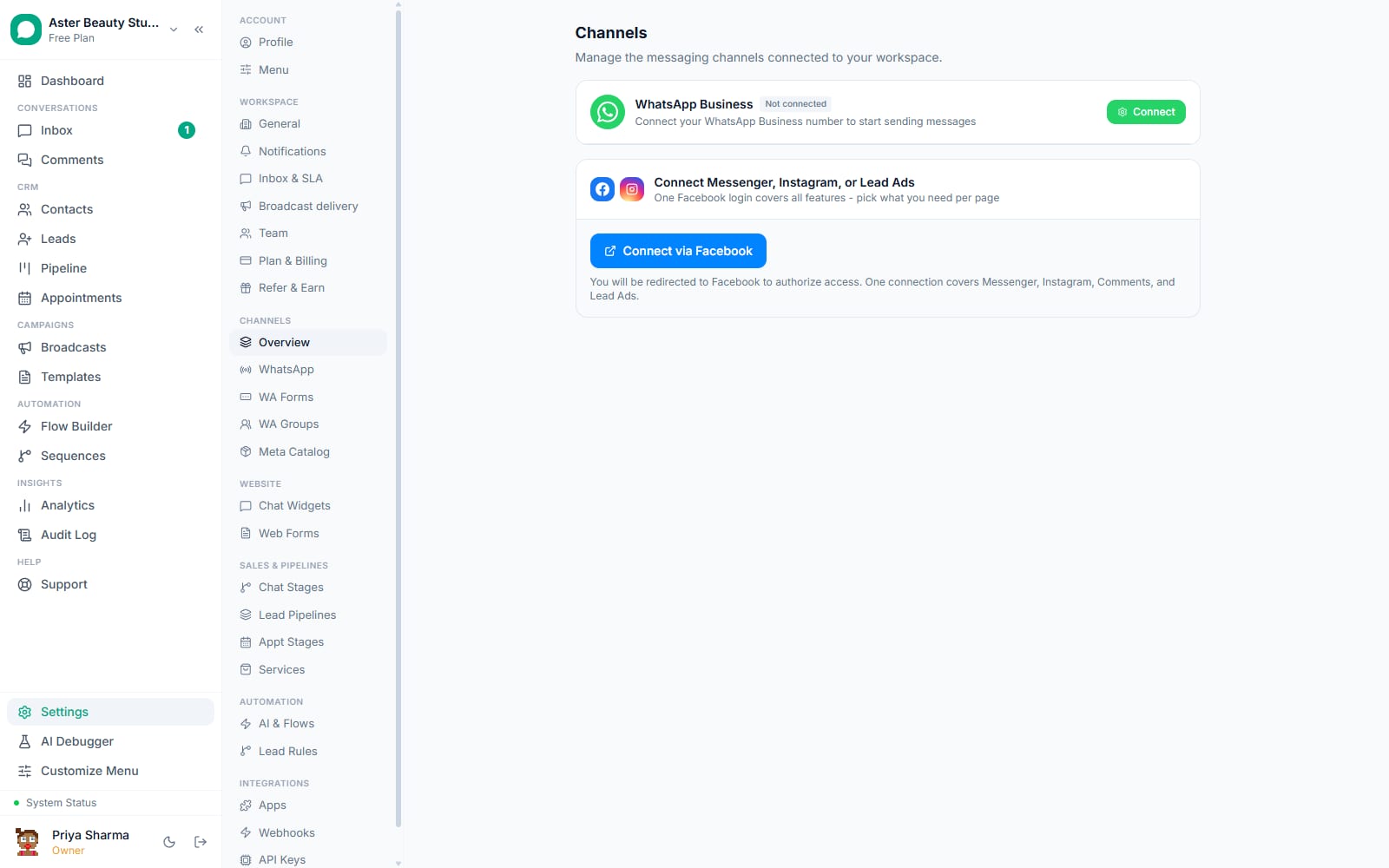
- Connect through the coexistence Embedded Signup flow. From Settings > WhatsApp Channels, choose to connect a number in coexistence mode rather than API-only, and complete Meta's Embedded Signup with a QR-code scan from the WhatsApp Business app on the phone that already owns the number.
Approve history sharing during the scan. Meta asks whether to share existing chat history as part of the QR-code step. Approving it is what unlocks the 180-day history import; declining it means the sync fails with a specific Meta error and the only recovery is disconnecting and redoing the flow with approval.
The CRM requests both syncs automatically. The moment the channel is saved, VGraple CRM requests the contact sync and the history sync from Meta without any further action from you, and tracks the status on the channel (requested, receiving, completed, declined or failed).
History streams in over several minutes. Chunks of chat history arrive over webhooks and are imported as contacts and conversations: a thread active in the last 24 hours opens as an active conversation, everything older imports as closed, and every message is inserted idempotently so a redelivered webhook chunk never creates a duplicate.
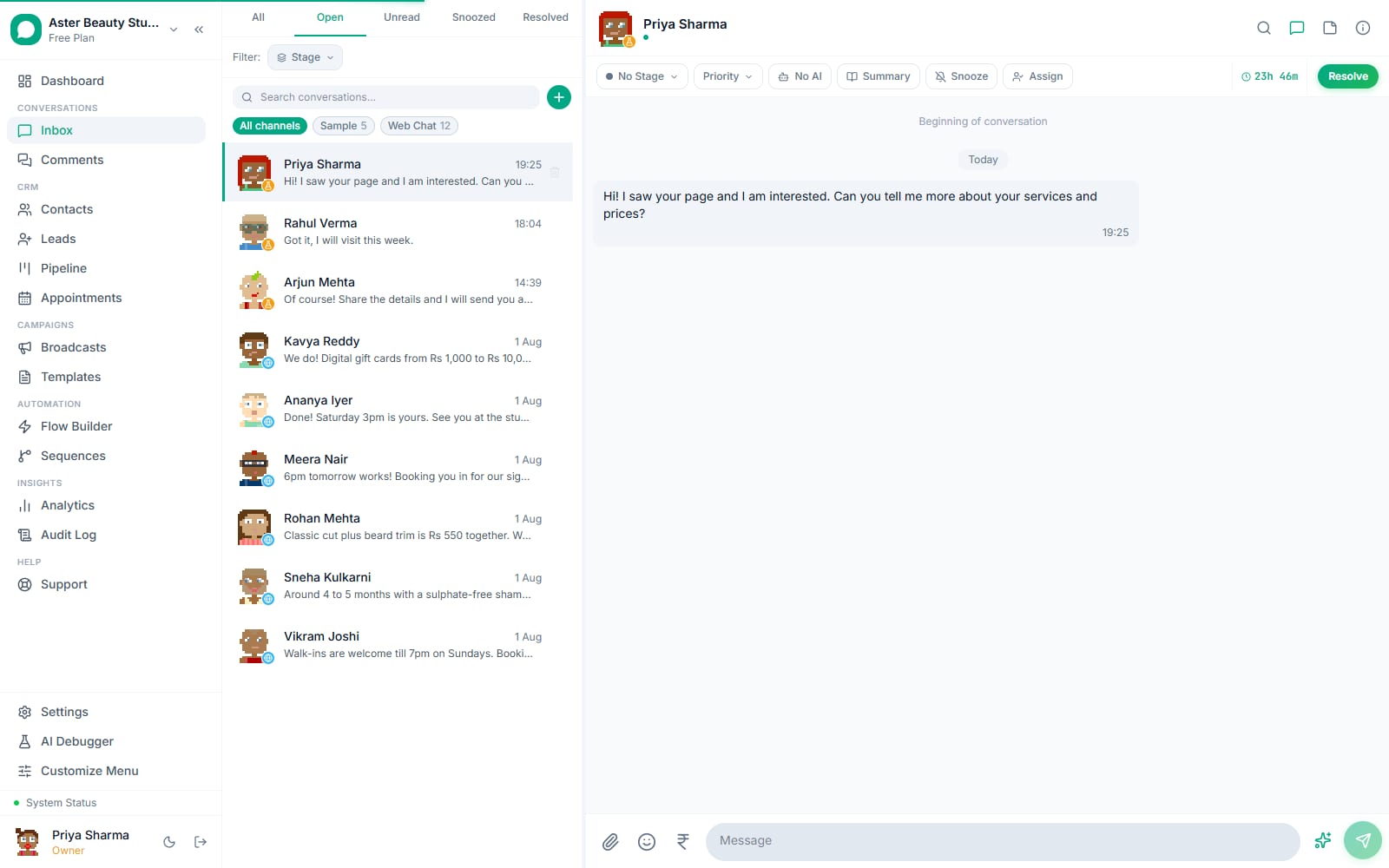
Phone replies and customer messages flow both ways from then on. A reply sent from the phone app mirrors into the CRM inbox as an outbound message in real time, pausing the AI for that conversation exactly as if an agent had replied from the inbox itself, and every new customer message reaches the CRM the normal way.
What are the real constraints, stated plainly?
Coexistence is Meta's feature, and its limits are Meta's limits, not a gap in VGraple CRM's implementation. The history and contact syncs are each a one-shot request, usable only within 24 hours of the QR-code connection; there is no way to trigger either again later short of disconnecting and reconnecting the number through the coexistence flow from the start. Media attached to imported history messages only carries through for messages sent within the last 14 days before connecting; anything older imports as a labelled placeholder (Photo, Video or Document) rather than the actual file, because Meta's sync does not include a media id for older messages at all. WhatsApp groups and Status posts are outside the scope of the sync entirely; only one-to-one chat history and contacts are covered. And the phone must be running WhatsApp Business app version 2.24.17 or later for the sync mechanism to work at all.
Watch out
If a business declines to share chat history at the QR-scan step, Meta returns a specific error (2593109) on the history sync, and the business's only path back to a working import is to disconnect the number from coexistence and redo the connection flow with history sharing approved the second time. Contacts still import, and new messages still flow both ways, either way.
What happens to phone-app replies, exactly?
A reply sent from the WhatsApp Business app on the phone is not treated as a second-class event. It arrives as a message echo, is mirrored into the CRM's inbox in real time as an outbound message, and, because a human actually replied, pauses the AI for that specific conversation and cancels any pending "nobody replied yet" reminder, the same behaviour that happens when an agent replies from inside the CRM inbox directly. Deletes and edits made from the phone app mirror through the same way, as recalled or edited messages in the CRM. This matters in practice during the transition period most businesses go through: staff who are still used to answering from the phone are not creating a blind spot in the CRM by doing so.
Why is sending slower on a coexistence number?
Meta caps a coexistence number's own throughput well below what a Cloud-API-only number can do, since the number is genuinely being used from two places at once. VGraple CRM paces coexistence numbers at 4 messages a second, comfortably under Meta's own roughly 20/s ceiling for coexistence, versus 50/s on a number connected API-only. A business sending large broadcasts regularly will feel this difference directly: a 3,000-contact campaign that takes about a minute on an API-only number takes closer to 12-13 minutes on a coexistence number. This is one of the clearer signals that it may be time to move to API-only, covered below.
Example
A travel agency connects its existing customer-facing number through coexistence so the two staff who have always answered from their phones can keep doing so while the owner starts running broadcasts and templates from the CRM. Broadcasts run at 4/s during this period; once the team fully moves into the CRM inbox, switching to API-only lifts that ceiling back to 50/s.
When should I choose coexistence, and when should I move to API-only?
Coexistence is the right starting point when a team is not ready to give up the WhatsApp Business app entirely, whether that is because staff are used to it, the transition needs to happen gradually, or the business wants to see its existing chat history and contacts inside the CRM before committing to a full switch. It removes the biggest practical objection to trying a CRM at all: the fear of losing years of conversation history and contacts by switching connection methods.
API-only is the better fit once a team works entirely from the CRM inbox and nobody needs the phone app for that number day to day. It sends at 50/s instead of 4/s, removes the phone as an operational dependency (a lost or reset phone cannot affect the CRM connection), and avoids the coexistence sync's one-time, 24-hour-window constraints entirely, since there is no second app state to keep synchronised. Moving from coexistence to API-only is a supported change from the same Settings screen; existing conversations, contacts and templates carry over.
With coexistence vs a CRM that requires giving up the phone app first
| A CRM that requires disconnecting the app first | VGraple CRM with coexistence | |
|---|---|---|
| Existing chat history | Lost, or requires a manual export/import process | Imported automatically, up to 180 days, once within 24 hours of connecting |
| Staff still used to the phone app | Forced to switch on day one | Can keep using it while the team transitions |
| Existing contacts | Re-entered manually or not carried over | Imported from the phone's address book automatically |
| Risk of trying the CRM | High; disconnecting the app is hard to reverse quickly | Low; both run side by side until you are ready to switch |
| Sending speed while on this mode | N/A | 4/s, Meta's own ceiling for coexistence, versus 50/s once moved to API-only |
| Moving to API-only later | N/A | Supported from the same Settings screen; conversations and contacts carry over |
Who uses it
Travel agencies transitioning off a single shared phone use coexistence so the two or three staff still comfortable answering from the phone app can keep doing so while the owner builds out broadcasts and automation in the CRM. See WhatsApp CRM for travel agencies.
Real-estate agencies with an established WhatsApp number and years of client history use the 180-day import so agents do not lose conversation context when the business adopts a CRM. See WhatsApp CRM for real estate.
Salons and clinics moving off a single front-desk phone number use coexistence as a trial period, running both side by side for a few weeks before fully committing to the CRM inbox and switching to API-only. See WhatsApp CRM for salons.
What Meta allows
VGraple CRM requests both one-time syncs automatically the moment a coexistence channel is connected, so the 24-hour window is never missed waiting on a manual step, and paces coexistence numbers well under Meta's own ceiling the same way it does for every number.
Plans and limits
Coexistence is a connection method, not a plan-gated feature, and is available the same way on every plan from Free through Scale. Contacts and messages imported through the one-time history sync do not enforce the plan's contact cap at import time, since a one-shot import must never silently drop data; an organisation that ends up over its plan's contact limit after a large import should move to an appropriate plan before or immediately after connecting.
Recent improvements
- 2026-08-: Imported history threads now land marked as resolved rather than closed, matching how a genuinely finished conversation should read inside the CRM.
- 2026-08-: Coexistence reconnects now reopen the sync retry window automatically and surface actionable sync errors instead of a generic failure.
- 2026-08-: WABA webhook subscriptions are now verified and self-healed automatically, closing the gap where a missing webhook field silently produced an empty import with no error shown.
- 2026-07-16: The first live organisation connected through coexistence, surfacing the requirement that the platform's Meta app explicitly subscribe to the
history,smb_app_state_syncandsmb_message_echoeswebhook fields, without which Meta has nowhere to deliver the synced data. - 2026-07-: Live-path parity added for message reactions, locations and contact cards arriving through the coexistence echo path, matching how those render on an API-only number.