On this page
- What you get
- How it works
- What exactly are the username format rules?
- What happens when Meta rejects a claim, and why does the message make sense?
- Why does a username sometimes stay "reserved" instead of going "active"?
- With VGraple CRM vs claiming a username through Meta Business Manager directly
- Who uses it
- What Meta allows
- Plans and limits
- Recent improvements
In short
- Claim a wa.me username (3-35 characters, letters, digits, periods and underscores) directly from Settings > Channel
- Meta suggests reserved usernames for your number before you type anything
- Every Meta rejection code (taken, not eligible, tied to an unlinked Page or Instagram account) is mapped to a plain-language reason, not a raw error code
- A username is "reserved" immediately, then usually approved within a few minutes; the channel card's Refresh button checks current status
Claiming a WhatsApp Business username replaces the long phone number in your wa.me link with a short, memorable handle, wa.me/yourbusiness instead of wa.me/91XXXXXXXXXX, done directly from VGraple CRM's Settings without ever touching Meta's Business Manager by hand. What changes for a business is that the link on a storefront sign, an Instagram bio or a business card becomes something a customer can actually read and remember, and every way Meta can reject the claim, taken, ineligible, tied to an unlinked account, comes back as a plain sentence instead of a numeric error code.
What you get
- A username claim flow inside Settings > Channel, no separate Meta Business Manager visit required
- Meta-suggested, pre-reserved usernames for your specific number loaded automatically
- Client-side validation matching Meta's exact format rules, so an invalid handle is caught before submission
- Every Meta rejection code mapped to a specific, actionable sentence instead of a raw error
- A one-click "move it here" option when a username you want is already claimed by another number in your own portfolio
- Live status shown as "reserved" (pending) or "active" (approved), refreshable from the channel card
How it works
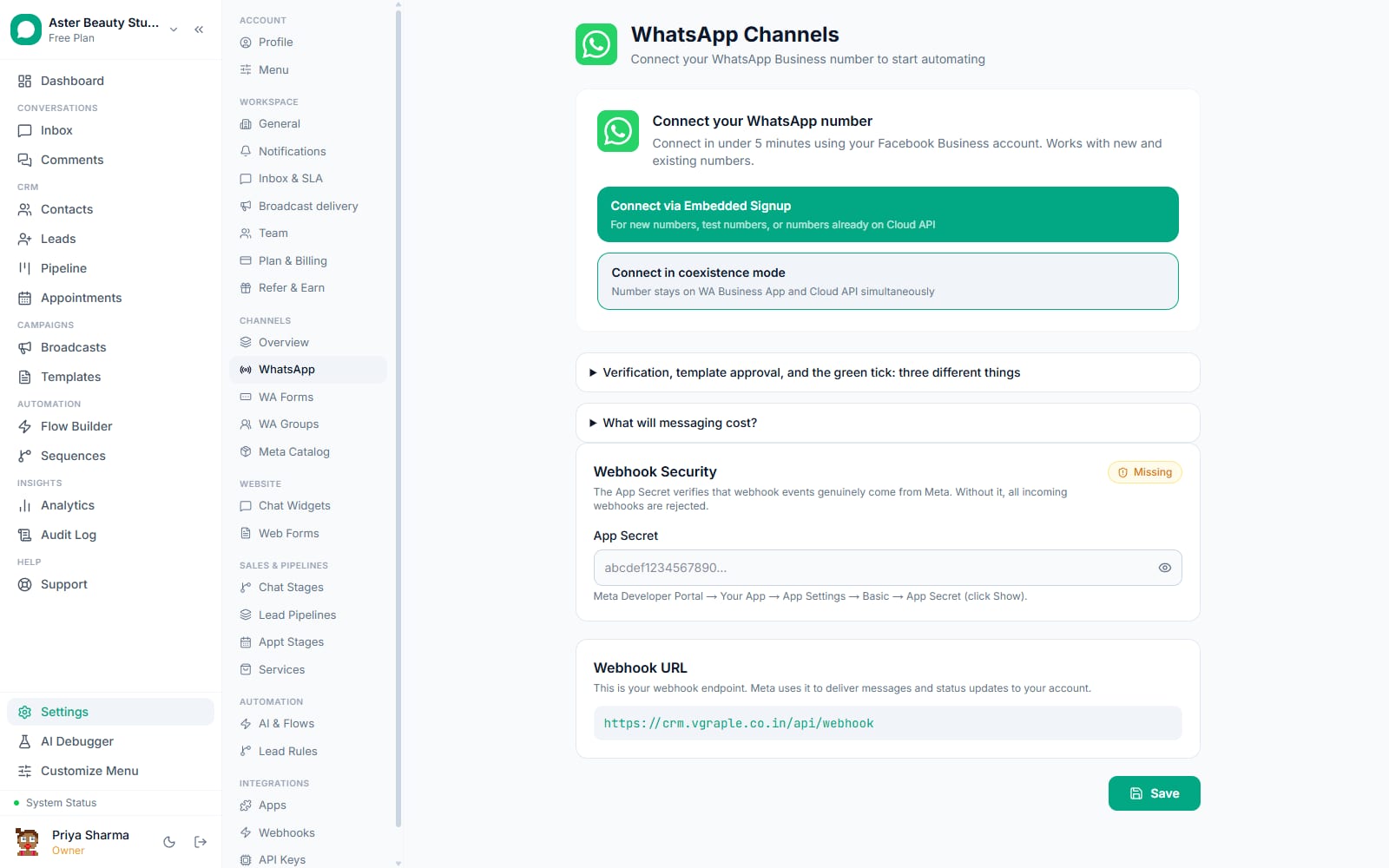
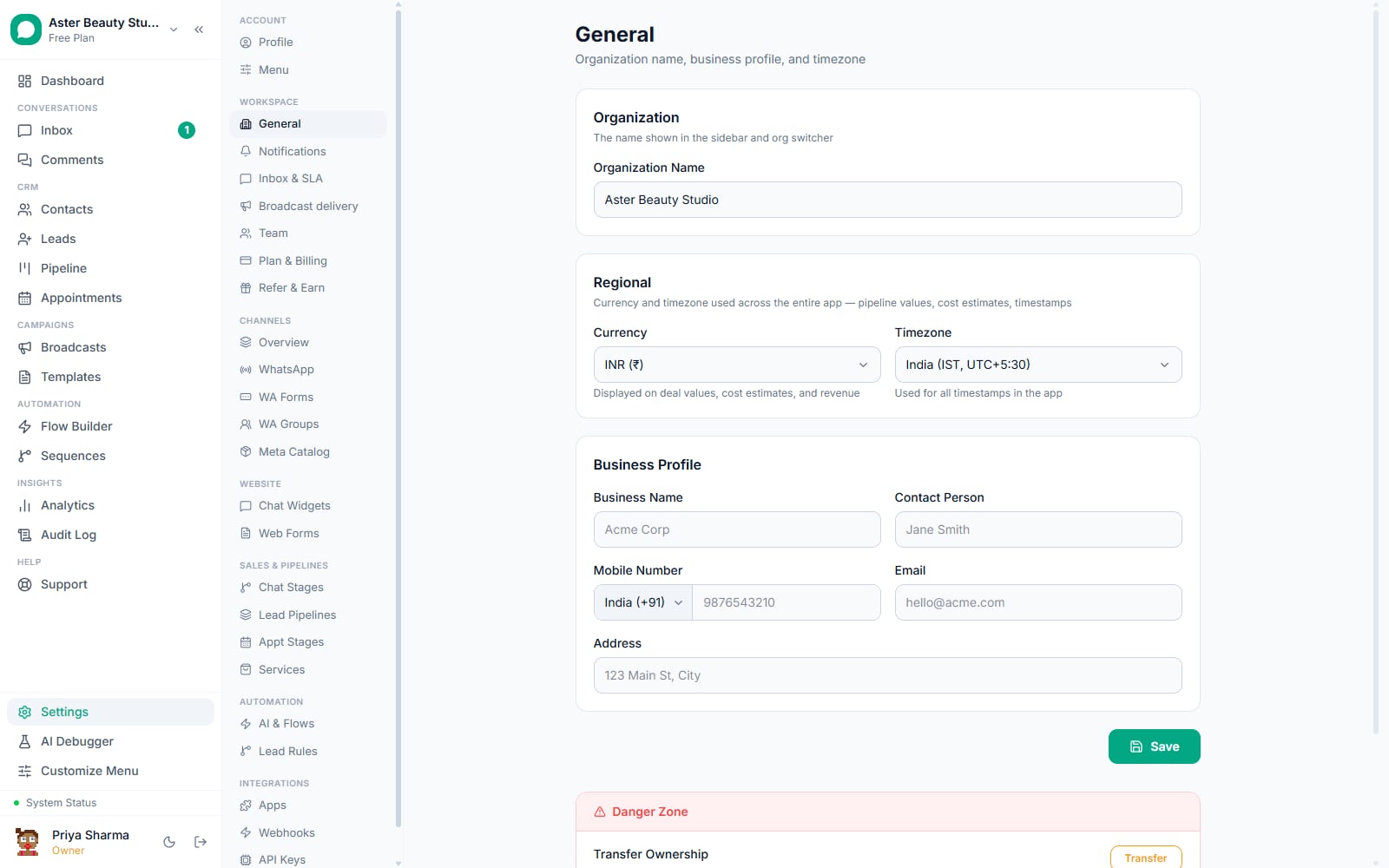
- Open Settings > Channel and find the username claim flow. On a connected WhatsApp number, the option to claim or change a username sits alongside the rest of that channel's setup.
Review Meta's suggested usernames. The moment the flow opens, VGraple CRM calls Meta's suggestions endpoint for your specific phone number and shows a short list of pre-reserved handles you can pick with one click.
Or type your own. As you type, the field checks length (3-35 characters), allowed characters (letters, digits, periods, underscores), the no-leading-period and no-double-period rules, the "no www prefix" rule, and the "no domain suffix" rule, live, before you ever click submit.
Submit and get an immediate "reserved" status. A successful claim returns instantly with a reserved status; Meta typically approves it within a few minutes without any further action from you.
Check status from the channel card. If you want to confirm a username has gone from reserved to active, the WhatsApp channel card's Refresh button re-checks Meta and updates the displayed status.
Resolve a conflict if the username belongs to another of your own numbers. If Meta reports the handle is already assigned elsewhere in your own WhatsApp Business portfolio, VGraple CRM surfaces a "confirm to move it" option that resubmits with Meta's transfer flag, reassigning the username to the number you are configuring now.
What exactly are the username format rules?
Meta's rules for a WhatsApp Business username mirror what you would expect from any modern platform handle, but they are specific, and VGraple CRM enforces every one of them client-side and server-side identically, so you never hit a "valid here, rejected there" surprise.
| Rule | Detail |
|---|---|
| Length | 3 to 35 characters |
| Allowed characters | English letters, digits, periods (.), underscores (_) |
| Must contain | At least one letter |
| Leading or trailing period | Not allowed |
| Consecutive periods | Not allowed ("my..shop" is invalid) |
| Starts with "www" | Not allowed |
| Ends in a domain suffix | Not allowed (.com, .net, .org, .io, .co, .in, .biz, .info) |
Example
"aster.beauty" passes every rule. "www.asterbeauty" fails the "no www prefix" rule. "asterbeauty.in" fails the domain-suffix rule, even though it reads like a natural business name, because Meta reserves that pattern to avoid confusion with an actual web address.
What happens when Meta rejects a claim, and why does the message make sense?
Meta's Graph API returns a small set of numeric error codes for username operations, and left as raw codes they mean nothing to someone setting up a WhatsApp number for the first time. VGraple CRM maps every one of them to a specific, actionable sentence.
| Meta situation | What you see |
|---|---|
| Username already taken by another business | "This username is already taken. Try one of the suggested usernames or a different handle." |
| Number not yet eligible (tied to messaging tier) | "Your WhatsApp Business account isn't yet eligible for a username. This is usually tied to your messaging limit tier." |
| Tied to a Facebook Page not linked to this WABA | "This username is tied to a Facebook Page that isn't linked to your WhatsApp Business account yet." |
| Tied to an Instagram account not linked to this WABA | "This username is tied to an Instagram account that isn't linked to your WhatsApp Business account yet." |
| Already used by another number in your own portfolio | "This username is already used by another number in your portfolio. Confirm to move it to this number." with a one-click transfer option |
| Number not fully registered on Cloud API yet | "This number isn't fully registered on the Cloud API yet. Complete number registration first." |
| Missing Meta permission | "Your Meta connection is missing the whatsapp_business_management permission. Reconnect via Embedded Signup." |
Why does a username sometimes stay "reserved" instead of going "active"?
Reserving a username is instant; approving it is a separate, asynchronous step on Meta's side that VGraple CRM never assumes has happened. The claim screen and the channel card only ever show "active" once Meta itself confirms the username is live, never optimistically before that confirmation, so what you see always matches what a customer would actually see if they clicked your wa.me link. In the normal case this takes a few minutes; if it stays reserved much longer, refreshing the channel card re-checks Meta directly rather than relying on a cached status.
With VGraple CRM vs claiming a username through Meta Business Manager directly
| Meta Business Manager | VGraple CRM | |
|---|---|---|
| Where you do it | A separate Meta interface, outside your CRM | Settings > Channel, in the same place you manage the number |
| Suggested usernames | Not surfaced proactively | Loaded automatically for your number |
| Format validation | Server-side only, after you submit | Live as you type, matching the server rules exactly |
| Error messages | Raw Graph API error text and codes | Mapped to a specific, plain-language reason per code |
| Resolving a same-portfolio conflict | Manual, outside the flow | One-click "confirm to move it" using Meta's transfer action |
| Status visibility | Check Business Manager separately | Refresh on the same channel card you already use daily |
Who uses it
Salons and spas claim a username matching their storefront name so the wa.me link on a window decal or an Instagram bio reads naturally instead of a long phone number. See WhatsApp CRM for salons.
Real-estate agencies claim a username tied to the agency brand so every listing's WhatsApp contact link is consistent across print flyers and online portals. See WhatsApp CRM for real estate.
Coaching institutes claim a short username that fits cleanly into a prospectus or admission form, easier for a parent to type from a printed page than a full phone number. See WhatsApp CRM for coaching institutes.
D2C stores match their username to their storefront handle across Instagram, their website and WhatsApp, so a customer recognises the same brand name everywhere they encounter it. See WhatsApp CRM for D2C.
What Meta allows
VGraple CRM's role is to make claiming, checking and resolving conflicts on a username fast and understandable; it does not and cannot change Meta's underlying eligibility or approval decision.
Plans and limits
Claiming or changing a WhatsApp username is available on every plan, including Free, for any connected WhatsApp number. It requires the org settings permission (Owner, Admin, or a custom role granted that access); agents and viewers can see the current username on the channel card but cannot claim or change one. There is no VGraple CRM-side limit on how often you can change a username, though frequent changes may affect how easily customers recognise your link.
Recent improvements
- 2026-08-15: Meta's transfer flow (force_transfer) surfaced directly in the claim screen as a one-click "confirm to move it" option when a username collision is with another number in your own portfolio, instead of requiring a second manual submission.
- 2026-08-10: Error-code mapping expanded to cover every documented Meta username rejection reason, including the previously unmapped Cloud API registration and missing-permission cases.
- 2026-07-22: Client-side format validation rewritten to mirror the server-side Zod schema exactly (character set, period rules, domain-suffix check), removing a gap where the form accepted a value the server would then reject.