On this page
- What you get
- How it works
- How does the sandbox actually work, and what are its guardrails?
- Why does sample data matter, and how is it kept safe?
- What is the day-0 concierge thread, and does a real person answer it?
- What are the support desk's actual hours and response commitment?
- How does replying by email actually work?
- With VGraple CRM's onboarding vs a typical WhatsApp CRM
- Who uses it
- What Meta allows
- Plans and limits
- Recent improvements
In short
- A JOIN-code sandbox lets you text VGraple CRM's own WhatsApp number and see a real conversation land in your inbox before connecting your own number
- Sample workspace data (industry-flavoured contacts and conversations) is one click, so an empty inbox never greets a new signup
- A day-0 concierge support thread opens automatically for every new organisation, a named person, not a bot, for the first two weeks
- The in-app support desk runs email-backed conversations with IST business hours (Mon-Fri, 10:00-19:00) and a published response commitment
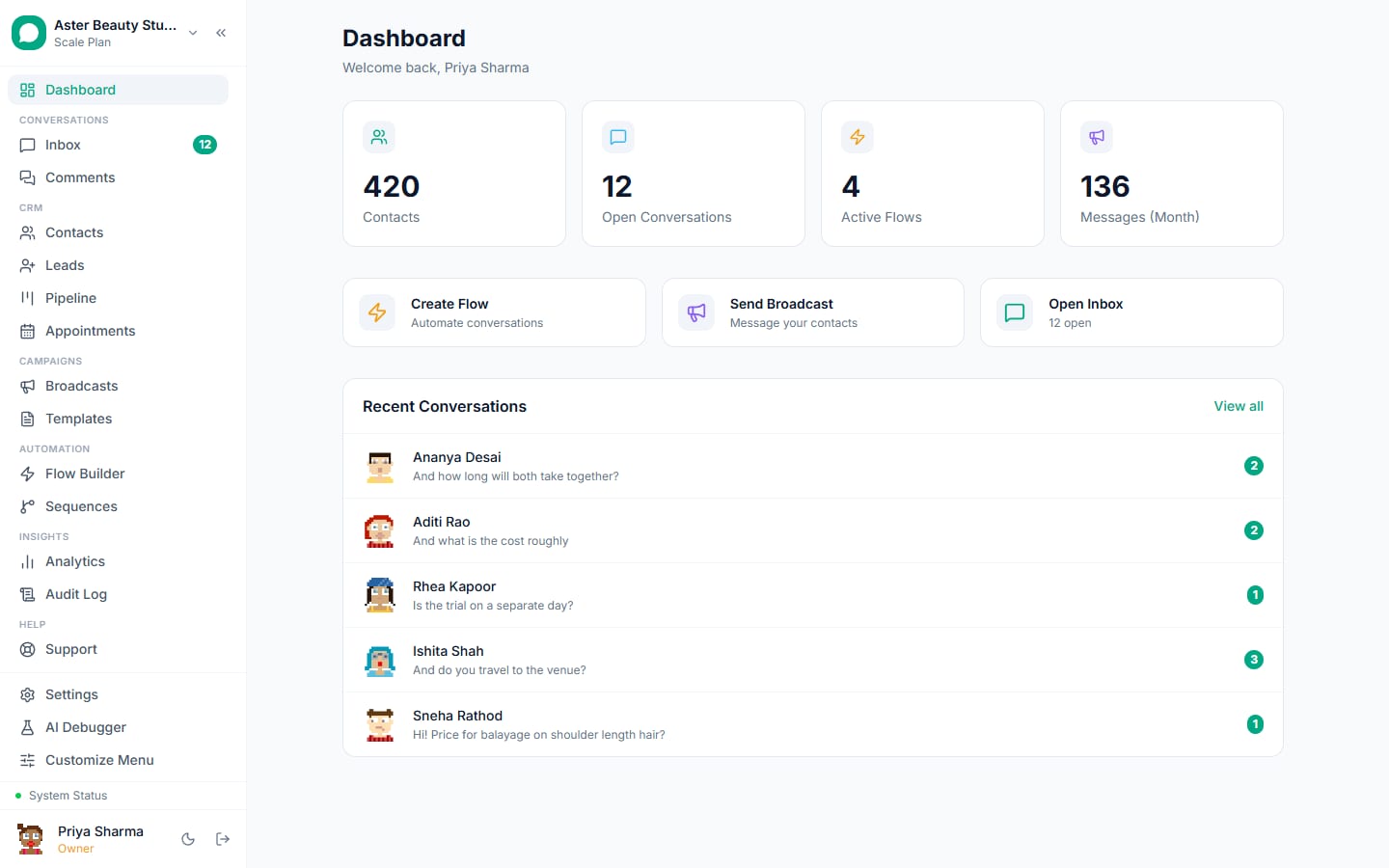
Onboarding and support in VGraple CRM cover everything between creating an account and running a real WhatsApp business on it: a four-step setup wizard, a sandbox WhatsApp number you can text before connecting your own, one-click sample data so the inbox is never empty on day one, a day-0 concierge conversation with a named person, and an in-app support desk with published IST hours. What changes for a new business is that the hardest part of adopting any WhatsApp tool, waiting on Meta's own connection and verification steps, no longer blocks you from seeing the product actually work.
What you get
- A four-step setup wizard: Your business, Connect WhatsApp, See it work, Done, with Connect skippable
- A sandbox WhatsApp number reachable with a JOIN code, no Meta setup required, live for 72 hours
- One-click sample workspace data, industry-flavoured contacts and conversations, including one that replies interactively
- A day-0 concierge support thread opened automatically for every new organisation
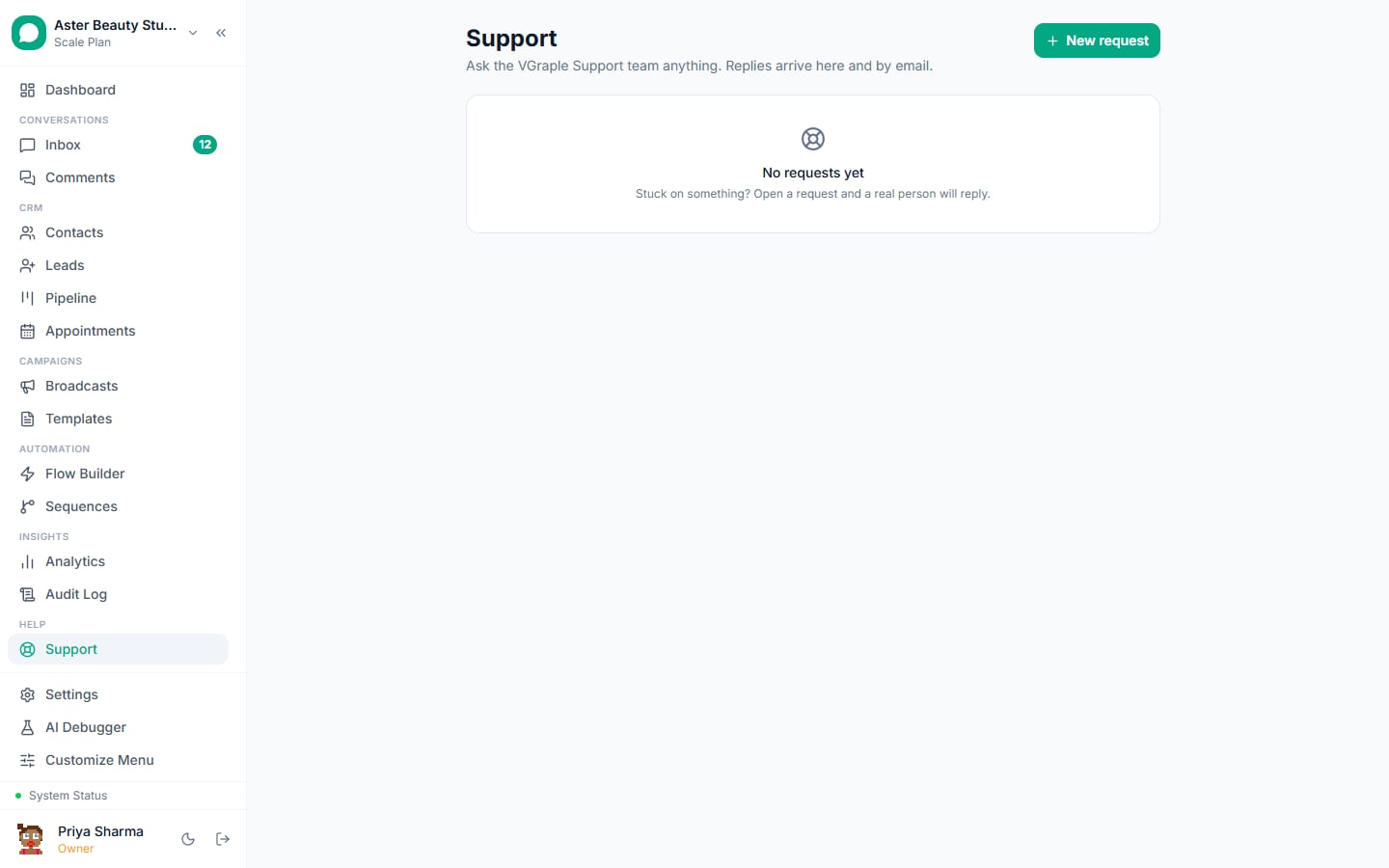
- An in-app support desk at /support with IST business hours and email-based replies
- A dashboard "Get set up" checklist tracking the four real activation milestones
How it works
- Complete the four-step wizard. Your business (name, industry), Connect WhatsApp (Embedded Signup, or skip for now), See it work (a live test message), and Done. Skipping the connect step is a genuine path, not a dead end, since the next two features exist specifically to make that skip work.
Try the sandbox if you skipped connecting. From your own phone, text JOIN followed by your organisation's unique code to VGraple CRM's own WhatsApp number. Your phone becomes a live customer in your inbox for the next 72 hours, real WhatsApp messages both directions, with zero Meta setup.
Seed sample data for a populated inbox. One click fills your workspace with example contacts and conversations matched to your chosen industry, including one interactive thread that sends a scripted follow-up when you reply, so you learn assign, resolve and tag on realistic content.
Reply to the day-0 concierge thread. The moment your organisation exists, a support conversation opens automatically from a named person offering direct help for the first two weeks. It shows up like any other support thread, reply to it the same way you would reply to a customer.
Connect your real number whenever you are ready. Embedded Signup walks through Meta's own verification; nothing about the sandbox or sample data blocks this step, and both clean themselves up (the sandbox session simply expires; sample data is removed with one click) once real customers start arriving.
Use the support desk when you need a human. From /support in the app, or by replying to any support email you receive, every thread has a stable reply address so your email client's reply button keeps the conversation in one place.
How does the sandbox actually work, and what are its guardrails?
The sandbox is a shared-number pattern (the same idea Twilio popularised for testing) applied to WhatsApp: your organisation gets a unique JOIN code, and texting it to VGraple CRM's own WhatsApp number binds your phone to your organisation's inbox for a real, live 72-hour session, with zero Meta Business verification required first. Every guardrail exists to keep it a sandbox rather than a production shortcut: only a phone that has JOINed can ever be messaged, one phone binds to one organisation at a time, sends are capped at 50 a day with a 3-second minimum gap, only plain text works, templates, broadcasts and flows never run on the sandbox channel, and any STOP-family word ends the session immediately.
Example
A coaching institute evaluating VGraple CRM texts JOIN AB3XK9 to the sandbox number from the founder's own phone before touching Meta Business Manager at all, and watches the message land in their inbox, replies from an agent, and sees the whole assign-and-resolve workflow inside five minutes.
Why does sample data matter, and how is it kept safe?
An empty inbox is one of the most common reasons a new signup on any CRM churns before ever seeing the product's value; sample data exists specifically to remove that gap. Seeding it creates industry-flavoured contacts and conversations, tuned to the industry you selected during onboarding, with one conversation scripted to reply when you respond, so the composer, assignment and resolution flow feel exactly like they will with a real customer.
Every sample contact uses a synthetic identifier that fails every WhatsApp-sendable check by construction, and every sample conversation runs on a channel type whose replies are stored locally instead of routed through Meta's API, so a broadcast, flow, sequence or automation rule cannot accidentally reach a sample contact on the real WhatsApp network even by mistake. Seeding is idempotent, running it twice does nothing the second time, and every row it creates is tracked so removing sample data deletes exactly those rows and nothing you added yourself.
What is the day-0 concierge thread, and does a real person answer it?
The moment an organisation is created, a support conversation opens automatically, authored by a named person, the platform's own setup contact, not a bot or an automated sequence, explaining that this thread is the direct line for the first two weeks: connecting a WhatsApp number, Meta verification questions, importing contacts, anything at all, with a same-day reply from a real person. Where a setup call link is configured, the message offers a free 15-minute call as an alternative to typing it all out.
Example
A salon owner replies to the day-0 thread asking why Meta's Embedded Signup keeps rejecting their business verification; the reply comes from the same named person, not a ticket queue, because the thread is deliberately the same shape as any other support conversation, just opened proactively instead of waiting for the business to find the support desk first.
What are the support desk's actual hours and response commitment?
Support runs 10:00 to 19:00 IST, Monday to Friday. A thread's SLA countdown, the internal measure of how quickly a reply should land, only accumulates during those business hours, so a message sent at 8 PM on a Friday does not silently rack up hours over the weekend before anyone has had a chance to see it. A resolved thread auto-closes after 4 business days of no further activity (the same default Zendesk ships with, chosen deliberately rather than invented), giving you a real window to reply and reopen before it closes.
| Setting | Value |
|---|---|
| Business hours | 10:00-19:00 IST, Monday to Friday |
| Auto-close after resolution | 4 business days of inactivity, doubles as the reopen window |
| Reply channel | In-app at /support, or by email reply to the same thread |
| CSAT survey | Enabled by default after a thread resolves |
How does replying by email actually work?
Every support thread gets its own stable reply address in the form reply+<token>@<support domain>, so hitting reply in your normal email client keeps every message attached to the same conversation instead of splintering into a new thread each time. This matters in practice: a business owner who first heard about a reply on their phone, in their inbox, replying from Gmail on that phone lands in the exact same thread an agent sees inside VGraple CRM's support desk.
With VGraple CRM's onboarding vs a typical WhatsApp CRM
| Typical WhatsApp CRM | VGraple CRM | |
|---|---|---|
| Trying it before connecting WhatsApp | Usually impossible, Meta connection is a hard gate | Sandbox JOIN code, real WhatsApp, zero Meta setup |
| First-login experience | Often a genuinely empty inbox | One-click sample data with an interactive conversation |
| Early proactive support | A generic welcome email, if anything | A named person's support thread opened automatically |
| Support hours | Frequently unpublished | 10:00-19:00 IST, Monday to Friday, stated plainly |
| Support reply channel | Ticket portal only, often | In-app or plain email reply, same thread either way |
| Migrating from a competitor | Rarely offered, or a paid add-on | Contacts and templates imported as part of switching |
Who uses it
Salons and spas use the sandbox during a free trial evaluation to show a business partner how a customer conversation actually flows before either of them commits to connecting a real number. See WhatsApp CRM for salons.
Coaching institutes seed sample data on signup so counsellors can practice the inbox workflow (assign, tag, resolve) on realistic enquiry conversations before the institute's actual admissions season starts. See WhatsApp CRM for coaching institutes.
Clinics rely on the day-0 concierge thread to get Meta Business verification questions answered quickly, since a rejected verification is one of the most common blockers in the first week of any WhatsApp Business API setup. See WhatsApp CRM for clinics.
D2C stores migrating from another platform use the contacts-and-templates import to avoid rebuilding a template library that already passed Meta's review once. See WhatsApp CRM for D2C.
What Meta allows
Plans and limits
Onboarding, the sandbox, sample data and the support desk are available on every plan, including Free, with no feature gate; they exist specifically so an organisation can evaluate the product fully before any plan decision. The sandbox's own limits (72-hour session, 50 messages a day, 3-second minimum gap) apply uniformly regardless of the plan the organisation eventually chooses.
Recent improvements
- 2026-08-25: The full onboarding activation overhaul shipped: the four-step wizard, the sandbox JOIN-code flow, sample workspace data, the day-0 concierge thread, and the dashboard "Get set up" checklist all went live together, verified end to end in production.
- 2026-08-17: The in-app support desk consolidated onto one thread system with email-based replies and a stable per-thread reply address, replacing a split set of support surfaces with one consistent conversation model.
- 2026-08-13: Support business hours and the auto-close window were formalised as configurable platform settings (10:00-19:00 IST, Monday to Friday, 4-day auto-close) rather than hardcoded assumptions.