On this page
- What you get
- How it works
- How does the debounce stop the bot from replying to every message in a burst?
- When does the bot escalate to a human, and how is that decided?
- What happens when an agent replies manually?
- Where does the AI chatbot actually run?
- What model actually answers, and what happens to the data?
- How do I debug a wrong or unhelpful answer?
- With VGraple CRM vs a generic chatbot builder
- Who uses it
- What Meta allows
- Plans and limits
- Recent improvements
In short
- Answers from your own files, URLs and FAQs, not a generic model with no idea what your business sells
- Waits about 4 seconds after a customer stops typing so a burst of 3 messages gets one coherent reply, not three
- Hands off to a human on an explicit request, a safety topic, or after three repeated questions, automatically
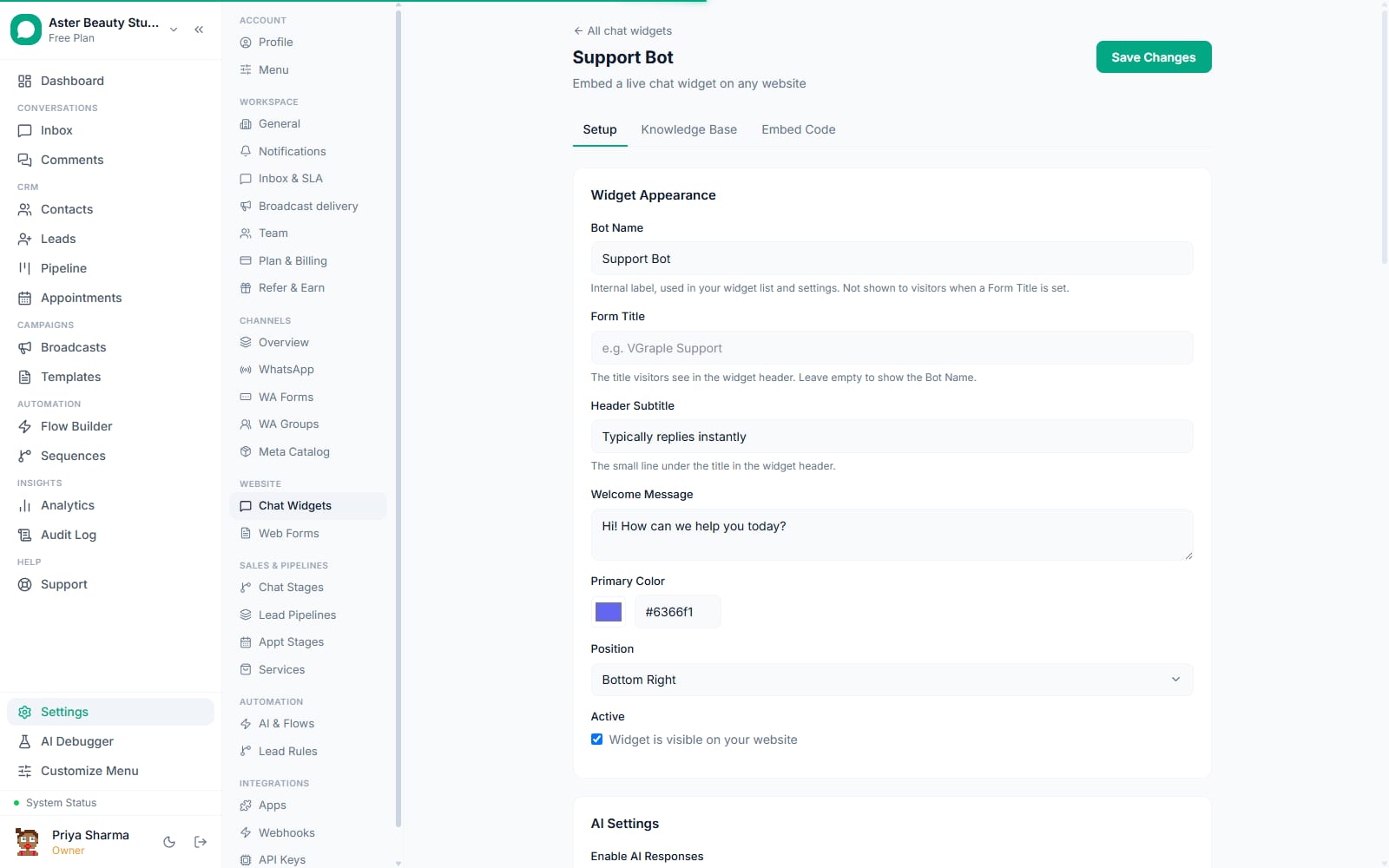
- Runs on WhatsApp and Instagram/Messenger through the flow builder, and on your website through the chat widget
An AI chatbot in VGraple CRM answers customer questions on WhatsApp, Instagram, Messenger or your website using a knowledge base you build from your own files, URLs and FAQs, waits for a customer to actually finish typing before replying, and hands off to a human automatically when a question is outside what it should answer. It is not a generic chatbot bolted onto WhatsApp; it is grounded in your business's own content and built with the same handoff discipline a support team would expect from a new hire.
What you get
- A knowledge base built from crawled URLs, pasted articles and FAQ pairs, chunked and embedded for retrieval
- Per-widget or per-chatbot scoping, so different bots can draw from different knowledge
- A trailing debounce that waits for a customer to finish a burst of messages before replying
- Non-configurable safety escalation for self-harm, minor-safety, medical/legal advice and payment-credential topics
- Automatic handoff after three repeated questions, or on an explicit request for a human
- Automatic pause the instant a human agent sends a manual reply in the same conversation
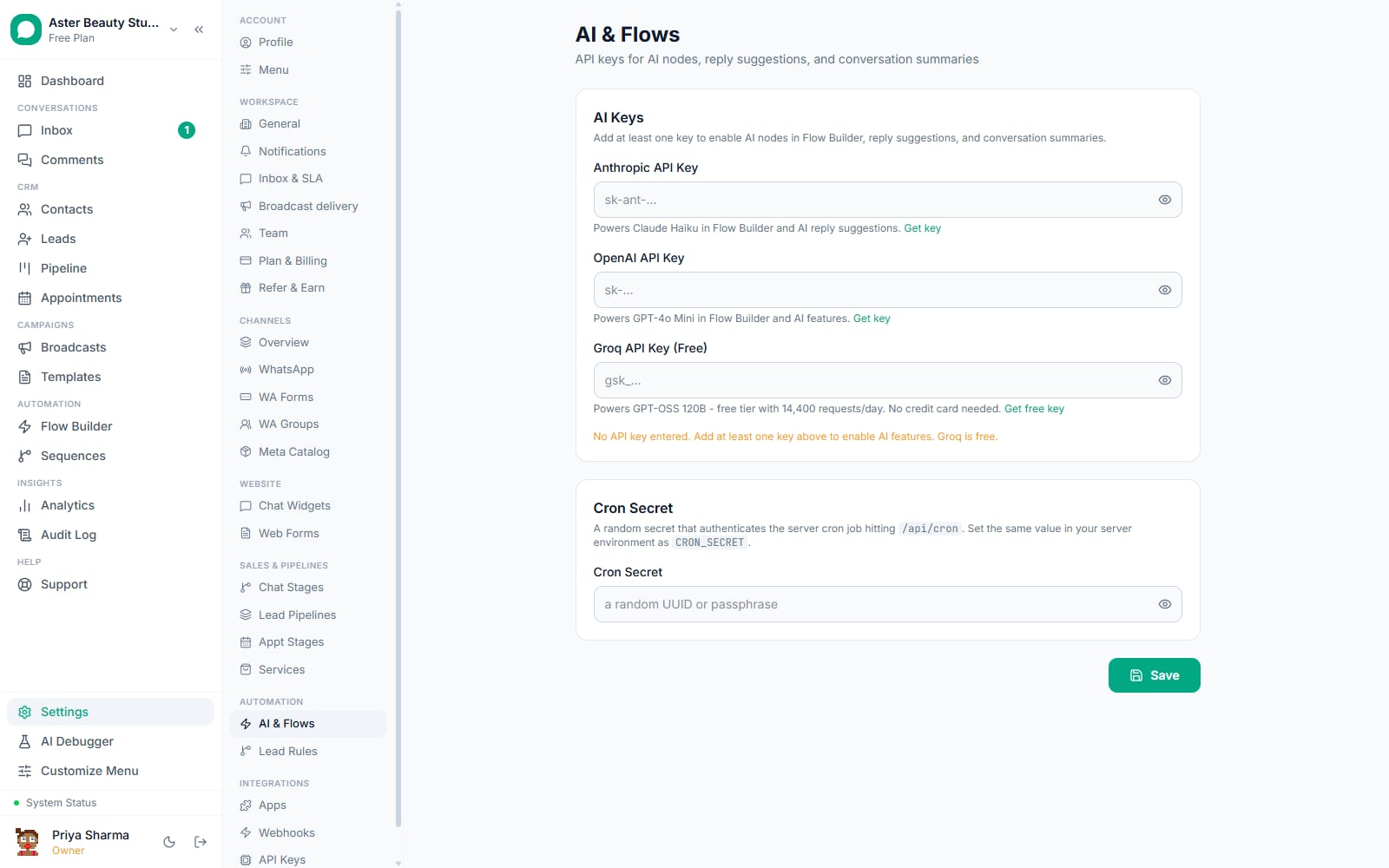
- An AI debug console for testing a system prompt and question against a model and seeing token usage before it goes live
- A choice of hosted model (no setup) or your own OpenAI or Anthropic API key
How it works
- Build the knowledge base. Paste URLs to crawl, paste the text of a document as an article, or write FAQ pairs directly. Each source is split into roughly 512-token chunks with a 64-token overlap between them, the chunk size and overlap validated in published retrieval benchmarks as a strong balance between context and precision, then converted into embeddings for semantic search.
Scope it to a chatbot or widget. A knowledge base source left unscoped is shared across every chatbot in the organisation; scoped to one widget or flow, it is private to that use case. A salon can give its booking bot only booking-relevant content and its product bot only the product catalogue.
Write the prompt and pick a trigger. On WhatsApp, Instagram or Messenger, add an AI Response node to a flow, write the system instructions, and set a trigger (a keyword, a new conversation, or another event). On the website, configure the chat widget's own prompt and appearance directly.
The bot answers, grounded in retrieval. When a customer asks something, the five most relevant knowledge chunks are retrieved by similarity search and given to the model along with the conversation so far, so the answer reflects your actual content rather than the model's general training.
It escalates or pauses when it should. An explicit request for a human, a safety-sensitive topic, three repeats of the same question, or a manual reply from an agent all stop the bot from continuing to answer, each for a different reason and each visible in the conversation.
How does the debounce stop the bot from replying to every message in a burst?
Customers type the way they talk, in short bursts rather than one complete message: "hi", then "I want a tattoo", then "how much?" three seconds apart. A bot that fires on every inbound message answers a question the customer has already moved past, and the thread ends up looking like three bots talking over each other rather than one assistant having a conversation.
VGraple CRM holds for a default of 4 seconds after the last message in a burst before generating a reply, treating the whole burst as one turn with full context, and re-checks immediately before sending that no newer message arrived while the reply was being generated, since that generation itself can take 10 to 15 seconds. The wait is configurable per bot from 0 to 300 seconds, so an organisation that wants the old reply-immediately behaviour can have it without any code change.
Example
A tattoo studio's Instagram bot gets "hey", "do you guys do cover-ups", and "how much roughly" forty-nine seconds apart during a burst of enthusiasm from a new follower. The bot waits until four seconds after the last message, then answers all three questions in one reply instead of three disjointed ones.
When does the bot escalate to a human, and how is that decided?
Two different strengths of response exist on purpose. "Offer" lets the model keep answering but adds that a person is available; "escalate" stops the model and hands the conversation to a person outright. Escalating on every hint of friction would make the bot useless, and never escalating would make it obstinate, so only specific, deliberately narrow triggers force the hard handoff: an unmistakable request for a human ("talk to a person", "get me an agent", "is this a bot"), a small set of safety topics that are not configurable by the organisation (self-harm and crisis language, harm involving minors, high-risk medical or legal advice, and payment card details detected with a Luhn checksum rather than a bare digit match), and asking the same question three times in a row.
Frustration language (swearing, "this isn't helping", "I already told you") triggers an offer rather than an immediate escalation, since a slightly annoyed customer asking a simple question a second time should not automatically lose the bot's help.
Watch out
The safety-topic detectors are English phrase patterns. A message written in Hinglish or another mixed-language style can miss them. This is a deterministic floor, not the whole safety net; the model itself can also call an escalate tool mid-conversation, and a missed detection degrades to the bot answering normally, never to a wrong or unsafe answer being invented.
What happens when an agent replies manually?
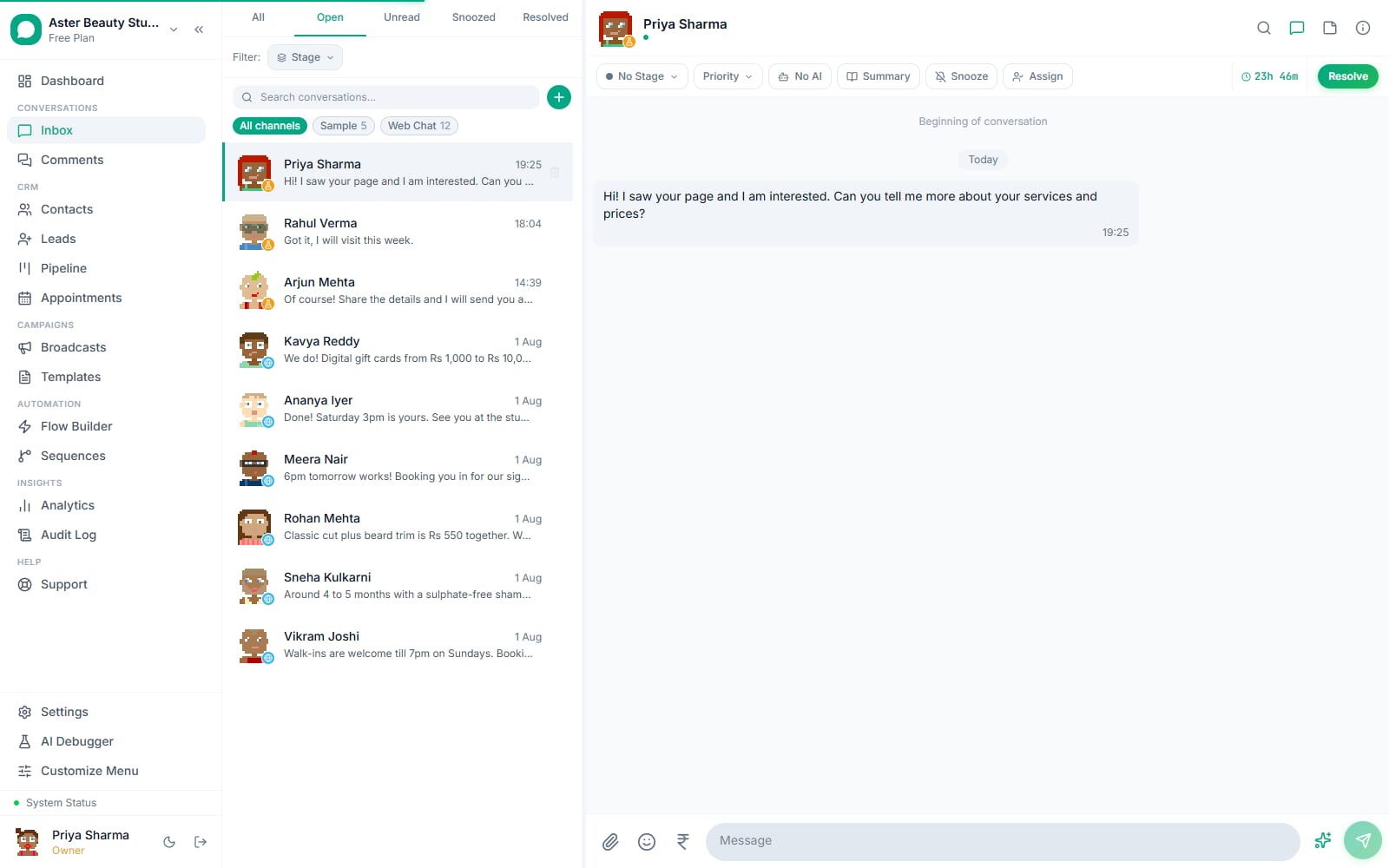
The instant a human sends a message in a conversation, the AI pauses for that specific conversation and any flow currently running in it stops. This matters because a customer getting a bot reply stacked on top of a human agent's reply, or vice versa, is one of the clearest signals a business is not actually staffed the way it appears. The pause lasts for the rest of that conversation; an agent resumes it with the toggle in the conversation header when they are done, and it clears automatically once the conversation is resolved and a new one starts.
Where does the AI chatbot actually run?
On WhatsApp, Instagram DMs and Messenger, the AI runs as an AI Response node inside the visual flow builder, triggered by whatever you configure (a keyword, a new conversation, a form submission, or another flow trigger), and can retrieve from the organisation's knowledge base the same way the website widget does. On your website, it runs through the dedicated chat widget, which supports multiple widgets per organisation, each with its own knowledge base scope, appearance and handoff rules into the shared team inbox. Both paths share the same debounce, escalation and takeover-pause logic, so a customer moving from your website widget to WhatsApp gets consistent behaviour, not two different bots with two different personalities.
What model actually answers, and what happens to the data?
By default, replies are generated by a hosted large language model (Groq, currently running an open-weight GPT-OSS model), so there is no API key to obtain before the bot works. An organisation can instead connect its own OpenAI or Anthropic API key from Settings, and the flow builder's AI node and the widget's provider selection fall back automatically to whichever configured provider actually has a working key, so a flow built against one provider does not silently break if the organisation switches. Whichever provider is active receives the conversation text and the retrieved knowledge base chunks needed to answer; it does not receive your full customer database or contact fields the bot was not given.
How do I debug a wrong or unhelpful answer?
Start with the conversation itself: each AI reply is marked in the thread, and the takeover state shows whether the bot was paused. Then check the knowledge base sources for the widget or channel that answered (a missing or stale source is the usual cause), the escalation rules, and the AI credits balance. Settings also has an AI debug console where you paste a system prompt and a test question and see token counts and a sample reply, which is the fastest way to tune a prompt before you put it live. The AI on but not replying guide walks the eight checks in order.
With VGraple CRM vs a generic chatbot builder
| Generic chatbot builder | VGraple CRM AI chatbot | |
|---|---|---|
| Business knowledge | Written into a rigid decision tree by hand | Retrieved live from your own crawled pages, articles and FAQs |
| Message bursts | Answers every message separately | Debounced into one coherent turn |
| Human handoff | Manual keyword rules, easy to miss a case | Explicit request, safety topics and repeat-question detection, all automatic |
| Safety topics | Left to the prompt author to remember | Non-configurable hard stop, cannot be switched off |
| Debugging a bad answer | Guesswork | Logged AI turns, knowledge source review and a prompt test console |
| Model choice | Locked to one vendor | Hosted default, or bring your own OpenAI/Anthropic key |
| Handoff to a human agent | Often a dead end into a queue | Lands directly in the shared team inbox, tagged and assigned |
Who uses it
Salons and spas run a booking-focused bot that answers service and pricing questions from a pasted price list, and hands off automatically the moment someone asks something the price list does not cover. See WhatsApp CRM for salons.
Clinics use the AI chatbot for appointment-type and general-information questions, with the payment-credential and medical-advice escalation rules keeping anything sensitive with a person by design, not by staff discipline. See WhatsApp CRM for clinics.
D2C stores point the widget at their return policy, sizing guide and FAQ pages so pre-purchase questions get answered instantly, then escalate order-specific issues straight into the inbox. See WhatsApp CRM for D2C.
Coaching institutes run an admissions bot fed from their course catalogue and fee structure, freeing counsellors to spend their time on students who are actually ready to enrol. See WhatsApp CRM for coaching institutes.
What Meta allows
Plans and limits
The AI assistant, covering the chatbot's AI Response flow node, the chat widget's AI, and AI reply suggestions in the inbox, is on every plan, including Free, and is paid for in AI credits: every workspace gets 1,000 free credits each month, and an AI reply to a customer costs 10. The flow builder itself, knowledge base storage, and the chat widget infrastructure the bot runs on are available on every plan including Free.
Recent improvements
- 2026-08-24: The inbox AI chip now counts flow builder flows correctly, and the model moved to GPT-OSS 120B on Groq after Meta's earlier Llama models were retired from Groq's hosting.
- 2026-08-13: Escalation engine and guardrails shipped for Instagram and Messenger, bringing the same safety-topic and repeat-question handoff logic WhatsApp's chatbot already had to Meta DM channels.
- 2026-07-14: Robust chatbot plan implemented, covering the debounce and supersession guard for message bursts.
- Ongoing: knowledge base chunking and per-widget scoping, and the AI debug console for testing prompts and token usage before a change goes live.