On this page
- What you get
- How it works
- Whose merchant account is this, and where does the money actually go?
- Why does a payment link need the 24-hour service window to be open?
- Why offer two gateways instead of one?
- What is separate from how a business pays VGraple CRM itself?
- Who uses it
- What Meta allows
- Plans and limits
- Recent improvements
In short
- Send a payment link inside any open WhatsApp conversation, paid to your own Stripe or Cashfree merchant account, not VGraple CRM's
- Money never passes through VGraple CRM: your own gateway credentials process the charge and settle directly to your bank account under your own merchant agreement
- The moment the customer pays, a webhook confirms it, logs revenue automatically, and posts a payment confirmation into the same WhatsApp thread
- Cashfree links are INR-only; Stripe supports INR, USD, EUR, GBP and AED, so international customers can pay in their own currency
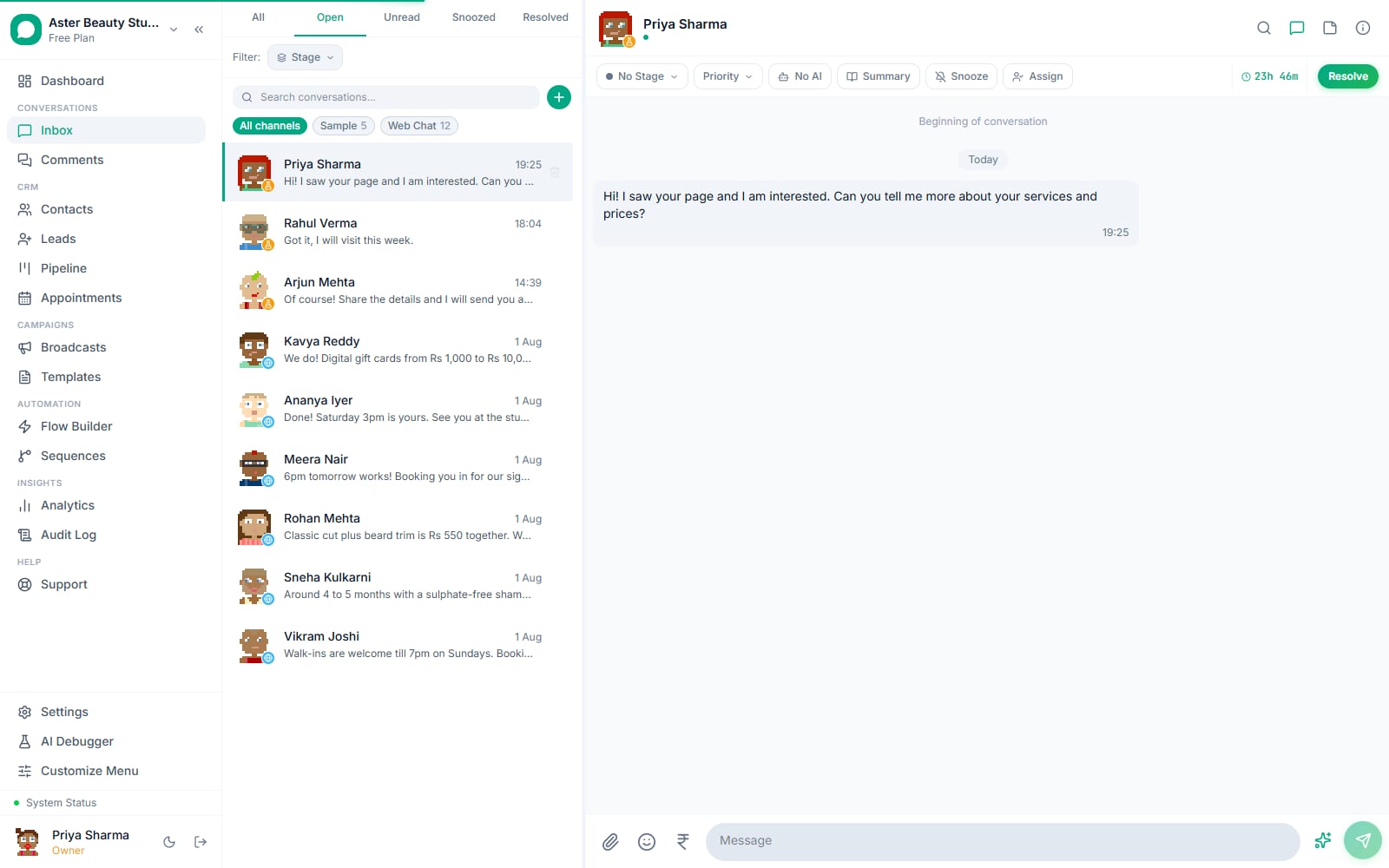
Collecting Payments in WhatsApp with VGraple CRM means sending a payment link inside an active conversation and having the payment settle directly into your own Stripe or Cashfree merchant account, with the status updating in the same chat thread automatically. What changes for a business is not having to send a customer away from WhatsApp to a separate invoicing tool or a payment page they have to hunt for in an SMS; the whole transaction, ask, pay, confirm, happens inside the conversation that started it, and the money goes straight to the business's own bank account under its own merchant agreement, never through VGraple CRM.
What you get
- A payment link, sent as a WhatsApp text message inside any open conversation, using your own connected Cashfree or Stripe account
- Money that settles directly to your gateway account, VGraple CRM is never in the payment path and never holds funds
- Automatic revenue logging and a payment confirmation message posted into the thread the moment the gateway's webhook confirms payment
- Support for both an India-first gateway (Cashfree, UPI and cards, INR only) and an international one (Stripe, cards, five currencies)
- Per-org encrypted credentials and per-org webhook verification, so no tenant's payment confirmations can be spoofed by another tenant's secret
- Automatic Meta Conversions API reporting of the resulting Purchase event when the conversation is ad-attributed
How it works
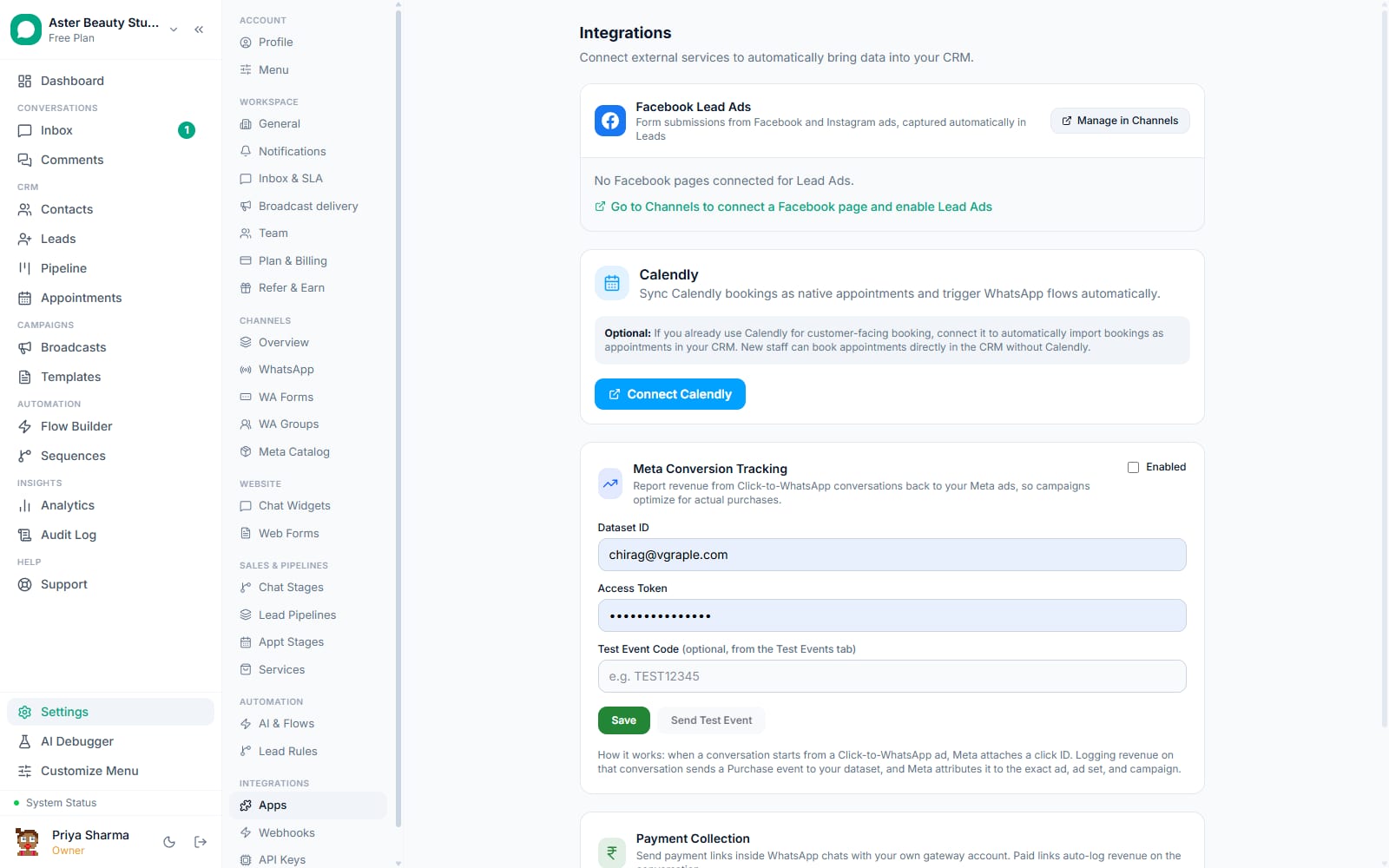
- Connect your gateway. In Settings > Integrations > Payment Collection, choose Cashfree or Stripe from the Gateway dropdown and enter your own account's credentials: a Cashfree Client ID and Client Secret from Cashfree's dashboard, or a Stripe Secret Key. Only the org owner can view or change these.
Finish gateway-specific setup. Cashfree needs nothing further, each link's notify URL points back to VGraple CRM automatically. Stripe needs one manual step: add a webhook endpoint in the Stripe dashboard pointed at the URL shown in Settings, subscribe it to
checkout.session.completed, and paste the signing secret back in.Send a payment link from a conversation. With an open 24-hour service window, enter an amount, a currency and a short description, and the link is generated through your connected gateway and sent as a text message in that thread.
The customer pays. They tap the link, which opens your gateway's own hosted checkout, Cashfree's payment page for UPI, cards or netbanking, or Stripe's Checkout for cards, and completes the payment there. VGraple CRM never sees card numbers or UPI credentials; the entire payment flow runs on the gateway's own infrastructure.
The thread updates itself. The gateway's webhook, verified against your org's own signing secret, confirms the payment within moments. A revenue event is created automatically, and a confirmation message ("Payment of INR 2,500 received. Thank you!") is posted into the same conversation, no one has to check back manually.
Revenue and attribution follow through. The logged revenue shows on the conversation, in the Revenue Attribution dashboard, and, if the conversation carries Click-to-WhatsApp ad attribution, a Purchase event reports to Meta Conversions API automatically, all from the same webhook.
Whose merchant account is this, and where does the money actually go?
This is the question every business asks first, and the honest answer is the whole point of how it is built: the merchant account is yours. You connect the Cashfree or Stripe credentials from your own account, the one you set up directly with that gateway under your own business's KYC and settlement terms, and every payment link created in a conversation goes through that account. Cashfree's createPaymentLink and Stripe's Checkout Session are both called with your credentials, not a shared platform key, so a payment is between your customer and your merchant account exactly as if you had built the checkout page yourself.
VGraple CRM's role is to generate the link, put it in the right conversation at the right moment, and listen for your gateway's webhook to know when it was paid. It never sits between your customer's money and your bank account, and it never takes a cut of the transaction the way a marketplace checkout would.
Example
A tattoo studio takes a 30% deposit for a custom design over WhatsApp before booking a slot. The client taps the Cashfree link, pays by UPI, and the deposit lands in the studio's own Cashfree-linked bank account the same way it would if the client had paid at the counter, while the WhatsApp thread confirms the booking automatically.
Why does a payment link need the 24-hour service window to be open?
WhatsApp's Cloud API only allows a business to send a free-form message, one not built from a pre-approved template, while the customer has messaged within the last 24 hours; outside that window, only an approved template can be sent. A payment link is generated dynamically with a live amount and description, so it cannot be pre-approved as a template the way a fixed message can. This means a payment link can only go out while the window is open, which in practice is almost always true for a payment conversation, since the customer typically just asked "how much do I owe" or confirmed an order moments before.
If the window has closed, for example a link needs to be resent a few days later, the fix is simple: ask the customer to send any message first, which reopens the window, then send the link.
Why offer two gateways instead of one?
A single gateway choice forces a tradeoff no Indian business wants to make: Cashfree covers UPI, the payment method most Indian customers actually prefer, but is INR-only, while Stripe handles international cards and multiple currencies but has no UPI support in India. Offering both lets a business pick based on who they are actually charging: Cashfree for a domestic customer paying by UPI or a local card, Stripe for an international customer or one who specifically wants to pay in USD, EUR, GBP or AED.
| Gateway | Currencies | Best for | Setup |
|---|---|---|---|
| Cashfree | INR only | UPI and domestic card payments | Client ID + Secret, no manual webhook |
| Stripe | INR, USD, EUR, GBP, AED | International customers, card-only markets | Secret key + one manual webhook endpoint |
The provider is picked once in Settings, and every payment link sent afterward uses that gateway automatically; there is no per-message choice to make once it is configured.
What is separate from how a business pays VGraple CRM itself?
This page is about a business collecting money from its own customers inside WhatsApp, using a merchant account the business owns. It is a different system from how that same business pays its own VGraple CRM subscription, which runs on VGraple CRM's own billing, live on Stripe today. The two share no credentials, no webhook, and no code path: connecting your own Cashfree account here to collect customer payments has nothing to do with, and requires nothing from, your subscription billing method.
Who uses it
Tattoo and piercing studios collect deposits before booking a custom design slot, avoiding the no-show problem that comes from booking without any commitment. See WhatsApp CRM for tattoo studios.
D2C stores send a payment link for a custom or made-to-order item negotiated in chat, skipping the step of directing the customer to a separate storefront checkout for a one-off order. See WhatsApp CRM for D2C.
Coaching institutes collect course fees or registration deposits directly in the WhatsApp thread where a counsellor already answered the prospective student's questions, closing the loop without a separate payment email. See WhatsApp CRM for coaching institutes.
Travel agents collect advance booking payments for a package quoted over WhatsApp, in the customer's own currency through Stripe when the customer is paying from outside India. See WhatsApp CRM for travel agencies.
What Meta allows
VGraple CRM enforces the service-window check before a link can be sent, returning a clear message to ask the customer to reply first rather than allowing a send that Meta would reject.
Plans and limits
Connecting your own Cashfree or Stripe account and sending payment links in chat are available on every plan, including Free, with no cap on the number of links or transaction volume, since the money never passes through VGraple CRM's own systems. Revenue logged from paid links appears in the Analytics dashboard's Revenue Attribution view, which requires Starter or above; the underlying revenue record on the conversation itself is visible on every plan.
Recent improvements
- 2026-08-22: A full audit of the payments system, triggered by a batch of stray Cashfree sandbox test emails, reviewed the tenant in-chat payment links code path specifically and found it sound: per-org encrypted secrets, per-org webhook URLs, HMAC signature verification with the org's own secret, and idempotent paid-status transitions. The same pass corrected the Cashfree webhook handler to read the real payload Cashfree sends (
data.cf_payment_idanddata.payment_amountat the top level of the event, not nested under apaymentobject as an earlier version assumed). - 2026-07-17: The payment request flow moved onto VGraple CRM's unified message-sending path used across every channel, tightening how a blocked contact or a closed conversation is handled before a link goes out.
- 2026-07-12: In-chat payment collection with the org's own Cashfree or Stripe account shipped: connect your own gateway credentials, send a link in any open conversation from the same 24-hour service-window check every other free-form message follows, and get paid straight to your own account.