On this page
- What you get
- How it works
- What is in the library
- Utility or marketing: why every template is labelled
- Variables and sample values
- Where the templates fit in an automation
- What the public library page gives you
- With the library vs writing templates from scratch
- Who uses it
- What Meta allows
- Plans and limits
- Recent improvements
In short
- 75 templates across salon and spa, tattoo, cosmetic clinics, dental and real estate, written to Meta's category rules
- Every template is public at /templates/ with its body, variables, sample values, Meta cost and approval tips
- Inside VGraple CRM, pick one from the gallery and the builder pre-fills it with your business name; submit to Meta from the same screen
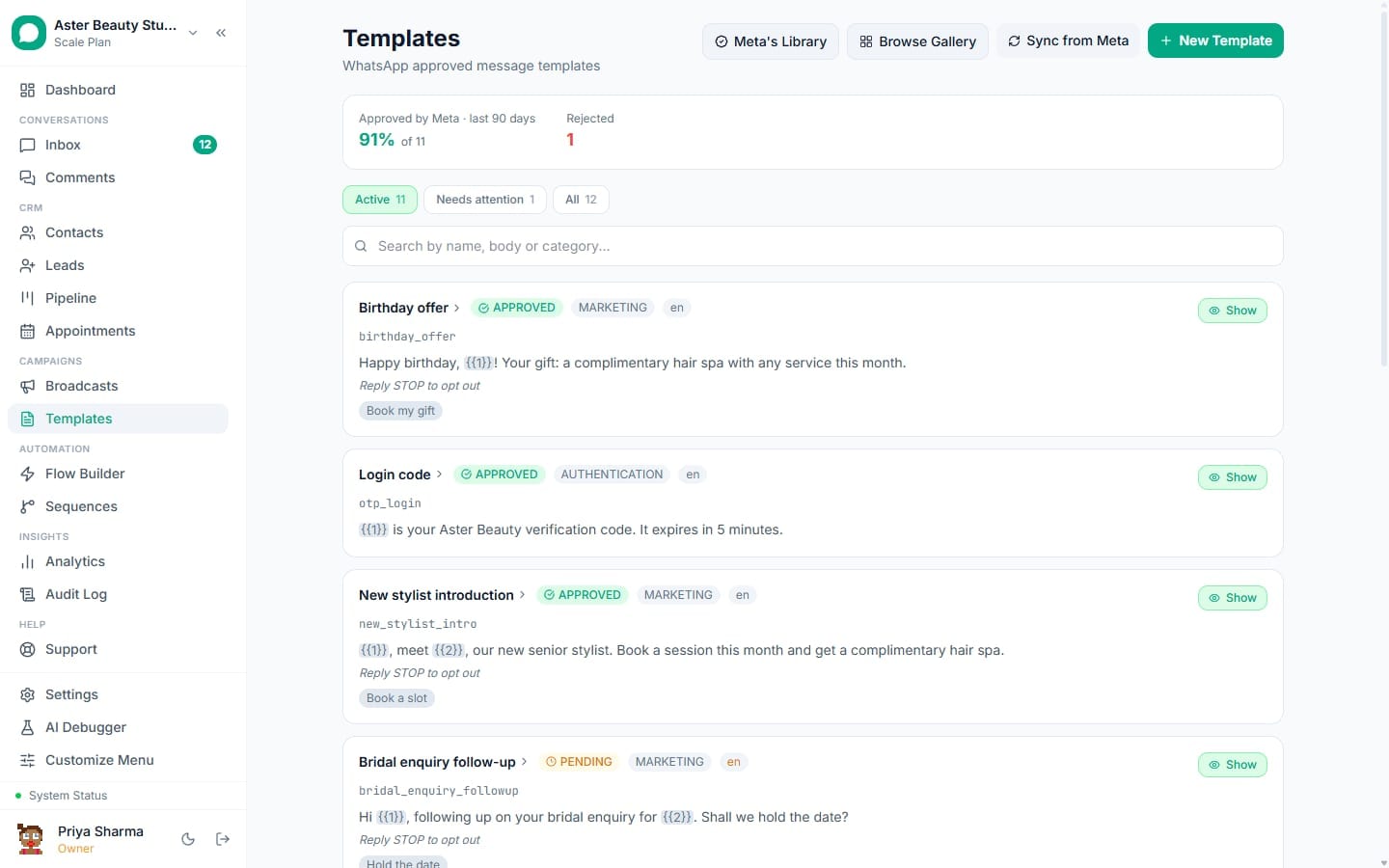
The template library is a set of 75 WhatsApp message templates, grouped by industry, that ship inside VGraple CRM and are published on this site. Each one is written to Meta's rules for its category, declares its variables with realistic sample values, and can be submitted to Meta from the builder with your business name filled in. Nothing about it is locked: the library, the builder and submission are on the Free plan.
What you get
- 75 templates across salon and spa, tattoo, cosmetic clinics, dental and real estate, each labelled utility or marketing
- A public page per template at /templates/ with the body, variables, the message a customer sees, when to send it, approval tips and the Meta cost per message
- One-click use from the in-app gallery: the builder pre-fills body, variables and samples, and replaces the business-name placeholder with your workspace name
- The same validator that checks every hand-written template runs on library templates too, so an edit that breaks a rule is caught before submission
- Approval status, rejection reasons and usage synced back from Meta for every template you submit
How it works
- Open the gallery. In VGraple CRM go to Templates and choose Browse Gallery. Filter by industry or search by use case ("appointment reminder", "abandoned cart", "site visit").
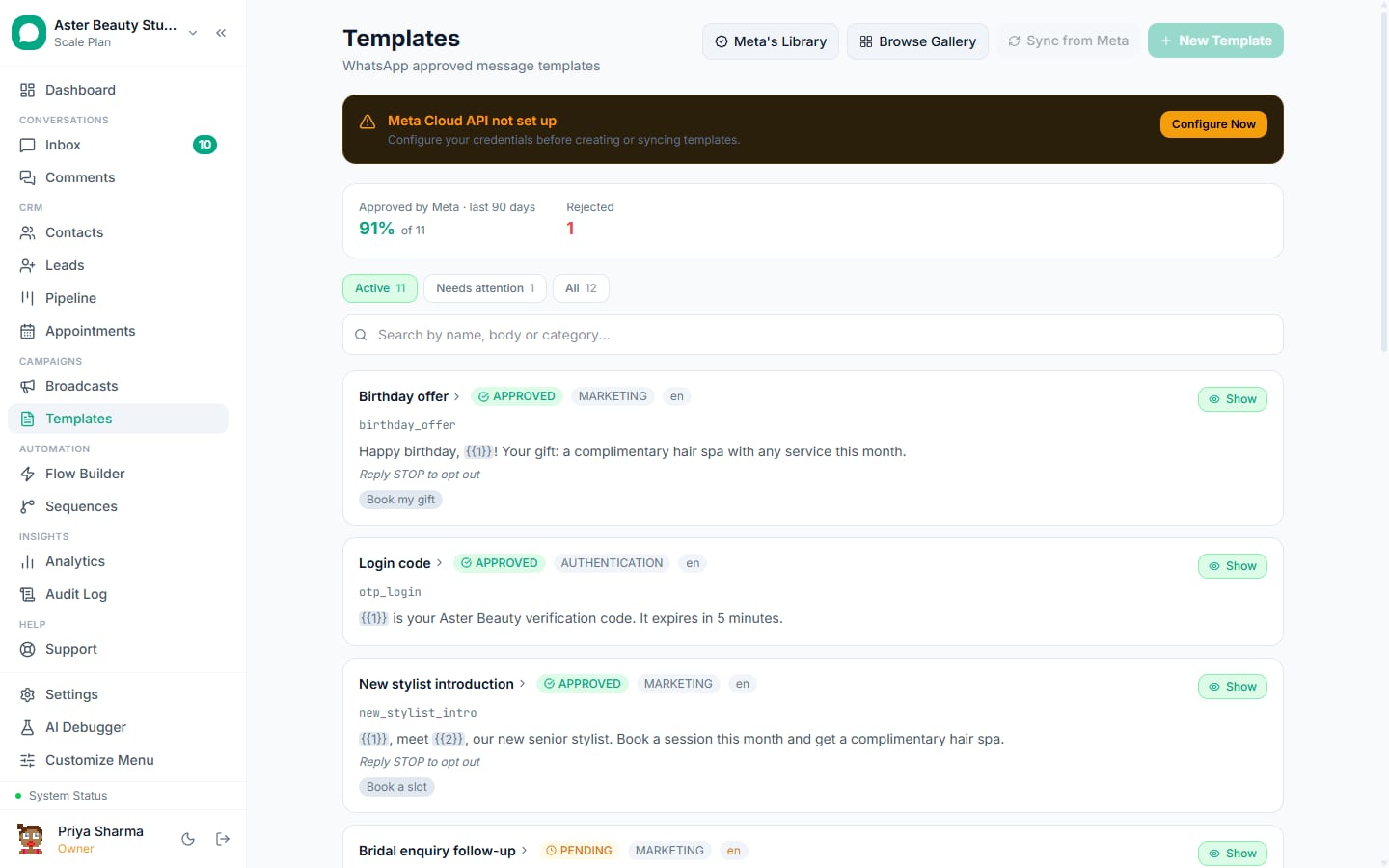
Pick a template. The card shows the category, the number of variables and the sample message. Choose Use this template and the builder opens with everything filled in; the
__BUSINESS_NAME__placeholder becomes your workspace's business name.Adjust and check. Edit wording if you want, add a header or buttons, and watch the validator. It flags anything Meta is likely to reject: a promotional line in a utility template, a variable at the very start or end of the body, missing sample values, a URL shortener, an unsupported character.
Submit to Meta. One click submits the template under your WhatsApp Business Account. The name is derived from the template id (lowercase, underscores) and gets a suffix if you already have one with that name.
Use it everywhere. Approved templates are available to broadcasts, drip sequences, flow nodes and the inbox's send-template action. Usage and quality signals sync back from Meta.
What is in the library
| Industry | Templates | Typical use cases |
|---|---|---|
| Salon and spa | 15 | Booking confirmation, 24-hour and 1-hour reminders, no-show follow-up, rebooking nudge, review request, gift cards, seasonal offers |
| Tattoo studios | 12 to 15 | Consultation booking, deposit request, aftercare instructions, touch-up reminder, design approval, flash offers |
| Cosmetic clinics | 15 | Consultation reminders, pre-procedure instructions, post-procedure check-in, package offers, back-in-stock, abandoned enquiry |
| Dental practices | 15 | Appointment confirmation and reminders, recall for check-ups, treatment plan follow-up, payment reminder, review request |
| Real estate | 15 | Site visit confirmation, property shortlist, price update, document checklist, loan partner introduction, festival offers |
Counts are per the gallery at the time of writing; the public library at /templates/ is generated from the same file the app uses, so it is always current.
Utility or marketing: why every template is labelled
Meta prices and polices the two categories differently, and the wrong label costs money or delivery.
| Utility | Marketing | |
|---|---|---|
| What it is | Information the customer expects because of something they did | An offer, a launch, a nudge to come back |
| India price per message (card effective 1 October 2026) | Rs 0.115 | Rs 0.8631 |
| Needs opt-in | Yes, like all business-initiated messages | Yes, plus a clear opt-out line |
| Subject to per-user frequency cap | No | Yes (error 131049 when a customer is capped) |
| Risk if worded wrong | Reclassified to marketing by Meta and billed at the higher rate | Rejected, or paused after Meta samples complaints |
The library keeps utility bodies strictly transactional and puts promotional wording only in marketing templates. If you edit a utility template and add an offer, switch the category before you submit.
Variables and sample values
Every library template declares its variables in order with a human label and a sample value, for example {{1}} Customer name "Priya", {{2}} Service name "Manicure", {{3}} Business name (filled automatically). Meta requires a sample for each variable at submission and rejects samples that look like placeholders ("test", "xxx"), which is the single most common self-inflicted rejection. The gallery's samples are realistic, so that failure mode is gone. In the builder you map each variable to a contact field, a lead field, a fixed value or a fallback used when the field is empty.
Where the templates fit in an automation
Most library templates are meant to be triggered, not sent by hand. Booking confirmations and reminders fire from appointment stage changes; order and payment templates from flows and webhooks; follow-ups from drip sequences; offers from broadcasts to opted-in segments. Because replies to any of them land in the shared inbox, a reminder that gets a "can I move it to 6 pm?" reply is handled by a person, with the appointment card one click away.
What the public library page gives you
Each page at /templates/ shows the template body in a code block, the variables table, the message as a customer would see it with sample values, when to send it, category-specific approval tips, the Meta cost per message and a link to the industry's other templates. Use it as a copy source for any platform, or open VGraple CRM and submit from the gallery.
With the library vs writing templates from scratch
| From scratch | From the library | |
|---|---|---|
| Time to first approved template | 30 to 60 minutes including one or two rejections | Under 5 minutes |
| Category correctness | Your call | Pre-labelled and validated |
| Sample values | You invent them | Realistic and included |
| Variables | You design them | Declared, labelled, mapped in the builder |
| Cost awareness | Look up the rate card | Shown on the page |
Who uses it
- Salons and clinics run their entire reminder and recall cycle on utility templates, which keeps the monthly Meta bill in the tens of rupees for hundreds of appointments. See WhatsApp CRM for salons.
- Dental and cosmetic practices use pre- and post-procedure instruction templates so the front desk stops retyping the same message. See clinics and dental.
- Real estate agencies send site-visit confirmations and shortlists as utility templates and reserve marketing templates for launches. See real estate.
What Meta allows
VGraple CRM enforces the formatting rules in the validator, supplies the samples, derives a compliant name, and syncs the status and any rejection reason back from Meta.
Plans and limits
The gallery, the builder, the validator and Meta submission are on every plan, including Free. Template count is not capped by VGraple CRM; Meta caps templates per WhatsApp Business Account at 250 by default, raised for verified businesses. Sending volume is where plans differ.
Recent improvements
- 2026-08-19: Template builder v2 shipped with the pre-submit validator and the gallery of 75 industry templates.
- 2026-08-19: Rejection reasons from Meta are translated into plain language with a fix suggestion.
- 2026-08-26: The library is published on this site at /templates/, generated from the same file the app uses.