On this page
- What you get
- How it works
- What message types does this inbox actually handle?
- How does the reply window work, and what is the Human Agent tag?
- How does profile enrichment avoid burning Meta's rate limit?
- Who uses it
- With VGraple CRM vs checking Instagram and Messenger separately
- What Meta allows
- Plans and limits
- Recent improvements
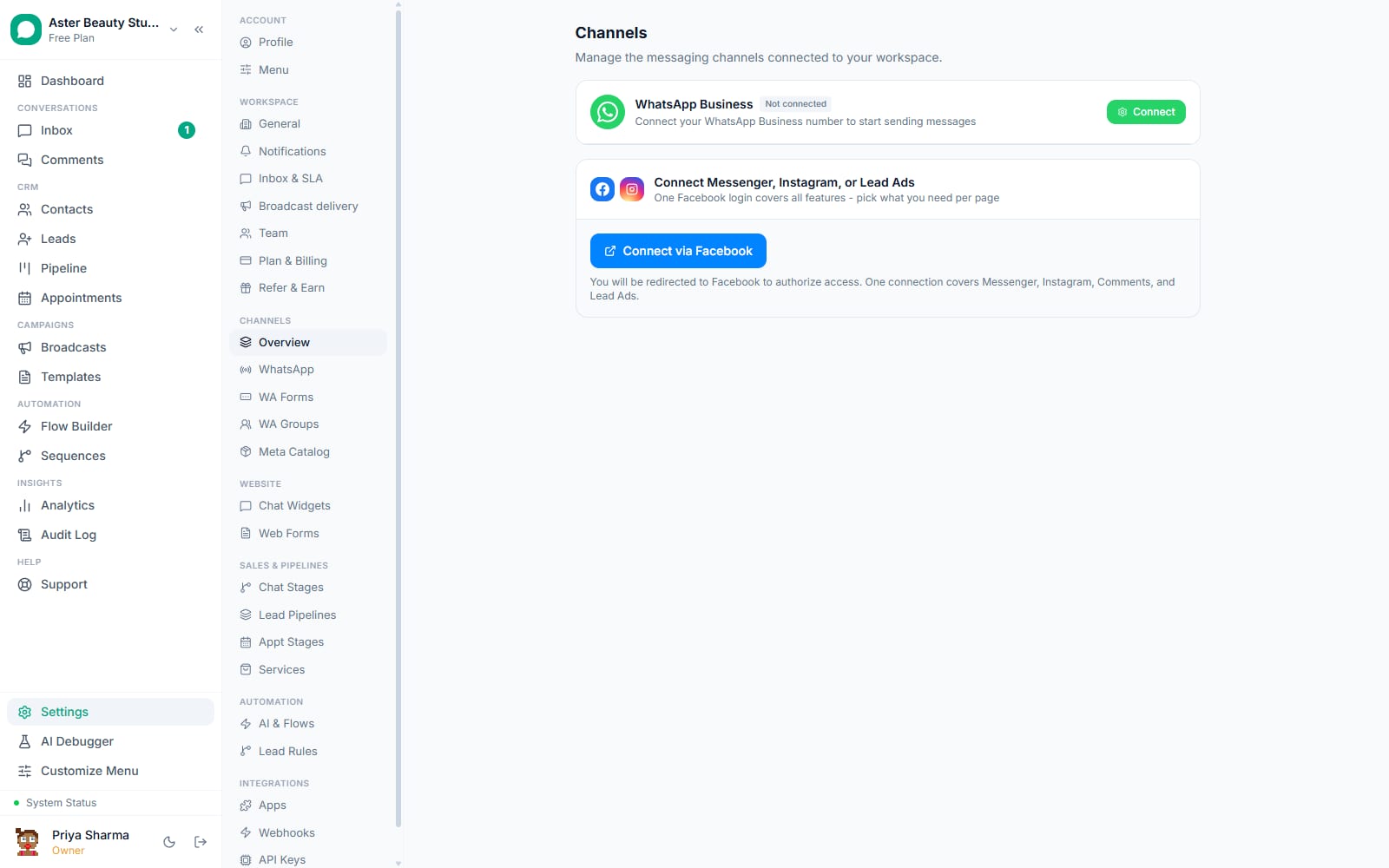
In short
- Instagram DMs, story replies, story mentions and Facebook Messenger land as conversations in the same inbox as WhatsApp
- Replies typed in the Instagram app, Meta Business Suite or another connected tool show up in VGraple CRM too, not just the ones you send from here
- The standard 24-hour reply window extends to 7 days for a genuine human reply once Meta approves the Human Agent feature for your account
- Profile enrichment (name, photo, Instagram handle) respects Meta's own rate limits with a built-in backoff, instead of burning your quota on every message
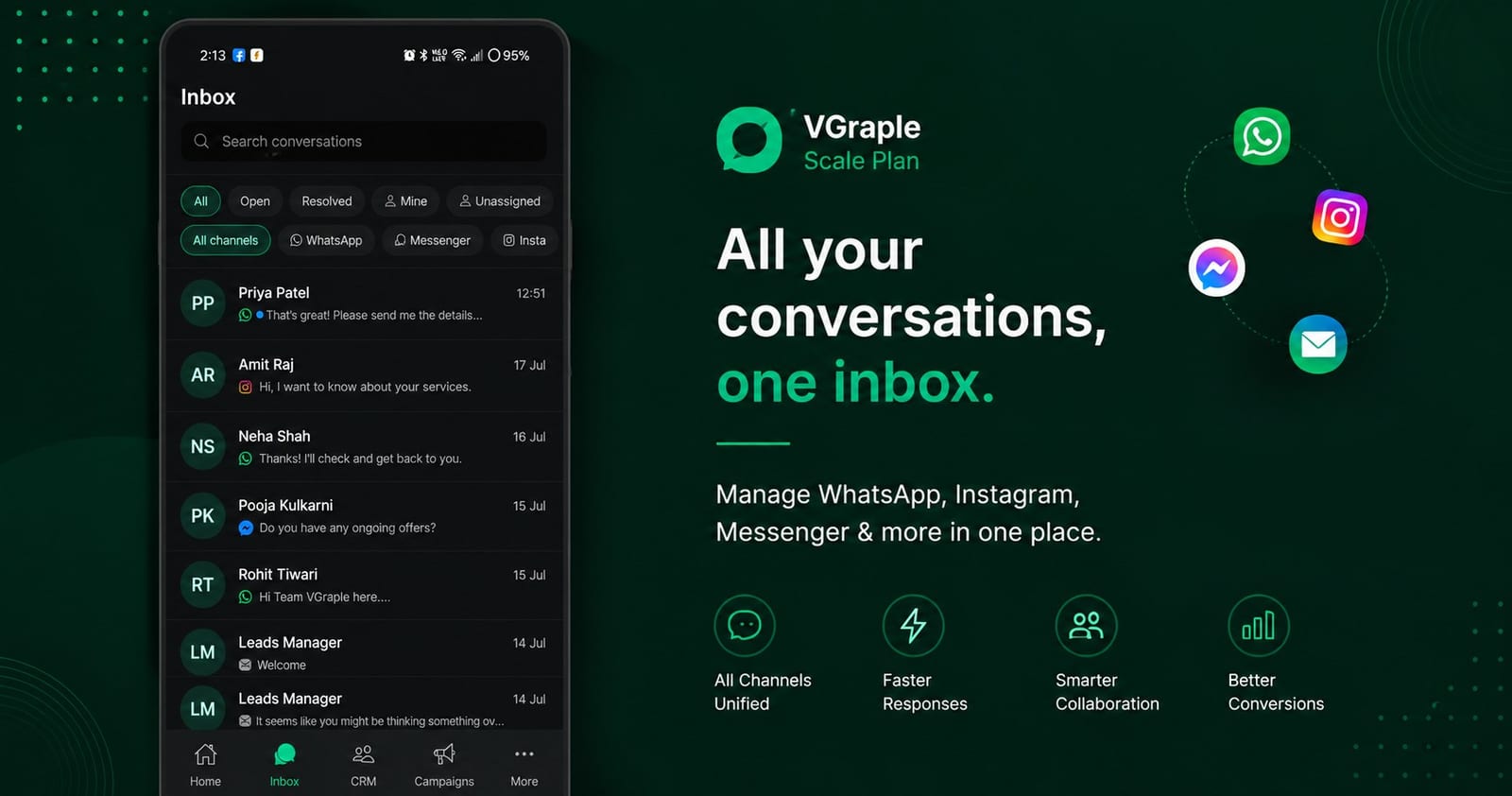
VGraple CRM connects your Facebook Page and Instagram Business Account so every Messenger and Instagram DM, story reply, story mention and reaction lands in the same shared inbox you already use for WhatsApp, one contact record and one conversation history per customer instead of three separate apps. What changes for a business running ads or an active social presence is that a DM from an Instagram follower gets the same assignment, tagging, notes and automation your WhatsApp team already relies on, rather than living in a phone someone checks between other jobs.
What you get
- Instagram DMs and Facebook Messenger conversations in the same shared inbox as WhatsApp, tagged by channel
- Story replies and story mentions rendered as their own message type, linked back to the story
- Rich media, images, video, audio and files, shown inline; reactions a customer sends are captured and displayed
- Echo capture: a reply sent from the Instagram app, Meta Business Suite or another tool still appears in the thread
- Profile enrichment (name, avatar, Instagram handle, follower count, verified badge) with a built-in backoff that protects your Meta API quota
- Ad attribution: a conversation that started from a Click-to-Messenger or Click-to-Instagram ad carries the ad's source through the thread
- The same flow builder, automation rules and AI assistant you use on WhatsApp, extended to these channels
- STOP and START consent handling, shared with WhatsApp's own opt-out system
How it works
- Connect your Page and Instagram account. In Settings, connect the Facebook Page and its linked Instagram professional account. VGraple CRM starts receiving DM, comment, story and reaction webhooks from both the moment they are connected.
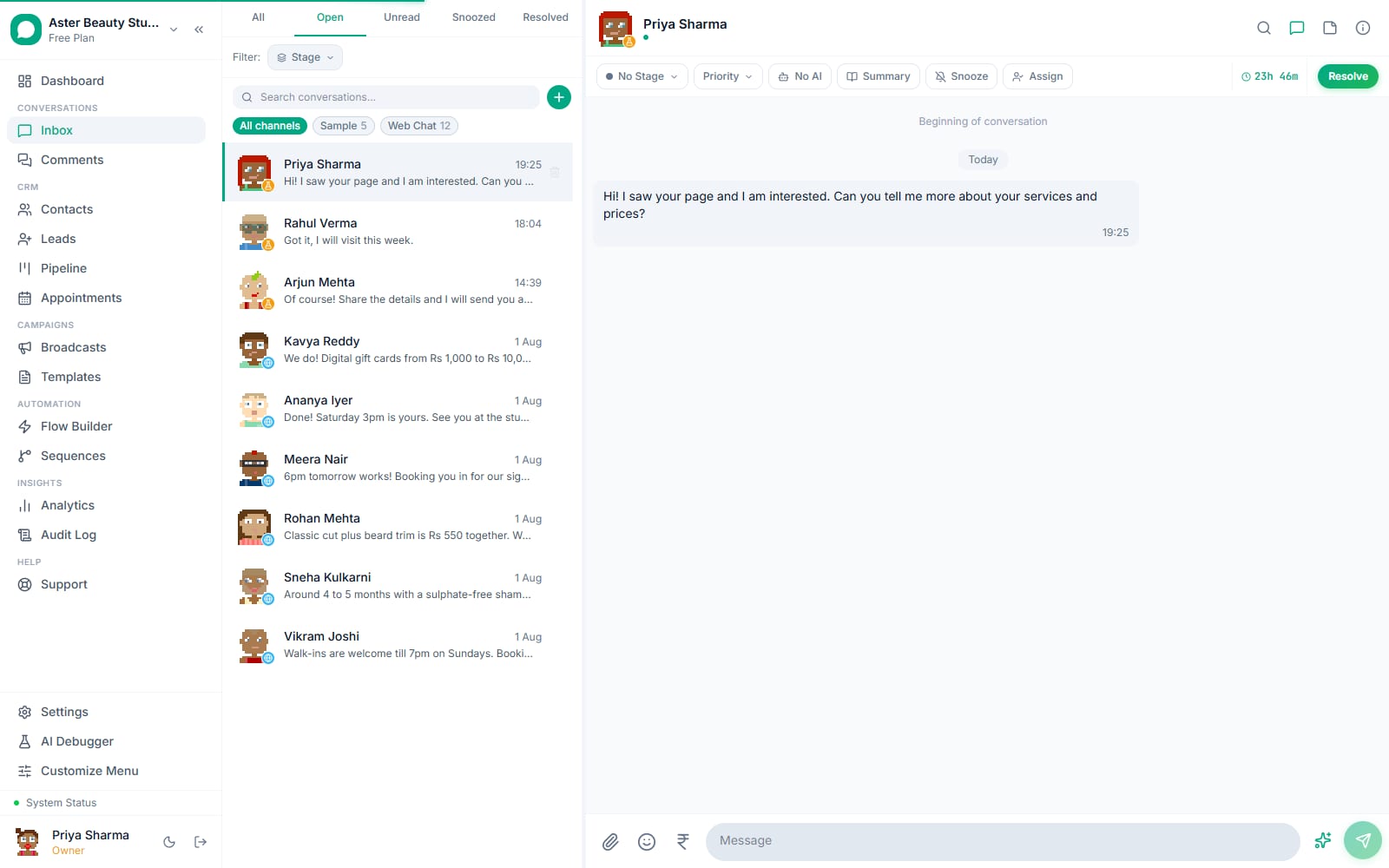
Conversations land in the shared inbox. A new DM, story reply or story mention appears as a conversation tagged Instagram or Messenger, sitting in the same list, and using the same tabs, filters and search as your WhatsApp conversations.
Reply, assign or automate. Reply directly from the inbox, assign the conversation to an agent, add tags and notes, or let an active flow or the AI assistant handle it, exactly the same actions available on a WhatsApp conversation.
Profile details fill in automatically. As Meta's API allows it, the contact's real name, avatar, Instagram handle and follower count populate on the contact record, so an agent sees who they are talking to instead of a generic "Instagram User" placeholder.
See the full picture, including what happened elsewhere. A reply a teammate sent from the native Instagram app, or an ad that brought the conversation in, both show up in the same thread, so nothing about the customer relationship is missing just because it did not happen inside VGraple CRM.
What message types does this inbox actually handle?
Beyond plain text, the inbox understands the shapes Instagram and Messenger themselves send. Images, video, audio and files arrive inline and play or preview directly in the thread. A reply to one of your Instagram stories shows the customer's text next to a reference to the story it replied to; a story mention shows that they tagged you. Story content itself is deliberately not cached or re-hosted, Meta's platform terms only allow keeping a reference to it, and stories expire after 24 hours by design, so it renders live from Meta while it is still available and shows a clear "no longer available" state once it expires.
A reaction a customer sends to one of your messages is captured and shown on that message, the same visual pattern as a WhatsApp reaction. What is not available is the reverse: sending a WhatsApp-style template, a catalog message or an outbound reaction the way you would on WhatsApp, since those are specific to the WhatsApp Business API and have no equivalent send type on Instagram or Messenger's own platform.
Example
A D2C brand runs an Instagram story asking "swipe up for 10% off" during a launch. Every story reply lands in the shared inbox exactly like a DM, and an agent replies with the discount code from the same screen they use for WhatsApp orders.
How does the reply window work, and what is the Human Agent tag?
Messenger and Instagram give a business a 24-hour window to reply after a customer's last message, similar to WhatsApp's customer service window, though Meta does not charge per message on Messenger or Instagram the way it does on WhatsApp. VGraple CRM tracks this per conversation and warns when it is closing. Meta separately offers a Human Agent feature that extends this to 7 days, but only for a message a real person typed, never an automated bot reply, and only once Meta has approved your account for that feature through its standard app review process; VGraple CRM's sending logic already applies the correct tag the moment that approval is in place, so nothing changes on your side when it lands.
| Reply type | Window |
|---|---|
| Automated bot or flow reply | 24 hours from the customer's last message, always |
| Genuine human agent reply | 24 hours by default; up to 7 days once Meta approves Human Agent for your account |
| No reply within the window | Blocked; wait for the customer's next message |
How does profile enrichment avoid burning Meta's rate limit?
Looking up a customer's real name and photo costs a Graph API call, and Meta enforces that budget at the app level, shared across every organisation on VGraple CRM, not per business. Fetching a profile on every single inbound message from a contact Meta cannot yet describe would exhaust that shared budget quickly, so each lookup records why it did not resolve, the customer has not messaged the business yet, the request was rate-limited, the page token is invalid, and retries on a backoff matched to that specific reason, from 15 minutes for a rate limit up to 7 days for an account Meta has told us is simply unavailable, rather than retrying blindly on every message.
A background sweep also periodically revisits contacts still missing a name or handle, not just an avatar, so a contact that could not be resolved on first contact still fills in once the block clears.
Who uses it
D2C brands run Instagram as their primary ad and story channel and need every DM and story reply to reach the same team and pipeline as their WhatsApp orders. See WhatsApp CRM for D2C.
Marketing agencies manage Instagram and Messenger for multiple client accounts from one shared inbox, with each client's conversations kept separate by connected page. See WhatsApp CRM for marketing agencies.
Coaching institutes run Instagram ad campaigns for course launches and need the DM replies that follow, and any Click-to-Instagram ad's attribution, visible next to their WhatsApp leads. See WhatsApp CRM for education.
Restaurants and retail field product and availability questions that arrive as Instagram DMs and story replies around a promotional post, without a separate person watching the Instagram app all day. See WhatsApp CRM for restaurants.
With VGraple CRM vs checking Instagram and Messenger separately
| Native Instagram and Messenger apps | VGraple CRM shared inbox | |
|---|---|---|
| Where conversations live | Two separate apps, plus WhatsApp in a third | One inbox for WhatsApp, Instagram and Messenger |
| Customer identity | Re-identified on every channel separately | One contact record across every channel that customer used |
| Team replies from other tools | Invisible unless you check that app too | Captured as an echo and shown in the same thread |
| Automation | None built in | The same flow builder, rules and AI assistant as WhatsApp |
| Profile lookups | Not something you manage | Rate-limit-aware, with automatic backoff and retry |
| Consent (STOP/START) | Manual, per platform | Shared opt-out system across channels |
What Meta allows
Plans and limits
Connecting Instagram and Messenger, the shared inbox, echo capture, story handling and automation are available on every plan, including Free, with no separate channel fee and nothing charged by Meta the way WhatsApp template conversations are billed. Conversations are unlimited on every plan across Instagram, Messenger, WhatsApp and web chat, so a busy DM channel never uses up an allowance. What a plan sets is agent seats and stored contacts (5,000 on Free, 50,000 on Starter, 2,00,000 on Growth and unlimited on Scale).
Recent improvements
- 2026-08-16: Read receipts now send correctly to Meta for Instagram (
mark_seen), fixing a shape mismatch that previously left some Instagram conversations showing as unread on the customer's side even after an agent had replied. - 2026-08-15: STOP is now confirmed with a single reply on WhatsApp and Meta DM channels alike, and START, UNSTOP or RESUME gives an opted-out customer a way back in without needing an admin to reverse it.
- 2026-08-14: The profile-enrichment sweep was fixed to stop exhausting Meta's app-wide Graph API quota, replaced with the per-reason backoff described above.
- 2026-08-14: Story replies now render properly in the thread, unsupported message types link out instead of showing blank, and previously lost message content was recovered.
- 2026-08-14: AI reply suggestions, previously WhatsApp-only, now work on Instagram and Messenger conversations as well.