On this page
In short
- Leads from the website widget, forms, ads, Instagram and the API into scored pipelines with assignment by rule
- Sequences that pause on reply, demo booking with reminders, proposals as documents, payment links to close
- Sync with HubSpot, Zoho or Salesforce through Zapier and webhooks; revenue attributed to the conversation
Sales teams and SaaS companies use WhatsApp because prospects answer there in minutes and because a conversation with history beats a cold call. VGraple CRM captures leads from every source into scored pipelines, runs sequences that stop the moment the prospect replies, books demos with reminders, sends proposals and payment links in the same thread, and syncs with HubSpot, Zoho or Salesforce; the outcome is faster first contact, fewer forgotten follow-ups and revenue attributed to the conversation that earned it.
The problem in numbers
Sales teams lose deals in the gaps: the website lead called two days later, the demo no-show that was never reminded, the proposal sent by email that was never opened, the follow-up the rep meant to send. WhatsApp closes the gaps when the lead is captured with its source and scored the moment it arrives, the first message goes out in a minute, follow-ups run on a sequence until the prospect replies, the demo is confirmed and reminded, and the proposal and payment link travel in the thread the prospect already reads. Utility follow-ups cost Rs 0.115; replies inside the window are free.
Six things sales teams automate on WhatsApp
1. Leads from every source, scored
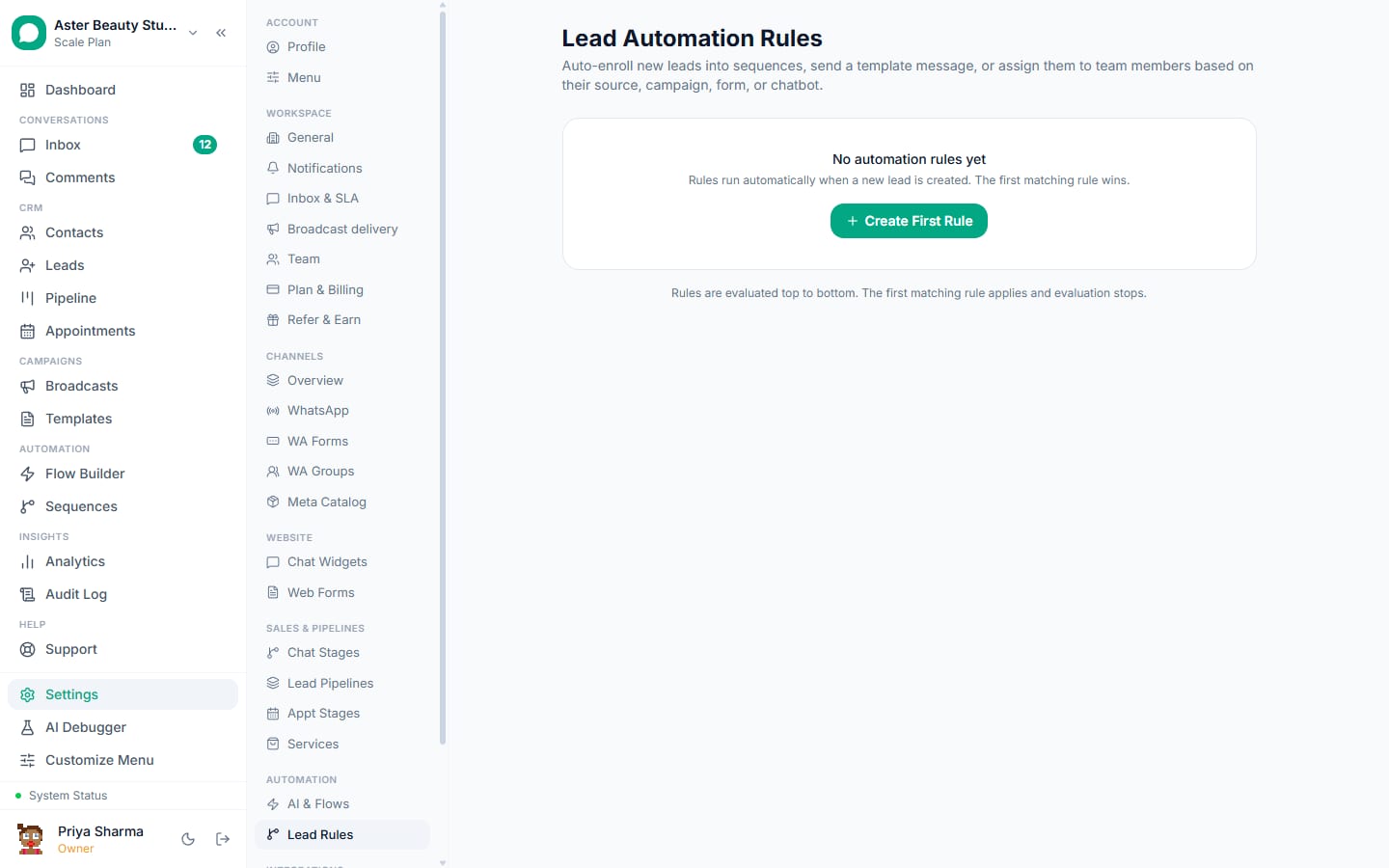
Widget, forms, Lead Ads, click-to-WhatsApp ads, Instagram, QR codes, imports and the API create leads with the source and campaign; scoring by fit and behaviour orders the pipeline; assignment by rule puts each lead with a rep in seconds.
sales_first_touch (utility)
Hi {{1}}, thanks for your interest in {{2}}. I am {{3}}; reply with a good time for a 15-minute call or tap Book.
Leads, lead scoring, chat widget, Lead Ads.
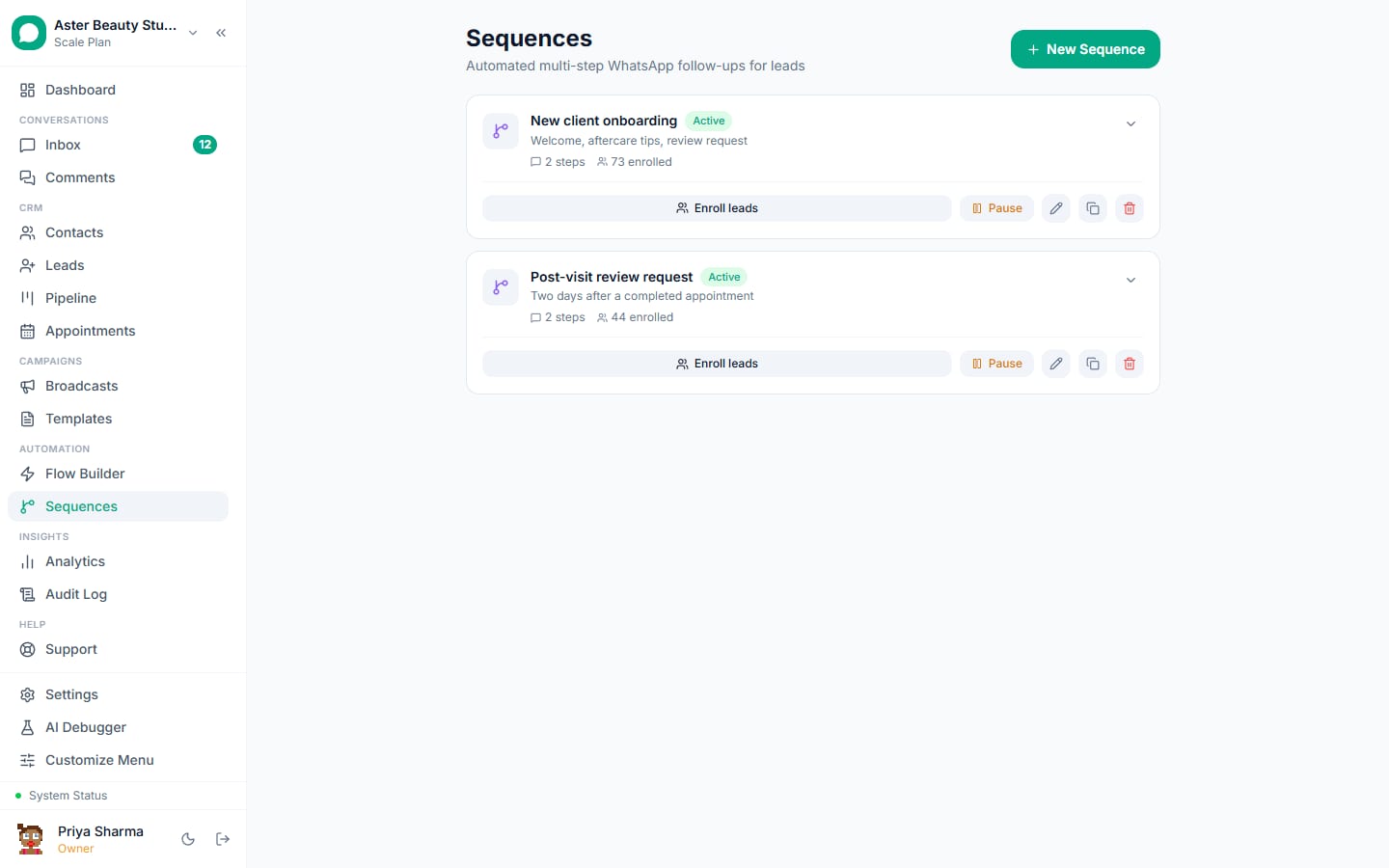
2. Sequences that pause on reply
Day 1 introduction with a Book button, day 3 a case study (marketing, consent), day 7 pricing, day 14 a close question; the sequence pauses on any reply or rep message and ends on a won or lost stage.
sales_case_study (marketing)
Hi {{1}}, here is how {{2}} used {{3}} to {{4}}. Reply DEMO to see it live or STOP to opt out.
3. Demos booked and reminded
A flow offers slots from the team's availability, or Calendly bookings sync natively; confirmations and reminders with the link as a button; a no-show gets a rebook prompt.
sales_demo_confirmed (utility)
Hi {{1}}, your demo of {{2}} with {{3}} is confirmed on {{4}} at {{5}}. Join: {{6}}. Reply R to reschedule.
Appointments and the Calendly integration.
4. Proposals and closing in chat
The proposal as a document with Accept and Questions buttons; a payment link for the first invoice through your gateway; payment moves the deal to won with revenue attributed to the conversation and its source.
sales_proposal (utility)
Hi {{1}}, the proposal for {{2}} is attached, valid till {{3}}. Tap Accept to proceed or Questions to talk it through.
Payments and revenue tracking.
5. CRM sync
New leads and stage changes to HubSpot, Zoho or Salesforce through Zapier or webhooks; CRM stage changes send templates; inbound messages become notes on the contact.
sales_crm_stage (utility)
Hi {{1}}, following up on {{2}}: {{3}}. Reply if you would like to go ahead or need anything changed.
HubSpot, Zoho CRM, Salesforce.
6. Reps on their phones
The pipeline, conversations and demos on the Android app; a new lead is a push notification with the details and a tap to reply; notes after every call keep the record honest.
sales_checkin (session, free)
Hi {{1}}, {{2}} here. Did the trial answer your questions? Happy to walk through anything on a quick call.
The Android app.
Feature map
| Job | Feature | Plan |
|---|---|---|
| Lead capture and scoring | Leads, lead scoring, widget, forms, ads | Free |
| Sequences | Sequences | Free |
| Demos with reminders | Appointments, Calendly | Free |
| Proposals and payments | Templates, payments, revenue tracking | Free |
| CRM sync | Zapier, webhooks, REST API | Free |
| Reps on mobile | Android app | Free |
| Sales team seats and AI | Seats, AI chatbot | Growth Rs 3,499 |
| Pipeline and revenue reporting | Analytics | Starter and above |
What it costs
A team of ten reps handling 1,500 leads a month: first-touch and follow-up templates outside windows (about 3,000 utility, Rs 345); demo confirmations and reminders (900 utility, Rs 104); one case-study step to 1,000 consenting prospects (Rs 863); most of the conversation free inside windows. Meta's total is about Rs 1,300 a month; VGraple CRM is Rs 3,499 on Growth for the team with analytics and the AI.
A 30-day rollout plan
Week 1. Connect the number; pipelines and stages; scoring rules; lead sources connected (widget, forms, ads, imports); templates submitted.
Week 2. Assignment rules; the first-touch template; the follow-up sequence; reps on the Android app.
Week 3. Demo booking flow or Calendly; proposals and payment links; the CRM sync through Zapier.
Week 4. Revenue by source from analytics; review first-contact time, demo attendance, sequence replies and win rate.
Getting the number ready
Most sales businesses already run WhatsApp on the owner's phone, so the first decision is how to connect: coexistence keeps the WhatsApp Business app working on that phone while the team uses the inbox, with up to six months of history imported; an API-only connection suits a new number for the team. Either way, Embedded Signup takes a few minutes, the display name is reviewed by Meta, and business verification in Meta Business Manager lifts the marketing limit from 250 unique recipients a day to 1,000 and beyond. Submit the templates on day one; most are approved within the hour, and the template library has an industry collection ready to submit.
Consent, privacy and the rules that apply
A customer who messages first has consented to service replies and to utility messages about that transaction; marketing needs an explicit yes, recorded with source and date, and an opt-out on every marketing template. VGraple CRM records consent automatically from inbound messages, YES replies, forms, ads and imports, suppresses opted-out and blocked contacts before every send, honours STOP and Meta's app-level opt-out at once, and keeps marketing to United States numbers paused as Meta requires. Personal fields are encrypted at rest, access is by role and team, and the audit log records exports and deletions, which covers India's DPDP Act and GDPR for sales data in practice. The opt-in rules guide has the detail.
Numbers to watch each week
First-response time on new conversations (minutes, not hours); the share of enquiries that reach the step that matters for sales (a booking, a visit, an order, an enrolment); utility messages sent and how many were free inside open windows; replies to the last marketing send; and blocks on it, which should stay under 0.2 percent. The Analytics page shows them per agent and per campaign on Starter and above; the channel page shows the quality rating and tier, which the blocks feed. A yellow rating is the signal to tighten the segment before the next send, not after.
Common mistakes
- Leads called two days later; the first message should go out in a minute.
- Follow-ups from memory; run a sequence.
- Demos without a reminder.
- Proposals by email only.
- Reps on personal numbers; the pipeline leaves with them.
Why VGraple CRM for sales
Lead capture with sources, scored pipelines, sequences that pause on reply, appointments and Calendly, proposals and payment links with revenue attribution, CRM sync through Zapier and webhooks, and the Android app are on every plan; Starter adds analytics, Growth the AI and more seats. The connect WhatsApp to your CRM guide and the lead follow-up guide go deeper.