On this page
- What you get
- How it works
- How does a submission become a lead?
- Does a submission trigger a WhatsApp message automatically?
- How does embedding actually work, and is there a plain link?
- What field types and layout options does the builder support?
- Who uses it
- With VGraple CRM vs a generic form tool
- What Meta allows
- Plans and limits
- Recent improvements
In short
- A drag-and-drop, multi-page form builder with 14 field types, including pricing cards and conditional logic
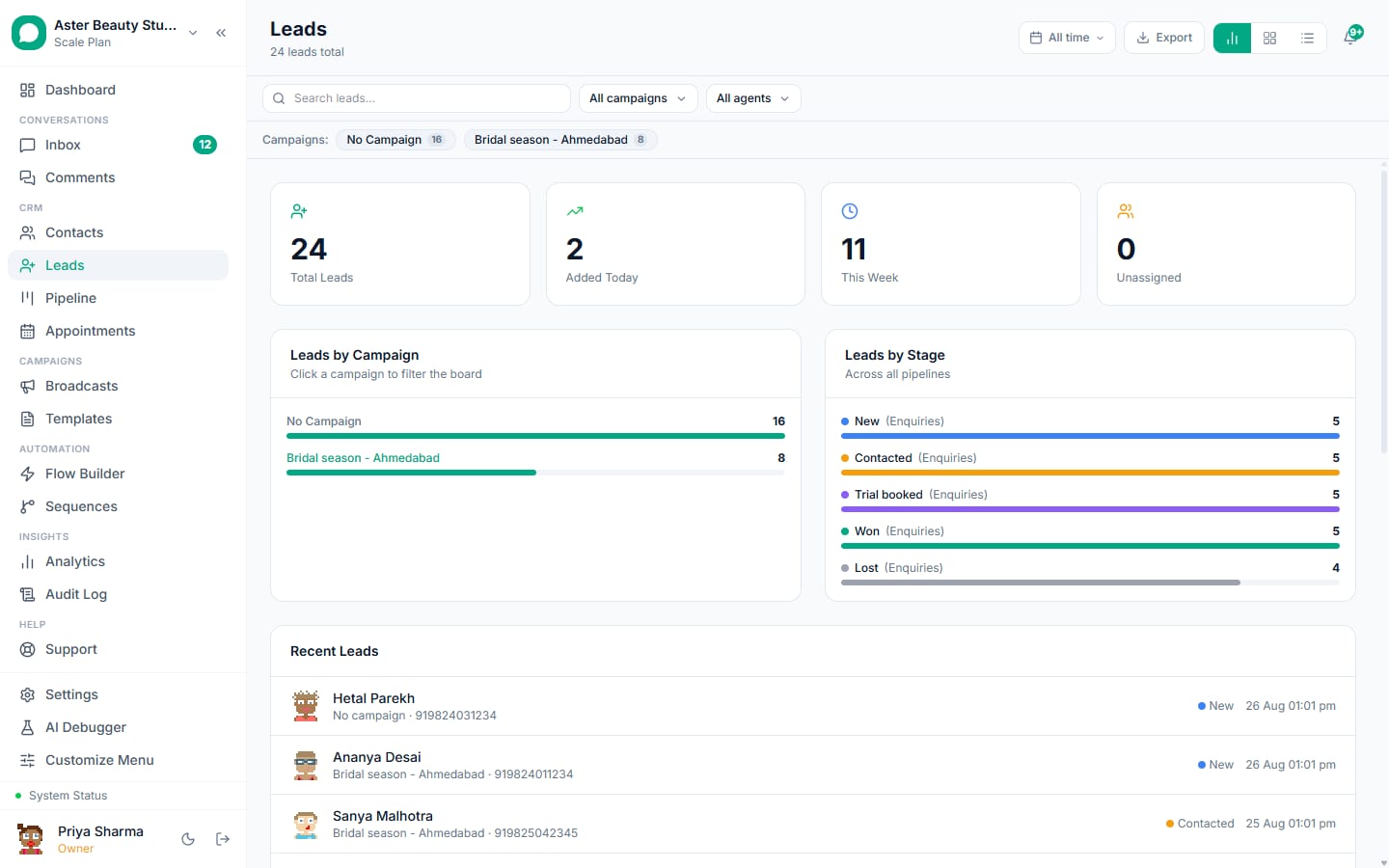
- Every submission creates or updates a lead in your pipeline, deduplicated by email
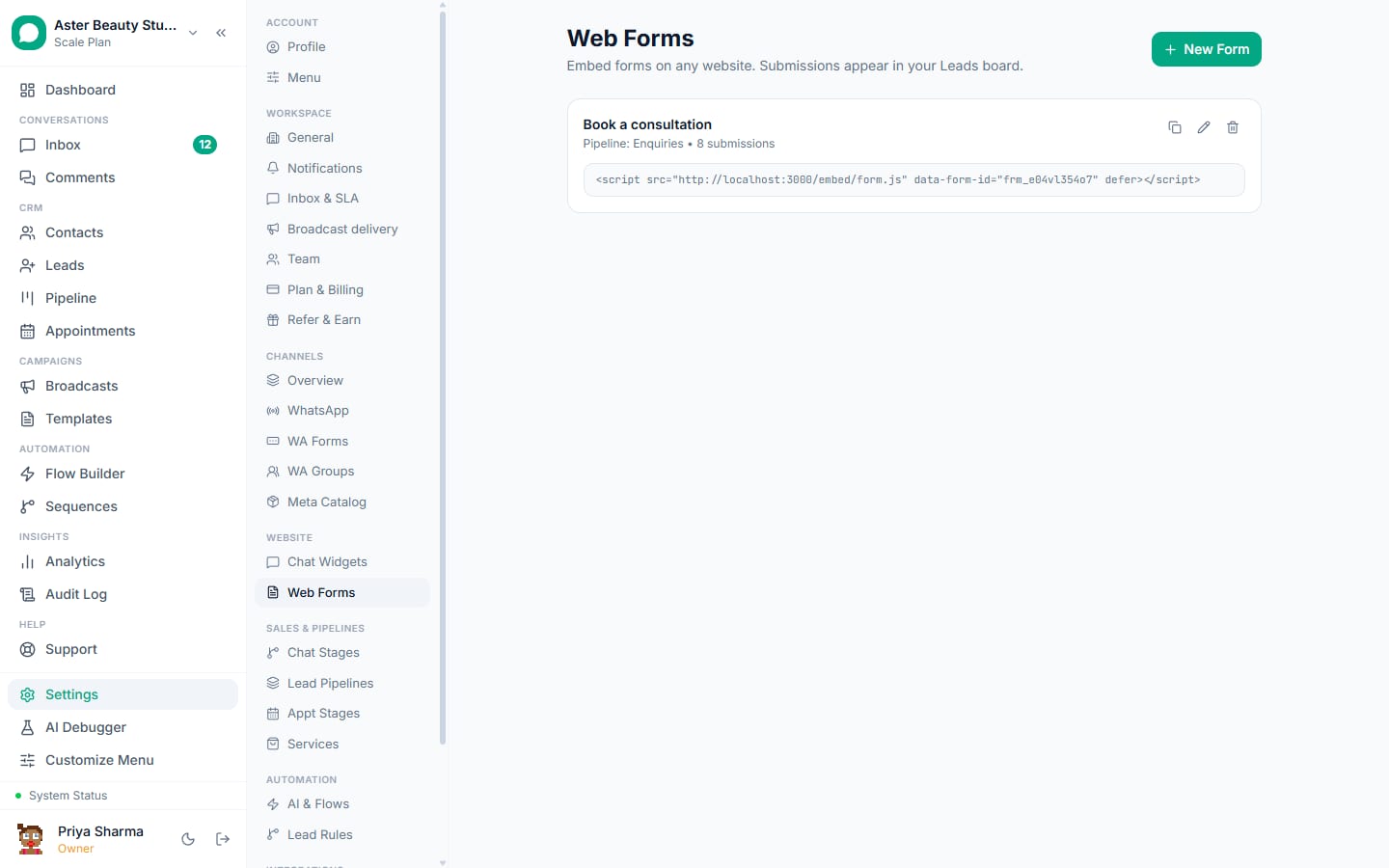
- An embed snippet drops the form onto any website; there is no separate hosted form link
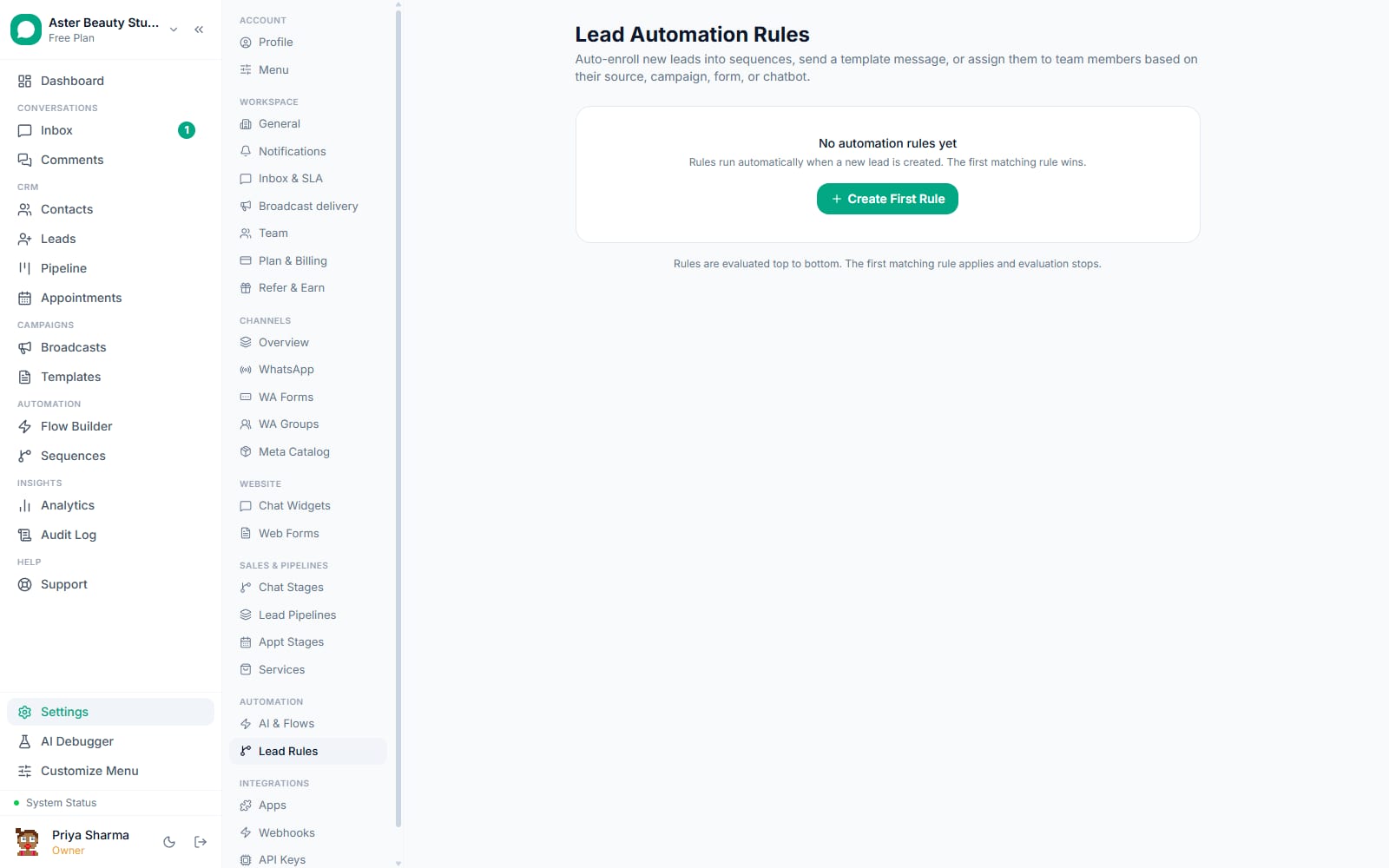
- A matching contact with a WhatsApp number can be enrolled into an automated flow the moment they submit
VGraple CRM's Forms builder lets you design a custom data-collection form, text fields, choices, pricing cards, conditional logic, across multiple pages, then embed it on any website with one script tag. Every submission creates or updates a lead in your pipeline with the answers attached, and if the person who submitted already has a WhatsApp contact record, it can trigger an automated follow-up. What changes for a business is that a form stops being a dead-end spreadsheet download: the person who filled it in is immediately a tracked lead, and your team knows within seconds instead of finding out when someone checks an inbox.
What you get
- A drag-and-drop builder with 14 field types across multiple pages, including pricing cards and a star rating
- Conditional logic that shows or hides fields based on an earlier answer
- Light, dark or fully custom theming (colours, radius, font, button text, progress bar) per form
- Lead field mapping so any text, email or phone field can populate the lead's core fields automatically
- Automatic lead creation, deduplicated against an existing lead by email, with every other answer stored as form data
- A one-line embed snippet that renders the form inline on any website
- An automated WhatsApp flow trigger for submitters who already have a WhatsApp contact record
- A submissions table with every answer per response, filterable and exportable
How it works
- Build your form. Go to Forms, click New Form, and add pages and fields from the palette, text, dropdown, pricing card, rating and more. Drag to reorder, mark any field required, and map the fields that matter (name, email, phone) to the lead record so they populate automatically.
Add conditional logic and styling. Set rules so an answer to one field shows or hides others, so a "which service?" answer only reveals the questions relevant to that service. Then pick a theme, light, dark or a fully custom palette matching your brand, and set the button text and success message.
Configure what happens on submit. Choose the pipeline a submission should create a lead in, add the email addresses that should get a notification, and set a custom thank-you message or a redirect URL. If you want an automatic WhatsApp follow-up, build a flow with a form-submission trigger tied to this form.
Copy the embed snippet. Copy the one-line script tag from the form's Embed tab, which references the form by its unique key, and paste it into your website wherever you want the form to appear.
Watch submissions arrive. Every submission appears in the form's Submissions tab as a readable table, one column per field, filterable by date, with the matching lead linked directly from the row.
How does a submission become a lead?
The moment someone submits, VGraple CRM looks for an existing lead in this org matching the submitted email. If one exists, it fills in any missing name or phone from the new submission rather than creating a duplicate; if none exists, a new lead is created in the pipeline the form is configured for, starting in that pipeline's first stage. Every field you mapped to a standard lead field (name, email, phone) is pulled onto the lead directly; every other answer, including rich answers like a pricing-card choice with its price and description, is stored as readable form data attached to that lead.
Example
A coaching institute's enrolment form asks course interest as a pricing-card choice showing each course's fee. A submission stores not just "Course B" but the full label the visitor saw, "Advanced Batch, Rs 15,000/quarter", so a counsellor calling back already knows what was quoted.
Does a submission trigger a WhatsApp message automatically?
It can, but only under a specific condition worth understanding precisely. If the phone number submitted matches an existing contact in your org, VGraple CRM fires a "form submitted" trigger that any active automation flow built for that form can act on, typically sending a WhatsApp template as an instant acknowledgement or handing the conversation to a chatbot. If no contact with that phone number exists yet, the trigger does not fire and no message is sent automatically; the submission still becomes a lead, ready for your team to reach out manually or enrol into a sequence.
Team notification works differently and does not depend on WhatsApp at all: it is an email sent to whichever addresses you configured in the form's settings, arriving within seconds with every answer laid out, including any pricing-card or dropdown choice shown as its full label rather than a raw value.
| What happens on submit | Channel | Condition |
|---|---|---|
| Lead created or updated | In-app | Always |
| Team notified | If notification emails are configured | |
| Webhook fired | HTTP | If an outbound webhook subscribes to form.submitted |
| WhatsApp follow-up to the submitter | Only if their phone matches an existing contact and a flow is built for the trigger |
How does embedding actually work, and is there a plain link?
The form does not have its own VGraple-hosted page with a shareable URL the way some form tools do. Instead, you embed it: a script tag carrying the form's unique key renders the form inline wherever that tag sits on a page. This works cleanly inside a website's existing HTML, a WordPress post, a Webflow embed block, a Shopify page, but it means there is no bare "vgraple.co.in/f/xyz"-style link to paste straight into a broadcast the way you might with some form builders. If you need a standalone link, the practical workaround is a minimal one-line HTML page hosting just the embed snippet.
What field types and layout options does the builder support?
The builder covers everything from a simple contact form to a multi-page qualification survey with pricing.
| Field type | Use |
|---|---|
| Text, paragraph | Free text, short or long |
| Email, phone, number, date | Validated inputs with the right keyboard on mobile |
| Dropdown, radio, checkbox | Standard single or multi-select |
| Card select | Clickable option cards with an icon and description |
| Pricing card | Option cards showing a price, billing period and badge |
| Rating | A star rating up to a configurable maximum |
| Heading, divider | Layout elements with no input |
Fields are organised into pages, and a form can carry more than one page with its own title and subtitle, letting a longer qualification form feel like a short conversation rather than one long scroll.
Who uses it
Coaching institutes use a multi-page enrolment form with pricing cards for each course tier, so a prospective student compares fees before submitting and a counsellor calls back already knowing their budget. See WhatsApp CRM for education.
Real-estate agencies run a property-interest form with conditional logic, asking different follow-up questions for "buying" versus "renting", so the lead that lands in the pipeline already carries the right qualification detail. See WhatsApp CRM for real estate.
D2C brands embed a warranty-registration or a pre-order interest form on a product page, with every submission becoming a lead the marketing team can enrol into a sequence. See WhatsApp CRM for D2C.
HR and recruitment agencies use forms for candidate intake, capturing role interest and experience with a rating field, feeding straight into a hiring pipeline instead of an email inbox someone has to triage. See WhatsApp CRM for HR and recruitment.
With VGraple CRM vs a generic form tool
| A generic form tool (Google Forms, Typeform) | VGraple CRM Forms | |
|---|---|---|
| Where responses live | A separate spreadsheet or dashboard | Directly on a lead in your pipeline |
| Follow-up | Manual, someone has to check | Automatic WhatsApp flow trigger for existing contacts |
| Team awareness | Check the tool or wait for a digest | Email notification within seconds of submission |
| Pricing display | Plain text options | Dedicated pricing-card field with price, period and badge |
| Branding | Limited or paid-tier only | Full theme control (colours, font, radius) on every plan |
| Duplicate handling | None | Deduplicated by email against existing leads automatically |
What Meta allows
Plans and limits
Forms are available on every plan, including Free. The builder, conditional logic, theming, embedding and the submissions table are identical at every tier, and there is no cap on the number of forms or submissions. Where a submission triggers an automated WhatsApp message through a flow, that send is metered by your plan's monthly conversation limit the same as any other outbound automation.
Recent improvements
- 2026-07-18: Lead PII, including the name, email and phone captured through a form, is now encrypted at rest with searchable shadow columns, so form-driven leads get the same encryption-at-rest protection as every other contact and lead record.
- 2026-07-15: The app-wide dropdown and settings-tab consistency sweep reached the form builder's field-type picker and page navigation, cleaning up several layout inconsistencies.
- 2026-07-13: The Zapier integration shipped with a full webhook event API, giving forms (and every other module) an outbound event path for connecting to WordPress plugins and other external tools that do not submit directly to VGraple CRM.
- 2026-06-22: Every phone-type field across the app, including form phone fields, moved to a country-code dropdown paired with a separate number field, instead of a single free-text box.