On this page
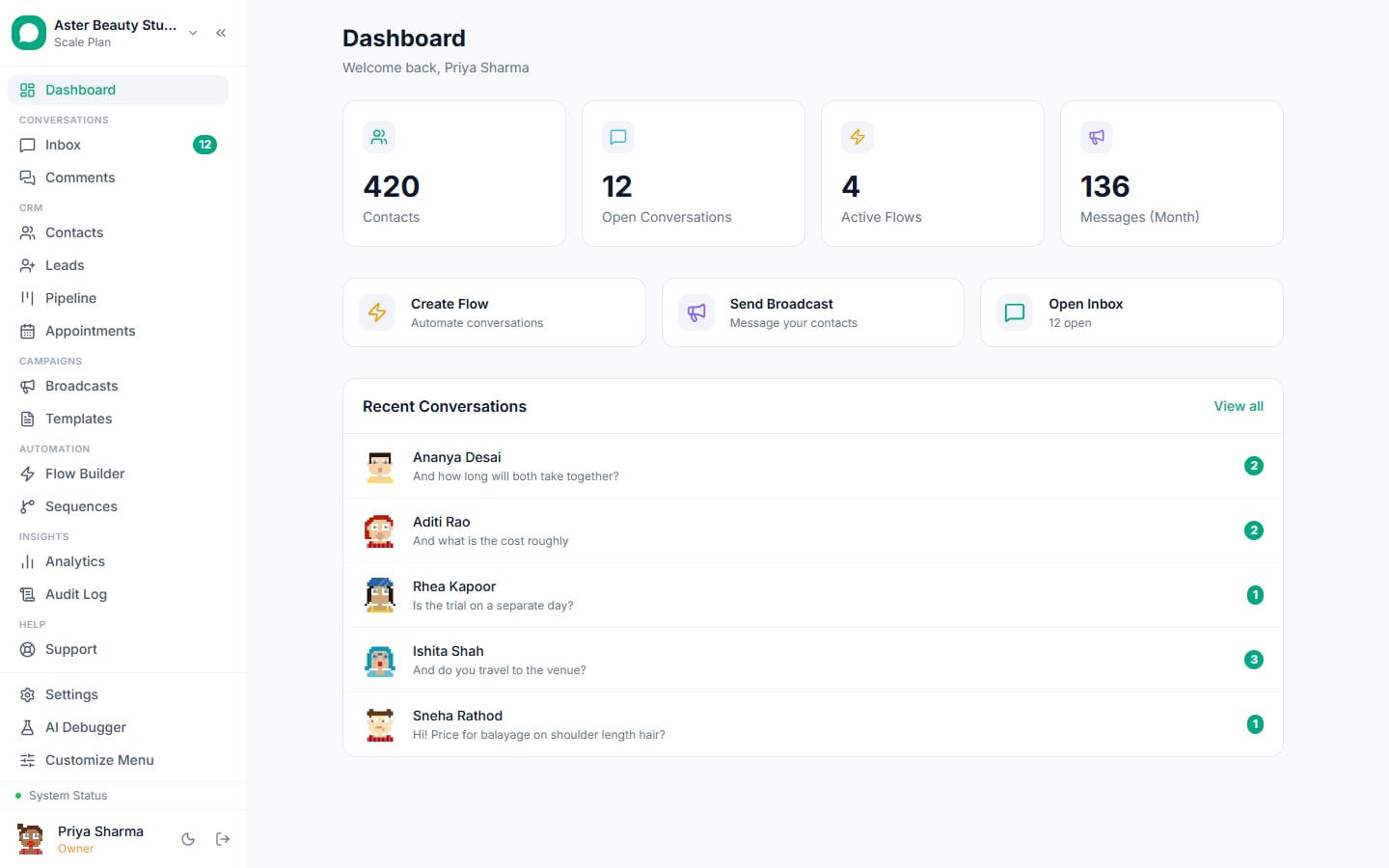
In short
- Booking, reminders, instructions, reports, check-ins and recalls as utility messages from appointment stages
- Consent at registration, clinical details out of templates, AI for logistics only, roles for departments
- Works with practice and hospital software through webhooks, Zapier and the API
Hospitals, clinics and diagnostic centres use WhatsApp for the logistics around care: booking, reminders, preparation instructions, report-ready notices, post-visit check-ins and recalls. VGraple CRM runs them as utility messages from appointment stages or from your hospital system through the API, with consent, privacy and role controls built in; the outcome is fewer no-shows, a quieter front desk and patients who know what to do next.
The problem in numbers
Healthcare providers describe the same pressures. No-shows waste clinical time that cannot be resold; the front desk spends hours on calls about reports, timings and preparation; recalls depend on the patient remembering; and any communication touching health data must respect consent and privacy. WhatsApp handles the logistics well when clinical detail stays out of templates and broadcasts, consent is collected once at registration, and every message concerns the patient's own appointment or result, which makes it a utility message at Rs 0.115 or free inside an open window.
Six things healthcare teams automate on WhatsApp
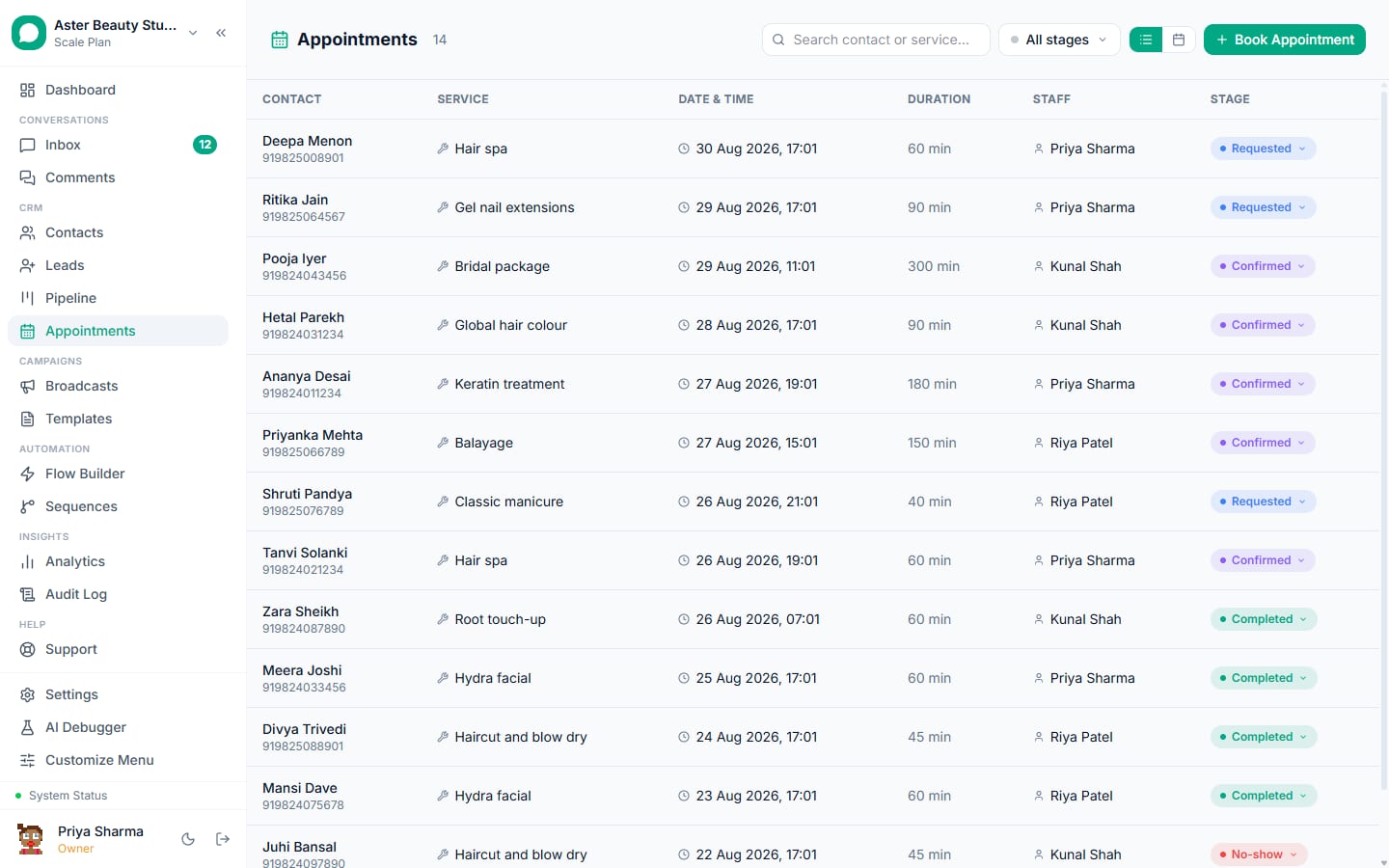
1. Booking with emergency routing
Any first message, the QR at reception or the website widget starts a flow: department or doctor, slot through a Flow form, an optional reason; emergency words route to a person with the emergency number; the appointment is created and confirmed.
clinic_appointment_confirmed (utility)
Dear {{1}}, your appointment with {{2}} is confirmed for {{3}} at {{4}}. Reply R to reschedule.
Flow builder and appointments.
2. Two reminders with a reschedule reply
24 hours and 2 hours before; reschedule replies land with the desk; a no-show sends a rebook prompt.
clinic_reminder_24h (utility)
Reminder: {{1}} with {{2}} tomorrow at {{3}}. Reply R to reschedule or C to confirm.
Appointment stage timers; the team inbox.
3. Pre-procedure instructions
At stage confirmed: fasting, medication, what to bring, with a reply for questions that goes to the nurse.
clinic_pre_procedure (utility)
Hi {{1}}, before your {{2}} on {{3}}: {{4}}. Reply with any questions.
Stage automation under automation rules.
4. Report ready, inside the patient's conversation
A utility template with a reply button; the report is sent inside the conversation the patient opens by replying; lab systems can trigger it through the API.
clinic_report_ready (utility)
Hi {{1}}, your {{2}} report is ready. Reply REPORT to receive it here or collect it at reception.
Templates and the REST API.
5. Check-ins and recalls
A check-in at day two or three routes replies to the nurse; recalls at the interval set on the service with slots as buttons.
clinic_recall (utility)
Hi {{1}}, your {{2}} check-up with {{3}} is due. Tap a slot: {{4}}.
Appointments with service intervals.
6. The AI for logistics, teams for departments
Hours, doctors, fees, insurance and directions from the knowledge base; escalation on any symptom word; reception, nurses and doctors in separate teams with role-based access and an audit log.
clinic_ai_intro (utility)
Hi {{1}}, I can help with appointments, timings, fees and directions at {{2}}. For anything medical, reply DOCTOR and a person will take over.
AI chatbot and security and roles.
Diagnostics and pharmacies
Diagnostic centres use the same stages with sample collection as the appointment (a home visit slot, a reminder with fasting instructions, a report-ready message with reply-to-receive), and pharmacies use utility messages for prescription refills due and order-ready notices, with the AI answering opening hours and stock questions. Hospitals with many departments separate them as teams with their own routing rules, so a message about a cardiology appointment reaches cardiology's desk rather than a central queue, and the audit log records every access to a patient's conversation for the compliance file.
Feature map
| Job | Feature | Plan |
|---|---|---|
| Booking and emergency routing | Flow builder, appointments | Free |
| Reminders and recalls | Appointment stage timers | Free |
| Instructions and report-ready | Automation rules, templates, API | Free |
| Department teams and roles | Security and roles, audit log, encryption | Free |
| HIS and lab integration | Webhooks, Zapier, REST API | Free |
| Reception and nursing teams | Seats | Starter to Growth |
| AI for logistics | AI chatbot | Growth Rs 3,499 |
What it costs
A multi-doctor clinic with 900 appointments a month: confirmation, two reminders and a check-in or report message each (3,600 utility, Rs 414); 150 recalls (Rs 17); enquiries free. Meta's total is about Rs 430 a month; VGraple CRM is Free for a single reception seat, Rs 1,499 on Starter for a small team and Rs 3,499 on Growth with the AI and more seats.
A 30-day rollout plan
Week 1. Connect the number; add the consent line to registration; submit the templates; set services, stages and timers; connect the HIS through webhooks or the API if used.
Week 2. Booking flow from the QR and widget; confirmations and reminders on.
Week 3. Instructions and report-ready messages; teams and roles; AI for logistics.
Week 4. Recalls; review no-shows, reschedules and escalations; the Android app for on-call staff.
Getting the number ready
Most healthcare businesses already run WhatsApp on the owner's phone, so the first decision is how to connect: coexistence keeps the WhatsApp Business app working on that phone while the team uses the inbox, with up to six months of history imported; an API-only connection suits a new number for the team. Either way, Embedded Signup takes a few minutes, the display name is reviewed by Meta, and business verification in Meta Business Manager lifts the marketing limit from 250 unique recipients a day to 1,000 and beyond. Submit the templates on day one; most are approved within the hour, and the template library has an industry collection ready to submit.
Consent, privacy and the rules that apply
A customer who messages first has consented to service replies and to utility messages about that transaction; marketing needs an explicit yes, recorded with source and date, and an opt-out on every marketing template. VGraple CRM records consent automatically from inbound messages, YES replies, forms, ads and imports, suppresses opted-out and blocked contacts before every send, honours STOP and Meta's app-level opt-out at once, and keeps marketing to United States numbers paused as Meta requires. Personal fields are encrypted at rest, access is by role and team, and the audit log records exports and deletions, which covers India's DPDP Act and GDPR for healthcare data in practice. The opt-in rules guide has the detail.
For clinics the number that matters most is the no-show rate by doctor, followed by reschedule replies handled within the hour and recall replies within a fortnight of the message.
Numbers to watch each week
First-response time on new conversations (minutes, not hours); the share of enquiries that reach the step that matters for healthcare (a booking, a visit, an order, an enrolment); utility messages sent and how many were free inside open windows; replies to the last marketing send; and blocks on it, which should stay under 0.2 percent. The Analytics page shows them per agent and per campaign on Starter and above; the channel page shows the quality rating and tier, which the blocks feed. A yellow rating is the signal to tighten the segment before the next send, not after.
Common mistakes
- Clinical details in a template or a broadcast.
- Reminders without a reschedule reply.
- The AI answering symptoms.
- Camps sent to patients who consented only to appointment messages.
- Everyone seeing every conversation.
Why VGraple CRM for healthcare
Appointments with stages and timers, Flow forms for booking, utility templates with a validator, the AI with escalation rules, teams and roles with encryption and an audit log, HIS integration through the API, and the shared inbox with the Android app are on every plan; Growth adds the AI. The healthcare playbook and the clinics and dental page go deeper.