On this page
- What you get
- How it works
- What is native, and what opens through the bridge?
- How does the offline-first inbox actually work?
- How do push notifications behave, and why data-only?
- How do over-the-air updates work?
- How does session security differ from the web app?
- What Android permissions does the app actually request?
- With VGraple CRM's app vs a browser tab on your phone
- Who uses it
- What Meta allows
- Plans and limits
- Recent improvements
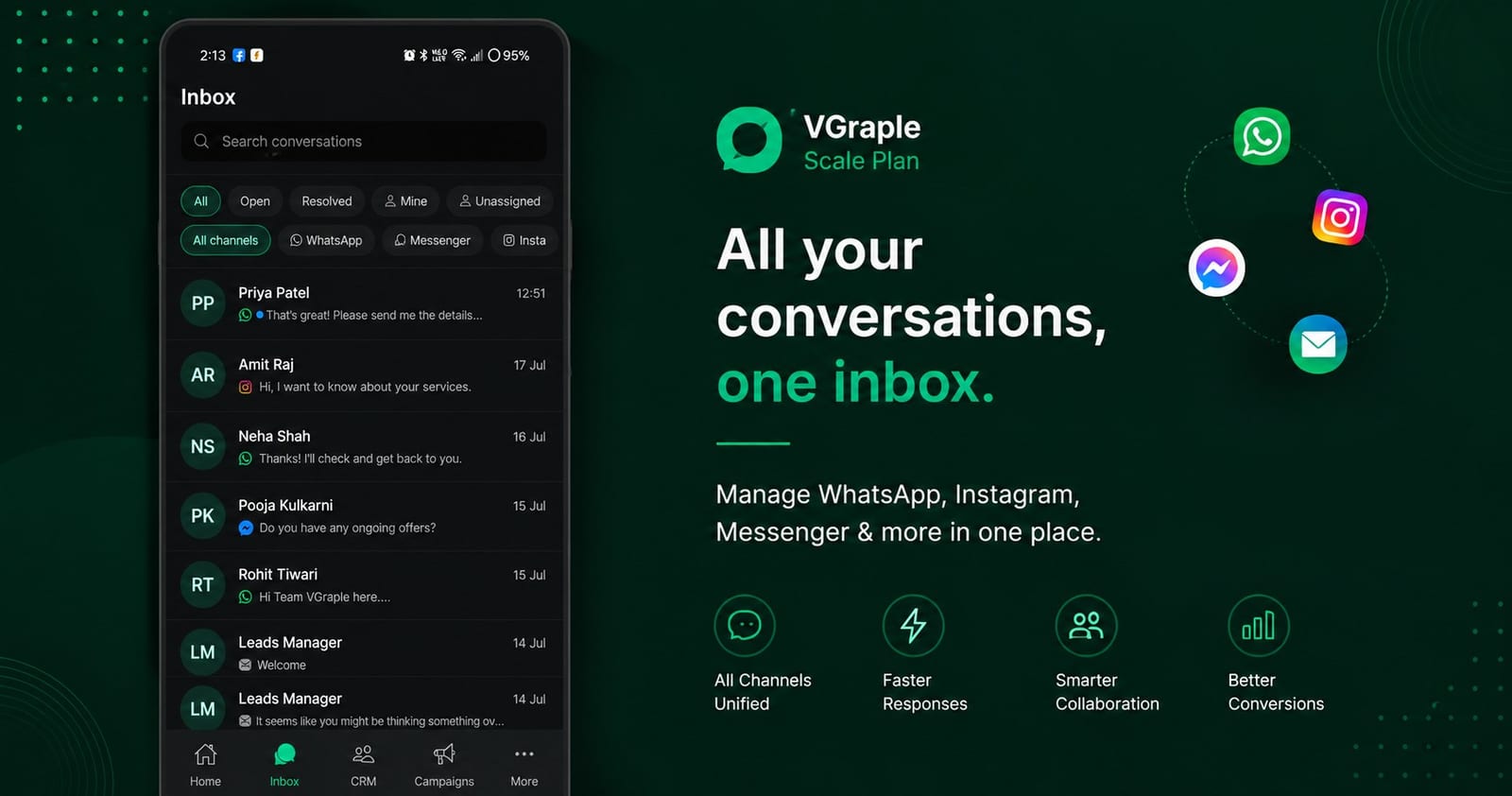
In short
- Inbox, CRM (leads and pipeline), Campaigns and a native More menu, live on the Play Store as VGraple CRM
- An offline-first SQLite mirror of your recent conversations means the inbox renders instantly, even before the network responds
- Push notifications are data-only (FCM) rendered through Notifee, with separate channels for messages and system alerts
- Builders and billing (Flow Builder, most of Settings, Plan checkout) open through a secure in-app bridge into the same web app, not a separate native rebuild
The VGraple CRM Android app puts the shared inbox, the leads pipeline, appointment bookings and campaign reporting on your phone, live on the Play Store, with an offline-first local cache so recent conversations open instantly and push notifications that behave the way WhatsApp's own app does. What changes for a business is that an owner or a floor agent is not chained to a desktop to answer a customer or check whether yesterday's broadcast actually landed; the parts of the job that happen in the moment, replying, checking a lead, confirming a booking, work from a phone in your pocket.
What you get
- Four bottom tabs: Home, Inbox, CRM, Campaigns, plus a More menu for everything else
- An offline-first SQLite mirror of your 500 most recent conversations and their last 500 messages each, so the inbox renders instantly
- Data-only FCM push notifications rendered by Notifee, with separate channels for messages and system alerts
- Native screens for Appointments, Comments, Forms, WhatsApp Groups, Catalog, Automations (pause/resume), Audit and Support
- A secure in-app bridge that opens the Flow Builder, most of Settings, and billing checkout inside the same authenticated web app
- Over-the-air JavaScript updates that apply on next launch, without a Play Store review for non-native changes
How it works
- Install from the Play Store. Search "VGraple CRM" or use the direct listing. The app requires Android 7.0 (API 24) or above and logs in with the same account you use on the web.
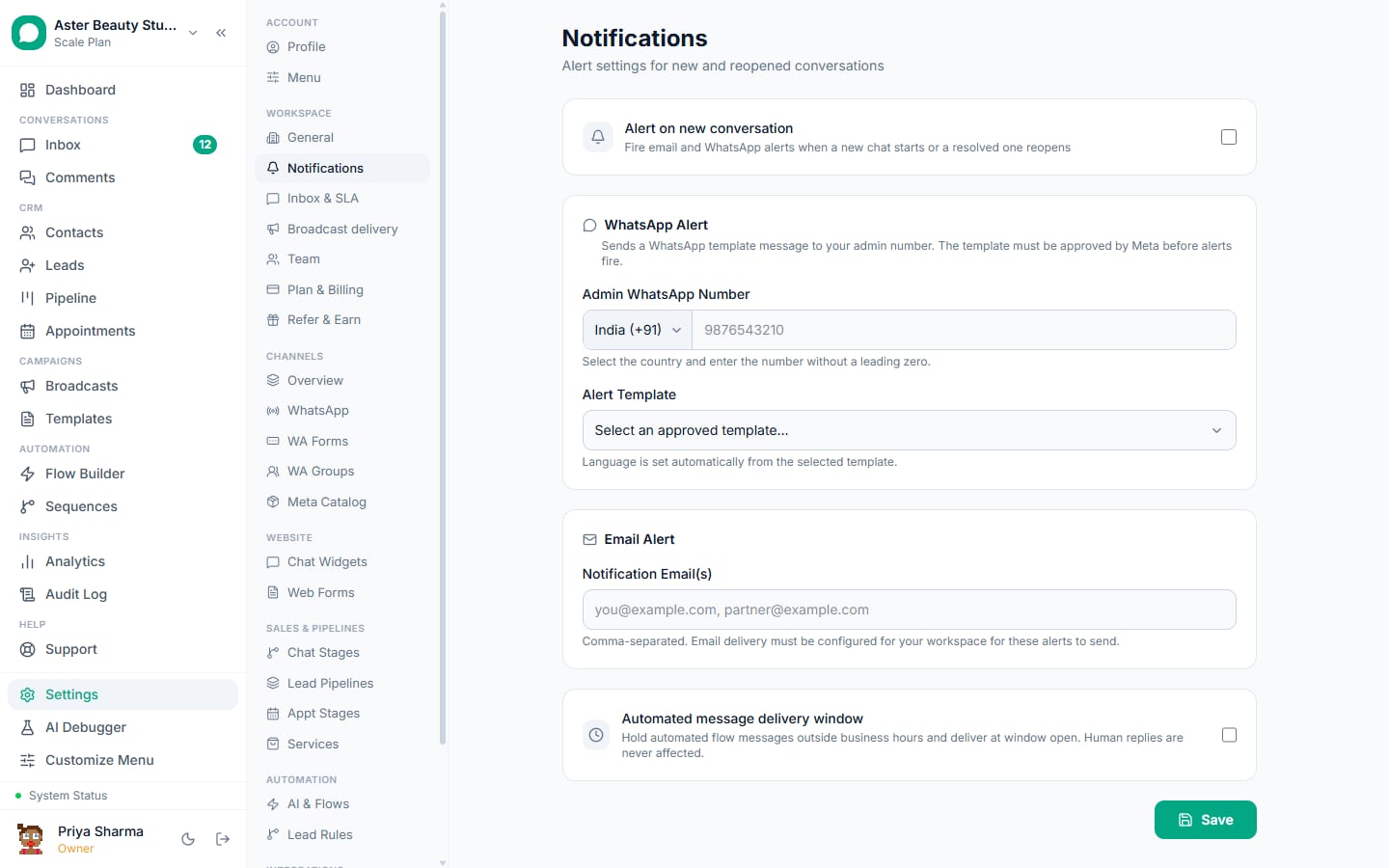
Land on the Inbox, CRM, or Campaigns tab. The Inbox tab lists conversations across every connected channel; the CRM tab shows your leads pipeline as a mobile-friendly board; Campaigns shows broadcast reports with delivery funnels.
Open a conversation for an instant, cached view. A conversation you have opened before renders from the local SQLite mirror the moment you tap it, then reconciles with the server in the background; a brand-new conversation loads over the network as normal.
Reply, and the message sends through the same tracked path as the web app. Sending, resolving, assigning, tagging and internal notes all work the same way as the web inbox; nothing about how a message is recorded or delivered changes because it came from the app.
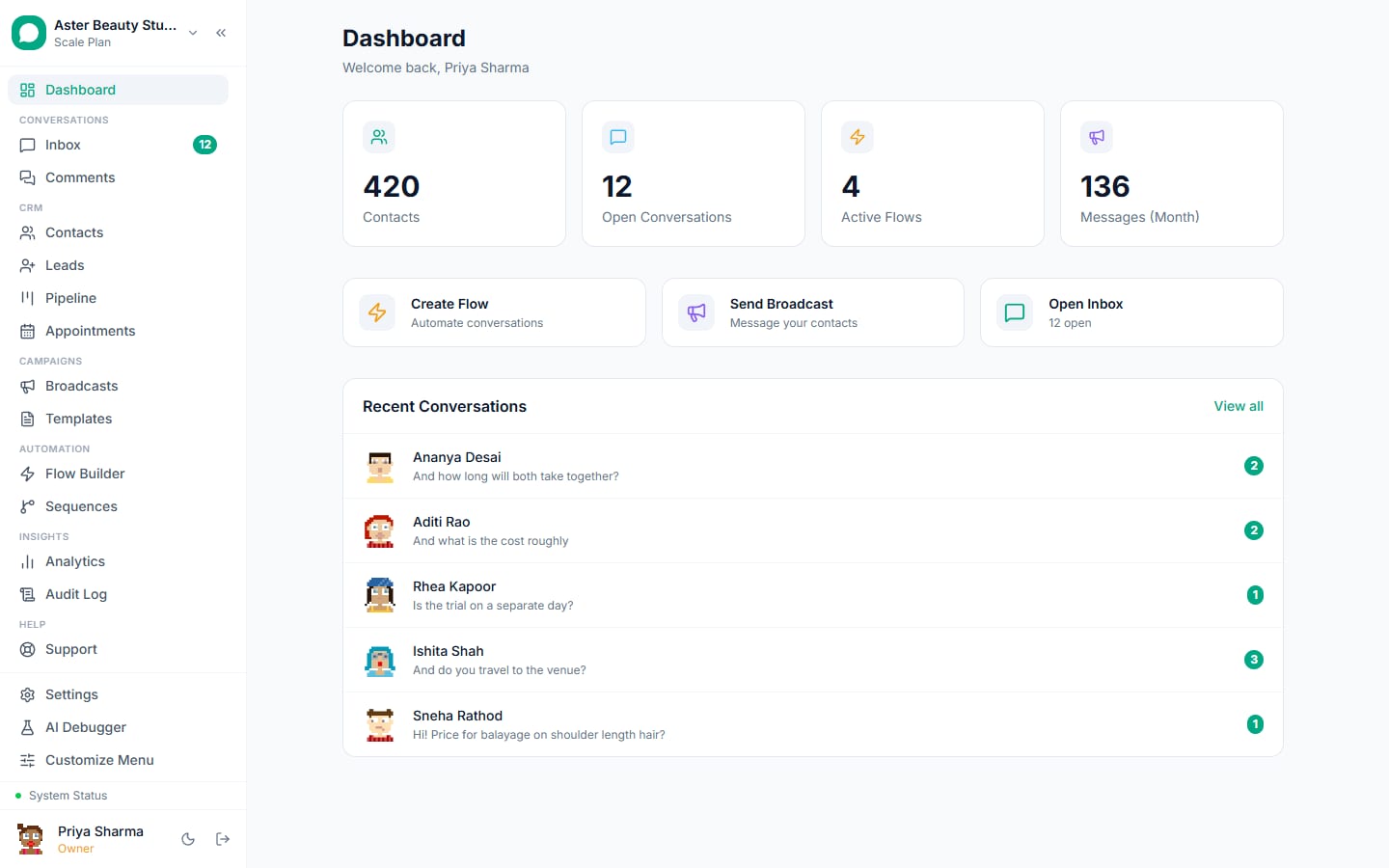
Open More for everything else. Appointments, Comments, Forms, WhatsApp Groups, Automations, Catalog, Settings, Plan and billing, Audit and Support all live here, grouped by whether they are day-to-day tools or account-level configuration.
Tapping Flows, most of Settings, or Plan and billing opens the real web app. Rather than a separate native rebuild, the app hands off a one-time secure token to open the exact same page you would see on the web, inside an in-app browser (Flows, most Settings pages) or the system browser (billing checkout), fully logged in, with no second login step.
What is native, and what opens through the bridge?
The app draws a deliberate line: things you do quickly and often are native screens; things you build, configure once, or pay for stay on the web page that is already built for them, opened securely from inside the app.
| Area | Native screen | Opens via bridge |
|---|---|---|
| Inbox, CRM, Campaigns | Yes | |
| Appointments, Comments, Forms, WhatsApp Groups, Catalog | Yes | |
| Automations | Yes (pause/resume only) | |
| Audit log, Support desk, Org switcher | Yes | |
| Settings: profile, team, channels, notifications | Yes | |
| Flow Builder canvas | Yes, in-app browser | |
| Settings: WA Flows, webhooks, API keys, most integrations | Yes, in-app browser | |
| Plan and billing checkout | Yes, system browser | |
| WhatsApp connect (Embedded Signup), Meta Pages/Instagram connect | Yes, system browser |
The bridge itself is not a generic webview pointed at the site; a server-side endpoint mints a short-lived, single-use token tied to your existing app session, the app exchanges it for a fresh web session cookie scoped to exactly one allowed page, and the in-app browser is locked to the CRM's own domain so nothing else can load inside it.
Example
Tapping "Flows" opens the Flow Builder canvas exactly as it looks on a desktop browser, drag-and-drop nodes and all, inside the app, because rebuilding a drag-and-drop canvas as a second native implementation would mean maintaining two flow builders that could drift apart.
How does the offline-first inbox actually work?
Every successful network response, an initial load, a page of older messages, a realtime push, gets mirrored into a local SQLite database on the device, not as a source of truth but as a fast, bounded cache: the newest 500 conversations and the newest 500 messages per conversation. The inbox and chat screens read from this local mirror first, so opening a conversation you looked at recently is instant, then the screen reconciles with whatever the network returns.
This is the same model messaging apps like Telegram and Signal use: the server owns the full history, and the local database exists to make the screens you actually look at feel instant, not to replicate your entire account onto the device. Scrolling past the cached window for an old conversation pages in older messages from the API the same way it would if there were no local cache at all.
How do push notifications behave, and why data-only?
Notifications arrive as FCM data-only payloads (no top-level notification field), which forces every message to invoke the app's background handler regardless of whether the app is open, backgrounded, or fully closed, and lets the app control the notification's layout and behaviour precisely instead of relying on whatever the operating system does with a generic push. Two channels exist on Android: Messages, for new conversation activity, and System Alerts, for account-level issues like an expired channel token or a failing background job.
The app mirrors WhatsApp's own notification discipline: a conversation you have open on screen never raises a notification for a new message in it, and any pending notification for a conversation clears the instant you open that chat, including the case where a message arrived while the app was backgrounded on that exact chat and you return to it without it re-registering focus.
How do over-the-air updates work?
Most releases are JavaScript-only changes, a UI fix, a new screen, an adjusted flow, and ship through Expo's update service rather than a full Play Store release. The app checks for an update on launch and applies it automatically, so a fix can reach every installed device within a normal usage cycle without waiting on Play Store review turnaround. A change that touches native code, a new permission, a new native module, a Gradle or Android manifest change, still requires a full version bump and a new Play Store release, since that is the boundary Expo's own update model draws.
How does session security differ from the web app?
The app authenticates with a bearer token rather than a browser cookie, and its session policy is tuned for a device rather than a browser tab: it does not enforce the web app's 24-hour inactivity timeout, since the phone's own lock screen and secure keystore are the trusted factor and a messaging app on your phone is expected to stay signed in across normal idle gaps. Instead, a bearer session has a 30-day rolling lifetime that extends every time the app is actively used, and expires on its own if the device goes 30 days without a request, the same expectation WhatsApp, Gmail or Slack's own mobile apps set.
Note
Two-factor authentication, when enabled on your account, still applies to the app the same way it applies on the web; the app's longer idle tolerance covers routine day-to-day use, not the login step itself.
What Android permissions does the app actually request?
Three: notifications (so a new message or alert can be shown), vibrate (for the notification's haptic buzz), and receive-boot-completed (so a scheduled reminder or pending notification survives the phone restarting). Just as deliberate is what the app blocks itself from requesting: photo and video media access, the system-alert-window overlay permission, and Google's advertising ID, none of which the app has a legitimate reason to ask for, so it declares them explicitly blocked rather than leaving the door open for a future dependency to request them unnoticed.
Example
A salon owner installing the app for the first time sees only a notification permission prompt, not a request to access their phone's photo gallery or contacts, because the app never needs blanket media access; sending an image in a chat uses a scoped, one-time file picker instead.
With VGraple CRM's app vs a browser tab on your phone
| A mobile browser tab | VGraple CRM Android app | |
|---|---|---|
| Opening a recent conversation | Full network round trip every time | Instant from the local SQLite mirror, then reconciles |
| Notifications | Browser push, if enabled at all | Data-only FCM through Notifee, WhatsApp-style focus behaviour |
| Session length | Standard web session policy | 30-day rolling bearer session tuned for a device |
| Getting fixes | Reload the page | Automatic over-the-air updates on launch |
| Builders and billing | Same page, full functionality | Opens the identical page through a secure bridge, no separate login |
Who uses it
Salons and spas have the owner check the CRM tab between clients to confirm a new lead was assigned, without sitting at the front-desk computer. See WhatsApp CRM for salons.
Real-estate agencies have field agents reply to buyer questions from the Inbox tab while showing a property, with the same conversation history and template access as the desk-bound team. See WhatsApp CRM for real estate.
Clinics use the Appointments screen to confirm same-day reschedule requests from a phone at the reception desk without a dedicated workstation. See WhatsApp CRM for clinics.
Coaching institutes have counsellors check the Campaigns tab after a promotional broadcast to see delivery and reply numbers before their next parent call. See WhatsApp CRM for coaching institutes.
What Meta allows
The app has no separate WhatsApp connection of its own; every send, whether typed on a phone or a desktop, goes through your organisation's one WhatsApp Business Account and is paced, tracked and logged by the same server-side systems described on the broadcasts and delivery protection pages.
Plans and limits
The app is free to install and uses your organisation's existing plan: the same agent seat count, contact limit and feature gate (Analytics from Starter) apply whether a team member signs in from the app or the web. There is no separate mobile-only pricing tier or app-specific limit.
Recent improvements
- 2026-08-20: Inbox message formats (reactions, quoted replies, voice notes, stickers, locations, contact cards) reached full parity with the web inbox, so a message type an agent sees on desktop renders correctly on the app.
- 2026-08-13/14: The realtime sync layer was rebuilt around a single funnel that turns server-sent events into both the React Query cache and the SQLite mirror, closing gaps where a push event could update one but not the other.
- 2026-07-18: A round of mobile UI and UX fixes addressed accent-colour and layout nuances found in a full audit of every native screen.
- 2026-07-17: Turnstile bot-verification support was added to the app's login and OAuth bridge flows, matching the protection already in place on the web login.