On this page
In short
- One login switches between client organisations; each client owns its WhatsApp Business Account and its data
- Campaigns with consent, delivery protection and per-client reporting; click-to-WhatsApp ads with the Conversions API
- Flat plans per client with Meta billing the client directly, no markup to pass on or explain
Marketing agencies use WhatsApp for clients the way they use ads: campaigns, automation, reporting and the funnel from ad to conversation to sale. VGraple CRM gives an agency one login across client organisations, each owning its own WhatsApp Business Account and data, with campaigns protected by consent and delivery rules, ads attributed through the Conversions API, and reports per client; the outcome is WhatsApp as a service line the agency can run at scale without owning the client's number or marking up Meta's charges.
The problem in numbers
Agencies that add WhatsApp to their services hit three problems. Ownership: if the agency holds the client's WhatsApp Business Account, the client cannot leave without a migration and the agency carries the policy risk. Billing: BSP-model tools re-bill Meta's charges with a markup the agency has to explain. Safety: a campaign that draws blocks damages the client's number, and the client blames the agency. The answer is a Tech Provider model where the client owns the account and Meta bills them, flat software plans per client, delivery protection that keeps campaigns inside Meta's rules, and reporting that ties WhatsApp to ad spend.
Six things agency teams automate on WhatsApp
1. One login, many clients
Each client is an organisation; agency staff are Admins in each and switch between them from the organisation switcher; roles keep client staff to their own inbox while the agency runs campaigns and automation.
agency_client_onboarding (utility)
Hi {{1}}, your WhatsApp workspace at {{2}} is ready. Your team can sign in at {{3}}; we will run the first campaign on {{4}}.
Organisation switching and security and roles.
2. Client-owned accounts through Embedded Signup
The client's Business Portfolio and WABA are connected through Embedded Signup with the client's admin present; coexistence keeps the client's phone working; the agency never holds the account.
agency_connect_request (utility)
Hi {{1}}, to connect your WhatsApp number we need a 10-minute call with your Facebook admin. Reply with a time that suits you.
Embedded Signup and coexistence.
3. Campaigns with delivery protection
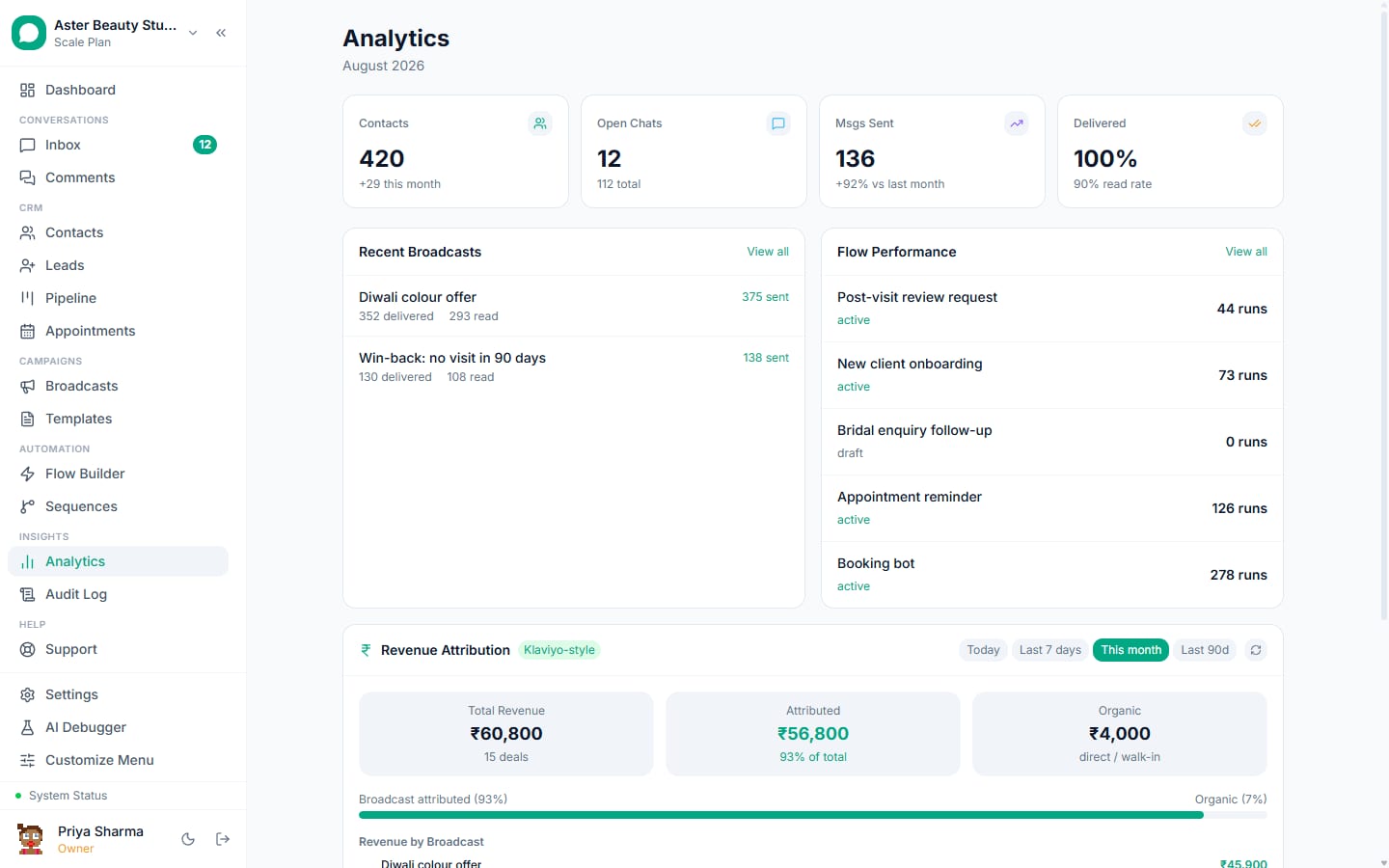
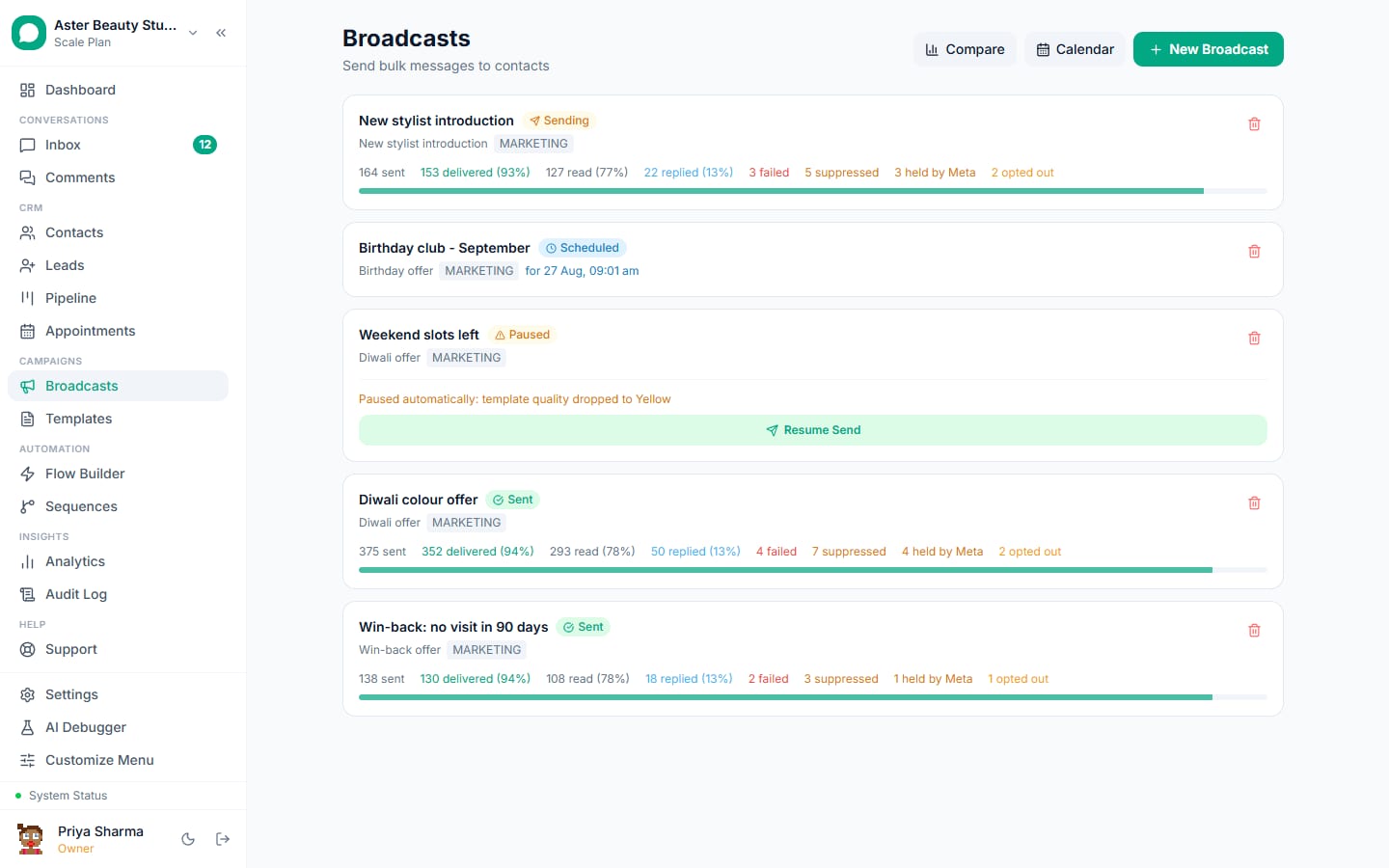
Consent per contact, segments by engagement, cost previews, pacing, holds for Meta limits and caps, retargeting cohorts and A/B tests; the report shows replies, clicks and blocks per campaign for the client's monthly review.
agency_campaign (marketing)
Hi {{1}}, {{2}} has something new this month: {{3}}. Reply YES for details or STOP to opt out.
Broadcasts and delivery protection.
4. Ads attributed end to end
Click-to-WhatsApp ads and Lead Ads capture the ad and campaign IDs on every lead; leads and purchases go back to the client's Ads Manager through the Conversions API; revenue by ad appears in the client's report.
agency_ad_welcome (session, free)
Hi {{1}}, thanks for reaching out to {{2}}. Tap an option and we will take it from there.
Click-to-WhatsApp ads, Lead Ads, revenue tracking.
5. Automation the client keeps
Flows, sequences and AI built by the agency live in the client's organisation; the client's staff answer the inbox; the agency reviews fallbacks and knowledge base gaps monthly.
agency_flow_handover (utility)
Hi {{1}}, your welcome flow and the follow-up sequence are live. Reply if you would like changes; we review the results with you on {{2}}.
Flow builder, sequences, AI chatbot.
6. Reporting per client
Analytics per organisation: conversations, response times, campaigns, sources and revenue, exportable as CSV; the audit log shows who did what for the client's records.
agency_monthly_report (utility)
Hi {{1}}, your WhatsApp report for {{2}} is attached: {{3}} conversations, {{4}} leads, {{5}} in attributed revenue. Reply to book the review call.
Analytics and exports.
Feature map
| Job | Feature | Plan |
|---|---|---|
| Organisation switching and roles | Security and roles | Free |
| Client-owned connection | Embedded Signup, coexistence | Free |
| Campaigns with delivery protection | Broadcasts | Free within Meta limits |
| Ads attribution | Click-to-WhatsApp ads, Lead Ads, Conversions API | Free |
| Automation and AI per client | Flow builder, sequences, AI chatbot | Free; AI on Growth |
| Reporting per client | Analytics | Starter and above |
| Client plans | Seats, contacts, conversations | Rs 0 to Rs 7,999 per client |
What it costs
Each client organisation has its own plan and its own Meta bill: a retailer client on Growth (Rs 3,499) sending 10,000 marketing messages a month pays Meta Rs 8,631 directly; a clinic client on Starter (Rs 1,499) pays Meta a few hundred rupees for reminders. The agency pays nothing for its own access across clients and adds its service fee separately, with no markup on messages to reconcile; referral credits (INR 500 per client that upgrades) reduce the agency's own organisation's fees if it runs one.
A 30-day rollout plan
Week 1. Create the client's organisation; connect the client-owned number with their admin present; submit templates; import consenting contacts.
Week 2. Welcome flow and follow-up sequence; the client's staff on the inbox with roles; ads connected with the Conversions API.
Week 3. First campaign to consenting contacts with a retarget; the AI where the plan allows.
Week 4. Monthly report from analytics; review blocks, replies, revenue by ad; plan the next month.
Getting the number ready
Most agency businesses already run WhatsApp on the owner's phone, so the first decision is how to connect: coexistence keeps the WhatsApp Business app working on that phone while the team uses the inbox, with up to six months of history imported; an API-only connection suits a new number for the team. Either way, Embedded Signup takes a few minutes, the display name is reviewed by Meta, and business verification in Meta Business Manager lifts the marketing limit from 250 unique recipients a day to 1,000 and beyond. Submit the templates on day one; most are approved within the hour, and the template library has an industry collection ready to submit.
Consent, privacy and the rules that apply
A customer who messages first has consented to service replies and to utility messages about that transaction; marketing needs an explicit yes, recorded with source and date, and an opt-out on every marketing template. VGraple CRM records consent automatically from inbound messages, YES replies, forms, ads and imports, suppresses opted-out and blocked contacts before every send, honours STOP and Meta's app-level opt-out at once, and keeps marketing to United States numbers paused as Meta requires. Personal fields are encrypted at rest, access is by role and team, and the audit log records exports and deletions, which covers India's DPDP Act and GDPR for agency data in practice. The opt-in rules guide has the detail.
Numbers to watch each week
First-response time on new conversations (minutes, not hours); the share of enquiries that reach the step that matters for agency (a booking, a visit, an order, an enrolment); utility messages sent and how many were free inside open windows; replies to the last marketing send; and blocks on it, which should stay under 0.2 percent. The Analytics page shows them per agent and per campaign on Starter and above; the channel page shows the quality rating and tier, which the blocks feed. A yellow rating is the signal to tighten the segment before the next send, not after.
Common mistakes
- Holding the client's WhatsApp Business Account under the agency's portfolio.
- Marking up Meta's charges; clients find out.
- Campaigns to the client's whole list without consent.
- Agency staff replying in the client's inbox without a role plan.
- No monthly report; the campaign that cannot be shown did not happen.
Why VGraple CRM for agency
Organisation switching, roles, client-owned connections through Embedded Signup and coexistence, broadcasts with consent and delivery protection, ad attribution with the Conversions API, flows, sequences and AI per client, and analytics per organisation are on every plan; each client picks the plan that fits. The referral programme and the Tech Provider explanation cover the commercial side.