On this page
- What you get
- How it works
- How does enrollment resolve a lead's phone number to a WhatsApp contact?
- Does a sequence stop when the contact replies?
- How are text and template steps different inside a sequence?
- How does the Enrollments view help me manage a running sequence?
- With VGraple CRM vs a spreadsheet-and-reminders follow-up
- Who uses it
- What Meta allows
- Plans and limits
- Recent improvements
In short
- A sequence is a timed chain of WhatsApp text and template steps with a Delay in between, enrolled manually by stage or source, or automatically from an automation rule
- Contact resolution handles phones without a country code and defers enrollment until a chatbot or Calendly lead first messages on WhatsApp
- STOP cancels a sequence mid-run at any step; a plain reply does not, since a reply is not the same signal as an opt-out
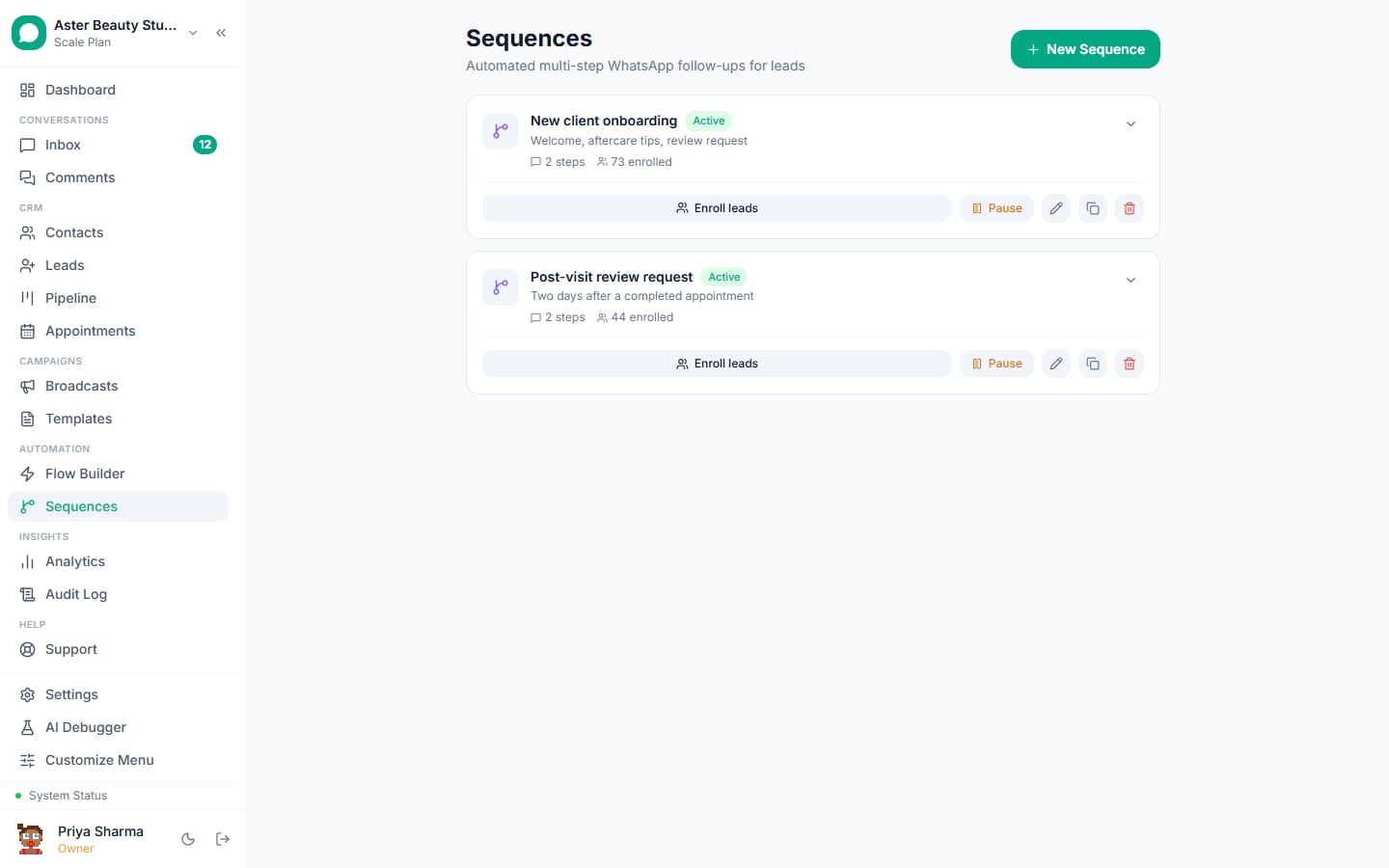
A WhatsApp drip sequence sends a lead or contact a series of pre-written messages, spaced out over time, without anyone on your team clicking send for each one: a welcome message on day zero, a value-add follow-up on day two, a nudge with a call-to-action on day five. VGraple CRM's sequence builder is a simplified layer over the same flow engine described on the flow builder page, so every sequence you build is a real chain of Delay and message nodes, with all the same window and consent protections.
What you get
- A linear step editor: add a text or template step, set the wait before it fires (hours to days), repeat
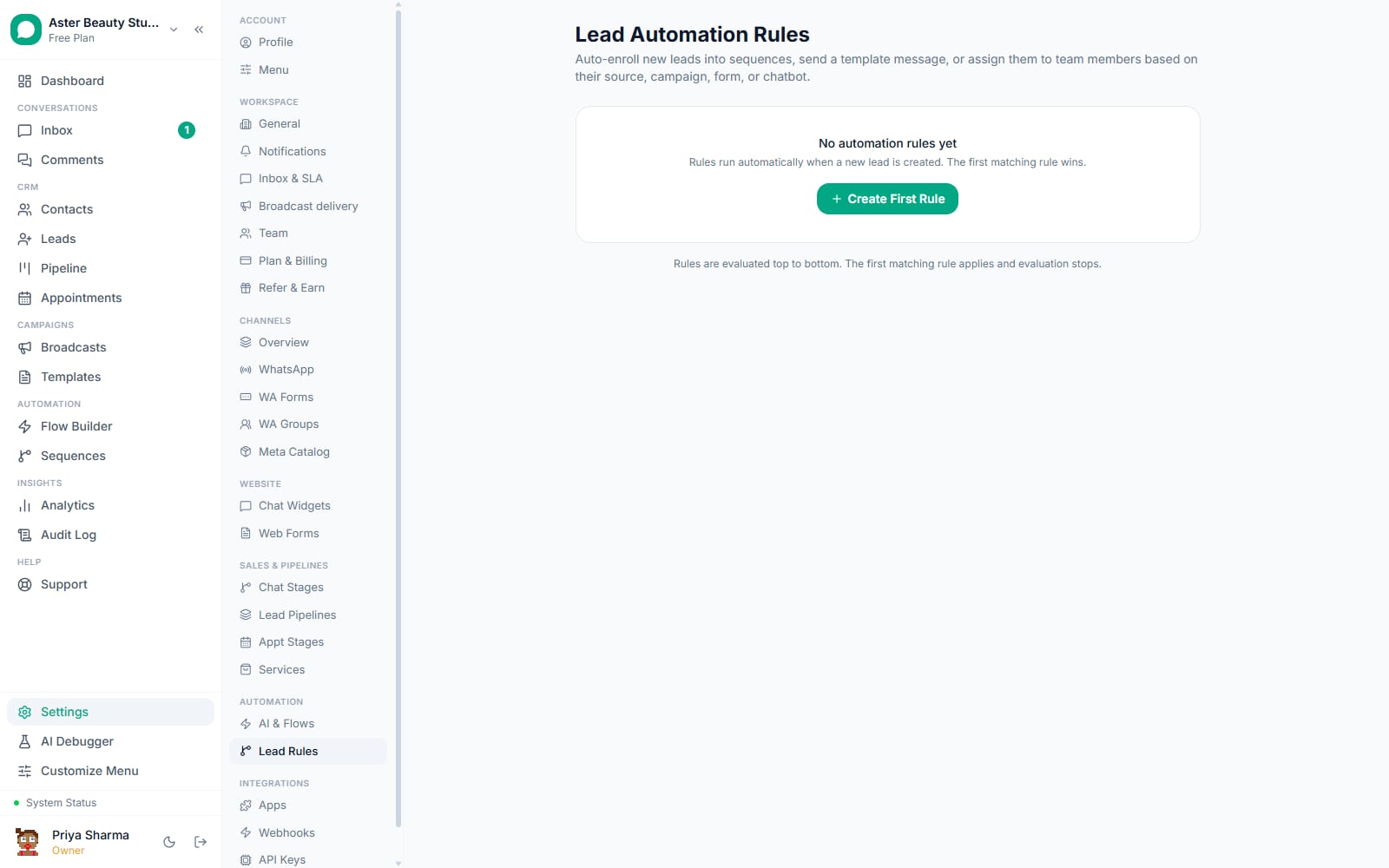
- Two enrollment paths: a manual Enroll Leads action by pipeline stage or lead source, or automatic enrollment from a lead automation rule
- Phone resolution that handles numbers typed without a country code and defers enrollment for leads with no WhatsApp contact yet
- STOP handling enforced at every step of a running sequence, not only when someone enrolls
- An Enrollments view showing every contact's status and step progress
- One-click duplication to spin off a variant of an existing sequence
How it works
- Create the sequence and add your first step. From the Sequences page, start a new sequence and write your first message as a text step or select an approved template. Text steps support free-form writing; template steps require a Meta-approved template name and language.
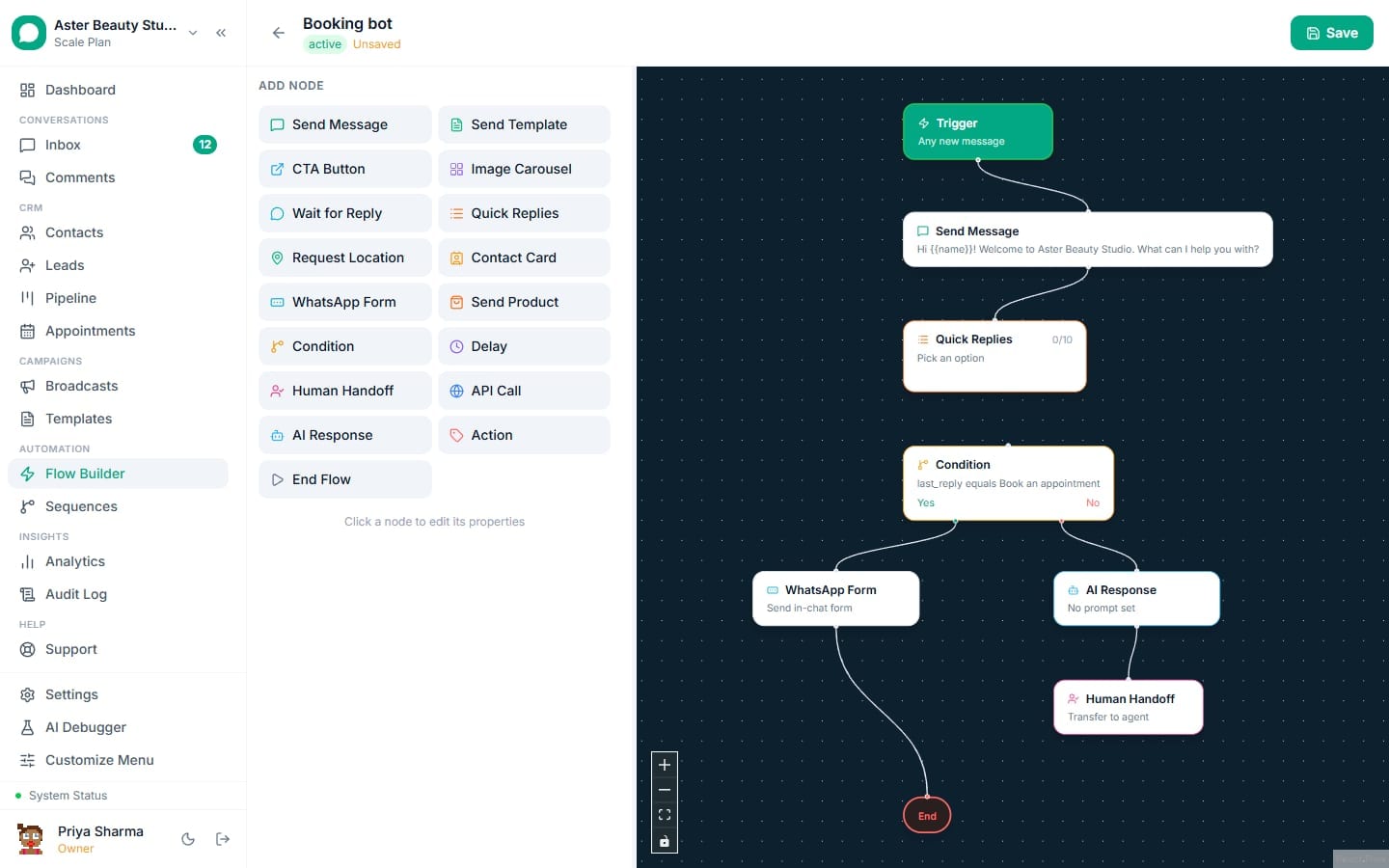
Set the delay before the next step. Each step after the first has a wait duration you set in hours or days (24 hours by default). The builder shows it as a "Wait" chip between steps so the timeline is visible at a glance.
Enroll leads manually, or attach an automation rule. Use Enroll Leads to add everyone currently at a pipeline stage or from a specific lead source in one action, or leave enrollment to an automation rule so every new matching lead enrolls automatically going forward.
The sequence runs contact by contact. Behind the scenes each enrollment is a flow execution: the contact is resolved (or a new WhatsApp contact is created from the lead's phone), an open conversation is found or started, and the step chain begins running with its delays.
Track who's in and how far they've gotten. Open Enrollments to see every contact who has ever run the sequence, their status, and how many of the sequence's steps have actually been sent to them so far.
How does enrollment resolve a lead's phone number to a WhatsApp contact?
A lead coming from a form, a Facebook Lead Ad, or your chatbot might not be linked to a WhatsApp contact yet, especially if it came in through a synthetic source like web chat or Calendly. Enrollment first checks for a contact already linked to the lead. If none exists, it looks up the lead's phone: an exact match on the normalized WhatsApp ID first, then a suffix match so a number typed without the country code (9876543210) still finds an existing contact stored as 919876543210. If nothing matches and a usable phone exists, a new WhatsApp contact is created from it. If there is no usable phone at all, enrollment is marked "pending" and resumes automatically the moment that number first sends you a WhatsApp message.
Example
A coaching institute captures leads through a website chat widget. Those leads have no WhatsApp contact yet; their sequence enrollment sits pending until the prospect messages the connected WhatsApp number, at which point the welcome sequence starts automatically.
Does a sequence stop when the contact replies?
Not by itself. A sequence keeps sending its remaining steps on schedule even after a contact replies, because a reply and an opt-out are different signals: someone can reply "thanks!" or ask an unrelated question without wanting to unsubscribe from the follow-up they signed up for. What does stop a sequence immediately, at any step, is an opt-out keyword (STOP and its recognized variants) or the contact being blocked; that check runs before every step fires, not only at enrollment. If your use case genuinely needs a sequence to end the moment someone responds, route the conversation through a Human Handoff step, or build that logic as a full flow-builder graph with a Wait for Reply node instead of a linear sequence.
Watch out
Do not rely on "the contact replied" as a stop signal for a sales sequence. Add an explicit step, or move a replying contact to a different pipeline stage and pause the sequence manually, if silence on reply matters for your workflow.
How are text and template steps different inside a sequence?
A text step is a free-form message, exactly like a Send Message node in the flow builder, and it is checked against the conversation's 24-hour service window before it fires. If a delay has pushed the sequence past that window, the text step is skipped with a visible logged reason instead of being sent to Meta and rejected. A template step sends a pre-approved WhatsApp template with its own variable mapping and language, and templates are exactly what Meta expects for messages sent outside the 24-hour window, which is why most sequences use a template for any step scheduled more than a day out.
How does the Enrollments view help me manage a running sequence?
Every contact who has ever been enrolled in a sequence, whether by the manual Enroll Leads action or by an automation rule, shows up in the Enrollments list with their current status (running, completed, or cancelled), when they started, and how many of the sequence's steps have actually been sent to them, calculated from the real messages tagged to that sequence rather than just their position in the node graph. This gives you an honest read on where people are getting stuck: if most enrollments show "1 of 4 steps" complete, step two is worth checking.
With VGraple CRM vs a spreadsheet-and-reminders follow-up
| Manual follow-up with reminders | VGraple CRM sequences | |
|---|---|---|
| Sending the second message on time | Depends on someone remembering | Fires automatically after the set delay |
| A lead with no phone match yet | Falls through the cracks | Enrollment defers and resumes when they message in |
| Respecting an opt-out mid-series | Requires someone to check and stop manually | Checked before every step, cancels automatically |
| Seeing who's stuck at step 2 | Manual spreadsheet tracking | Enrollments view with step-progress counts |
| Re-using a working sequence for a new campaign | Rebuild the reminders from scratch | Duplicate the sequence in one click |
| Mixing free text and approved templates | Have to track window rules yourself | 24-hour window checked automatically per step |
Who uses it
Coaching institutes enroll every new inquiry into a 5-step nurture sequence introducing the program, sharing a testimonial, and ending with a call-to-book step. See WhatsApp automation for education and coaching.
Real-estate agencies run a post-inquiry sequence that shares a property brochure on day zero, a similar listing on day three, and a check-in message on day seven. See WhatsApp automation for real estate.
D2C stores use a cart-abandonment-style sequence enrolled from a lead automation rule tied to an incomplete order source, with a discount template on the final step. See WhatsApp automation for ecommerce.
Clinics enroll new patient inquiries into a sequence that answers common questions, then nudges toward booking a consultation. See WhatsApp automation for healthcare.
What Meta allows
VGraple CRM enforces both automatically inside every sequence: the window guard on text steps, and the opt-out check before every step, including steps that were already scheduled before the STOP arrived.
Plans and limits
Sequences are available on every plan, Free included, with no separate cap on how many sequences you can build or how many steps each one has. What limits sequence volume in practice is your plan's monthly conversation quota and contact limit (Free: unlimited conversations, 500 contacts; Starter: 2,000 conversations, 5,000 contacts; Growth: 10,000 conversations, 25,000 contacts; Scale: unlimited). A large sequence enrollment that would push you over your monthly conversation quota is governed by the same limits as any other outbound messaging.
Recent improvements
- 2026-08: STOP is now honored mid-sequence at every step, not only at enrollment, and a recognized START opt-in keyword is tracked for future re-enrollment decisions.
- 2026-08: Added the Enrollments view so you can see every contact's status and step progress for a sequence in one place, matching how enrollment already worked behind the scenes.
- 2026-07: Fixed a flow-builder crash affecting flows that were originally created by the sequence builder and had no saved canvas position.
- 2026-06: Added the sequence duplication endpoint so a working sequence can be copied into a new draft instead of rebuilt from scratch.