On this page
- Triggers that start a sequence
- The rules a sequence lives under
- Timing that works in India
- Five sequences by business type
- Setting it up in VGraple CRM
- Enrolment rules that prevent embarrassment
- Reading a sequence report
- Costs
- Drip vs broadcast vs flow: which one for the job
- Mistakes that get sequences reported
- What VGraple CRM does here
Too long? Read this
- A drip campaign (sequence) sends a series of timed WhatsApp messages after a trigger: a new lead, a form, an ad, a purchase, a missed appointment
- Steps outside the 24-hour window must be approved templates; utility for informational steps (Rs 0.115), marketing only where you promote (Rs 0.8631, opt-out line, frequency cap)
- Stop conditions are what keep sequences safe: opt-out, purchase, a human reply; VGraple CRM cancels on STOP and pauses when an agent joins
- Five sequences by business type, timing that works in India, and the mistakes that get numbers restricted
A WhatsApp drip campaign, called a sequence in VGraple CRM, is a series of timed messages sent automatically after something happens: a lead enquires, a form is submitted, an ad is clicked, an order is placed, an appointment is missed. It is the follow-up nobody remembers to send, done on schedule, with the rules built in: steps outside the 24-hour window are approved templates, informational steps are utility (Rs 0.115 in India), promotional steps are marketing (Rs 0.8631, opt-out line, subject to Meta's frequency cap), and the sequence stops the moment the customer opts out, buys, or a person takes over. This guide gives the triggers, the timing that works in India, five ready sequences by business type, the costs and the mistakes.
Triggers that start a sequence
| Trigger | Typical sequence | Where it comes from |
|---|---|---|
| New lead (any source) | Enquiry follow-up | Inbox, forms, ads, chat widget |
| Facebook or Instagram Lead Ad | Instant confirmation and counsellor follow-up | Lead Ads connection |
| Web form submission | Thank-you and next steps | Forms |
| Tag added | Anything you define (segment nurture) | Manual, rules, imports |
| Pipeline stage changed | Stage-specific nurture (proposal sent, site visit done) | Leads |
| Purchase or payment | Onboarding, review request, reorder | Payment links, API |
| Missed appointment | Rebooking | Appointments |
| Abandoned cart | Recovery | Shopify or WooCommerce via Zapier or webhooks |
The rules a sequence lives under
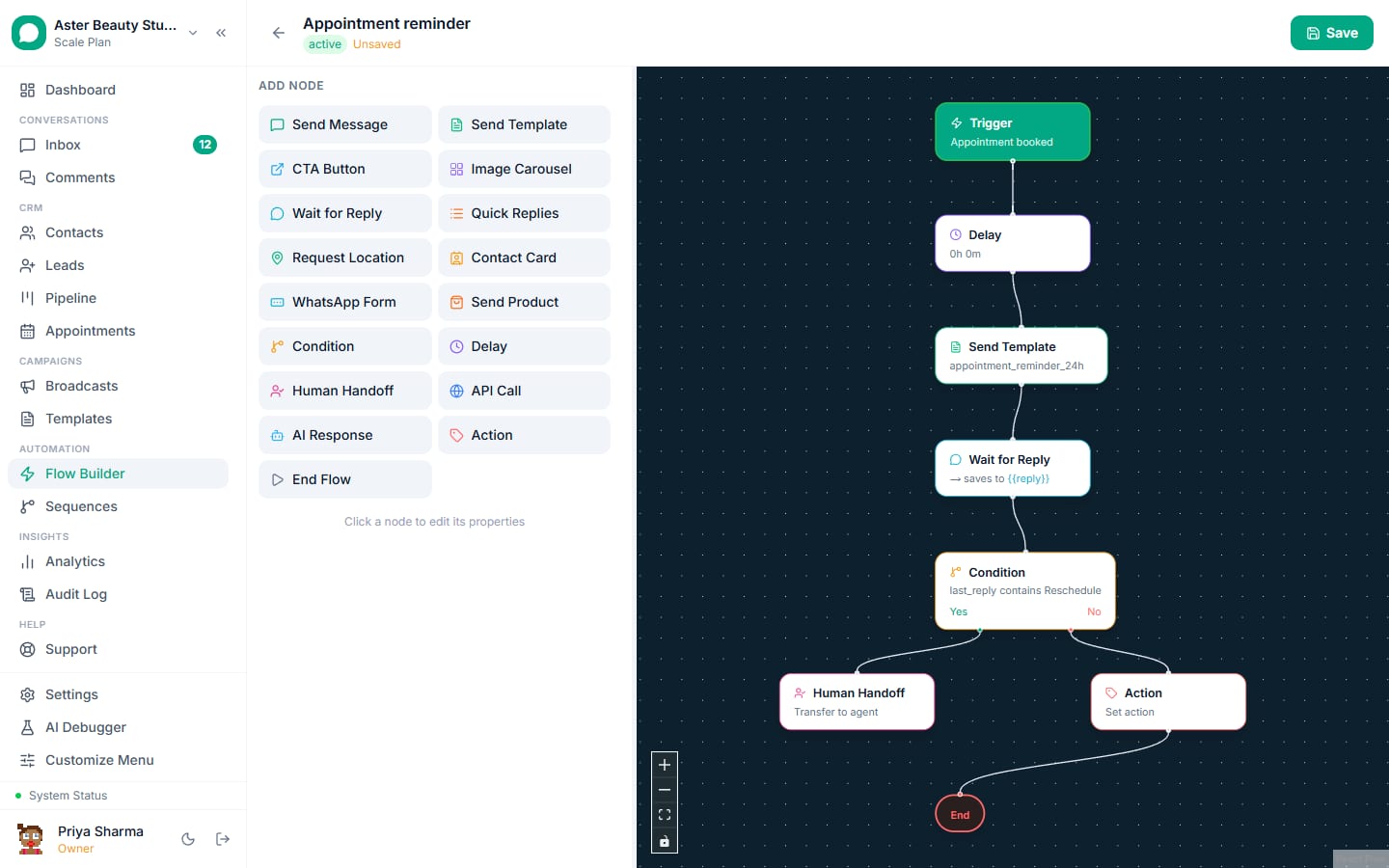
In practice: the first step often lands inside a window the customer opened (a form or an ad click that led to a message), so it can be free-form; every later step is a template. Keep steps utility wherever the content is informational; make the one promotional step marketing.
Timing that works in India
| Step | Delay | Category | Purpose |
|---|---|---|---|
| 1 | Immediate | Utility (or free-form in-window) | Confirm, set expectations, one question |
| 2 | 4 to 24 hours | Utility | Deliver the thing (brochure, price list, slot options) |
| 3 | Day 3 | Marketing or utility | The nudge: a story, a deadline, an offer |
| 4 | Day 7 | Utility | Last useful reminder; hand to a person or close |
Send in daytime only; quiet hours hold any step due at night until morning. Hot leads (ads) compress to hours; nurture stretches to weeks.
Five sequences by business type
Coaching institute (enquiry). Immediate: "Thanks {{1}}, here are the {{2}} batch details" with a Book call button. Day 1: counsellor introduction (utility). Day 3: a student result story (marketing, opt-out line). Day 7: fee deadline (utility). Exit on enrolment.
Real estate (site-visit done). Same day: thank you and the cost sheet (utility). Day 2: "questions about {{1}}?" with a Call button (utility). Day 5: launch offer or payment plan (marketing). Day 12: last availability update (utility). Exit on booking.
Clinic (missed appointment). 1 hour: "we missed you, reply with a day to rebook" (utility). Day 2: available slots as a list (utility). Nothing more; clinics that push offers at this point see the highest block rates.
D2C (first purchase). Day 0: order confirmation (utility). Day 5: delivery check and care tips (utility). Day 14: review request (utility). Day 30: reorder or new arrivals (marketing, opt-out line). Exit on opt-out.
B2B (proposal sent). Day 1: "did the proposal reach you?" (utility, in-window if they replied). Day 4: case study (marketing). Day 8: "shall we schedule a call?" with a Calendly link (utility). Exit on won or lost.
Setting it up in VGraple CRM
- Templates. Submit each step's template first (the library has starters); the validator catches formatting issues.
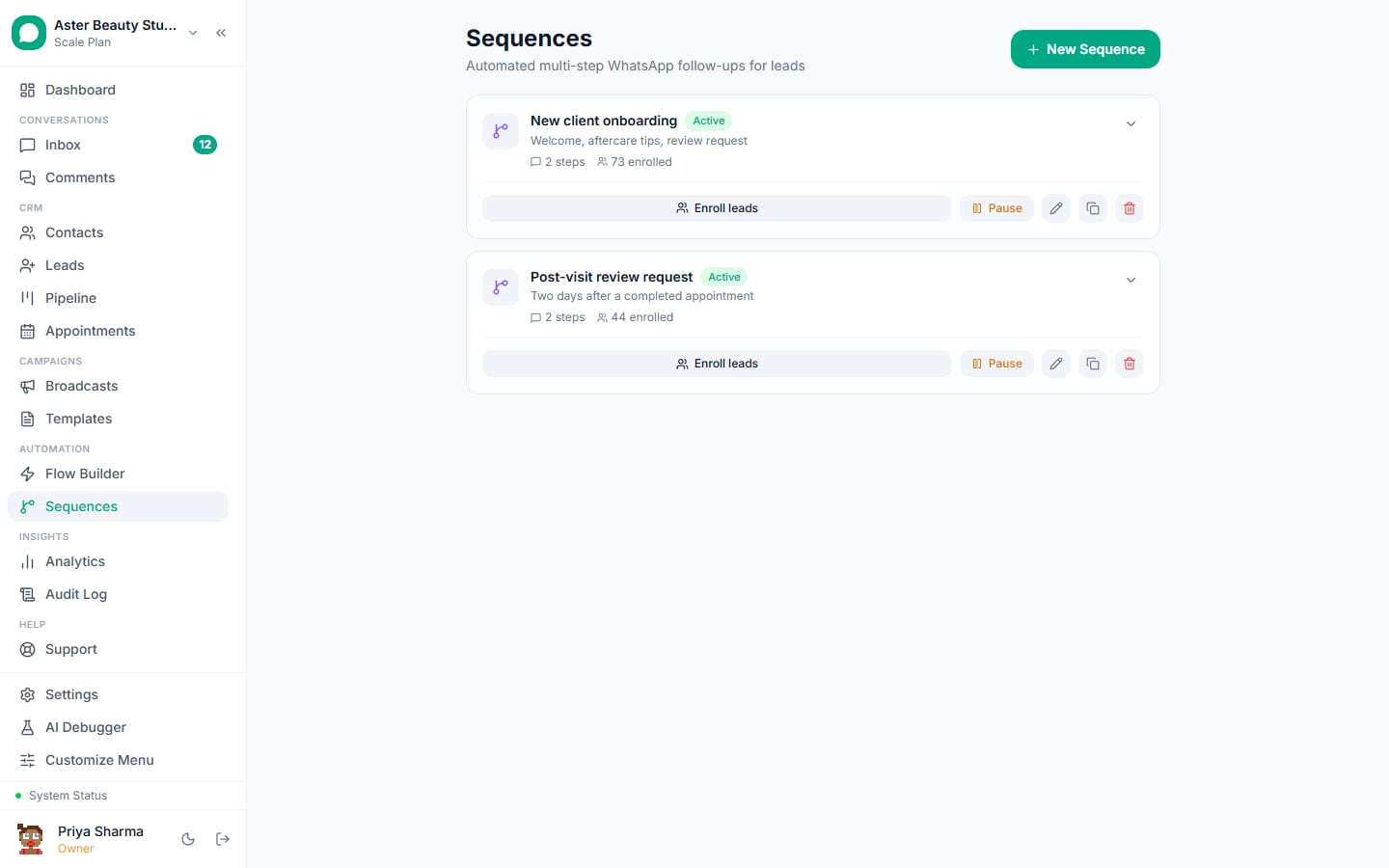
- Sequences, New Sequence. Name it, add steps with delays and templates, map variables to lead and contact fields with fallbacks.
- Enrolment. Choose the trigger (tag, pipeline stage, form, Lead Ads, manual) and eligibility (consent required, not already enrolled).
- Exits. Opt-out is automatic; add exit on tag "purchased" or stage "won"; optionally an automation rule that pauses the sequence when the contact replies so an agent handles it.
- Test on your own number: enrol, watch each step fire, reply STOP and confirm it cancels.
- Measure enrolments, completions, replies per step, exits by reason and revenue on the sequence's report.
Step-by-step: set up drip sequences.
Enrolment rules that prevent embarrassment
- Consent required. Sequences with a marketing step need marketing consent on the contact; utility-only sequences need the contact to have started a conversation or opted in to updates.
- One enrolment at a time. A contact already in a sequence is not enrolled in another until the first ends; if two triggers fire, the more specific sequence wins.
- Skip customers. Exit on tag "purchased" or stage "won" so a buyer never receives "still thinking about it?".
- Respect the window. If the contact replied within the last 24 hours, the next step can go as free-form text; the sequence uses the template only when it must.
- Business hours only. Quiet hours hold steps overnight and on days you mark closed.
Reading a sequence report
Enrolled, active, completed, exited by reason (opted out, purchased, agent took over, ended), replies per step, and revenue attributed to enrolled contacts within the window. The step with the most replies is where the conversation wants to start; move the human handoff there. The step with the most opt-outs is too promotional or too soon; reword it or push it later. A sequence with completions above 60 percent and replies under 5 percent is a broadcast in disguise; add a question and a button.
Costs
A four-step sequence with three utility steps and one marketing step costs about Rs 1.21 per contact in Meta charges in India (Rs 0.115 x 3 plus Rs 0.8631), less for contacts who exit early. A coaching institute enrolling 1,000 enquirers a month pays under Rs 1,300 for the sequence and typically sees several times the enrolments of ad-hoc follow-up.
Drip vs broadcast vs flow: which one for the job
A broadcast is one message to a segment at one time. A flow is a live conversation that branches on what the customer replies, inside the 24-hour window. A drip sequence is timed messages after a trigger, mostly templates, across days. Use a broadcast for a launch or an offer to many; a flow to answer and qualify in the moment; a sequence to follow up when the customer goes quiet. The three hand off to each other: a broadcast reply enters a flow, a flow that ends without a booking enrols a sequence, and a sequence reply pauses automation for a person.
Mistakes that get sequences reported
- Five marketing steps in a week; keep marketing to one or two, spaced days apart.
- No exit on purchase, so buyers receive "are you still interested?"
- Marketing wording in a utility template; Meta reclassifies it and the cap applies.
- Steps at 11 pm because the trigger fired at 11 pm; set quiet hours.
- Enrolling contacts without recorded consent.
- Nobody watching replies; a reply is the point of the sequence.
What VGraple CRM does here
Sequences with template steps, delays, variable mapping and fallbacks, enrolment from tags, stages, forms and Lead Ads, automatic cancellation on opt-out, pause when an agent replies, quiet hours, exits on tags and stages, per-step reporting and revenue attribution are on every plan including Free. Meta's message charges are billed by Meta with no markup.