On this page
- Before you start: what you need
- Step 1: choose how you get it
- Step 2: decide what happens to your current number
- Step 3: connect with Embedded Signup (15 minutes)
- Step 4: submit the first template (minutes)
- Step 5: business verification (1 to 5 working days, in parallel)
- Step 6: warm up and start
- What it costs
- Troubleshooting the signup
- What VGraple CRM does here
Too long? Read this
- The API is obtained through a platform, not from Meta directly; a Tech Provider connects your own account with no markup, a BSP resells it with one
- The connection itself is Meta Embedded Signup, about 15 minutes with a Facebook login, a Meta Business Portfolio, a number that can receive an OTP and a display name
- Business verification (documents in Meta Business Manager) raises messaging tiers and shows your display name; the first template approves in minutes to hours
- Cost: Meta's per-message rates (India: Rs 0.8631 marketing, Rs 0.115 utility) plus a platform fee that can be Rs 0
Getting the WhatsApp Business API in India takes about 15 minutes of clicking and a few days of waiting: you sign up with a platform, connect your number through Meta Embedded Signup, submit a template, and start business verification in Meta Business Manager while the first messages already go out. What matters more than the steps is the choice you make before them: a Tech Provider connects your own WhatsApp Business Account and Meta bills you at published rates; a BSP resells access under its own account and usually marks the rates up. This guide walks the whole path for an Indian business in 2026, including the coexistence option that keeps the WhatsApp Business app on your phone.
Before you start: what you need
| Item | Why | Notes |
|---|---|---|
| A Facebook account | Embedded Signup runs on Facebook login | Use the owner's or a company admin account, not an employee's personal one |
| A Meta Business Portfolio | Owns the WhatsApp Business Account | Created during signup if you do not have one |
| A phone number that can receive an OTP | Registers to the WhatsApp Business Account | Mobile or landline; not currently on personal WhatsApp |
| A display name | What customers see | Must match your business or brand; reviewed by Meta |
| A platform account | The API needs software around it | VGraple CRM's free plan is enough to connect |
| Business documents (for verification) | Raises messaging tiers, shows display name | GST certificate, incorporation certificate, MSME, or a utility bill in the business name |
Step 1: choose how you get it
| Tech Provider (VGraple CRM) | BSP reseller | |
|---|---|---|
| Who owns the WhatsApp Business Account | You | Often the BSP |
| Who bills Meta's message charges | Meta, to your Meta Business account, at published rates | The BSP, usually with a 10 to 25 percent markup or via credits |
| Moving to another platform | Reconnect your own account | Migration request; the number may need to leave the BSP |
| Platform fee | Flat plan (Rs 0 to Rs 7,999 at VGraple CRM) | Plan plus per-message or per-agent charges |
Ask any vendor two questions: are you a Tech Provider or a BSP, and what is your markup on Meta's rates.
Step 2: decide what happens to your current number
- New number: register it fresh. Simplest.
- Number on the WhatsApp Business app, migrate: the number moves to the API and leaves the app. Chat history stays on the phone but is not imported.
- Number on the WhatsApp Business app, coexistence: the number stays in the app and also works on the API. Up to 180 days of history and the phone address book import once, within 24 hours of the QR scan. Requires app version 2.24.17 or later. Details: coexistence.
- Number on personal WhatsApp: move it to the WhatsApp Business app first (free, same number), then choose migrate or coexistence.
Step 3: connect with Embedded Signup (15 minutes)
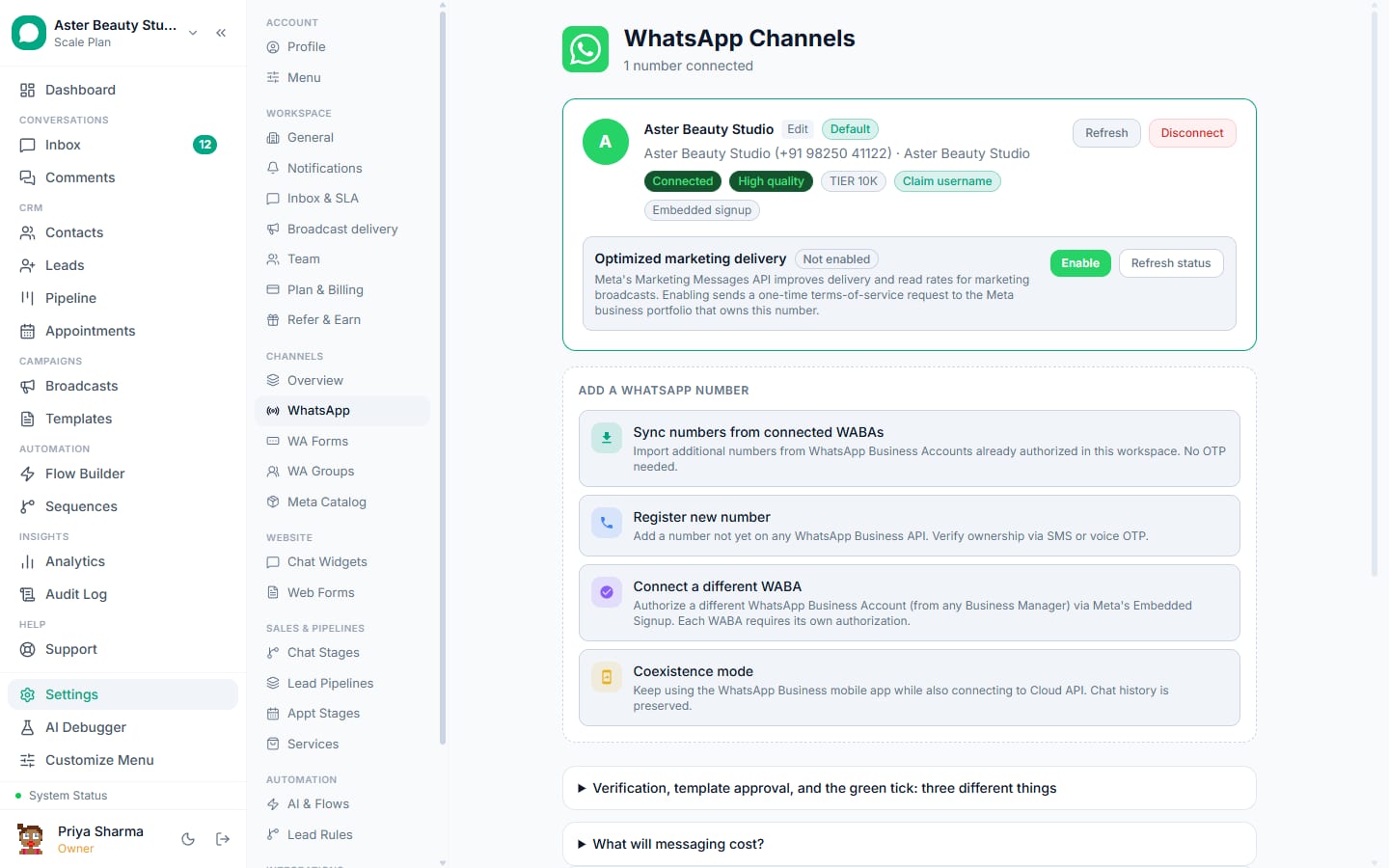
In VGraple CRM: Settings, Channels, WhatsApp, Connect via Embedded Signup (or Connect in coexistence mode).
- Log in to Facebook in the Meta popup.
- Select or create the Meta Business Portfolio.
- Select or create the WhatsApp Business Account.
- Enter the phone number and choose SMS or voice call for the OTP; enter the code.
- Set the display name (reviewed by Meta; it can take hours to a couple of days to show in chats).
- Finish. VGraple CRM registers the webhook, sets the two-step verification PIN and checks the account's health. The number is live for opted-in customers at the unverified tier (250 unique customers per 24 hours).
Screenshots for every screen: connect your WhatsApp number.
Step 4: submit the first template (minutes)
Business-initiated messages need an approved template. Templates, New Template, or pick one from the library: a utility template such as a booking confirmation approves fastest. Set realistic sample values for each variable; the validator flags what Meta rejects. Approval usually lands in minutes to a few hours. Inside the 24-hour window after a customer messages you, no template is needed.
Step 5: business verification (1 to 5 working days, in parallel)
In Meta Business Manager: Settings, Security Centre, Start verification. Provide the legal name, address and phone, then upload one document. Indian documents that work well: GST registration certificate, certificate of incorporation, MSME/Udyam certificate, shop and establishment licence, or a recent utility bill in the business name. Meta may ask for a website or a public listing showing the name and address; a Google Business Profile usually satisfies it. Common rejections are name mismatches between the document and the portfolio; make them identical.
When verification completes, the tier rises to 1,000 and climbs with good-quality usage (10,000, 100,000, unlimited).
Step 6: warm up and start
Send utility messages to existing customers first (confirmations, reminders, updates). They build engagement, raise your tier and cost Rs 0.115 each. Run the first promotional broadcast to the people who replied. Delivery protection paces the sends inside your tier and quality rating automatically.
What it costs
| Bill | Amount |
|---|---|
| Meta, per delivered template message (India, April 2026) | Marketing Rs 0.8631; utility Rs 0.115; authentication Rs 0.115; replies inside the 24-hour window free |
| Platform | VGraple CRM: Rs 0 (free plan), Rs 1,499 Starter, Rs 3,499 Growth, Rs 7,999 Scale; no markup on Meta rates |
| One-time fees | None at Meta or VGraple CRM |
Pricing with worked months; rates for 14 countries.
Troubleshooting the signup
| Problem | Cause | Fix |
|---|---|---|
| OTP never arrives | Number on personal WhatsApp, DND, or a VoIP number the carrier blocks | Move the number to the Business app first; try the voice-call option; use another number |
| "Number already registered" | The number is on another WhatsApp Business Account or the app | Delete the account in the app, or choose coexistence |
| Display name rejected | Does not match the business, contains slogans or punctuation | Use the registered or trading name only |
| Stuck at 250 per day | Business not verified | Complete verification; use the full 250 daily with good quality |
| Template rejected | Variables misplaced, placeholder samples, promotion in utility | Follow the validator; see template rejected |
| Webhook shows "needs attention" | Token expired or app secret missing | Reconnect from Settings, Channels; VGraple CRM verifies both on save |
What VGraple CRM does here
VGraple CRM is a Meta Tech Provider: Embedded Signup and coexistence run inside the connection wizard, the webhook and PIN are set for you, templates come with a validator and a gallery, and the free plan connects a real number with no card. Meta bills message charges to your account with no markup. If you would rather try before connecting, the sandbox number and sample workspace are one click away in the same wizard.