On this page
Too long? Read this
- The WhatsApp Business app is a free phone app for one person: greeting, away message, quick replies, catalogue, broadcast lists of 256 saved contacts
- The WhatsApp Business API is a platform channel for teams and automation: shared inbox, unlimited broadcasts within Meta tiers, chatbots, integrations, per-message reporting, per-message Meta charges
- You need the API when a second person must answer, replies must happen when nobody is at the phone, or campaigns exceed a few hundred contacts
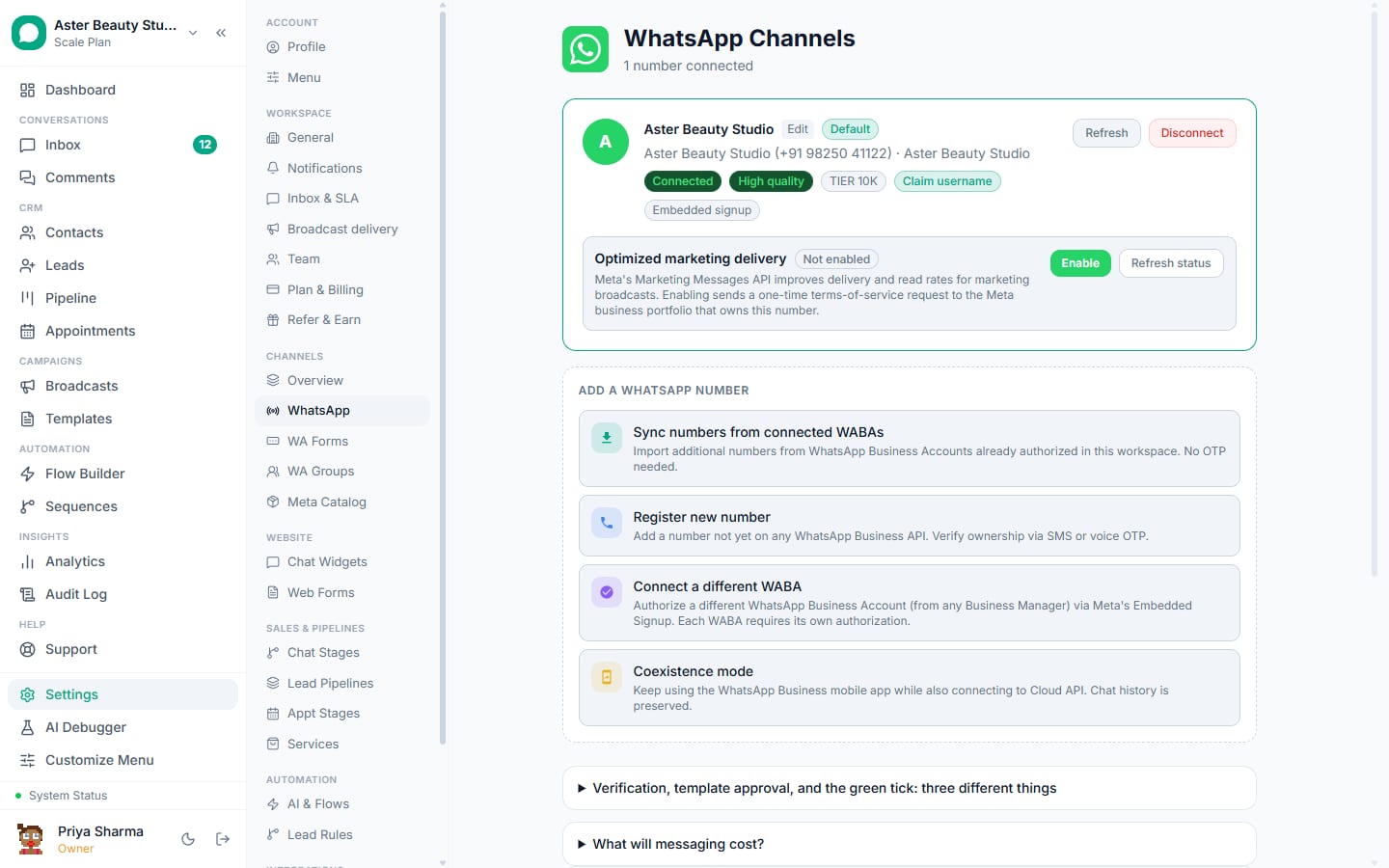
- Coexistence removes the old either-or: the number stays in the app and also works on the API, with 180 days of history imported
The WhatsApp Business app and the WhatsApp Business API are two different products that share a name. The app is a free phone app for one person, with a greeting, an away message, quick replies, a catalogue and broadcast lists of up to 256 saved contacts. The API is Meta's interface for software platforms: unlimited agents in a shared inbox, chatbot and AI automation, template broadcasts to opted-in contacts within Meta's tiers, integrations with your other systems, per-message reporting, and per-message charges from Meta. Most Indian businesses start on the app and outgrow it at the same three moments: a second person needs to answer, replies are needed when nobody is at the phone, or a campaign exceeds a few hundred contacts. Since 2025, coexistence removes the either-or: the number stays in the app and also works on the API.
The 25-point comparison
| WhatsApp Business app | WhatsApp Business API | |
|---|---|---|
| Cost | Free | Meta per-message charges plus a platform fee (from Rs 0) |
| Who uses it | One person on one phone, up to 4 linked devices | Any number of agents on web and mobile |
| Setup | Install and verify | Embedded Signup through a platform, about 15 minutes |
| Business verification | Optional | Recommended; raises messaging tiers |
| Display name | Free text, shown as the profile name | Reviewed by Meta, shown to customers instead of the number |
| Auto replies | Greeting, away message | Keyword rules, flows, AI chatbot, sequences |
| Quick replies | Up to 50 | Unlimited saved responses per team |
| Buttons and lists | No | Reply buttons, list messages, CTA buttons |
| In-chat forms | No | WhatsApp Flows |
| Catalogue | Yes, in-app | Yes, product messages via Meta catalog |
| Payments | Limited by region | Payment links inside chat through your gateway |
| Broadcasts | Lists of 256 saved contacts | Template campaigns to opted-in contacts within Meta tiers |
| Recipients must save your number | Yes | No |
| Scheduling | No | Yes, including recurring and send-time optimised |
| Personalisation | No | Template variables per contact |
| Delivery reporting | Ticks | Sent, delivered, read, replied, clicked, failed per recipient |
| Opt-out handling | Manual | Automatic on STOP and Meta preferences |
| Messaging limits | Undocumented; bans for spammy use | Published tiers per business portfolio |
| Quality signals | None visible | Quality rating, error codes, template status |
| Team features | Labels | Assignment, notes, SLA, collision detection, roles |
| Other channels | No | Instagram, Messenger, web chat in the same inbox |
| Integrations | No | Webhooks, REST API, Zapier, CRM, payments, ads |
| Analytics | Basic message stats | Per agent, campaign, template, revenue |
| Compliance | Your habits | Opt-in records, audit log, roles, encryption (platform-dependent) |
| Keep the phone app | n/a | Yes, with coexistence |
Who needs which
Stay on the app if you are one person, you answer within minutes, your customers have your number saved, you send fewer than a couple of hundred broadcast messages a month, and you do not need to know which conversation made money.
Move to the API when any of these is true: a second person answers, enquiries arrive when nobody is at the phone, you want a bot to answer the same ten questions, campaigns go beyond 256 contacts or to people who have not saved you, ads drive WhatsApp enquiries you need to attribute, or you want appointments, orders and payments inside the chat.
Use coexistence when you want the API but the phone app matters: the owner's habit, field staff who answer from the app, or a customer base used to seeing typing and last-seen. The number stays in the app and the platform gets the history.
What the move actually changes
Cost. Two new bills: Meta's per-message charge for template messages you start (India: Rs 0.8631 marketing, Rs 0.115 utility, replies inside the 24-hour window free) and the platform fee. A clinic sending 2,000 reminders and 500 offers a month pays Meta about Rs 660. Pricing with worked months.
Rules. Opt-in becomes recorded and enforced; messages you start after 24 hours of silence must be templates; messaging tiers and quality ratings apply. A platform with delivery protection handles these automatically.
Capability. A shared inbox, bots, campaigns, integrations, reporting; see what a WhatsApp CRM does.
History. Plain migration: chats stay on the phone. Coexistence: up to 180 days of chats and the address book import once, within 24 hours of connecting.
How to move, three ways
- New number on the API. Register a fresh number through Embedded Signup; keep the app number as is. Simplest, but customers must learn a new number.
- Migrate the app number. In the app: Settings, Account, Delete account (or change number to a spare). Then register the number on the API. The number leaves the app; history stays on the phone.
- Coexistence. Update the WhatsApp Business app to 2.24.17 or later, choose "Connect in coexistence mode" in the platform, scan the QR code, accept history sharing. Both keep working; history imports within a day. Pacing on coexistence numbers is 4 messages a second.
Step-by-step: connect your number, coexistence mode.
Myths that keep businesses on the app too long
- "The API is for big companies." Salons and tuition centres run it on free plans. Meta's per-message pricing scales down to zero.
- "I will lose my number." Only with a plain migration do you lose the app; coexistence keeps both.
- "I need a developer." Platforms provide the software; the connection is a guided flow.
- "The app has broadcasts too." To 256 saved contacts, without reporting, opt-out handling or scheduling, and with ban risk if used as a marketing tool.
- "The green tick needs the API." It needs verification and notability, not the API.
Checklist before you switch
- Decide the number's future: new, migrate, or coexistence, and update the WhatsApp Business app first if you choose coexistence.
- Gather the Meta Business Portfolio login, a document for verification and a display name that matches the business.
- Export the contacts you have permission to message; note the opt-in source for each.
- Draft the three templates you will need on day one: a confirmation, a welcome and one promotion with an opt-out line.
- Decide who answers: roles, hours, and what the bot handles before a person joins.
- Book an hour to test every path from a phone that is not in your address book.
What VGraple CRM does here
VGraple CRM connects your own WhatsApp Business Account as a Meta Tech Provider through Embedded Signup or coexistence, on a free plan that connects a real number with no card, with Meta's message charges billed by Meta at published rates. The shared inbox, flow builder, broadcasts with delivery protection, sequences, leads, appointments, payments, webhooks, the API and the Android app are on every plan; only Analytics (Starter) and the AI assistant (Growth) are plan-gated. If you are on the app today, coexistence is the one-afternoon path.