On this page
- Why the first minute matters
- Step 1: fix the form
- Form fields that make routing possible
- Step 2: approve the follow-up template
- Step 3: connect the Page
- Step 4: automate what happens
- Step 5: measure and feed Meta back
- Benchmarks for Indian lead ads with WhatsApp follow-up
- Mistakes that waste ad spend
- Three follow-up sequences by business type
- What to log for every lead
- Lead ads or click-to-WhatsApp ads?
- What VGraple CRM does here
Too long? Read this
- Leads from Facebook and Instagram lead forms decay within minutes; a WhatsApp follow-up within a minute of submission multiplies contact and conversion rates
- The form needs a WhatsApp consent line and a phone field; the first message must be an approved template because the lead has not messaged you yet
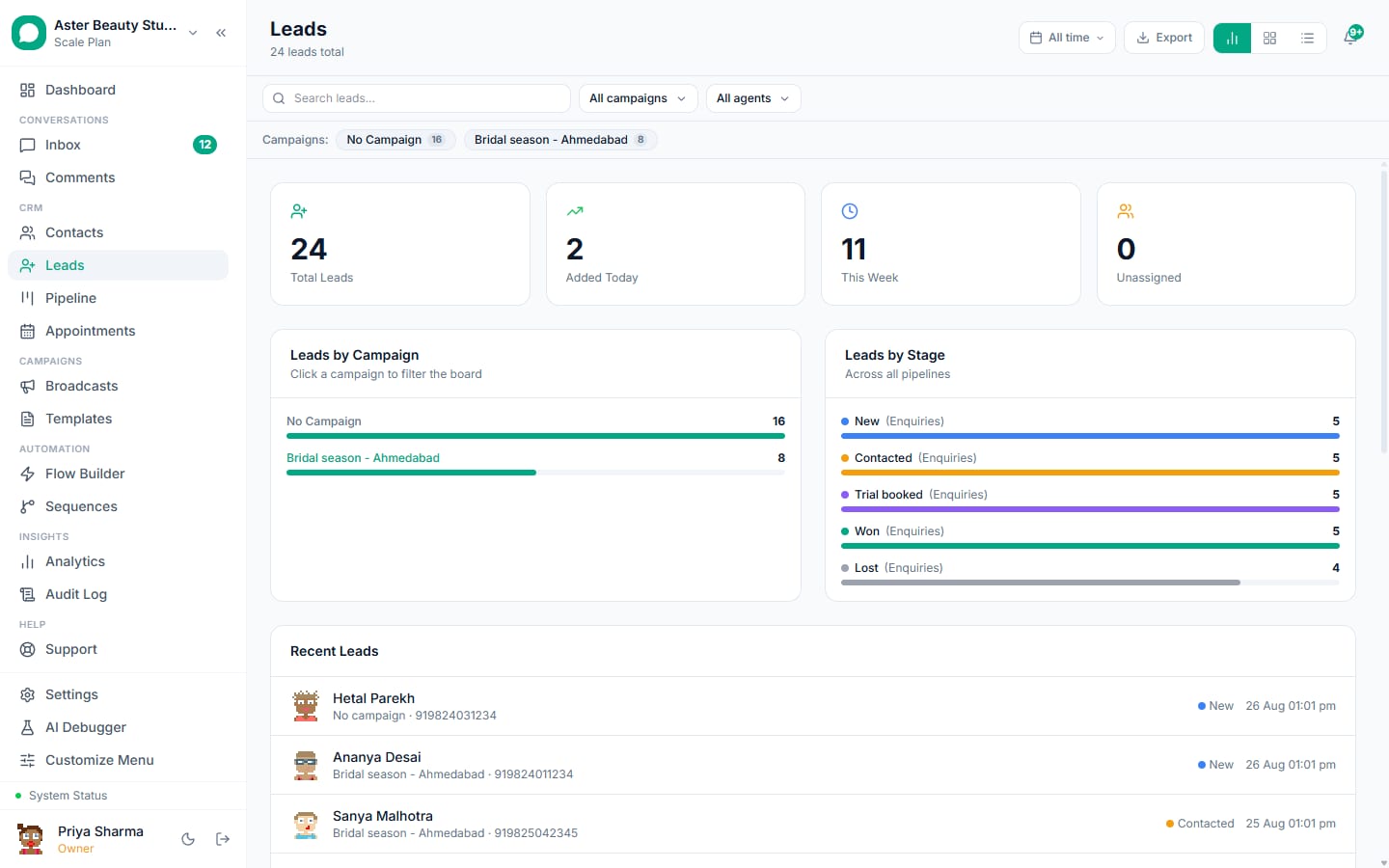
- VGraple CRM connects the Facebook Page through Meta OAuth, captures each submission as a lead, sends the template, enrols a sequence and places the lead in the pipeline
- Purchases are sent back to Meta through the Conversions API so the campaign optimises for buyers, not form fillers
A Facebook or Instagram Lead Ad submission is worth the most in the five minutes after the person taps Submit and the least an hour later, when a sales rep finally downloads the CSV. Connecting the lead form to WhatsApp changes that: the submission lands in VGraple CRM within seconds, an approved template goes out, the lead is placed in the pipeline and assigned, a sequence follows up if they go quiet, and the eventual purchase is sent back to Meta so the campaign optimises for buyers. This guide covers the consent wording the form needs, the template, the connection, the automation and the measurement.
Why the first minute matters
Lead-form leads are low-intent by design (Meta pre-fills the form; a tap submits it). Contact rates fall steeply with delay: leads reached in the first five minutes convert several times more often than leads reached after an hour, and most businesses average hours. WhatsApp is the only channel that reaches an Indian lead in that window with a read rate above 60 percent. The automation below makes the first minute the default.
Step 1: fix the form
In Meta Ads Manager, edit the instant form:
- Phone number field required, with "prefill" allowed.
- Custom disclaimer or a checkbox with wording such as: "I agree to receive updates about this enquiry from Aster Beauty Studio on WhatsApp." Store the answer; VGraple CRM records it as the consent source.
- Keep the form short (name, phone, one qualifying question). The qualifying question becomes a field you can route on.
Form fields that make routing possible
Ask one qualifying question on the form and make it a multiple-choice field: course or batch, property configuration, service of interest, budget band. Meta prefills name and phone; the one extra tap costs little and lets an automation rule route the lead to the right agent and pick the right template. A free-text question ("tell us what you need") is skipped by most people and cannot be routed on.
Step 2: approve the follow-up template
Templates, New Template, category utility (it answers a request the person made):
Example
"Hi {{1}}, thanks for your interest in {{2}}. {{3}} will call you within 30 minutes during 10 am to 7 pm. Reply CALL to talk now, or ask your question here." Samples: Neha, the NEET 2027 batch, Our counsellor.
Add a quick-reply button "Call me now" and a second "Send details". Their tap opens a free 24-hour window; everything after that is free-form.
Step 3: connect the Page
Settings, Integrations, Facebook Lead Ads, Connect Facebook. Log in, grant the Page and lead-retrieval permissions, pick the Page(s) and the forms to subscribe. VGraple CRM subscribes to lead events for those forms. Test with Meta's Lead Ads Testing Tool: a test submission should appear in Leads within seconds.
Step-by-step with screenshots: connect Facebook Lead Ads.
Step 4: automate what happens
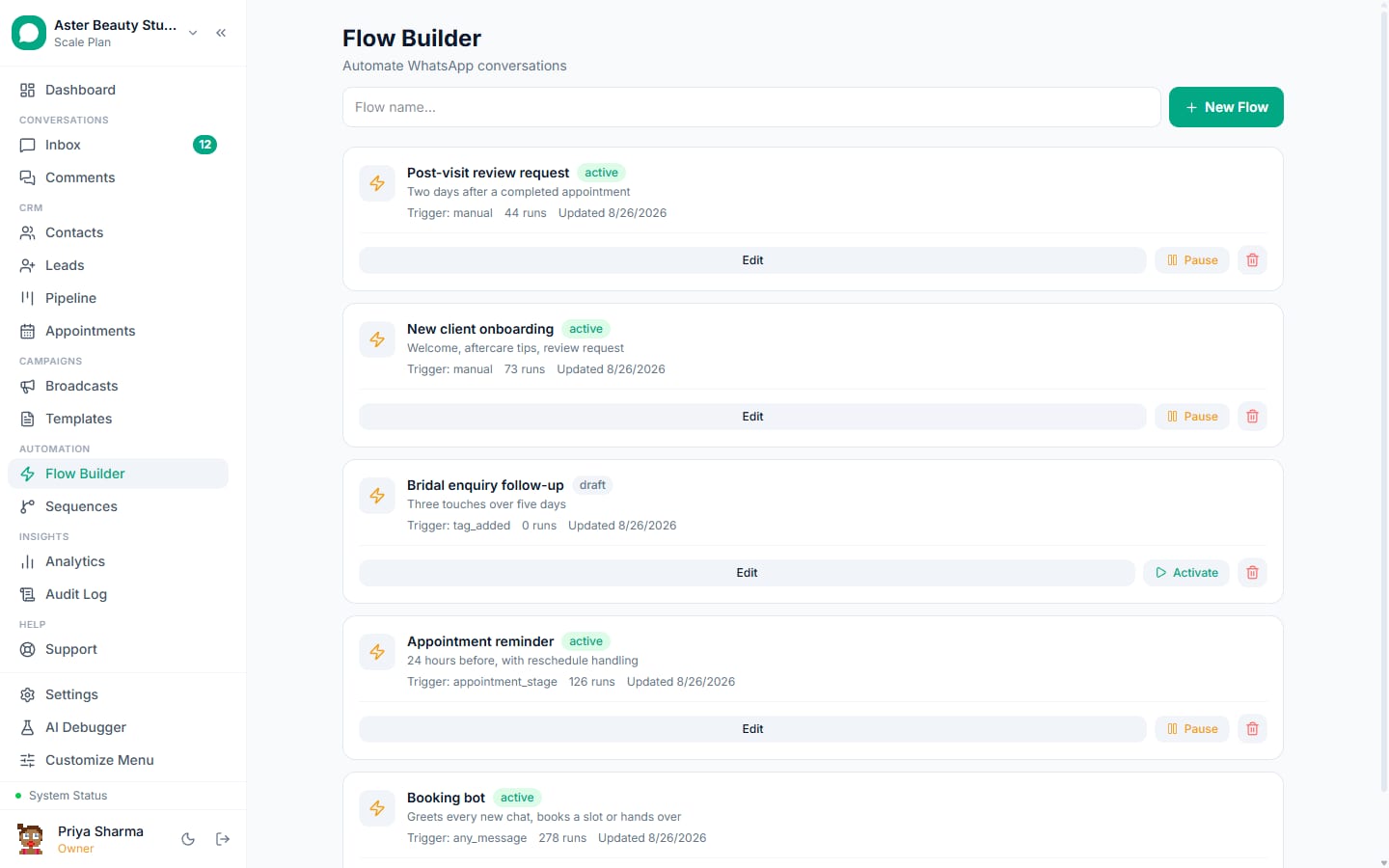
- Automation rule: trigger "new lead from form X" (or campaign Y); actions: send the template, add tag "fb-lead", set pipeline "Ad leads" stage "New", assign to the admissions team by round robin. Lead scoring can bump leads that answered the qualifying question a certain way.
- Sequence: enrol the lead in a three-step follow-up that runs only if they do not reply: day 1 a counsellor introduction (utility template with a Book button), day 3 a result story (marketing template with opt-out), day 7 a deadline reminder (utility). Any reply pauses the sequence and lands in the inbox with the lead's form answers attached.
- Duplicate handling: a submission from a phone number already in contacts merges into the existing record and keeps the earlier consent and history.
Step 5: measure and feed Meta back
Every lead keeps the Meta ad, ad set and campaign ids. Revenue logged on the conversation (or from a payment link) is attributed to them in revenue tracking, and a purchase event goes to Meta through the Conversions API so the campaign optimises toward the ads that produced buyers rather than form fillers. Compare cost per lead, cost per reply and cost per sale by campaign in the same view.
Benchmarks for Indian lead ads with WhatsApp follow-up
| Metric | Without WhatsApp automation | With follow-up within a minute |
|---|---|---|
| Leads contacted within 5 minutes | Under 10 percent | Over 90 percent |
| Reply to first message | n/a | 25 to 45 percent |
| Lead to qualified conversation | 15 to 25 percent | 35 to 55 percent |
| Cost per qualified lead | Baseline | 30 to 50 percent lower |
Numbers vary by industry and offer; the direction does not.
Mistakes that waste ad spend
- No WhatsApp consent on the form, then wondering why the number's quality dropped.
- A marketing-toned first message ("Special offer!") to someone who asked a question; keep it utility-toned and useful.
- Sending the template and never following up by phone or chat; the automation buys the first minute, a person closes.
- Leaving leads in "New" for days; use SLA alerts on the pipeline stage.
- Not sending purchases back to Meta; the campaign keeps optimising for cheap form fills.
Three follow-up sequences by business type
Coaching institute. Minute 0: utility confirmation with a "Call me now" button. Day 1: counsellor introduction (utility) with a Book button. Day 3: a student result story (marketing, opt-out line). Day 7: batch deadline reminder (utility). Replies pause the sequence; the admissions agent takes over in the inbox.
Real estate. Minute 0: utility confirmation naming the project and offering a site-visit slot list. Day 1: brochure as a document (utility). Day 4: price-sheet update (utility, since it concerns the enquiry). Day 10: launch offer (marketing) only to leads who opened the brochure.
Clinic. Minute 0: utility confirmation with the doctor's next available slots as reply buttons. Day 2: a "did you manage to book?" nudge (utility). Nothing further; clinics that push marketing at enquiry-stage leads see the highest block rates of any vertical.
What to log for every lead
Form name, campaign, ad set and ad ids, the consent answer, the qualifying-question answer, first-message delivery status, first reply time, agent, stage changes with timestamps, and revenue. With those ten fields the weekly review answers the only questions that matter: which ads produce leads that reply, which agents convert them, and what a sale costs by campaign.
Lead ads or click-to-WhatsApp ads?
Lead forms capture more volume at lower intent and need the follow-up above. Click-to-WhatsApp ads start a conversation directly (the click is the opt-in and opens a free window) with fewer but warmer leads and no template needed for the first reply. Many businesses run both; the comparison covers when each wins.
What VGraple CRM does here
Native Facebook Lead Ads connection through Meta OAuth, instant lead capture with consent recorded, template follow-up in seconds, automation rules for routing and tagging, sequences that pause on reply, pipeline placement with lead scoring, dedupe against existing contacts, ad-level attribution and Conversions API feedback are on every plan. Meta's message charges are billed by Meta with no markup.