On this page
Connecting Facebook Lead Ads links a Facebook Page's lead-generation forms to VGraple CRM, so a form submission on Facebook or Instagram becomes a lead on your pipeline and, where a phone number matches, a WhatsApp follow-up, without anyone exporting a CSV. This walkthrough covers connecting a Page, enabling capture, mapping campaigns, and backfilling old submissions.
Facebook Lead Ads: first 5 of 6 steps
- 1Connect a Facebook Page
- 2Enable Lead Ads on that Page
- 3Map campaigns to pipelines, if you run
- 4Submit a test lead, if possible
- 5Backfill history with Sync past leads
Before you start
- You need admin access to the Facebook Page whose lead forms you want to capture, and the permission that grants access to organisation settings in VGraple CRM, included in Owner and Admin by default.
- Facebook Lead Ads capture is available on every plan, including Free, with no cap on connected Pages or forms. Conversion analytics on lead source and campaign performance require Starter or above; capture, pipeline placement and sequence enrolment ship on every tier.
- Have your lead ad campaign already built and running in Meta Ads Manager; VGraple CRM does not create ads or forms, only reads submissions from ones you already built there.
- Set up your pipelines first if you plan to route different campaigns to different boards; see creating pipelines and stages.
Steps
- Connect a Facebook Page. From Settings, go to Channels and connect with Meta through OAuth. VGraple CRM lists every Page your Meta user manages.
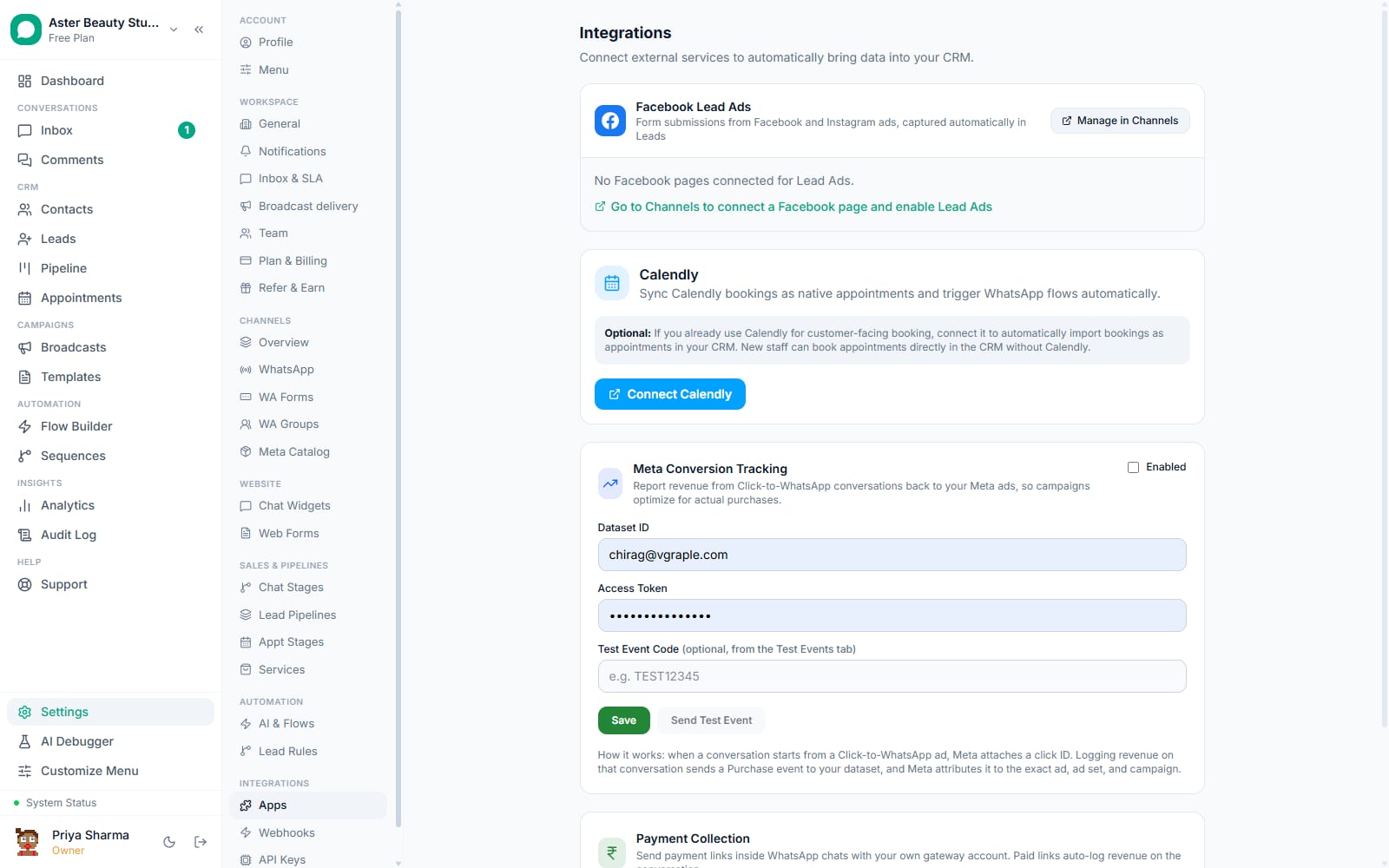
Enable Lead Ads on that Page. Go to Settings, then Integrations, and find the Facebook Lead Ads card. Every connected Page with lead capture available is listed there; turning it on subscribes the Page to Meta's leadgen webhook field.
Map campaigns to pipelines, if you run more than one. Under Leads settings, map a Facebook campaign to a specific pipeline, a default agent and a sequence. A lead from a mapped campaign skips your general automation rules and goes straight into that campaign's own flow.
Submit a test lead, if possible. Use Meta's own test-lead tool on your form, or wait for a real submission, and confirm it appears on your Leads board within a minute, tagged with the campaign and form name.
Backfill history with Sync past leads. Click Sync past leads on the Lead Ads card to page through every submission Facebook has recorded for your connected forms and import anything not already in your CRM. The result reports exactly how many were imported and how many already existed.
Reconnect if a Page token ever expires. The Leads settings page shows a clear "connection expired, reconnect in Channels" notice rather than silently dropping submissions; follow it back to Channels to restore the connection.
What you will see
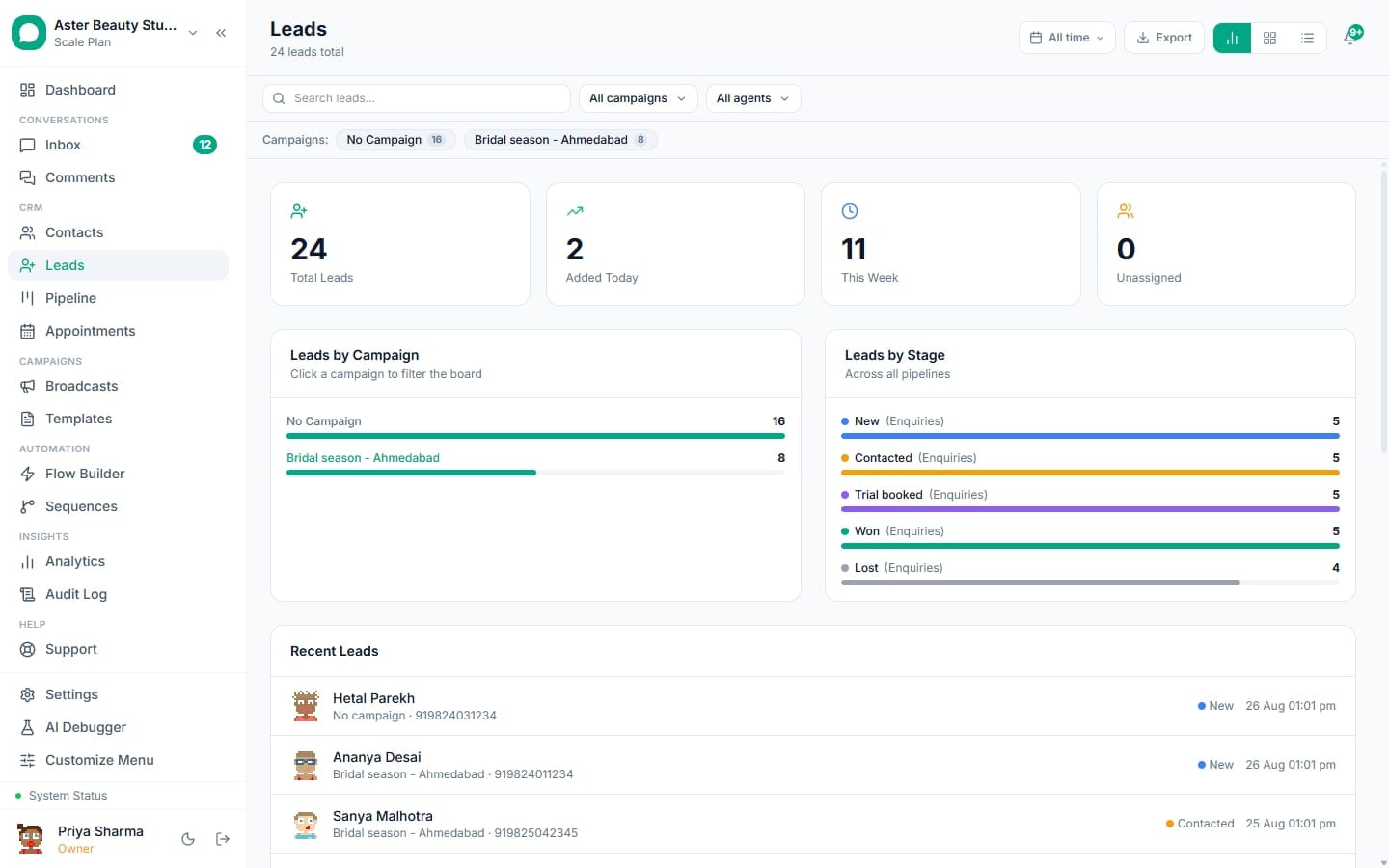
A new lead appears on your Leads board the moment someone submits your form, tagged with its source as Meta Lead Ad, and carrying the campaign name, ad set name, ad name and form name as visible attributes on the card. If a campaign mapping exists, the lead lands directly in that campaign's pipeline; otherwise it lands in your org's default pipeline. If the phone number matched an existing contact and a sequence was mapped, that contact's conversation shows the first automated message arriving within seconds of the submission.
Settings and options
| Setting or field | What it does | Default |
|---|---|---|
| Connect Meta (Channels) | Grants VGraple CRM access to your Facebook Page through OAuth | Not connected |
| Enable Lead Ads (per Page) | Subscribes the Page to Meta's leadgen webhook field | Off until enabled |
| Campaign to pipeline mapping | Routes a specific campaign's leads to a chosen pipeline, agent and sequence | No mapping until you add one |
| Sync past leads | Backfills historical submissions from before the connection existed | Manual, run on demand |
| Reconnect notice | Shown on a Page whose access token has expired | Appears automatically when needed |
Troubleshooting
| Symptom | Likely cause | Fix |
|---|---|---|
| No new leads are arriving from a connected Page | Lead Ads was never enabled for that Page, or the Page access token expired | Check the toggle under Settings > Integrations > Leads; look for a reconnect notice |
| A lead has the wrong or a garbled phone number | The form asked for phone in a custom question with unusual wording that the automatic detection could not confidently resolve | Check the lead's raw form answers in its Form Data tab and correct the phone manually if needed |
| Sync past leads reports errors on some forms | The Page access token expired partway, or a specific form's permissions were revoked | Reconnect the affected Page from Channels and re-run the sync |
| A campaign's leads are landing in the wrong pipeline | No mapping exists for that campaign ID, so it fell back to your org's default pipeline | Add or correct the campaign mapping under Leads settings |
| A lead was created but no WhatsApp message went out | The phone did not match an existing contact yet, so enrolment was marked pending | Expected behaviour; the message sends automatically the first time that person messages your number, or reach out manually |
| Running Sync past leads twice seems to have created duplicates | This should not happen, since every lead is deduplicated against Meta's own lead ID | Check the two records' lead_ad_id in support if this is genuinely happening; it points to a data issue worth reporting |
How does phone number matching handle messy form data?
Lead ad forms are not consistent about how they ask for a phone number, and VGraple CRM checks several places before giving up. It checks the standard phone field first, then common aliases like "phone," "mobile" or "contact_number," then any custom question whose label reads as a phone request, "WhatsApp Number," "Contact No," "Mobile No" and similar. When none of those match by label, it falls back to scanning every custom answer for one that is unmistakably a phone number by its digit pattern, so a form asking "Best number to reach you on WhatsApp" still produces a usable phone field even with no dedicated phone question.
The resolved number is normalised to E.164 using your organisation's default country, so a 10-digit Indian mobile number entered without a country code still matches an existing contact stored with the full country code. If normalisation is not possible, the raw value is kept on the lead so it still displays, rather than being silently dropped.
Example
A real-estate agency's lead form asks "Contact Number" as a free-text custom question rather than using Facebook's built-in phone field. VGraple CRM still resolves and normalises it correctly because the question label is recognised as a phone request.
What Meta requires to make this work
Once Facebook Lead Ads is connected, review how those leads score and route in how the leads pipeline works, and set up forms as a second capture channel for traffic that comes from your own website instead of a Facebook ad.