On this page
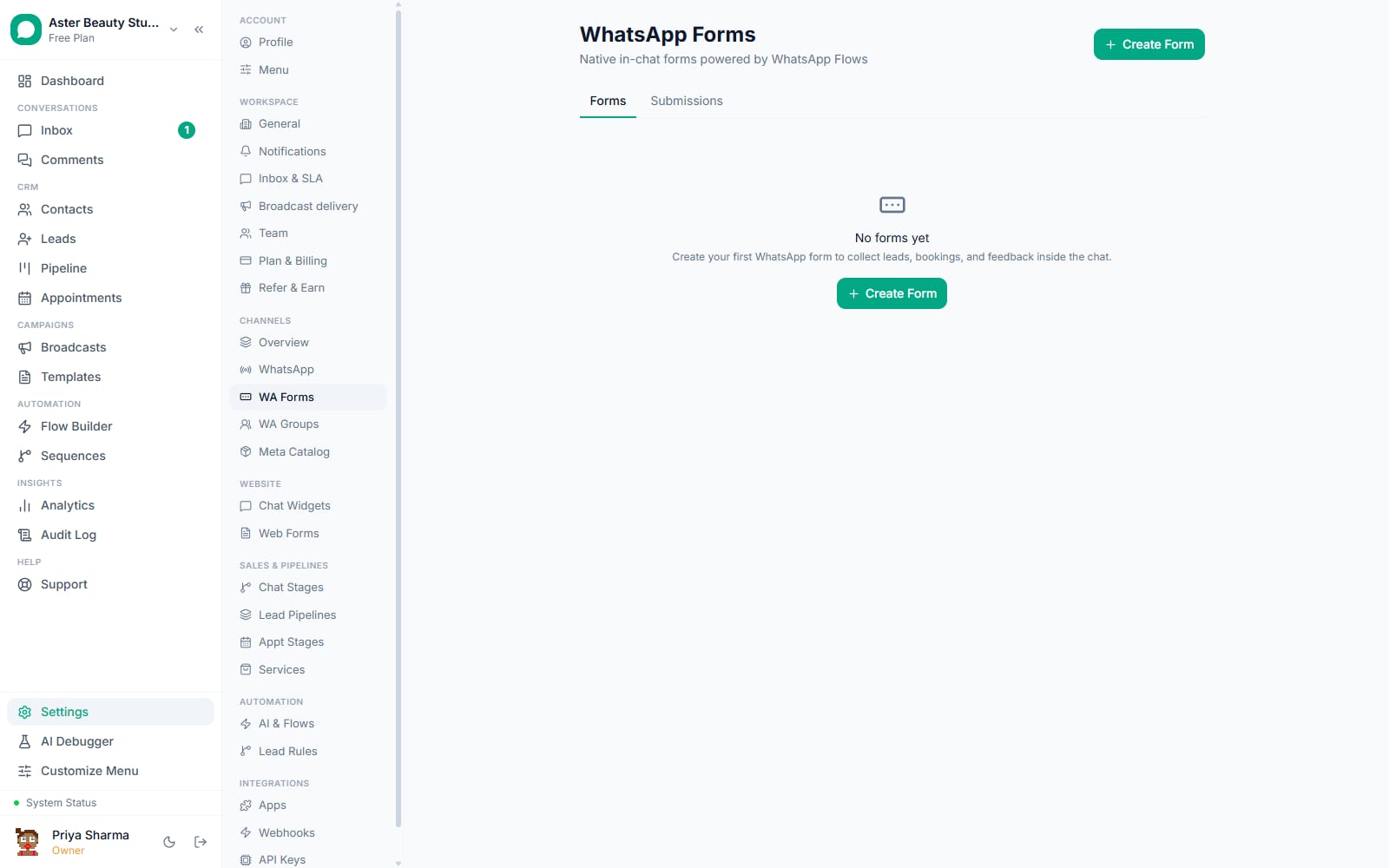
A WhatsApp Flow is Meta's own interactive form, opening as a structured screen inside the chat itself rather than sending a customer to a browser tab. This walkthrough covers building a form with VGraple CRM's no-code editor, publishing it to Meta, and sending it to customers.
WA Flows: first 5 of 6 steps
- 1Pick a starting point
- 2Add and order your fields
- 3Turn on lead capture, if you want
- 4Publish to Meta
- 5Send it
Before you start
- WA Flows are available on every plan, including Free. What varies by plan is your monthly conversation quota, since a Flow send that opens a new conversation counts against it like any other outbound message.
- A form must be published (approved by Meta) before it can be sent to a real customer; publishing is a one-way step, so review every field carefully first.
- If you want the form to create a lead automatically, decide which pipeline it should land in before you publish, and tag the correct fields as name, phone or email.
- A booking-style form works best paired with the Appointments feature for staff confirmation, since the form itself does not check availability.
Steps
- Pick a starting point. Go to WA Flows and choose a template (Lead Capture, Appointment Booking, Feedback, Event Registration, Service Inquiry), or start from Custom with a blank form.
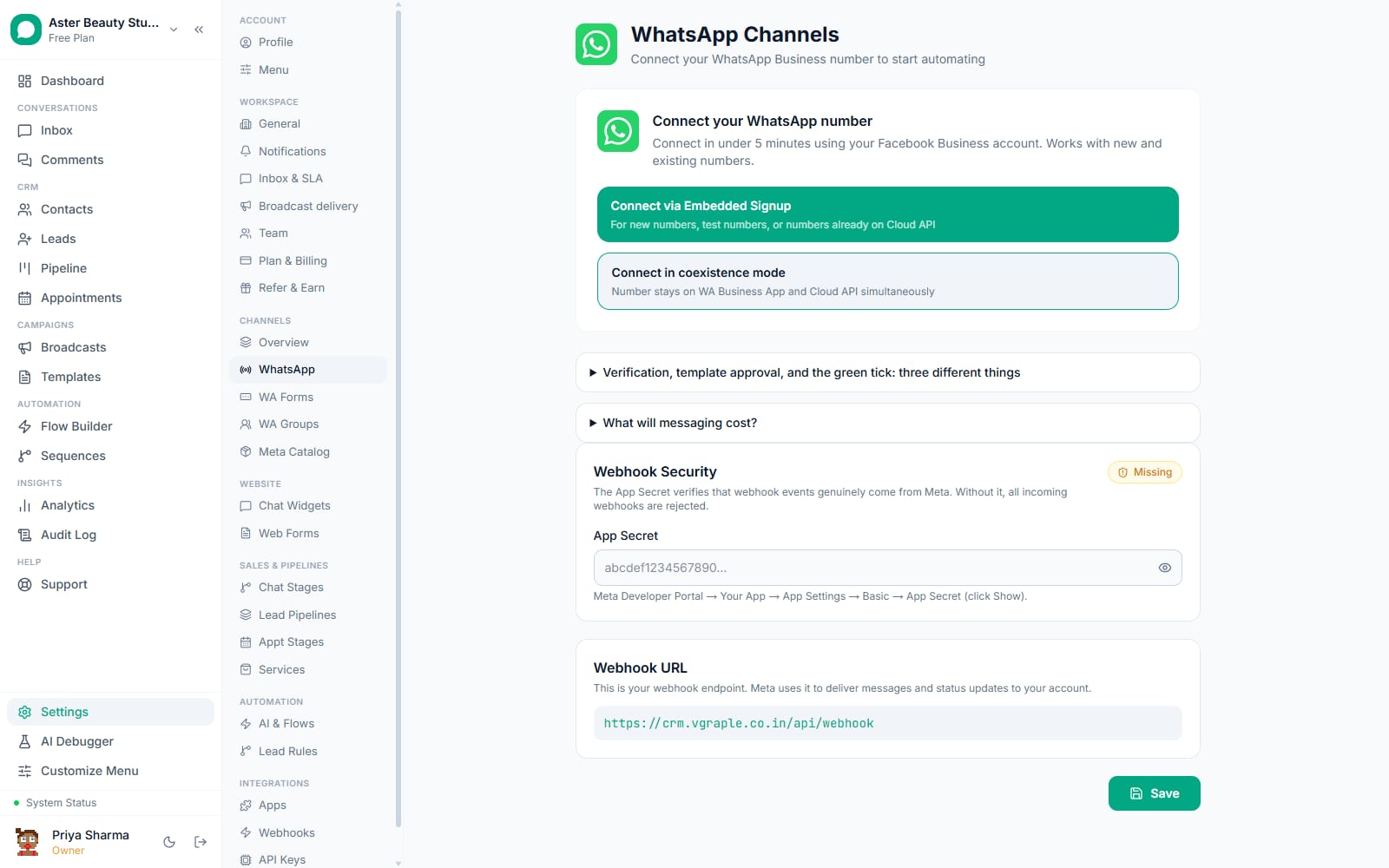
- Add and order your fields. Name the form, then add, remove or reorder fields by dragging them. Choose a type for each field from text, paragraph, email, phone, number, date, single choice, multiple choice, dropdown or an opt-in checkbox, set whether it is required, and add options for a choice or dropdown field. A live phone preview updates as you edit.
- Turn on lead capture, if you want it. Choose whether a submission should automatically create a lead and in which pipeline. Tag whichever fields hold a name, phone number and email so the platform can extract them onto the new lead automatically.
- Publish to Meta. Confirm you understand the form's fields cannot be changed after publishing, since a customer could already be mid-submission on the live version.
- Send it. Attach a "Send WA Flow" step to a chatbot flow in Flow Builder so it fires automatically at the right conversational moment, or open the published form and send it directly to up to 20 hand-picked contacts with a custom header, body and button text.
- Review submissions. Every submission appears against the form with answers resolved into plain question-and-answer pairs, matched to the contact, and, if lead capture is on, already sitting in your pipeline.
A real-estate agency replacing a "click here to register interest" link is a common reason to reach for a WA Flow over a plain message: instead of sending a customer to a browser tab to fill in budget, locality and preferred visit time, all three collect as one native form inside the same chat the broadcast arrived in. Fewer taps between interest and a completed submission generally means more submissions, since every app switch a customer has to make is a chance to lose them.
What you will see
A customer who receives a WA Flow message taps a button to open the form as a native WhatsApp screen, fills in the fields with WhatsApp's own input controls (a real date picker, real radio buttons), and taps Submit without ever leaving the chat. The submission appears against the form within moments, with each answer matched to its question label, not a raw internal field id. A form edited after some submissions still resolves earlier answers correctly against the field list as it existed when they were submitted.
If you turned on lead capture, the new lead already carries whichever answers you tagged as name, phone or email as its standard fields, with everything else stored as the lead's form data on the same record, viewable the same way a web form's submission would be.
Settings and options
| Setting or field | What it does | Default |
|---|---|---|
| Template | Lead Capture, Appointment Booking, Feedback, Event Registration, Service Inquiry, or Custom | Choose on creation |
| Field type | Text, Paragraph, Email, Phone, Number, Date, Single choice, Multiple choice, Dropdown, Opt-in | N/A |
| Fields per form | Maximum number of fields on one screen | 20 |
| Options per choice field | Maximum options for single choice, multiple choice or dropdown | 20 |
| Lead capture | Automatically creates a lead in a chosen pipeline on submission | Off |
| Publish lock | Fields become uneditable once published; requires explicit confirmation | N/A |
| Send targets | Up to 20 selected contacts per direct send, or unlimited via a Flow Builder step | N/A |
Troubleshooting
| Symptom | Likely cause | Fix |
|---|---|---|
| A published form's fields cannot be changed | This is expected; publishing locks the structure so customers mid-submission are not broken | Duplicate the form, edit the copy, and publish that instead |
| A submission created a lead with a blank name or phone | No field was tagged as that type, or the customer left an optional field blank | Check the field types on the form; only fields explicitly tagged as name, phone or email are extracted onto the lead |
| A customer on an older phone never saw the form | WA Flows require a reasonably current WhatsApp app version to render the interactive screen | This affects a small minority of recipients on very old app versions; there is no fallback text form built in |
| A booking-style flow accepted two people for the same slot | The form does not check live availability; it only collects the request | Pair it with the Appointments feature so a staff member confirms each request before it is treated as booked |
| A flow sent outside the 24-hour window did not reach the customer | A WA Flow sent as a free-form message outside the service window is rejected, since it needs to ride on an approved template | Send the Flow as a template's interactive component, or confirm the conversation's 24-hour window is still open |
| Answers show raw field ids instead of readable labels | The form's saved field list could not be matched to the submission, usually because the form was deleted after submissions came in | Avoid deleting a form with existing submissions; duplicate and archive it instead if it needs to be retired |
Related reading
Attach a WA Flow to a conversation from Flow Builder using a "Send WA Flow" step, or see the forms feature if you need a web-hosted version of the same form for channels outside WhatsApp.