On this page
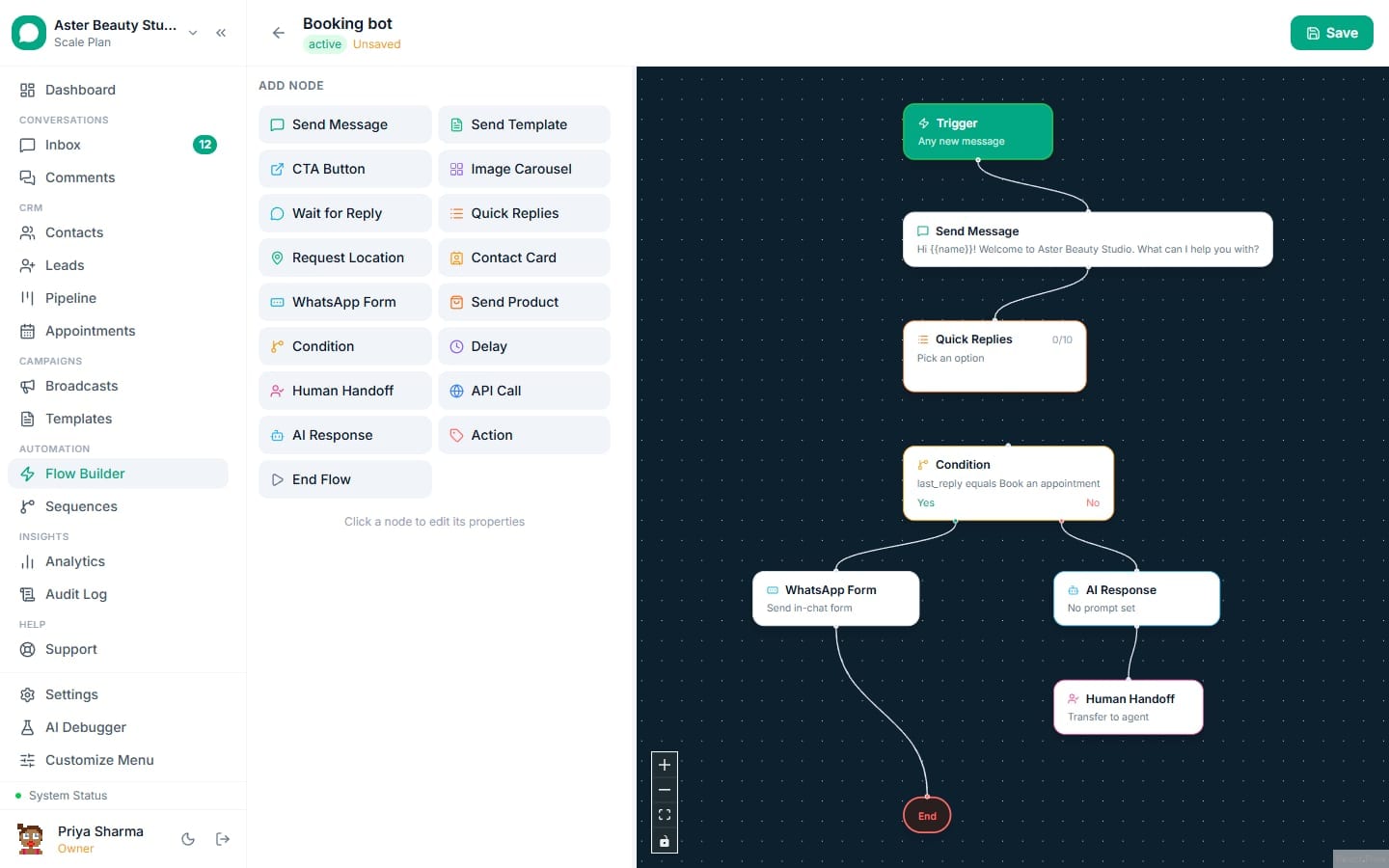
A keyword flow answers a message when one of its keywords appears in it as a word. When more than one flow matches, exactly one answers: the one with the most specific keyword. This page explains both rules with examples, so you can predict which flow replies before a customer writes in.
Before you start
- You need a flow with the Keyword / Inbound Message trigger. If you have not built one yet, start with building your first flow.
- You need permission to edit flows.
- The same rules apply to the keyword rules for comments, so one habit works in both places.
How does a keyword match a message?
A keyword matches words, never letters inside a word. The flow looks at each word the customer typed and asks whether your keyword starts at the beginning of one. The length of the keyword decides how much extra it may match.
| Keyword length | What it matches | Example keyword | Answers | Does not answer |
|---|---|---|---|---|
| 1 or 2 letters | Only as a whole word | hi | "Hi!", "hi there, are you open" | "children", "high price", "his" |
| 3 letters | The word and its plural | toy | "toys available?" | "toyota" |
| 4 letters or more | The word and longer forms of it | deliver | "do you deliver", "delivery time?" | |
| A phrase | The whole phrase, in order | bank transfer | "can I pay by bank transfer" | "transfer to my bank" |
Capital letters do not matter, and neither do extra spaces. "MENU" matches the keyword menu, and a curly apostrophe matches a straight one.
Example
A salon uses the keyword "price" for its price list flow. The message "what is the pricelist" matches, because a four letter keyword also matches longer forms. The keyword "pay" does not match "payment link", because a three letter keyword only adds a plural. If the salon wants "payment" messages answered, it adds the keyword payment.
Which flow answers when several match?
Only one flow answers a message. VGraple CRM picks it in this order:
- A keyword that is the customer's whole message beats a keyword found inside a longer message. "Hi!" on its own matches the greeting keyword hi ahead of a longer sentence flow.
- The longest matching keyword wins, counted in letters and digits. "bank transfer" beats "bank", and "children" beats "hi".
- The older flow wins a tie.
Tip
You never have to delete a general keyword to make a specific one work. Add the specific keyword to its own flow and it takes priority over the short one on the messages it matches.
Steps to set keywords that behave
- Open Flow Builder and open your flow, or choose New Flow.
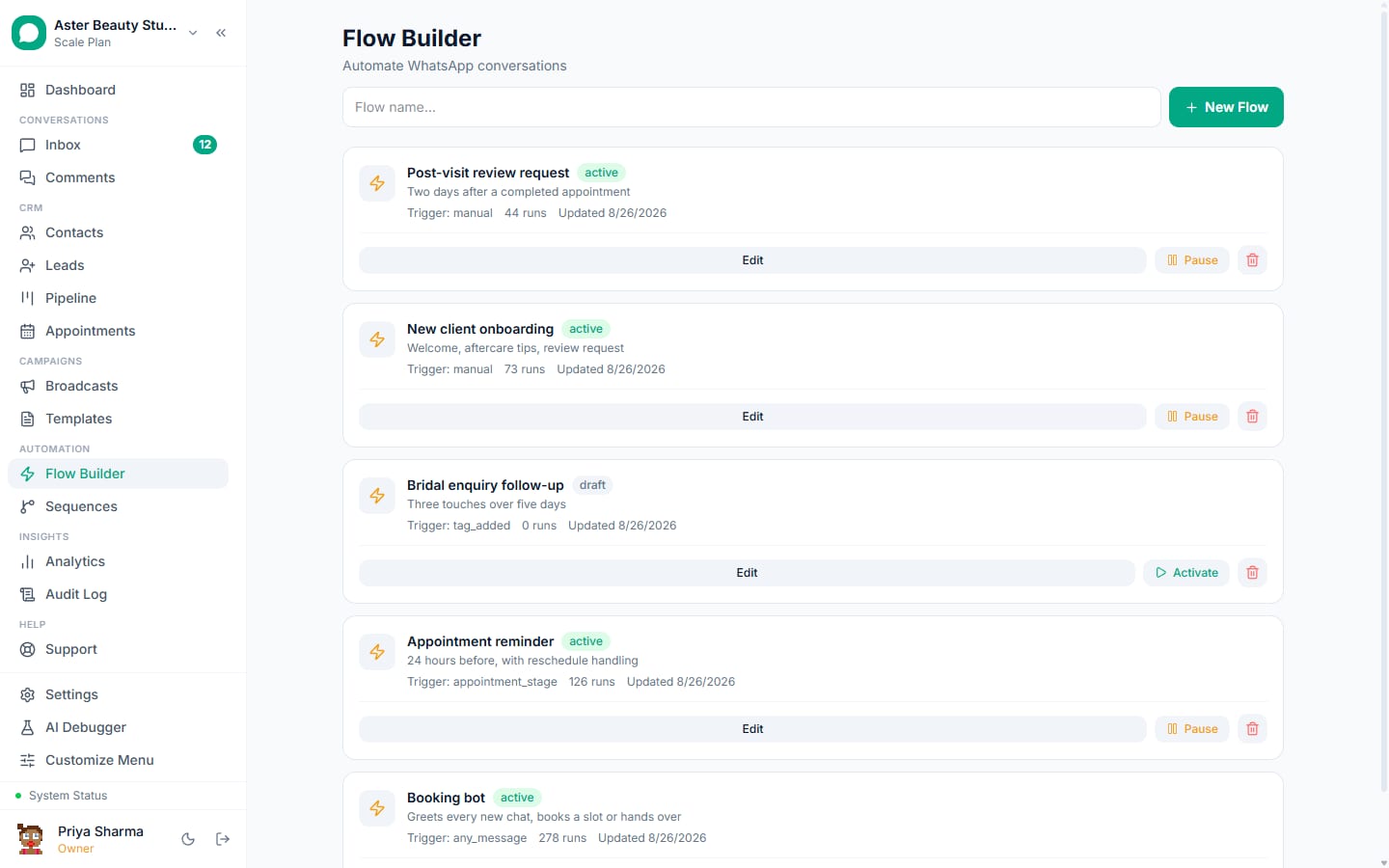
- Click the trigger node and set Trigger Type to Keyword / Inbound Message.
- In Keywords (comma-separated), type each keyword or phrase separated by commas, for example
hello, start, hi. - Read the line under the field. It repeats the two rules on this page, so anyone on your team can check them while editing.
- Save and activate the flow, then test it by sending the keyword from your own WhatsApp number.
What you will see
When a message matches, the matching flow starts and replies. When several flows match, only the winner starts, and the others stay quiet for that message. A message that matches no keyword goes to your catch-all flow if you have one, and otherwise to your team inbox.
Settings and options
| Setting | What it does | Default |
|---|---|---|
| Keywords (comma-separated) | The words or phrases that start the flow | Empty |
| Blank keyword field | Makes the flow a catch-all for any message no other flow claimed | Off |
| Several flows with the same keyword | The older flow answers a tie | Older flow |
| Languages without spaces between words | The keyword only has to appear in the message | Automatic |
Troubleshooting
| Symptom | Likely cause | Fix |
|---|---|---|
| A short keyword stopped answering words that contain it | Keywords of one or two letters now match whole words only | Add the longer words you want as their own keywords |
| "payment" does not trigger my "pay" flow | Three letter keywords match only the word and its plural | Add payment as a keyword |
| The wrong flow answers | A different flow has a longer matching keyword | Give the right flow a longer, more specific keyword, or remove the competing one |
| Two flows keep competing | Two flows use the same keyword | Keep keywords distinct, or deactivate the older flow |
| A phrase never matches | The words are out of order in the customer's message | Add the words as separate keywords as well |
For the other ways a flow can start, such as a new lead, a form or a customer going quiet, see flow triggers. To plan replies for customers who stay silent, see following up when a customer goes quiet.