On this page

The knowledge base is what keeps the AI chatbot's answers grounded in your actual business content instead of a generic guess. This article covers adding a source, how it gets split and searched, and scoping it to one specific bot rather than every bot in your organisation.
Knowledge base: first 5 of 6 steps
- 1Open a chat widget's Knowledge Base tab
- 2Choose a source type
- 3Give it a title and, for URL
- 4Choose a scope
- 5Save the source
Before you start
- Knowledge sources are added from a chat widget's settings page (Settings, then Chat Widget, then a specific widget, then the Knowledge Base tab), even when the content will also be used by a WhatsApp AI Response node.
- The three source types are URL, Article / Paste Text, and FAQ (Question + Answer). There is no separate file-upload control; for a PDF or Word document, copy the text out and paste it as an Article source.
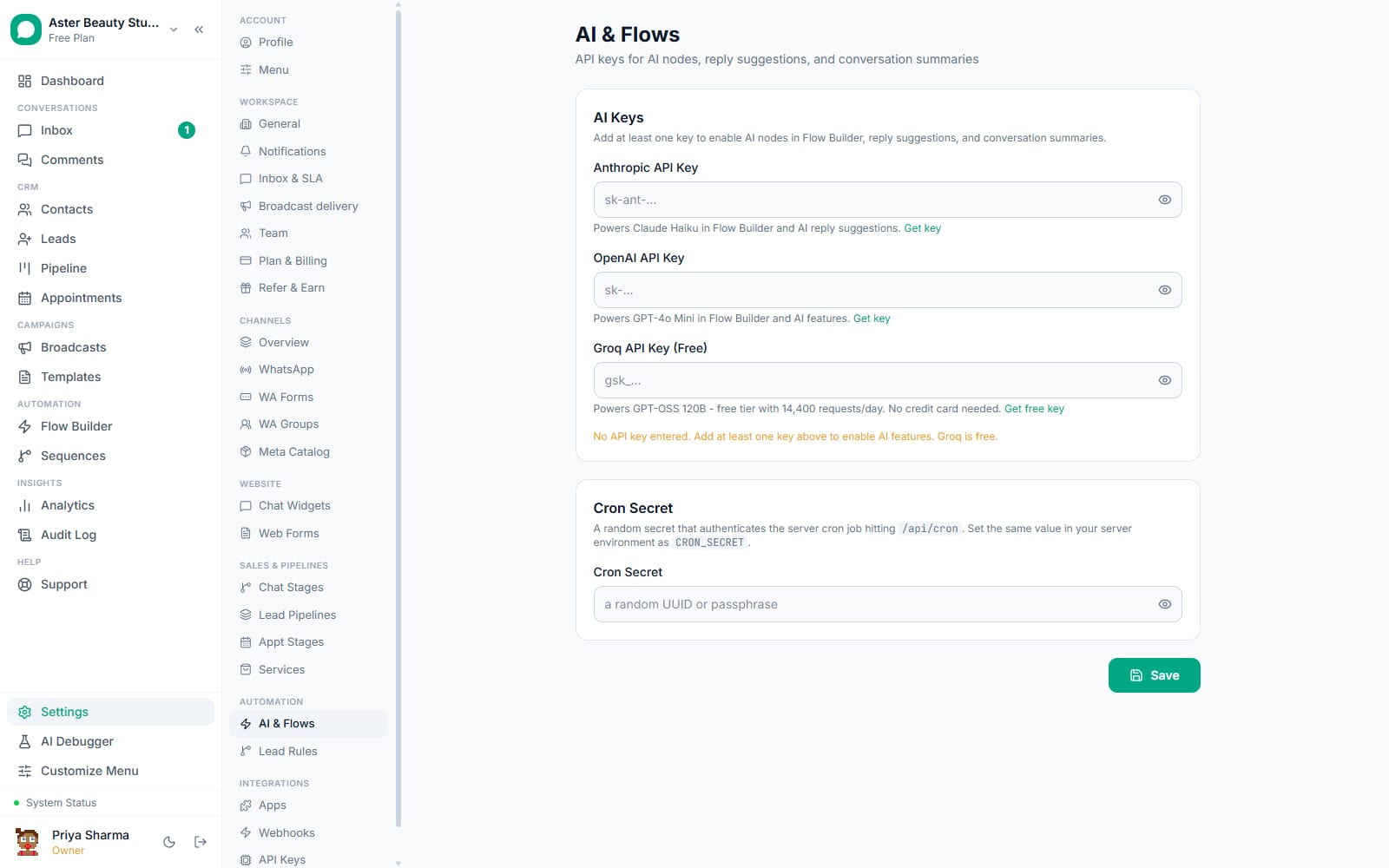
- Semantic vector search needs an OpenAI key configured in Settings, then AI & Flows, even if your chat model itself is Anthropic or Groq. Without one, the knowledge base still works through full-text and keyword fallback search.
- Decide up front whether a source belongs to every bot in your organisation or just one; the scope is set when you add the source and can be changed later from the source's own settings.
Steps
- Open a chat widget's Knowledge Base tab. Any organisation with at least one chat widget can add sources here; sources left unscoped are automatically visible to every bot, including WhatsApp AI Response nodes.
- Choose a source type. URL fetches and cleans a live web page's text automatically. Article / Paste Text is for content you already have, whether typed directly or copied from a document. FAQ (Question + Answer) is for a list of question-and-answer pairs, which the platform splits one chunk per pair when it detects a clear pattern.
- Give it a title and, for URL or manual content, the content itself. A URL source needs a public, fetchable page; a private or JavaScript-only page will not extract usable text. Manual and FAQ sources need at least 10 characters of content.
- Choose a scope. Leave "Shared with every chatbot" selected for content every bot should be able to use (business hours, general policies), or pick a specific chat widget to keep content private to one bot (a booking widget's cancellation policy that a product widget should never surface).
- Save the source. It is chunked immediately; if an OpenAI key is configured, each chunk is also embedded for semantic search in the background, and the source's status moves from "embedding" to "ready."
- Attach it where it is needed. On WhatsApp, Instagram or Messenger, select this source (or "all sources") in an AI Response node's Knowledge base field; on the website, a widget automatically draws from every source shared with it or scoped to it directly.
What you will see
A newly added source appears in the Knowledge Base list immediately with a status badge, moving from "embedding" to "ready" within seconds for a typical article. Once ready, a customer's question that matches its content pulls the most relevant chunks into the bot's context, visibly changing the specificity of the answer compared to before the source existed. A source scoped to one widget never appears in, or affects answers from, any other widget's conversations.
A clinic running two bots, one for booking and one for general enquiries, is a typical reason to scope sources deliberately: the cancellation policy and intake instructions stay scoped to the booking widget, while general information like hours and location is left unscoped so both bots, and any WhatsApp flow's AI Response node, can draw from it without duplicating the same content twice.
Settings and options
| Setting or field | What it does | Default |
|---|---|---|
| Source type | URL, Article / Paste Text, or FAQ (Question + Answer) | N/A, chosen per source |
| Scope (chatbot) | Unset shares the source with every bot in the org; set to one widget makes it private to that widget | Shared with every chatbot |
| Status | Embedding, ready, or an error state if fetching or processing failed | Embedding, then ready |
| Chunk size | Roughly 2,048 characters (about 512 tokens) per chunk | Fixed, not configurable |
| Chunk overlap | Roughly 256 characters carried from the end of one chunk into the next | Fixed, not configurable |
| Retrieval method | Vector similarity search (needs an OpenAI key), falling back to full-text search, then keyword search | Automatic, based on what is configured |
| Enabled toggle (per widget) | Turns a shared source off for one specific widget without deleting or unscoping it | On (inherits the source's own active state) |
Troubleshooting
| Symptom | Likely cause | Fix |
|---|---|---|
| A URL source failed to add | The page requires JavaScript to render, is not publicly reachable, or returned less than 50 characters of extractable text | Paste the page's content manually as an Article source instead |
| The bot never uses a source you just added | The source is scoped to a different chat widget than the one answering, or an AI Response node's Knowledge base field is still set to "none" | Check the source's scope, and confirm the node or widget is pointed at the right source or at "all sources" |
| Retrieval feels imprecise, pulling in loosely related content | No OpenAI key is configured, so retrieval is running on full-text or keyword search instead of semantic vector search | Add an OpenAI key in Settings, then AI & Flows, purely to power embeddings, even if your chat model is Anthropic or Groq |
| An FAQ source did not split into separate question chunks | The pasted text did not match a detectable Q/A pattern (a "Q:" or "Question:" prefix, or numbered items) | Reformat the FAQ with clear "Q:" and "A:" prefixes, or numbered questions, before re-adding it |
| A source shows an error status | Embedding failed after the content was already chunked, commonly a temporary OpenAI API issue | The source still works for full-text search even in this state; re-save it later to retry embedding |
| Outdated information keeps appearing in bot answers | A URL source was fetched once and never re-crawled, so it no longer reflects the live page | Delete and re-add the source, or use its reindex option if the page has changed |
Related reading
See setting up the AI chatbot for attaching a knowledge base to a flow or widget, and the AI on but not replying checklist if the bot seems to be ignoring content you know you added.