On this page
In short
- One lead pipeline per service line (student visa, work permit, tax filing, company setup); every enquiry named, scored and assigned by lead rules
- Intake details through a one-screen WhatsApp Form; documents exchanged in the client's conversation; ID numbers and passport copies kept out of WhatsApp, as Meta's policy requires
- Consultation reminders, status updates driven by a contact field, and follow-up reminders that stay overdue until done; consent changes and staff actions on record
Immigration and visa consultants, financial advisers, law firms and accounting practices use WhatsApp to answer enquiries quickly, collect details and documents, confirm consultations and keep each client updated on their own matter. VGraple CRM puts every enquiry into a pipeline for its service line, collects intake details with a WhatsApp Form, keeps documents in the client's conversation and reminds the right person to follow up. Consent changes and staff actions are recorded, so the practice can show later who said what and who agreed to what.
The problem in numbers
There is no reliable public figure for how many professional-services enquiries go unanswered, so this page quotes none. The pattern is familiar to any practice past two or three advisers:
- Enquiries arrive on a personal phone, and leave with the adviser.
- Status questions are typed out by hand. "Any update on my file?" gets answered from scratch every time.
- Documents are chased for weeks across email, phone and chat.
- A follow-up slips when the adviser is away, and nobody else knew the client was waiting.
- Nobody can show the record: who said what, or who agreed to marketing.
Six things consultancies and professional services teams automate on WhatsApp
Each item starts from a moment in the client's journey and uses a feature that ships today. The templates are examples to adapt and submit to Meta; the built-in gallery has no professional-services set, but Meta's own template library can be browsed from inside the app.
1. Every enquiry filed as a lead
Create one lead pipeline per service line, for example Student visa, Work permit, Tax filing or Company setup. A new pipeline starts with Intake, Qualified and Converted, which you can rename but not delete, and you add your own stages such as Documents pending and Filed. A new lead starts in the first stage. One contact can hold several leads, so give each an enquiry name (the field reads "Name this enquiry"), such as "FY 2026 return".
Leads arrive from a WhatsApp chat (the flow step Create or update lead), Click-to-WhatsApp ads, Meta Lead Ads, web forms, WhatsApp Forms, the website chatbot and the API, or by hand as Referral or Walk-in. Lead rules assign each one by source, campaign, form, pipeline, labels or chat widget, and every lead gets a score from 0 to 100 (hot, warm or cold) with the factors behind it. When an enquiry comes from a web form or a lead ad and no chat is open, a flow on the New lead trigger sends:
ps_enquiry_received (utility)
Hi {{1}}, thank you for your enquiry about {{2}} with {{3}}. An adviser will reply in this chat by {{4}}.
Leads, lead pipelines and stages, Click-to-WhatsApp ads.
2. Intake details with a WhatsApp Form
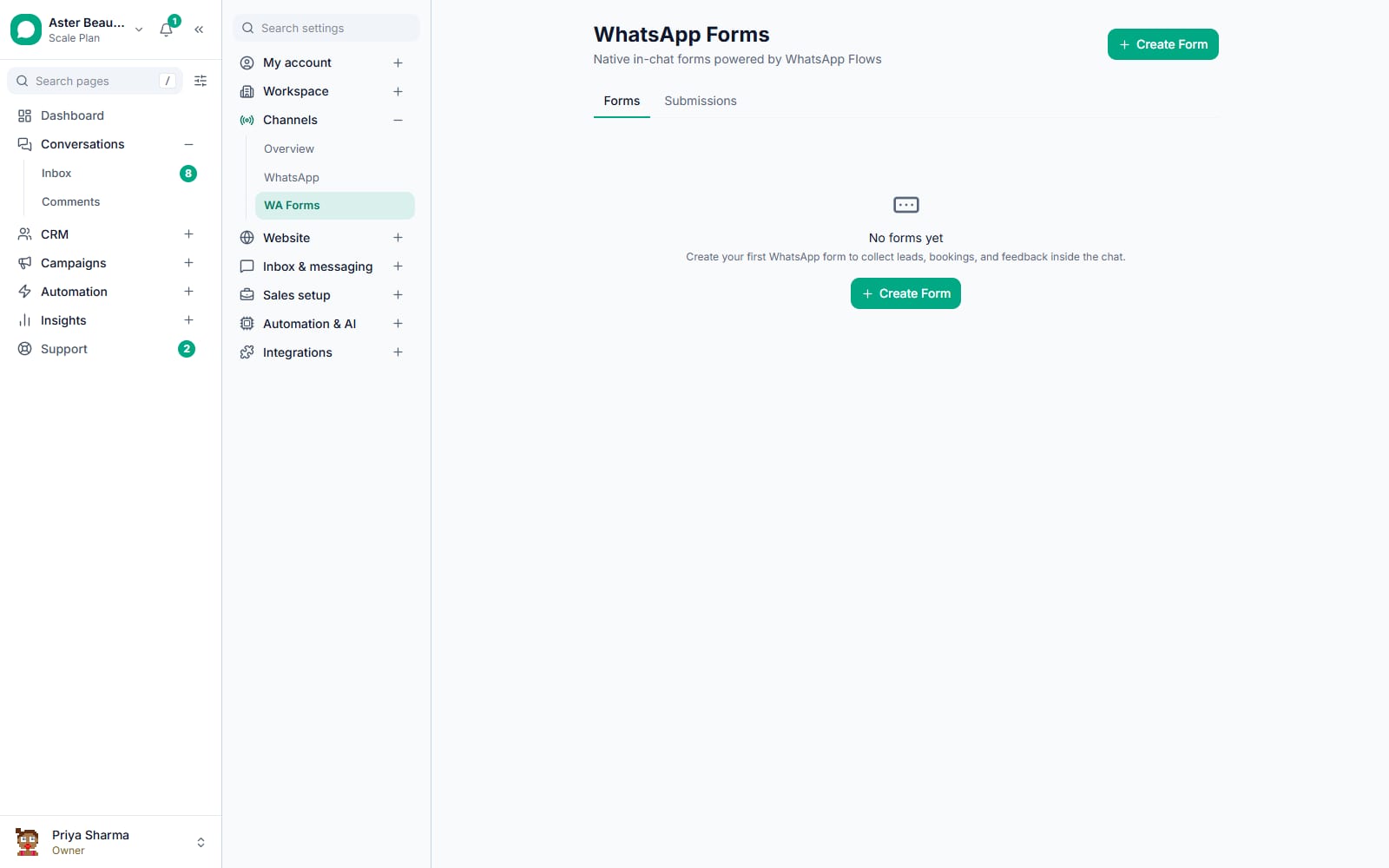
A WhatsApp Form, built on Meta's WhatsApp Flows, opens inside the chat: one screen, up to 20 questions, with text, number, date, choice, dropdown and opt-in fields among others. A visa intake asks the destination country, visa type and intended start date; a tax intake asks residency status and income types. Turn on Create a lead from each submission and pick the pipeline (it is off by default). Each submission then creates a lead in that pipeline's first stage, and a resubmission within 7 days refreshes that lead while it is still in the first stage. While the client's 24-hour window is open, send the form as a session message:
ps_intake_form (session message with the form button)
Thanks. Please fill in this short form so your adviser has the details before your consultation.
A form has no file-upload field, so documents come through the chat. WhatsApp Forms, the WhatsApp Forms guide.
3. Documents in the conversation
The firm sends engagement letters, quotes and checklists as PDF, Word, Excel or PowerPoint files; clients reply with photos and documents. Every file received or sent is copied to VGraple storage, so it outlives Meta's own media retention of about 30 days, and it is served only through the signed-in app, never as a public link. File access follows the workspace rather than a role, so a document only one partner may see belongs in your document system.
Watch out
Meta's WhatsApp Business Messaging Policy says: "Don't share or ask people to share full length individual payment card numbers, financial account numbers, personal ID card numbers, or other sensitive identifiers." Passport copies, ID and tax numbers and bank account numbers go through your firm's secure portal, and no template should ask for them.
ps_document_checklist (utility)
Hi {{1}}, for your {{2}} we still need: {{3}}. Please send them here by {{4}}. Do not send passport or ID copies in this chat; we will share a secure link for those.
4. Consultations booked and reminded
Appointments hold each consultation with its service, time, staff member and stage, and the Calendly integration syncs bookings, cancellations and reschedules into them. A flow on the Appointment Booked trigger sends the confirmation; a flow on the Appointment Reminder trigger sends the reminder a set number of hours before. Appointment stages can start a flow when an appointment enters them, so a No-show stage sends a rebooking message.
ps_consultation_confirmed (utility)
Hi {{1}}, your consultation about {{2}} with {{3}} is confirmed for {{4}} at {{5}}. Reply here to reschedule.
ps_consultation_reminder (utility)
Hi {{1}}, a reminder of your consultation with {{2}} on {{3}} at {{4}}. Please have {{5}} ready.
5. Status updates the client asked for
Create a dropdown contact field such as "Application status" (Documents received, Filed, Decision received) or "Return status". Build a flow with the Contact field changes trigger and set "Only when it becomes" to one value; when an adviser changes the field, that status's update goes out. Build one small flow per status. Moving a lead between pipeline stages does not send a message by itself, so the field is the switch.
ps_status_update (utility)
Hi {{1}}, an update on your {{2}}: {{3}}. Next step: {{4}}. Reply here if you have a question.
6. Follow-ups that do not slip
A follow-up reminder sits on a lead or a Chat Pipeline conversation with an assignee, a due time and a note. When due, it is pushed to that person and stays open as overdue until marked done or dismissed. The Customer goes quiet trigger and sequences nudge clients who stopped replying. For dates on the client's own engagement, such as a filing date:
ps_deadline_reminder (utility)
Hi {{1}}, a reminder that {{2}} for your {{3}} is due on {{4}}. We still need {{5}} from you.
Lead follow-up reminders and how to follow up without annoying people.
Optional: process questions answered by the AI Agent
The AI Agent step in a flow answers process questions from your knowledge base (what to bring, office hours) and hands the conversation to a person. Set it up to give no advice: anything about a specific matter goes to an adviser. The AI Agent and AI Reply steps in WhatsApp flows are on every plan, including Free. AI reply suggestions, conversation summaries, the AI debugger and the chat widget's AI (the bot that answers website chat, Instagram and Messenger) are on Growth and above.
One inbox for the whole practice
Every adviser works from one shared team inbox, so no conversation lives on a personal phone:
- Balanced auto-assignment to the member with the fewest open chats.
- Per-adviser numbers: a number with an owner sends every new conversation to that member (own-numbers guide).
- An "also viewing" warning when two people open the same chat.
- First-response targets with breach alerts.
- Conversation notes for the team, and Client Notes that show wherever the contact is opened.
- Quick replies, CSAT surveys after resolution, and the Android app with the inbox and lead details.
Confidentiality, consent and the record
VGraple CRM limits who sees what, encrypts personal data at rest and records consent and staff actions:
- Roles. Custom roles set access per module (none, view, edit or full), and inbox, contacts and leads can be limited to Own records: the member's own plus unassigned ones.
- Encryption at rest for contact name, phone and email, the lead's personal fields and custom field values.
- Audit log. The Owner-only audit log records contact edits, consent changes, merges, imports and exports; conversation assignment and resolution; and lead changes and exports.
- Consent. Every change is stored with its category (all, marketing or updates), how it happened (first message, START or STOP, import, by hand, API or Meta's marketing stop), where it came from, the wording agreed to, the staff member and the time.
- Marketing kept apart from consent to updates only, and STOP and Meta's "Stop promotions" honoured. See opt-in and consent and security and roles.
Your professional body's or regulator's rules still apply.
Feature map
| Job | Feature | Plan |
|---|---|---|
| Enquiries per service line | Leads, lead rules, lead scoring | Free and above |
| Intake details | WhatsApp Forms | Free and above |
| Documents | Team inbox | Free and above |
| Consultations | Appointments, Calendly, flow triggers | Free and above |
| Status updates | Contact fields (5 / 15 / 40) | Free / Starter / Growth |
| Follow-ups | Follow-up reminders, sequences | Free and above |
| Roles, consent, audit log | Security and roles | Free and above |
| Adviser seats | Team members (1 / 5 / 15) | Free / Starter / Growth |
| Reports per adviser | Analytics | Starter and above |
What it costs
Status updates, confirmations, reminders and checklists are utility messages about the client's own matter; anything promoting a service is marketing and needs consent. Meta bills your own Meta account with no markup from us. From 1 October 2026 Meta charges for replies too; the first 1,000 each month on each WhatsApp number are free. In India a utility template costs Rs 0.115 and a marketing template Rs 0.8631; a utility template costs USD 0.022 to the United Kingdom and USD 0.0157 to the UAE, on Meta's card from 1 October 2026.
Worked example: an Indian practice with 300 active clients on one number.
| Message | A month | Meta charge |
|---|---|---|
| Status updates, 2 per client | 600 utility | Rs 69 |
| Acknowledgements and checklists | 160 utility | Rs 18.40 |
| Confirmations and reminders | 120 utility | Rs 13.80 |
| Deadline reminders | 150 utility | Rs 17.25 |
| Replies | 2,400: 1,000 included, 1,400 charged | Rs 161 |
| One marketing message to 200 consenting clients | 200 marketing | Rs 172.62 |
About Rs 452 a month to Meta. With an own number per adviser, each number has its own 1,000 replies, so count replies per number. VGraple CRM is Rs 3,499 a month on Growth. See pricing for India, the United Kingdom and the UAE, and what changed in October 2026.
A 30-day rollout plan
Week 1. Connect the number, set up a pipeline per service line, submit the templates.
Week 2. Build the intake form for each service line, turn on Create a lead from each submission on each form, and add lead rules.
Week 3. Turn on appointments and reminders, create the status field and its Contact field changes flows.
Week 4. Create custom roles with Own records, review the audit log, and send the first marketing message to clients whose consent is on record.
Getting the number ready
If the practice already runs the WhatsApp Business app on a phone, coexistence keeps the app working while the team uses the inbox. A new number suits a practice that wants a line no single adviser owns.
Common mistakes
- Asking for ID numbers or passport copies in chat.
- Advisers on personal numbers.
- Status updates typed by hand.
- Marketing to an imported list without a consent statement recorded at import.
Related: finance and fintech for lenders and insurers, HR and recruitment for hiring agencies. Start on Free, compare plans, or read the leads guide.