On this page
Too long? Read this
- A regular CRM is built around deals and contacts with messaging as a side channel; a WhatsApp CRM is built around conversations with Meta's rules inside every action
- Teams whose customers live on WhatsApp need the WhatsApp CRM for daily work; teams with long B2B cycles and many channels keep the regular CRM for reporting
- The common answer is both, synced by phone number: the conversation lives in one, the deal in the other
- Cost in India, four scenarios, and the questions that settle the choice
A regular CRM is built around deals and contacts; messaging is a side channel you bolt on. A WhatsApp CRM is built around the conversation, on the WhatsApp Business API, with Meta's rules (consent, templates, the 24-hour window, tiers, quality ratings) inside every action. If your customers talk to you on WhatsApp, the second is where the work happens; if your sales process is long, multi-channel and heavily reported, the first is where the management happens. Most Indian businesses that grow end up with both, synced by phone number. This guide compares the two on twenty points, prices them in India, walks four team scenarios, and shows how the sync works.
The 20-point comparison
| Regular CRM (Zoho, HubSpot, Salesforce) | WhatsApp CRM (VGraple CRM) | |
|---|---|---|
| Core record | Contact and deal | Conversation, with contact and lead attached |
| Add-on channel via a partner | Native, on the WhatsApp Business API | |
| Instagram and Messenger | Separate add-ons | Same inbox |
| Shared inbox | Basic, per add-on | Assignment, collision detection, SLA, notes, stages |
| Templates | Basic sending | Builder, validator, gallery, status sync |
| Broadcasts | Limited or via provider | Segments, cost estimate, pacing, per-recipient status |
| Delivery protection | None | Pacing, tier budget, auto-pause, suppression |
| Chatbots | Limited or extra | Flow builder plus AI chatbot with handoff |
| Sequences | Email-centric | Template sequences with STOP handling |
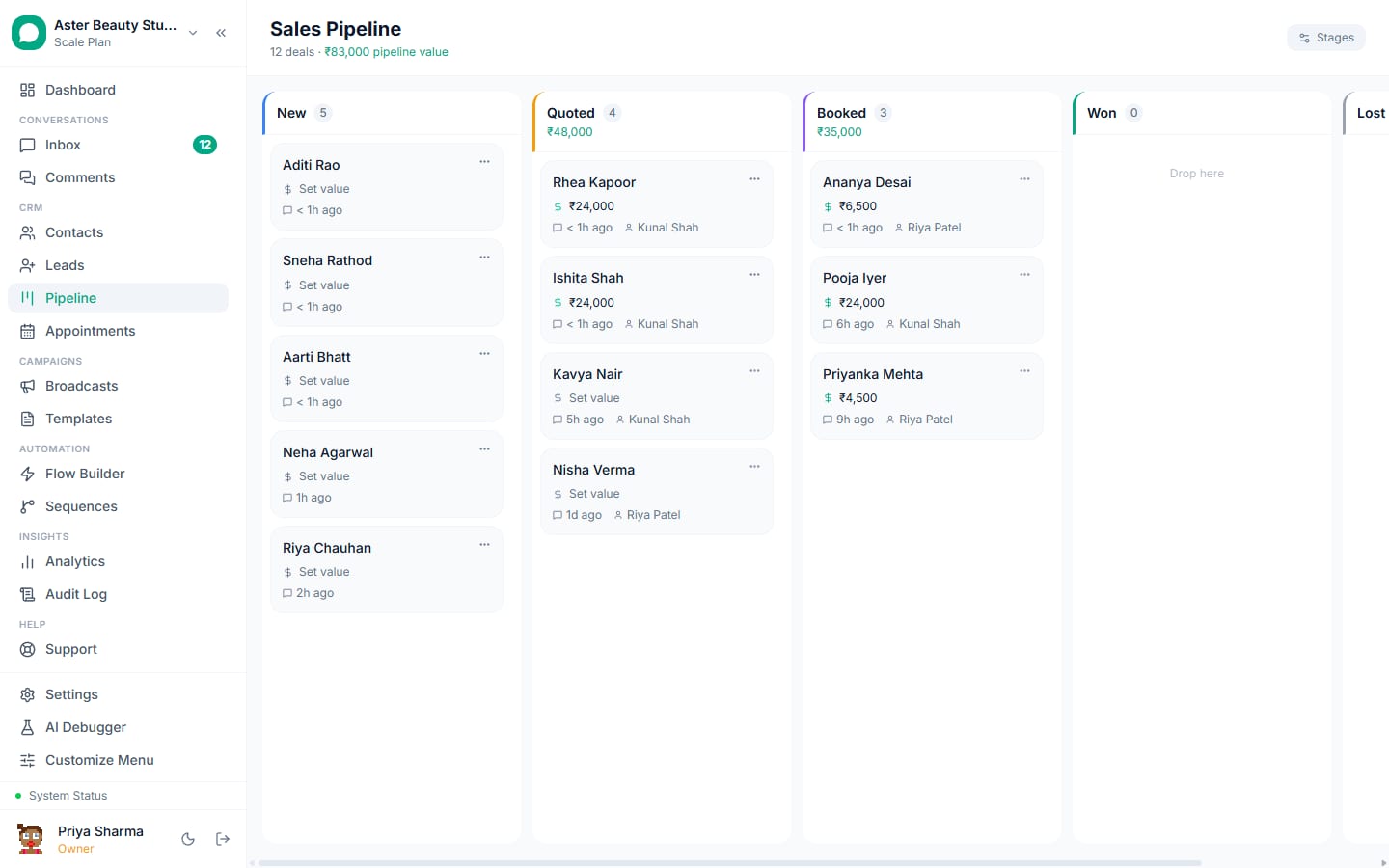
| Pipeline | Strong, multi-stage, forecasts | Kanban pipelines with scoring |
| Appointments | Via integrations | Built in, with reminders |
| Payments in chat | No | Payment links in conversation |
| Ads | Integrations | Click-to-WhatsApp referral capture, Lead Ads, Conversions API |
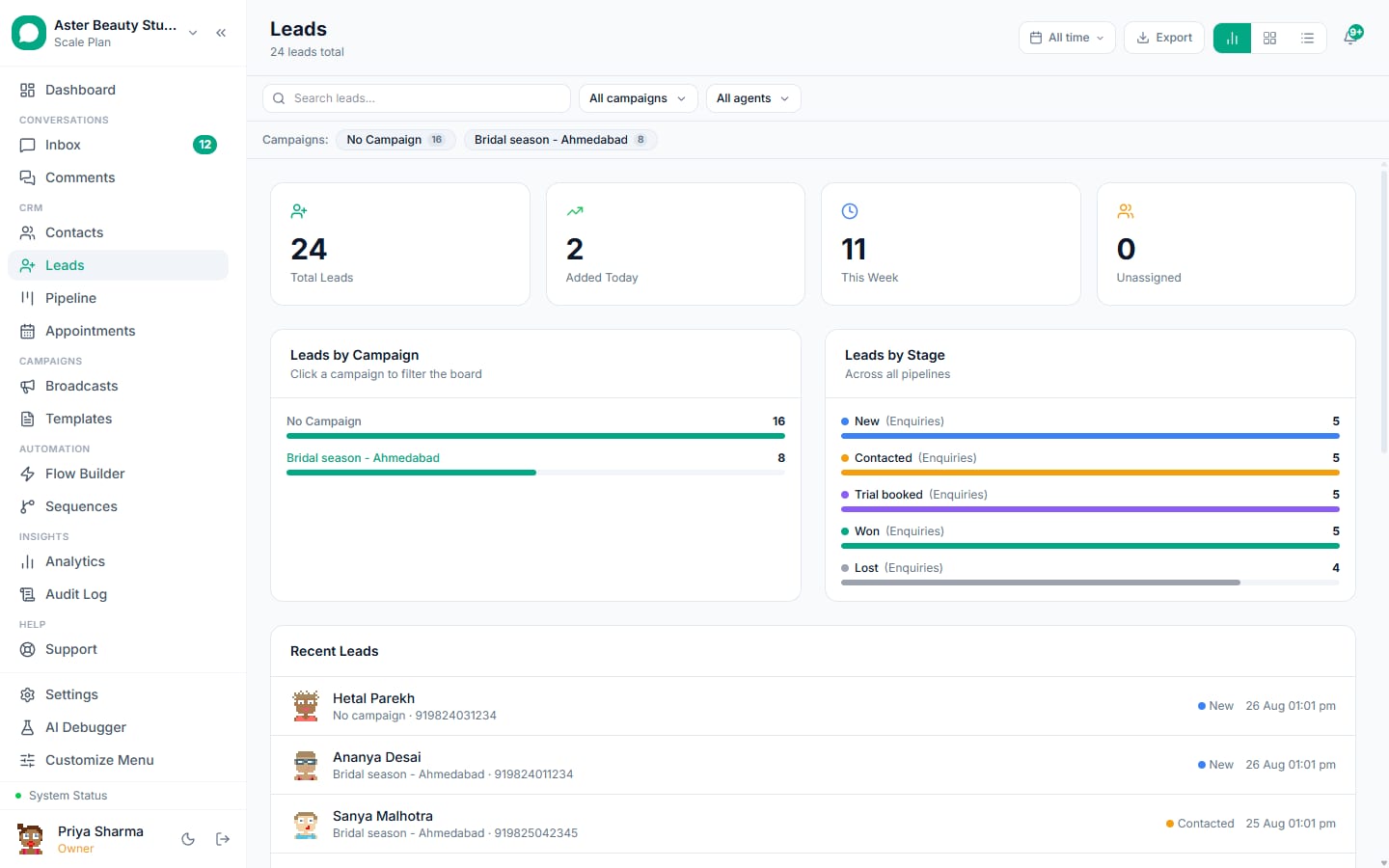
| Reporting | Deep, cross-channel | Conversation, campaign, agent, revenue |
| Email sequences | Strong | Via Zapier or email tool |
| Custom objects and workflows | Strong | Custom fields, rules, webhooks |
| Mobile | Yes | Android app |
| Pricing | Per seat plus provider markup | Flat plan, seats included, no markup |
| Security | Enterprise-grade | Encryption, 2FA, roles, audit log |
| Time to value | Weeks | An afternoon |
Cost in India
Regular CRMs charge per user: roughly Rs 1,000 to Rs 5,000 per seat per month depending on tier, plus a WhatsApp partner's per-message markup on Meta's rates. A five-person sales team pays Rs 5,000 to Rs 25,000 a month before WhatsApp. A WhatsApp CRM charges a flat plan: VGraple CRM is Rs 0 on the free plan, Rs 1,499 for five seats, Rs 3,499 for fifteen, Rs 7,999 unlimited, with Meta's message charges billed by Meta at published rates and no markup. Running both often costs less than the regular CRM's WhatsApp add-on alone, because seats in the WhatsApp CRM are not billed per agent.
Four scenarios
A salon, clinic or coaching centre. Enquiries, bookings, reminders and offers all happen on WhatsApp; deals close in days. The WhatsApp CRM is enough; a regular CRM adds cost without adding work. Verdict: WhatsApp CRM only.
A real estate agency. Enquiries on WhatsApp, site visits, a sales cycle of weeks with brokers and finance involved, management reporting by project. Verdict: WhatsApp CRM for agents and automation, regular CRM for deals and reporting, synced.
A D2C brand. Orders on the store, support and recovery on WhatsApp, marketing on both email and WhatsApp. Verdict: WhatsApp CRM for conversations and campaigns, the store as the system of record for orders, an email tool for newsletters, Zapier between them.
A B2B SaaS or services firm. Long cycles, proposals, multiple stakeholders, email sequences, forecasts. Verdict: regular CRM at the centre; a WhatsApp CRM for follow-ups, meeting confirmations and invoices due, synced.
How the sync works
Phone number in E.164 format is the key. Contacts created in the WhatsApp CRM create or update contacts in the regular CRM; leads created on qualification create deals; stage changes flow to the CRM; won or lost flows back and tags the contact so sequences stop; revenue logged on conversations updates deal amounts; a link to the conversation sits on the CRM record. Zapier handles it for most teams in an afternoon; webhooks and the REST API handle it for custom systems. How to connect WhatsApp to your CRM has the field map.
What agents notice on day one
In a regular CRM's WhatsApp add-on, replying means opening the contact, finding the conversation panel, choosing a template, waiting for the send; the deal record is the centre and the chat is a tab. In a WhatsApp CRM the inbox is the centre: the conversation is open, the contact and lead sit beside it, quick replies insert with a keystroke, templates are one click, the AI drafts a reply, and the stage is a dropdown in the header. For a team answering 200 conversations a day the difference is hours. For a manager reading a forecast on Friday the regular CRM's pipeline view is still the better screen. Two audiences, two tools, one phone number as the key.
Migration notes
Moving from a regular CRM's WhatsApp add-on to a WhatsApp CRM: export contacts with consent and tags; reconnect the number through Embedded Signup (the WhatsApp Business Account is yours if the add-on used a Tech Provider; with a BSP, request the migration); re-submit templates in the new builder; rebuild automations as flows and rules; set the Zapier sync before switching agents over. Plan a week; keep the add-on read-only until the inbox has a week of history.
Questions that settle it
- Where do customers start conversations? If WhatsApp, you need a WhatsApp CRM for the people who answer.
- How long is the sales cycle? Days: WhatsApp CRM. Months with many stakeholders: regular CRM as well.
- How many channels matter? WhatsApp plus Instagram and web chat: WhatsApp CRM. Email, phone, events, partners: regular CRM as well.
- Who needs reports? Agents need queues and SLAs; managers need pipelines and forecasts. Two audiences, two tools, one sync.
- What does WhatsApp cost you today? Add-on seats plus markup often exceed a flat WhatsApp CRM plan.
When the regular CRM is enough
If WhatsApp enquiries are under a few dozen a week, one person answers them, campaigns are rare, and the deal record is where your team already lives, the regular CRM's WhatsApp add-on is enough for now. Watch for the three signs that change the answer: a second person answering the same number, enquiries arriving when nobody is at the desk, and a broadcast you want to send to more than a few hundred people. At any of the three, add the WhatsApp CRM on the free plan and sync; nothing in the regular CRM changes.
What VGraple CRM does here
VGraple CRM is the WhatsApp CRM in this comparison: shared inbox across WhatsApp, Instagram, Messenger and web chat; templates, broadcasts and delivery protection; flows and AI; sequences; pipelines with scoring; appointments; payments; revenue attribution; a Zapier app, webhooks and a REST API for the sync to Zoho, HubSpot or anything else. Free plan, no markup on Meta's rates. Every feature, pricing.