On this page
Too long? Read this
- You can send to 10,000 contacts only on the WhatsApp Business API, with a Meta-approved template, to people who opted in; the Business app stops at 256 per broadcast list
- Meta's messaging tier decides how many unique customers you can message per rolling 24 hours: 250 (unverified), then 1,000, 10,000, 100,000, unlimited, applied to your whole business portfolio
- Cost to 10,000 Indian numbers in 2026: about Rs 8,631 for a marketing template or Rs 1,150 for a utility template, billed by Meta; plus a platform fee (Rs 0 on VGraple CRM's free plan)
- Setup takes about 20 minutes: connect the number, submit a template, import the list, send in paced batches with suppression on
You can send a WhatsApp message to 10,000 contacts in one campaign, legally and without losing the number, on the WhatsApp Business API with a Meta-approved template, to people who opted in, at a pace your account's messaging tier allows. In India in 2026 that campaign costs about Rs 8,631 in Meta charges if it is a marketing template, or Rs 1,150 if it is a utility template, plus whatever your platform charges (Rs 0 on VGraple CRM's free plan, within its monthly limit). This guide gives the limits, the cost and the 20-minute setup, in that order.
The three ways people try, and which one works
| Personal WhatsApp | WhatsApp Business app | WhatsApp Business API | |
|---|---|---|---|
| Max recipients | Broadcast lists of 256, saved contacts only | Broadcast lists of 256, saved contacts only | 10,000 and beyond, governed by Meta tiers |
| Recipient must have your number saved | Yes | Yes | No |
| Delivery, read and reply reporting | No | No | Per recipient |
| Opt-out handling | Manual | Manual | Automatic (STOP keywords, Meta preferences) |
| Personalisation | No | No | Template variables per contact |
| Risk | Account bans for spammy use | Same | Managed by quality rating and tiers |
| Cost | Free | Free | Meta per-message rate plus platform fee |
Bulk-sender tools that automate the phone app ("send unlimited messages without API") violate WhatsApp's terms and are the most common reason numbers get banned. Everything below is the API route.
Limit 1: Meta's messaging tiers
For 10,000 recipients you need at least the 10,000 tier, which a verified business with healthy sending typically reaches within one to two weeks: 1,000 the first day, 10,000 after you have sent about 500 in a day with good quality, and so on. Customers who message you first do not count against the limit; only conversations you start do.
VGraple CRM's delivery protection reads your tier and counts the unique recipients you have started in the trailing 24 hours across the portfolio. If a 10,000-contact campaign starts with 6,000 of headroom, it sends 6,000, parks itself with the reason shown, and resumes when the window reopens, instead of failing 4,000 rows.
Limit 2: the per-user marketing cap
This is why a clean, engaged list delivers at 90 percent and a cold list at 60. Two things reduce the loss: send utility templates for anything transactional (never capped), and retarget only people who read or replied to the last campaign. VGraple CRM marks capped recipients as suppressed rather than failed and does not retry them into the same wall.
Limit 3: quality rating
Blocks and spam reports lower your number's quality rating from High to Medium to Low. A Low rating restricts the tier; a persistent Low rating restricts the account. The two protective habits are opt-in only and pacing. Why WhatsApp blocks broadcast senders covers recovery.
What 10,000 messages cost
Meta bills per delivered template message, to your Meta Business account, at the recipient country's rate. India, April 2026 rate card:
| Template category | Rate per message | 10,000 messages |
|---|---|---|
| Marketing (offers, launches, re-engagement) | Rs 0.8631 | Rs 8,631 |
| Utility (order, booking, payment updates) | Rs 0.115 | Rs 1,150 |
| Authentication (OTP) | Rs 0.115 | Rs 1,150 |
| Service (replies inside a customer's 24-hour window) | Free | Free |
Three things move the real number:
- Suppressed and failed messages are not billed. A campaign of 10,000 with 900 suppressed and 300 failed bills 8,800 messages.
- Replies are free. Every reply opens a 24-hour service window in which your follow-ups are free-form and free. A campaign that drives conversations is cheaper per outcome than one that does not.
- Platform fees vary wildly. Resellers add 10 to 25 percent to Meta's rate or sell expiring credits. VGraple CRM charges a flat plan fee (Rs 0, Rs 1,499, Rs 3,499 or Rs 7,999 a month) and nothing per message. The pricing page shows three worked months; the pricing calculator does your numbers.
Other countries: WhatsApp API pricing by country.
Setup in 20 minutes
1. Connect the number (5 minutes)
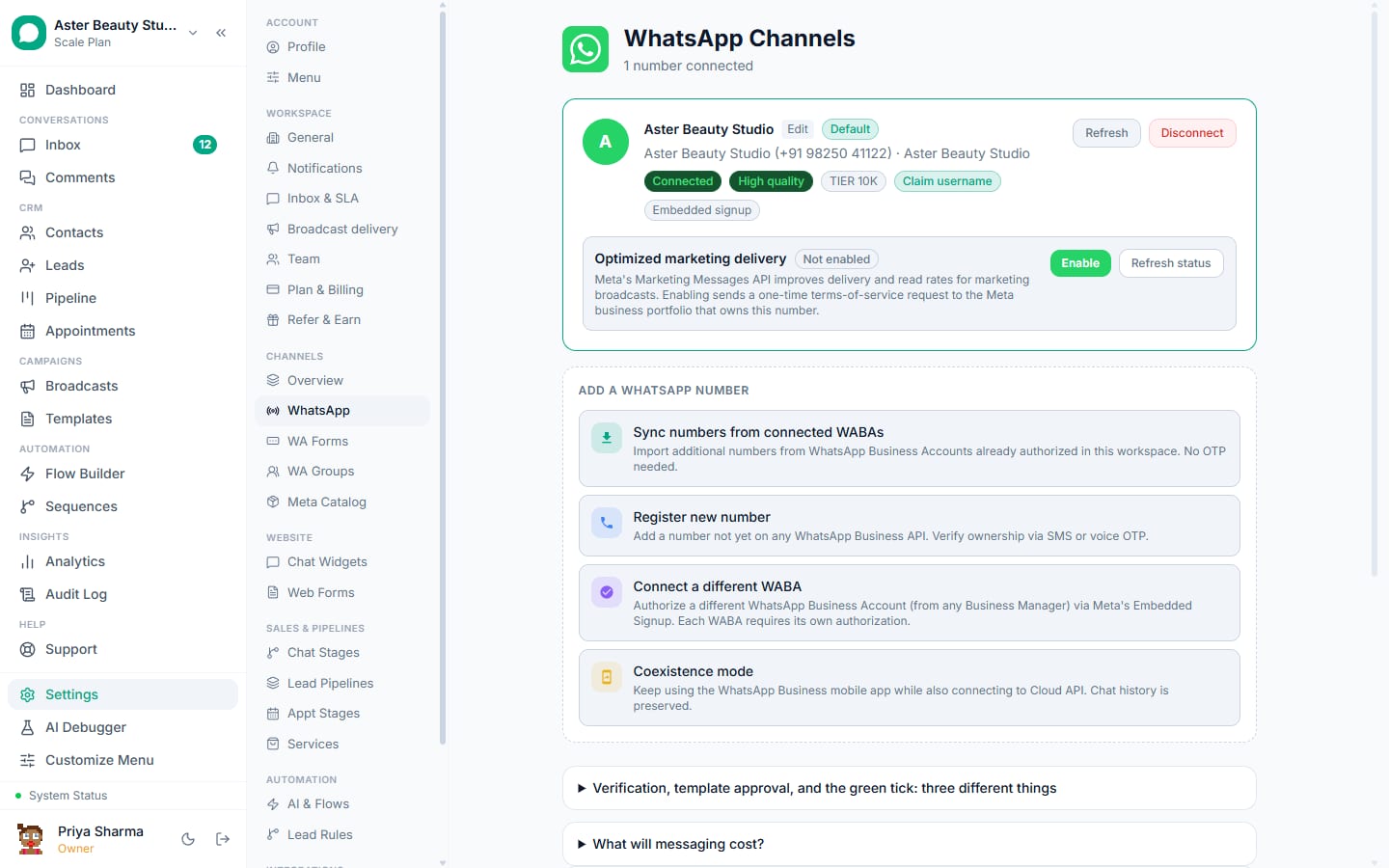
In VGraple CRM go to Settings, Channels, WhatsApp and choose Connect via Embedded Signup. Log in to Facebook, pick or create the Meta Business account and WhatsApp Business Account, and verify the number by SMS or call. To keep using the WhatsApp Business app on the phone, choose Connect in coexistence mode instead. Details: connect your WhatsApp number.
2. Get a template approved (5 minutes plus Meta's review)
Business-initiated messages must be approved templates. Templates, New Template, or pick one from the gallery and submit it with your business name filled in. Choose the honest category (utility for transactional, marketing for promotional); the validator flags the things Meta rejects. Approval usually takes minutes to a few hours.
Example
Marketing template for a D2C store: "Hi {{1}}, our Diwali collection is live with 20% off till Sunday. Reply SHOP for the catalogue or STOP to opt out." Variables: customer name. Buttons: Shop now (URL), Stop (quick reply).
3. Import the 10,000 contacts (5 minutes)
Contacts, Import, upload a CSV with a phone column (country code, digits only) and any fields you will personalise with. The importer normalises Indian numbers, drops duplicates and rows without a valid number, and records the opt-in source. Contacts who previously replied STOP stay opted out. Guide: import contacts from CSV.
4. Build the broadcast (3 minutes)
Broadcasts, New Broadcast: pick the audience (a tag, a saved segment or the imported list), pick the template, map the variables with fallbacks, and review. The review screen shows the live recipient count after suppression, the estimated Meta cost, how much of your daily headroom the send will use, and what will be skipped and why.
5. Send, paced (2 minutes to start)
Send now or schedule. The engine sends at 50 messages a second per number, slows on a yellow quality rating, parks on a red one or an exhausted tier, and resumes on its own. The campaign page updates live: sent, delivered, read, replied, failed and suppressed per recipient, with the Meta error code where there is one. Replies land in the shared inbox tagged with the campaign.
Reading the results
A healthy first send to an opted-in Indian list looks like: 92 to 96 percent delivered, 65 to 80 percent read within 24 hours, 3 to 10 percent replied for a marketing template with a clear ask. Below 85 percent delivered means the list has stale or unengaged numbers; below 50 percent read means the send time or the first line is wrong. Retarget readers who did not reply with a second template two days later, and never re-send to suppressed recipients.
Mistakes that turn 10,000 sends into a restricted number
- Sending to a purchased list. Opt-in is a Meta rule, not a suggestion.
- Sending everything as marketing. Booking and order updates belong in utility templates at a seventh of the price and outside the marketing cap.
- Sending at 11 pm. Late sends earn blocks; VGraple CRM's quiet hours setting holds campaigns until morning.
- Re-sending to failed rows without reading why they failed. Capped and opted-out recipients must not be retried; VGraple CRM keeps them out of "Retry failed".
- Starting a 10,000-send on day one of a new number. Warm up: a few hundred to your most engaged contacts, then scale as the tier rises.
What VGraple CRM does here
Audience with suppression, live cost estimate, template validator and gallery, paced sending with tier budgeting and auto-park, per-recipient statuses, retarget cohorts and revenue attribution are on every plan, including Free. The free plan's 500-contact limit is the only cap on audience size; Starter, Growth and Scale raise it. Conversations are never capped. There is no per-message markup on Meta's rate.