On this page
Too long? Read this
- Coaching institutes lose enrolments in the hours between an enquiry and a counsellor's call; a WhatsApp qualifier and a follow-up sequence close that gap
- Fees, class reminders, materials and results are utility messages that cost Rs 0.115 and cut the front desk's phone time
- Batch launches and result stories are the marketing messages; keep them to consenting contacts and one a week
- Six templates, a lead-scoring rule, parent communication, a cost example and a 30-day rollout
A coaching institute loses enrolments in the hours between an enquiry and a counsellor's call. The parent messaged three institutes; the one that answered in a minute with batch details and a slot for a call is the one they remember. WhatsApp fixes the gap with a qualifier flow and a follow-up sequence, then runs the operations that clog the front desk (fees, reminders, materials, results, parent updates) as cheap utility messages, and reserves marketing for batch launches to consenting contacts. This playbook gives the flows, six templates that pass review, a lead-scoring rule, parent communication, a cost example and a 30-day rollout.
The enquiry flow
Trigger: any first message, the website widget, a click-to-WhatsApp ad, a Facebook Lead Ad.
- "Thanks for contacting Apex Academy. Which exam or class?" with buttons (JEE, NEET, Class 10, Class 12, Other).
- "Which subjects?" as a list; "Online or classroom?" as buttons; "Target year?" as buttons.
- Send the matching batch details (timings, faculty, fee range) as a document, and offer "Book a counselling call" with three slots, or "Talk now".
- Save every answer on the lead; score it (target year this year, classroom, full subjects score higher); assign a counsellor with the summary.
The counsellor now calls a qualified lead with the details in front of them, not a phone number with "interested" written next to it.
The follow-up sequence
Runs only if the lead goes quiet; pauses the moment they reply or a counsellor writes.
| Step | Delay | Category | Message |
|---|---|---|---|
| 1 | Immediate (in-window) | Free-form | Batch details and the call slots |
| 2 | Day 1 | Utility | Counsellor introduction with a Book button |
| 3 | Day 3 | Marketing | A student result story, with opt-out |
| 4 | Day 7 | Utility | Fee plan and enrolment deadline |
| 5 | Day 12 | Utility | "Shall I close your enquiry?" with KEEP or CLOSE |
Fees and enrolment
Enrolment creates the student record, the parent's contact, the fee schedule and the batch. Instalment reminders go as utility templates with a payment link three days before, on the day, and once after; payment through the link updates the record and attributes revenue. Receipts go as utility documents. Overdue beyond a week assigns the accounts person.
Classes, materials, results
- Timetable and room changes: utility template to the batch tag.
- Class reminders: utility, morning of the class, with the topic and the material attached.
- Absence: utility to the parent the same evening, with a "reason" reply button.
- Mock test results: utility with the score, the analysis document and a "doubt session" button.
- Doubt solving: the inbox, with the AI answering from course FAQs and faculty picking up the rest.
Parent communication
Collect the parent's number and consent on the enrolment form, naming WhatsApp and the message types. Fees, attendance and results go to the parent; class logistics go to the student; both can be tagged on one household. Never send marketing to a parent who consented only to updates.
Six templates that pass review
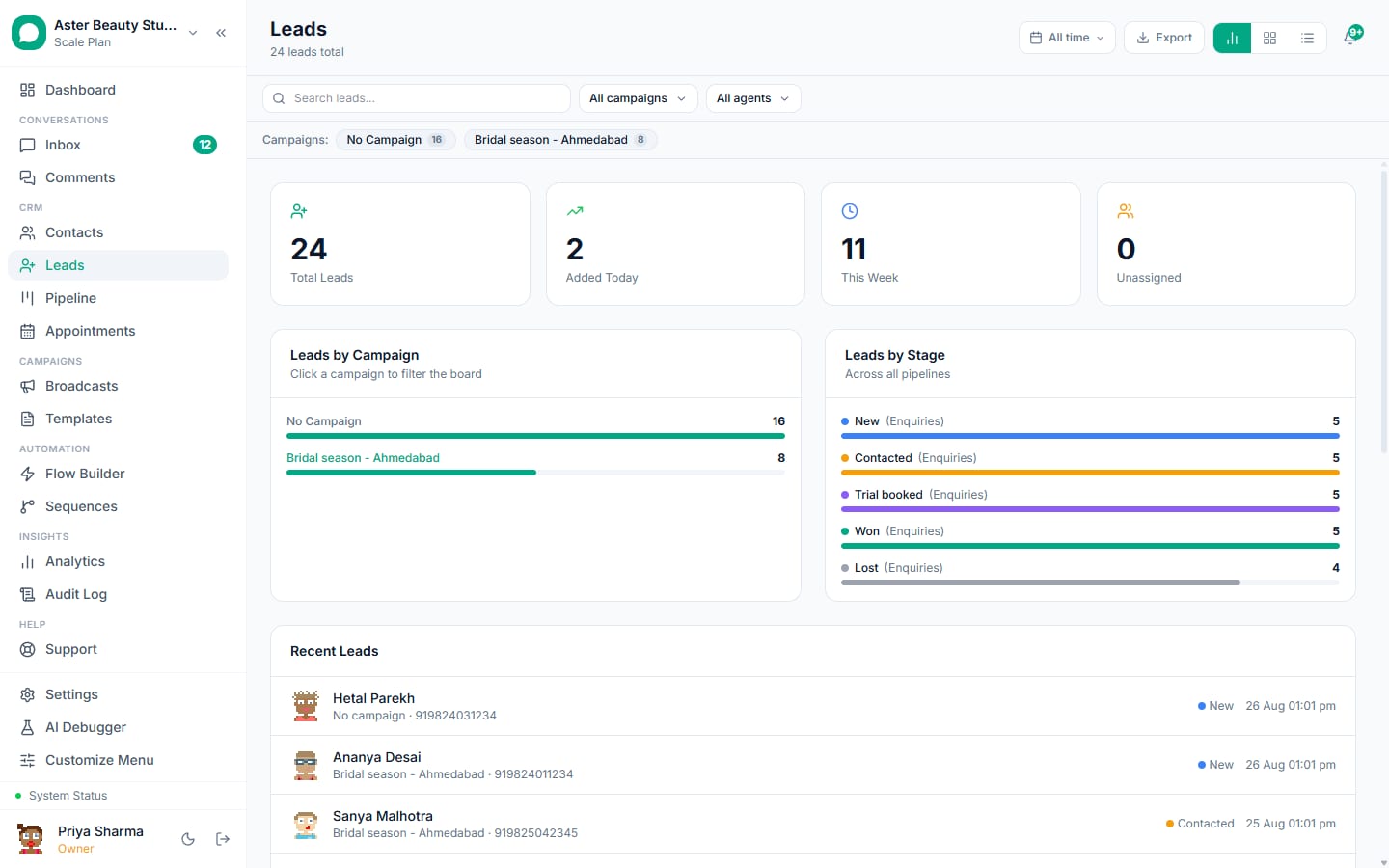
- edu_enquiry_followup (utility): "Hi {{1}}, thanks for enquiring about {{2}}. Batch details: {{3}}. Reply CALL to speak to a counsellor."
- edu_counsellor_intro (utility): "Hi {{1}}, I am {{2}}, your counsellor at {{3}}. Reply BOOK for a 15-minute call or ask me anything here."
- edu_fee_reminder (utility): "Hi {{1}}, the {{2}} instalment of {{3}} for {{4}} is due on {{5}}. Pay here: {{6}}."
- edu_class_reminder (utility): "Reminder: {{1}} class on {{2}} at {{3}}, room {{4}}. Today's material is attached."
- edu_result_shared (utility): "Hi {{1}}, your {{2}} score is {{3}}. The analysis is attached. Reply DOUBT to book a session."
- edu_batch_launch (marketing): "Hi {{1}}, {{2}} opens a new {{3}} batch on {{4}}, {{5}} seats. Reply SEAT to reserve or STOP to opt out."
Lead scoring that matches how institutes sell
Score up: target exam this year, classroom mode, full subject set, replied within an hour, came from a referral. Score down: enquiry for a future year, no reply after two touches, out-of-city with no online option. Counsellors work the list top down; the sequence handles the rest. Lead scoring.
What it costs: a 500-student institute
Month: 500 students receiving 6 utility messages each (Rs 345), 400 new enquiries through the flow (free in-window) with the sequence's template steps (about Rs 500), two batch-launch campaigns to 2,000 consenting enquirers (Rs 3,452), fee payment links (payment gateway charges apply). Meta total about Rs 4,300; VGraple CRM from Rs 0 to Rs 3,499 depending on seats and volume.
30-day rollout
Week 1. Connect the number; submit the six templates; build the enquiry flow; import enquirers with consent and tags by exam.
Week 2. Turn on the sequence and lead scoring; counsellors work from the pipeline; fee reminders live for the current batches.
Week 3. Class reminders and results for two batches as a pilot; parent consent added to the enrolment form.
Week 4. First batch-launch campaign to consenting enquirers; review reply and enrolment rates; add the AI for course FAQs.
Mistakes
- Counsellors calling before the qualifier runs.
- Sending launches to every enquirer regardless of exam or year.
- Fee reminders phrased as threats; they are utility messages with a link.
- Messaging students' numbers about fees when the parent consented for that.
- No close step; enquiries stay "open" forever and the pipeline lies.
What VGraple CRM does here
Enquiry flows with buttons and lists, lead scoring and pipelines, sequences that pause on reply, utility templates with documents and payment links, tags by batch, parent and student contacts on one household, broadcasts with delivery protection and the shared inbox with AI for doubt-solving are on every plan including Free (AI on Growth and above). The education and coaching solution page has the full setup.