On this page
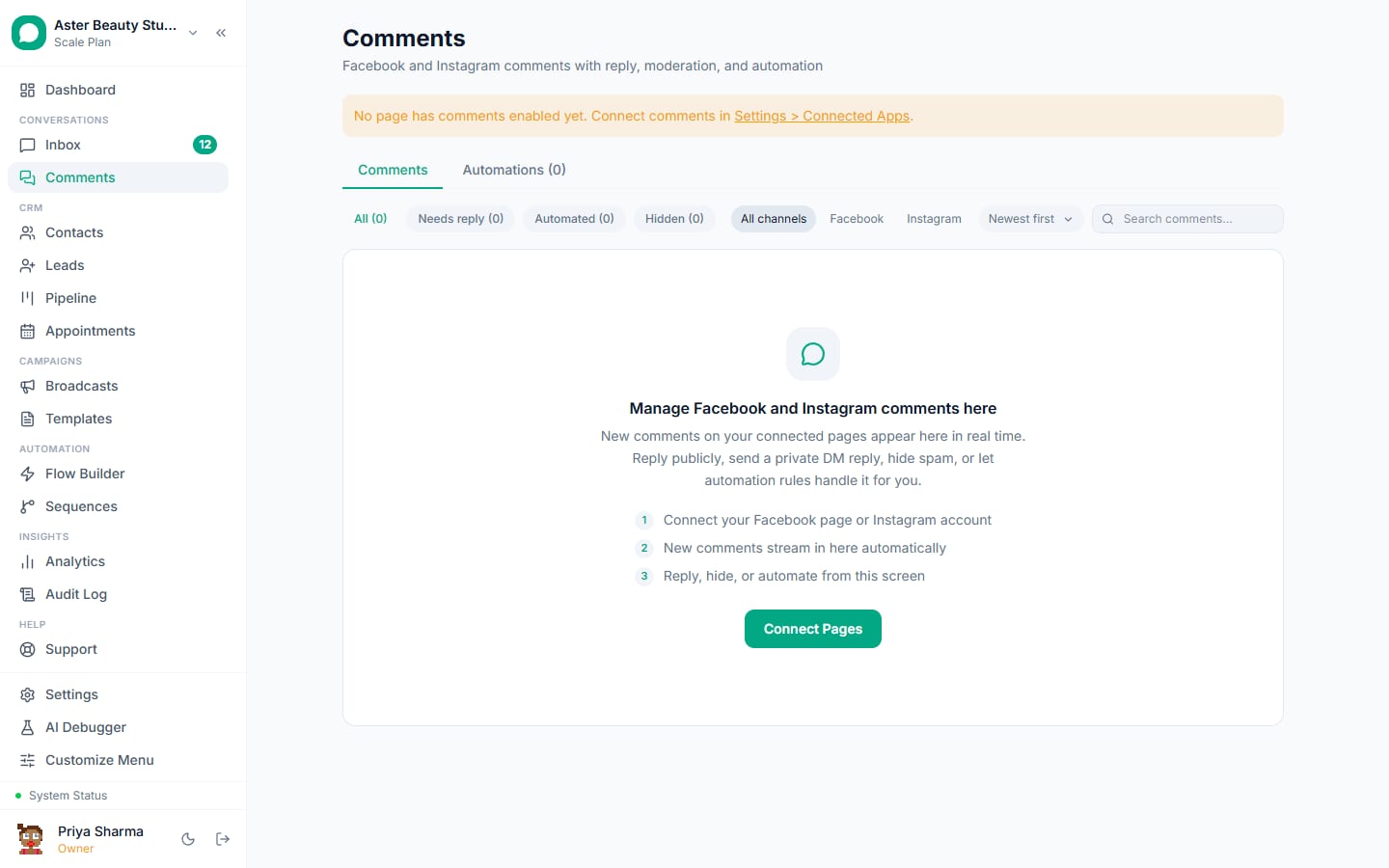
Comment automation replies publicly to a matching Facebook or Instagram comment within seconds and follows up with a private DM on the same platform, using Meta's own private-reply mechanism; the same screen also gives you a live feed to moderate every comment across your connected pages without opening Facebook or Instagram.
Comment automation: first 5 of 7 steps
- 1Open Comments from the main navigation
- 2Switch to the Automations tab and create
- 3Set the keywords and match type
- 4Write the public reply and the private
- 5Turn on "once per user", if you
Before you start
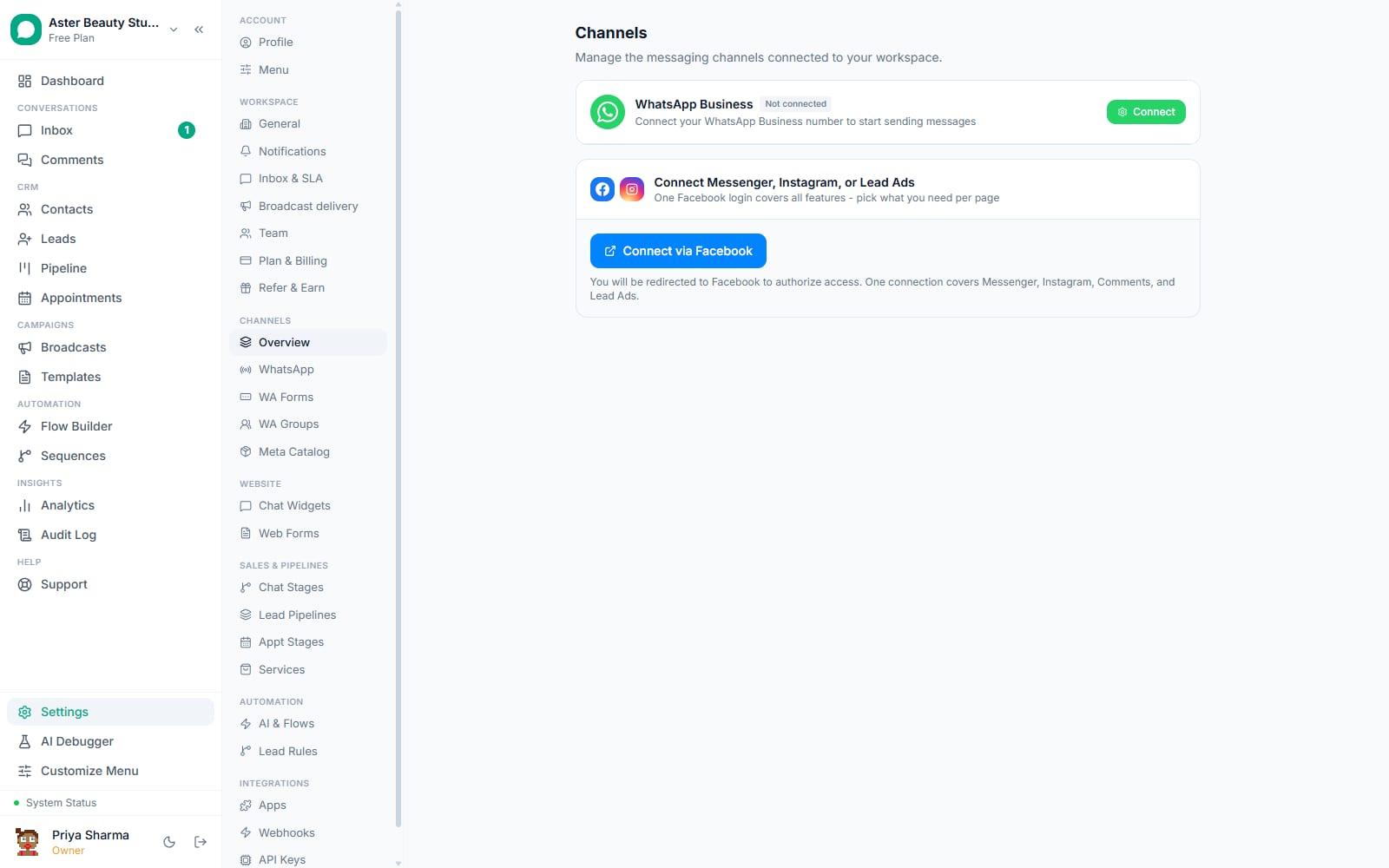
- Connect at least one Facebook Page or Instagram account first: see connecting Facebook Messenger or connecting Instagram DMs. Comment automation reuses the same connected pages, it does not need a separate connection step.
- Building or editing rules needs the permission that manages automation rules; agents without it can still use the moderation feed if they have send access, but will not see the Automations tab's edit controls.
- Decide what a matching comment should do before you build the rule: a public reply, a private DM, lead creation, or some combination, since a rule with none of the three set is rejected on save.
Steps
- Open Comments from the main navigation. Two tabs sit at the top: Comments, the live moderation feed, and Automations, where rules live.
Switch to the Automations tab and create a rule. Choose the channel it applies to, Facebook, Instagram, or both, and optionally scope it to a single post instead of every post on the page.
Set the keywords and match type. List the words or phrases that should trigger this rule, and choose contains matching (the comment includes the keyword anywhere) or exact matching (the comment is only that keyword). Leaving the keyword list empty makes the rule match every comment the scope allows.
Write the public reply and the private DM. The public reply posts as a threaded response under the comment, visible to everyone. The private reply sends as a DM using Meta's private-reply capability, one per comment, on the same platform the comment came from.
Turn on "once per user", if you want it. This skips sending another private DM to someone this rule has already messaged before, across any of their earlier comments, so a person commenting five times on a giveaway post is not messaged five times.
Turn on lead creation, if relevant. Choose a pipeline, and a matching comment creates a lead there the moment it fires, alongside the reply and DM.
Save and watch it run. A matching comment gets the public reply and private DM within seconds of VGraple CRM receiving the webhook from Meta; the DM opens as a conversation in your shared inbox with the comment and post attached.
What you will see
The Comments tab fills with every comment across your connected pages, newest first, each showing reply, hide, unhide and delete actions. A comment that triggered a rule shows its public reply threaded underneath it. The Automations tab lists every rule with its scope, keyword count, and an active/inactive toggle, alongside a running count in the tab label itself, "Automations (3)" for example.
Settings and options
| Setting or field | What it does | Default |
|---|---|---|
| Channel | Facebook, Instagram, or both | Set per rule when created |
| Post scope | Applies to every post on the page, or one specific post | Every post unless a specific one is chosen |
| Keyword match type | Contains (keyword appears anywhere) or exact (comment is only the keyword) | Contains |
| Once per user | Skips a repeat commenter this rule already messaged before | Off unless turned on per rule |
| Create lead | Creates a lead in a chosen pipeline the moment the rule matches | Off unless turned on with a pipeline selected |
| Rule active toggle | Turns a rule on or off without deleting it | Active as soon as it is saved |
Troubleshooting
| Symptom | Likely cause | Fix |
|---|---|---|
| A comment matched the keyword but nothing happened | The rule is inactive, scoped to a different post, or the connected page's token needs reconnecting | Check the rule's active toggle and post scope; check the page's connection status on the Channels settings page |
| Private DM did not arrive | The commenter has DMs from businesses restricted in their own settings, or a private reply was already sent to that exact comment (Meta allows only one) | Expected in both cases; the public reply still posts and is not affected |
| Same person got the private DM more than once | "Once per user" is off, or the repeat comments came from different rules, each of which tracks its own history | Turn on once per user on the rule, or consolidate overlapping rules if two of them are matching the same keywords |
| Deleted a comment by mistake | Delete is permanent in VGraple CRM | There is no undo; ask the commenter to repost if the content needs to come back |
| Keyboard shortcuts (j, k, r, h) do not respond | Focus is inside a text input, textarea or dropdown, where shortcuts are intentionally disabled so they do not interfere with typing | Click on the comment feed itself, outside any input field, before using a shortcut |
Related reading
Comment automation depends on a connected Instagram or Messenger page, since the private DM lands in that same channel's inbox. If a rule is set to create leads, see using the leads pipeline for what happens to them next.