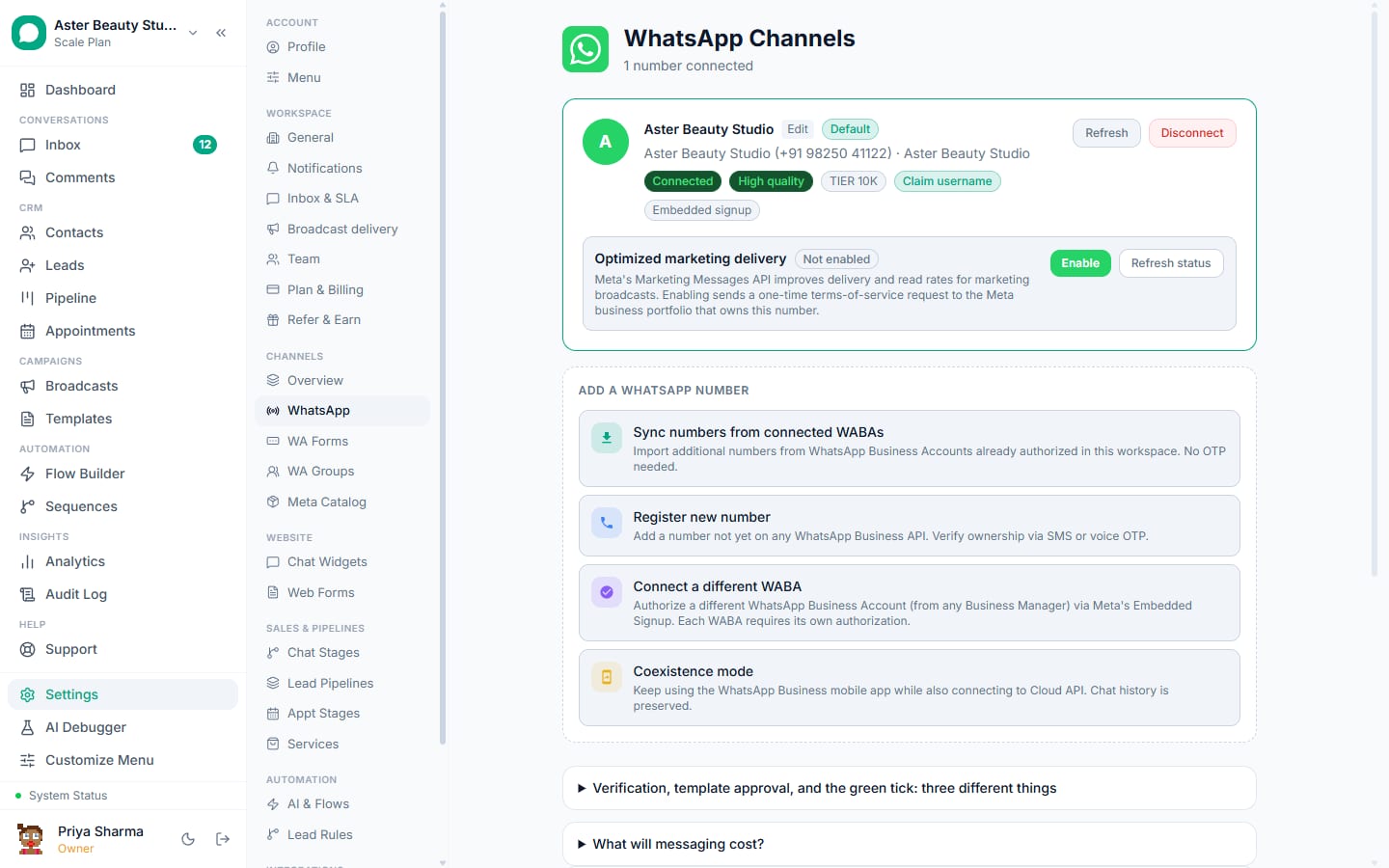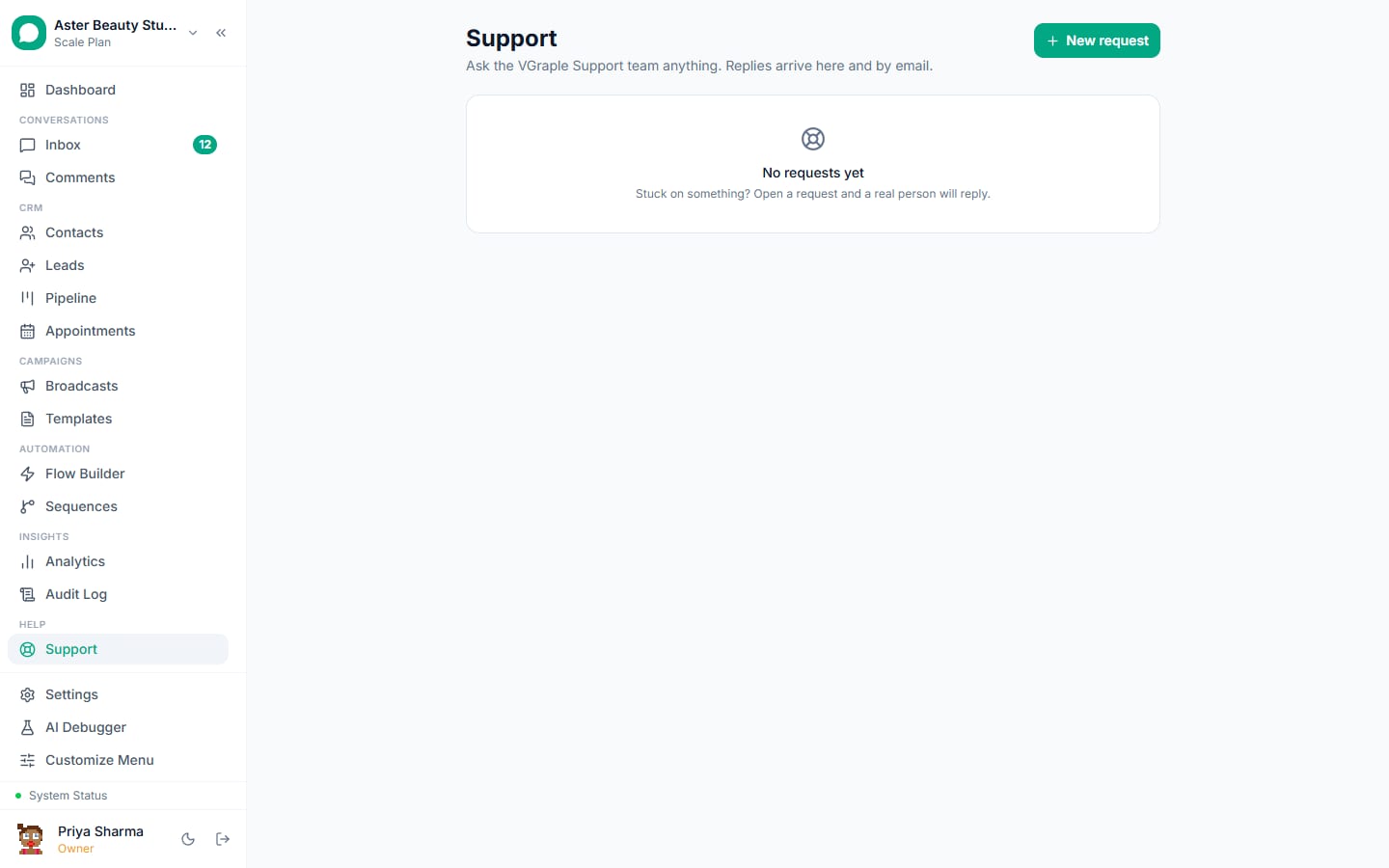
New workspaces can now message a sandbox WhatsApp number with a JOIN code before connecting their own number, load a sample workspace with realistic conversations, and get a day-0 concierge thread in the support desk.
What changed
- A setup wizard routes new accounts to the right first step (connect a number, try the sandbox, or import contacts).
- Sample data is clearly marked, never reaches WhatsApp and does not count toward plan limits; remove it in one click.
- The sandbox number binds one organisation per phone number; only JOINed numbers can be messaged.
- A funnel view in the system console shows where activation stalls.
What to do
Nothing is required. The change applies to every workspace. If you notice a behaviour that differs from a help article, the article date tells you whether it predates this release; write to [email protected] and we will correct it.