On this page
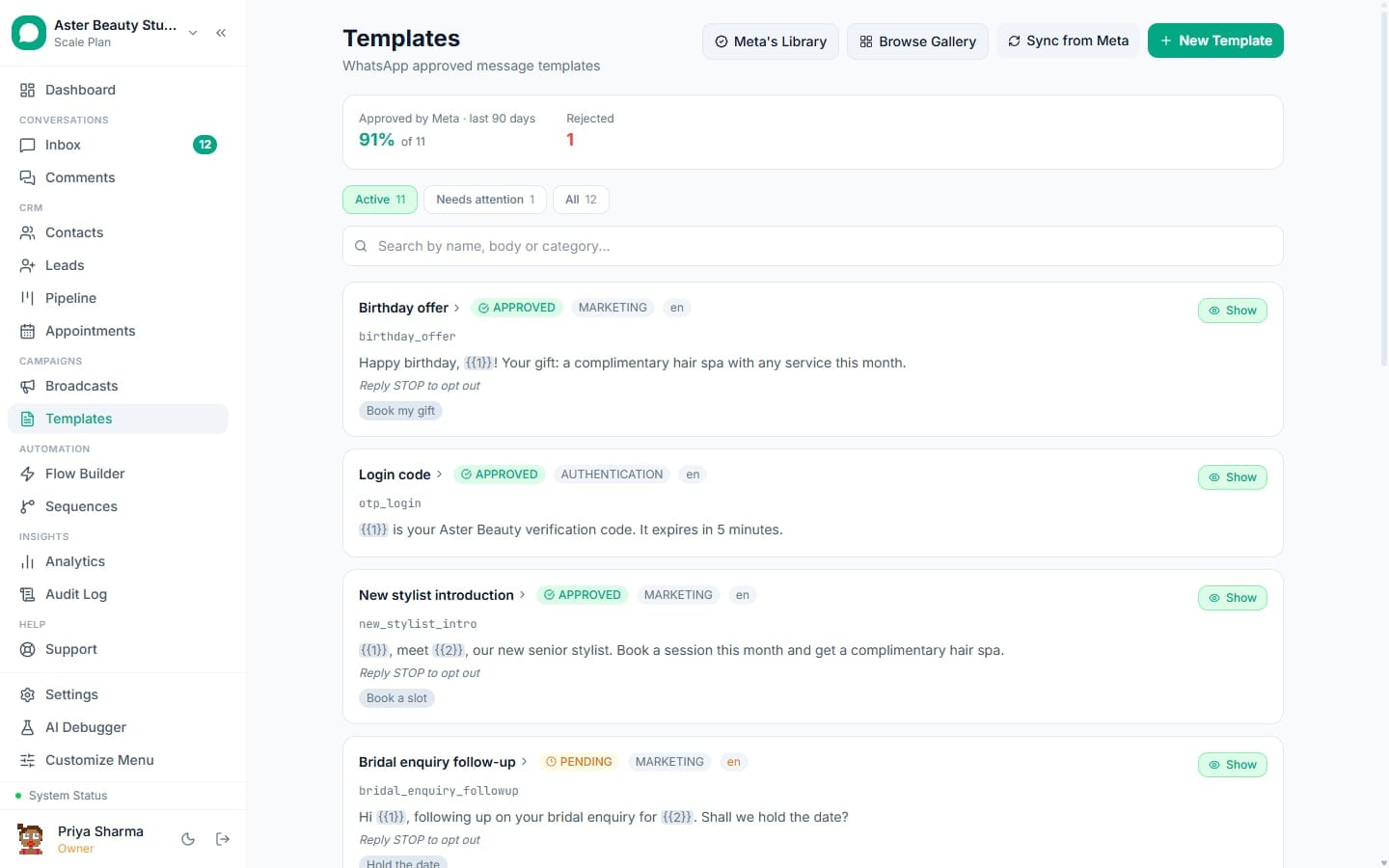
The pre-submission validator in VGraple CRM checks a template against roughly thirty of Meta's known rejection rules before you ever click Submit, and shows each finding with a plain message and a 0-100 rejection-risk score. This article lists every message the validator can produce, straight from the code that generates it, what it means, and what to change.
Validator messages
- 1Watch the risk panel as you build
- 2Open a finding to see its exact
- 3Fix the highest-weighted findings first
- 4Re-check before submitting
Before you start
- The validator runs automatically as you build a template, on a short debounce after each change; nothing needs to be triggered manually.
- Every message names the field it applies to (body, header, footer or buttons) so you know exactly where to look.
- Fixing an error-severity finding is required to move the risk score meaningfully; warning-severity findings are worth reading but do not block submission.
Steps
- Watch the risk panel as you build. Below the phone preview, a circular gauge shows the current score in low (green), moderate (amber) or high (red) risk bands, with the top three contributing factors named underneath.
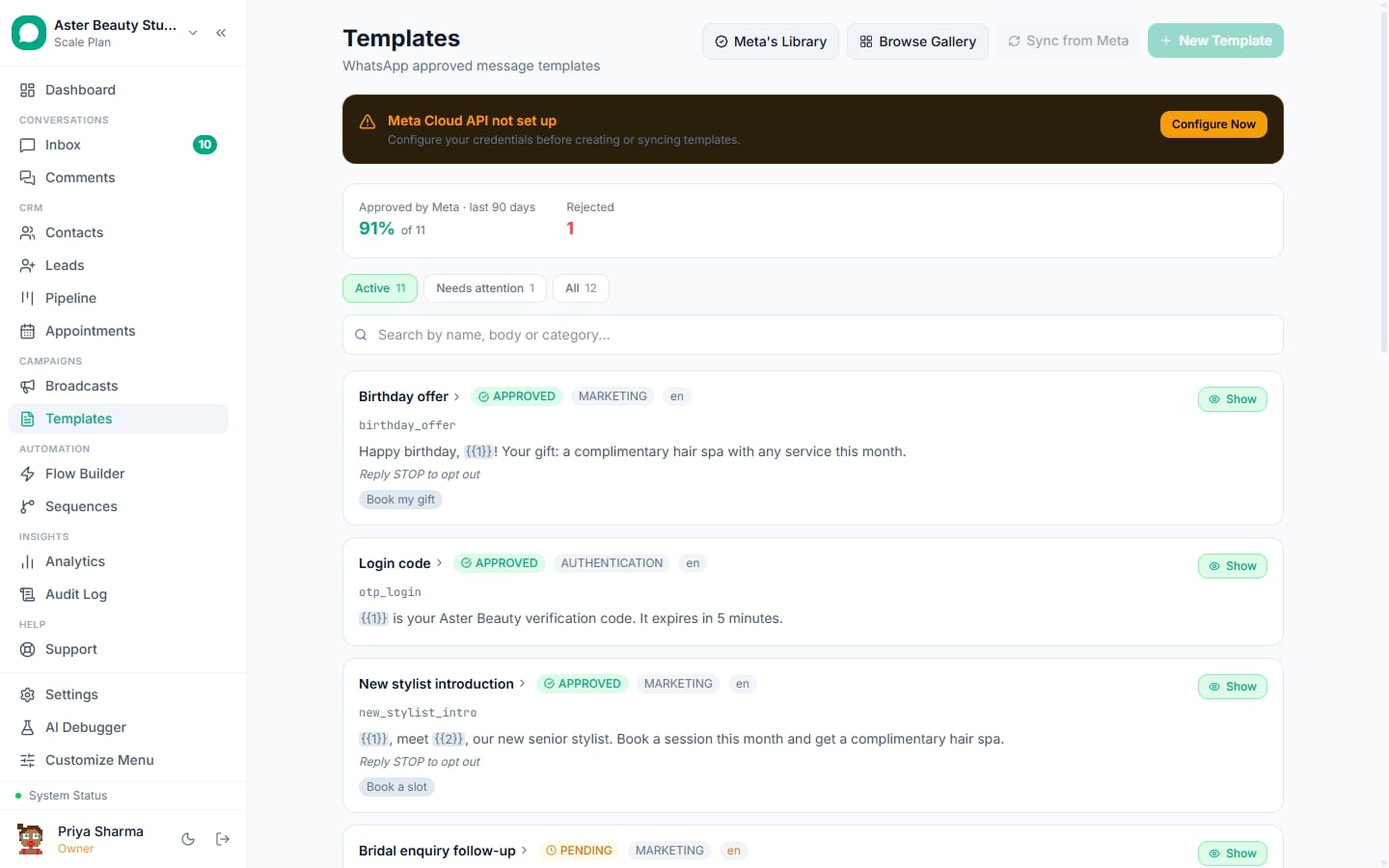
Open a finding to see its exact wording. Each message below is shown next to the field it concerns, with a short explanation of the rule it enforces.
Fix the highest-weighted findings first. The table below is sorted roughly by how much each finding moves the score, from the checks Meta enforces mechanically down to the more stylistic ones.
Re-check before submitting. The score recalculates on every keystroke, so you can confirm a fix actually cleared the finding rather than assuming it did.
What you will see
Every message below is the exact text the validator shows, taken directly from the checker. "Field" is where the issue was found; "Meaning" is why Meta cares; "Fix" is what to change.
Body and variable messages
| Message | Field | Meaning | Fix |
|---|---|---|---|
| Body text is required. | Body | Every non-Authentication template needs body text | Write the message body |
| Body is [n] chars; Meta's limit is 1024. | Body | The body text exceeds Meta's character limit | Shorten the message to 1,024 characters or fewer |
| Remove '!!' - double exclamation marks cause rejection. | Body | Meta treats double exclamation marks as a rejection trigger | Use a single exclamation mark, or rephrase |
| Body contains special characters ({, }, |, ^, etc.) that may trigger rejection. | Body | Characters Meta treats as markup outside of {{n}} variables were found | Remove stray braces, pipes, carets or backticks that are not part of a variable |
| Three or more consecutive blank lines detected - Meta may reject this. | Body | Long runs of blank lines read as low-effort or malformed content | Collapse extra blank lines to one or two at most |
| Remove URL shortener '[shortener]' - Meta rejects templates with shortened URLs. Use the full URL. | Body | Meta rejects templates containing bit.ly, tinyurl.com and similar shortened links | Replace the shortened link with the full destination URL |
| Phone number in body may trigger rejection. Use a Call button type instead. | Body | A phone number written into the message text, rather than as a button, is flagged | Move the number into a Call Phone Number button |
| Email address in body may trigger rejection. Consider using a URL button. | Body | An email address written into the message text is flagged | Move contact details into a Visit Website button, or remove it |
| Body has [n] variables - Meta's maximum is 10. | Body | Meta caps a template at 10 total variables | Reduce the number of {{n}} placeholders |
| Variable {{[n]}} is missing but {{[max]}} exists. Variables must be sequential. | Body | Variables were numbered with a gap, for example {{1}} and {{3}} with no {{2}} | Renumber variables so every integer from 1 up to the highest is used, in order |
| Possible mismatched brace - use {{n}} syntax for variables. | Body | A single { or } was found outside a {{n}} pair | Fix the brace so it forms a proper {{n}} variable, or remove it |
| Template has [n] variable(s) but only [m] sample value(s) provided. Meta requires one sample per variable. | Body | Meta rejects a submission that does not include an example value for every variable | Enter a sample value for each {{n}} in the body |
| Variables can't be at the start of the template. Add static text before {{1}}. | Body | Meta rejects a body that opens directly on a variable | Add a greeting or other fixed text before the first variable |
| Variables can't be at the end of the template. Add static text after the last variable. | Body | Meta rejects a body that closes directly on a variable | Add fixed text, like a closing sentence, after the last variable |
| Two variables sit next to each other. Put fixed words between them. | Body | Two {{n}} placeholders with nothing between them render as one run-on value | Add a word or two of fixed text between the two variables |
| Only [n] characters of fixed text around [m] variable(s). Meta wants this to read as a message, not a form. | Body | The body is mostly placeholders with too little surrounding text | Add more fixed wording so the message reads naturally, not like a data form |
| This template reads as MARKETING ([n] signal word(s): [words]...). Meta may reclassify it and charge the higher rate. | Body, header or footer | Marketing-signal words were found in a template not filed as Marketing | Remove the promotional language, or change the category to Marketing |
Header messages
| Message | Field | Meaning | Fix |
|---|---|---|---|
| Header is [n] chars; limit is 60. | Header | The header text exceeds Meta's 60-character limit | Shorten the header |
| A text header may contain at most one variable. | Header | A text header had two or more {{n}} placeholders | Reduce the header to at most one variable |
| The header variable needs a sample value for Meta's review. | Header | A header variable has no example value entered | Enter a sample for the header's own variable, separate from the body's samples |
| Headers cannot contain line breaks or bold and italic formatting. | Header | A newline or WhatsApp formatting markup was found in the header | Keep the header to one plain line of text |
| A media header carries a file, not text, so it cannot contain a variable. | Header | A variable placeholder was found in an image, video or document header | Remove the variable; media headers cannot substitute values |
Footer messages
| Message | Field | Meaning | Fix |
|---|---|---|---|
| Footer is [n] chars; limit is 60. | Footer | The footer text exceeds Meta's 60-character limit | Shorten the footer |
| Footers are identical for every recipient, so they cannot contain variables. | Footer | A {{n}} placeholder was found in the footer | Remove the variable from the footer; move personalisation to the body |
| A footer cannot sit next to a limited-time offer. The offer strip takes that space in the bubble, and Meta rejects the pair. | Footer | Both a footer and a limited-time offer were set on the same template | Remove the footer while the offer is active |
Button messages
| Message | Field | Meaning | Fix |
|---|---|---|---|
| [n] buttons - maximum is 10. | Buttons | Total button count exceeds Meta's limit | Remove buttons until 10 or fewer remain |
| Maximum 3 Quick Reply buttons. | Buttons | More than 3 Quick Reply buttons were added | Reduce to 3 or fewer |
| Maximum 2 Visit Website buttons. | Buttons | More than 2 Visit Website (URL) buttons were added | Reduce to 2 or fewer |
| Maximum 2 Call Phone Number buttons. | Buttons | More than 2 Call Phone Number buttons were added | Reduce to 2 or fewer |
| Maximum 1 Copy Offer Code button. | Buttons | More than 1 Copy Offer Code button was added | Keep only one |
| Button "[text]" exceeds 25 characters ([n]). | Buttons | A button label is longer than Meta's 25-character limit | Shorten the label |
| Visit Website button requires a URL. | Buttons | A URL button was added with no destination link | Enter the destination URL |
| URL button cannot have a dynamic domain. Only the path can be dynamic (e.g. https://example.com/{{1}}). | Buttons | A variable was placed in the domain portion of a button URL | Keep the domain fixed; only the path after the domain may contain a variable |
| Call Phone Number button requires a phone number. | Buttons | A phone button was added with no number | Enter the phone number to dial |
| Copy Offer Code button requires a sample code for Meta review. | Buttons | A Copy Code button has no example value for Meta's reviewer | Enter a sample coupon code |
| Two buttons are both labelled "[text]". Every button label must be unique. | Buttons | Two buttons share the same label | Give each button a distinct label |
| Quick replies are mixed in among the other buttons. WhatsApp groups them together, so reorder them here to see what the customer will actually get. | Buttons | Quick Reply buttons are interleaved with URL, phone or copy-code buttons in the builder's order | Group quick replies together; WhatsApp renders them as one block regardless of the order set here |
| Button URL is [n] characters; Meta's limit is 2000. | Buttons | A button URL is longer than Meta allows | Shorten the URL, for example with your own link-shortening domain rather than a public shortener |
| Button phone number is longer than 20 digits. | Buttons | A phone number exceeds Meta's digit limit | Correct the phone number |
| Nothing here lets the recipient opt out. Add a "Stop promotions" quick reply - blocks and reports are what drive a number quality rating down. | Buttons | A Marketing template has no visible opt-out mechanism | Add a quick reply or body/footer line offering to stop promotions |
Carousel and limited-time offer messages
| Message | Field | Meaning | Fix |
|---|---|---|---|
| Carousel templates require at least 2 cards. | Body | Fewer than 2 cards were added to a carousel | Add at least one more card |
| Carousel templates support a maximum of 10 cards. | Body | More than 10 cards were added | Remove cards until 10 or fewer remain |
| All carousel cards must use the same header type. | Body | Cards mix header types, for example some image and some video | Set every card to the same header type |
| Card [n] body text is required. | Body | A carousel card has no body text | Write the card's body |
| Card [n] body exceeds 160 characters. | Body | A card's body text is longer than Meta's per-card limit | Shorten the card's body |
| Card [n] has more than 2 buttons. | Buttons | A carousel card has more than 2 buttons | Remove buttons from the card until 2 or fewer remain |
| Limited-time offer templates must use the MARKETING category. | Body | An offer was added to a non-Marketing template | Change the category to Marketing |
| Limited-time offer requires a coupon code. | Body | No coupon code was entered for the offer | Enter the coupon code |
| A limited-time offer needs a website button next to the offer code. Meta requires the pair and rejects the template without it. | Buttons | An offer has no Visit Website button | Add a Visit Website button; the builder places it after the code button automatically |
| A limited-time offer needs a countdown length, otherwise WhatsApp shows the offer as already expired. | Body | No expiry duration was set for the offer | Set how long the offer countdown should run |
| A [category] template's validity window must be [range]. | (general) | The message validity (TTL) setting is outside Meta's allowed range for the chosen category | Set the TTL within the range shown: 1-15 minutes for Authentication, 30 seconds-12 hours for Utility, 12 hours-30 days for Marketing |
Settings and options
| Setting | What it does | Default |
|---|---|---|
| Risk score (0-100) | Sums the weight of every finding and maps it onto a curve, capped at 99 | Recalculated on every change |
| Risk band | Low (under 25), Moderate (25-59) or High (60+) | Shown with a colour and label under the score |
| Error vs warning severity | Errors are Meta's mechanically enforced rules; warnings are stylistic or judgement-based signals | Both shown; only errors are colour-flagged as blocking |
Troubleshooting
| Symptom | Likely cause | Fix |
|---|---|---|
| Risk score stays high after fixing the top factor | Multiple findings stack; the score sums every weight, not just the largest one | Work through the full list of findings shown, not only the top three summarised under the gauge |
| A finding disappears then reappears after an unrelated edit | Some checks (like variable density or category prediction) re-evaluate the whole body on every change | Re-read the current message text; the underlying content likely shifted again |
| Score is low but Meta still rejected the template | The validator predicts based on known rejection patterns; Meta's actual review can catch things outside that rule set | Open the rejected template for the plain-language reason; see template rejected: reasons and fixes |
Related reading
Once a submission comes back rejected despite a clean risk score, or you want to understand Meta's own rejection codes rather than the pre-submission checks, see template rejected: reasons and fixes.