On this page
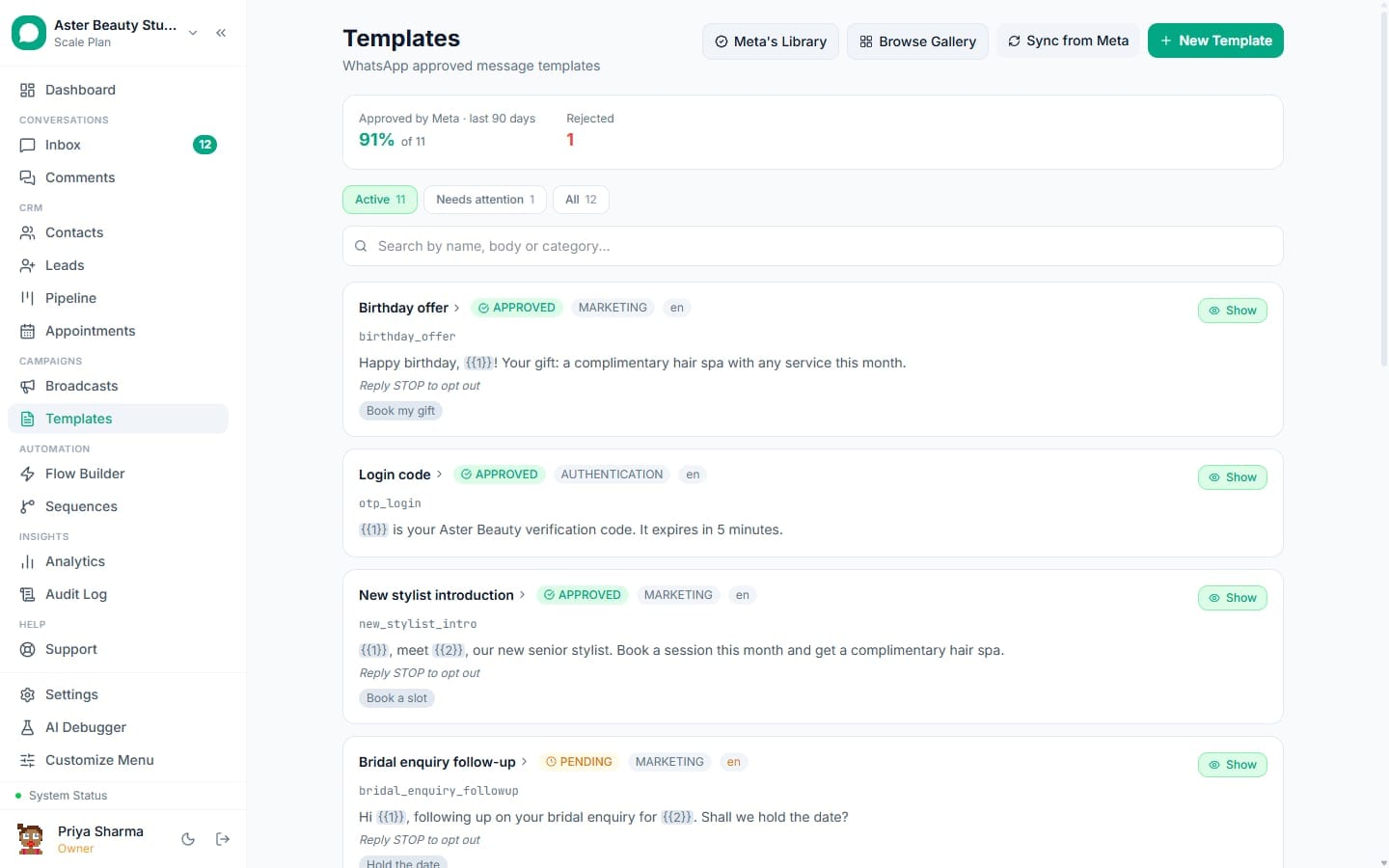
Meta treats a WhatsApp template's name as a permanent identifier: lowercase, underscore-separated, and locked once submitted, with a 30-day hold on the name even after deletion. VGraple CRM generates a compliant name from whatever display name you type and checks it is actually free before your submission burns it.
Naming rules: first 5 of 6 steps
- 1Type a display name
- 2VGraple CRM generates the compliant name
- 3A name that reduces to nothing gets
- 4The name's availability is checked before submission
- 5A clash is explained plainly
Before you start
- Naming happens automatically as you create a template; there is no separate naming step to configure in advance.
- A name clash is checked before submission, not after, so it never costs you a used submission attempt against Meta.
- No permission beyond "Submit templates to Meta" is needed to name and submit a template.
Steps
- Type a display name. In the builder, the display name field is what you actually read and search by, for example "Salon Appointment Reminder." This is shown throughout VGraple CRM's interface, unlike the generated technical name.
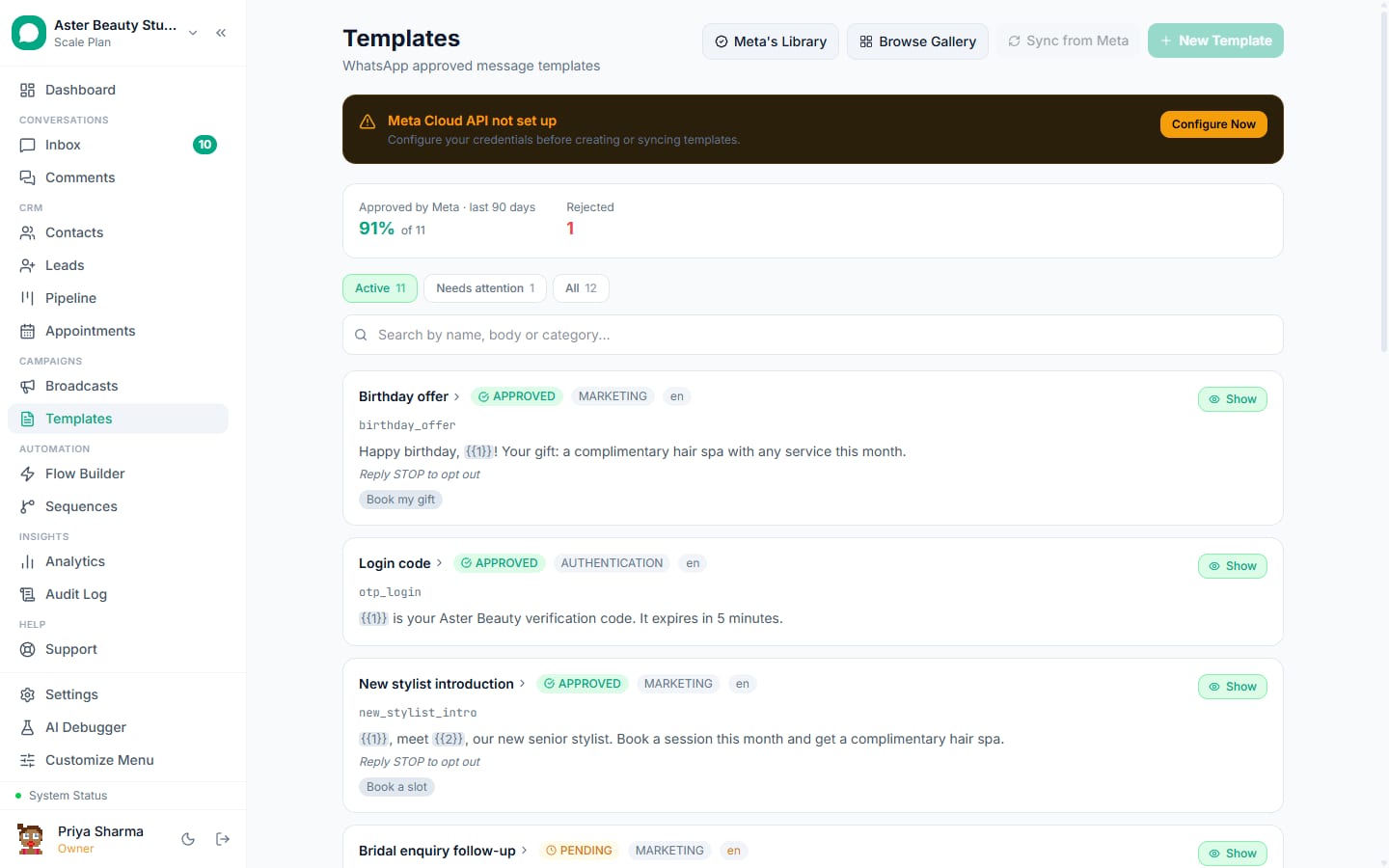
VGraple CRM generates the compliant name. Your display name is lowercased, common accented Latin characters are transliterated (é becomes e, ñ becomes n, and so on), and everything that is not a lowercase letter, digit or underscore is replaced with an underscore. Repeated underscores collapse to one, and leading or trailing underscores are trimmed.
A name that reduces to nothing gets a stable fallback. A display name in a script this transliteration does not cover, Hindi, Arabic, Chinese and similar, or a name that is purely numeric, would otherwise become a row of underscores or an invalid name. In that case the generated name falls back to a readable placeholder like
template_1735000000rather than something meaningless.The name's availability is checked before submission. VGraple CRM checks this generated name against both active and recently deleted templates in your workspace, for this language, before the submission is sent to Meta at all.
A clash is explained plainly. If the name is in use by an active template, you are told which template already has it. If it belongs to a template deleted within the last 30 days, you are told that Meta keeps it reserved and told when that hold applies, rather than a raw API error surfacing after a wasted submission.
Once submitted, the name is fixed. Meta will not let you rename a template after it has been submitted for review, whatever its status. The only way to a different name is deleting the template (and, if you want the exact same name back, waiting out its 30-day reservation) or creating a new one.
What you will see
The template's own page shows both names: the display name at the top, as its title, and the generated technical name below it, in a monospace font, exactly as it is stored at Meta. Cloning a template appends " v2" to the display name and regenerates the technical name from that, since a clone is a fresh draft rather than a resubmission under the original name.
Settings and options
| Setting or field | What it does | Default |
|---|---|---|
| Display name | The human-readable name shown throughout VGraple CRM | What you type when creating the template |
| Generated template name | Meta's actual identifier: lowercase, underscore-separated, immutable once submitted | Derived automatically from the display name |
| Name availability check | Confirms the generated name is not in use or reserved before submitting | Runs automatically before every submission |
| Reservation period | How long a deleted template's name stays unusable | 30 days, set by Meta |
Troubleshooting
| Symptom | Likely cause | Fix |
|---|---|---|
| '"[Template]" used this name and was deleted. WhatsApp keeps a deleted name reserved for 30 days' | You deleted a template less than 30 days ago and a new template's generated name matches it | Pick a different display name, or wait out the remaining reservation |
| '"[Template]" already uses this name in [language]. Pick a different name, or add a translation to that template instead' | An active template in your workspace already has this exact name and language | Use a different display name, or if you actually want a language variant of the existing template, use Add a language on that template instead of creating a new one |
| Generated name is a row of underscores or a generic "template_..." string | The display name used a non-Latin script this transliteration does not cover | This is expected and safe; edit nothing, since Meta reviews the generated name, not the display name, and the display name still shows correctly throughout VGraple CRM |
| Cannot rename an approved template | Meta does not allow renaming a template after submission, at any status | Delete and recreate under a new name if the name genuinely must change, understanding the old name is then reserved for 30 days |
| Two languages of the same message ended up as separate templates with different names | They were created independently rather than through Add a language | There is no automatic merge; going forward, use Add a language from the original template so variants correctly share one name |
Related reading
A name clash is one of several checks the pre-submission validator and the submission flow run before Meta ever sees a template; see what each validator message means and template rejected: reasons and fixes for the rest.