On this page
- What you get
- How it works
- How does the AI decide what it can answer?
- What happens when the AI cannot help?
- Can the widget capture leads and book appointments?
- How does the widget recognise a returning visitor?
- With VGraple CRM vs a basic live chat widget
- Who uses it
- What Meta allows
- Plans and limits
- Recent improvements
In short
- One script tag adds a full AI chat widget to any website, no developer required
- Each widget has its own knowledge base, branding, AI model choice, and lead form
- The same widget config can also power your Instagram and Messenger AI automation
- When the AI cannot help, the conversation lands in your shared team inbox with the full transcript attached
The VGraple CRM chat widget is an AI-powered live chat panel you add to your website with one script tag. It answers visitor questions from a knowledge base you control, captures a name, email and phone number, and hands the conversation to a human agent in your shared inbox the moment it cannot help or the visitor asks for one. What changes for a business is that a website stops being a dead end for a question: a visitor gets an answer at 11 p.m. on a Sunday, and if they are worth following up with, they show up as a lead or a WhatsApp contact your team can act on Monday morning.
What you get
- A one-line embed (
<script>tag) that adds the widget to any website platform, no developer needed - Multiple widgets per account, each with its own knowledge base, branding, AI model and lead form
- An AI assistant that answers from your uploaded FAQs, documents and pasted content, not the open internet by default
- A configurable lead capture form (name, email, phone with country code) that creates a contact and, optionally, a lead
- Live hand-off to your shared team inbox with the full AI transcript attached, so a human never starts cold
- Custom branding: colour, greeting, launcher position, and a bot-disclosure message on your schedule
- The option to extend the same bot to your Instagram and Messenger DMs from one configuration
- A domain allow-list so the widget only loads (and only accepts messages) on sites you approve
How it works
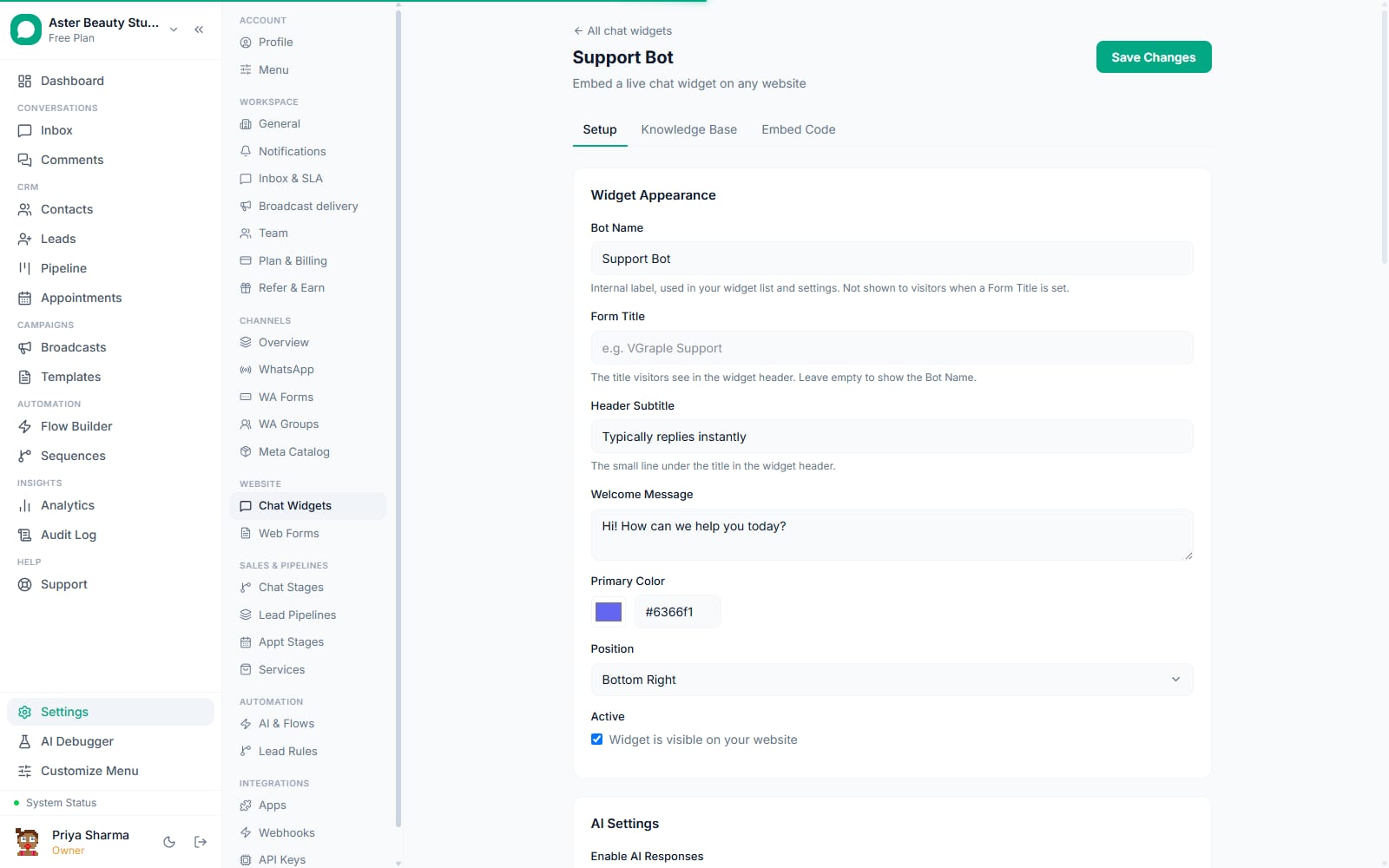
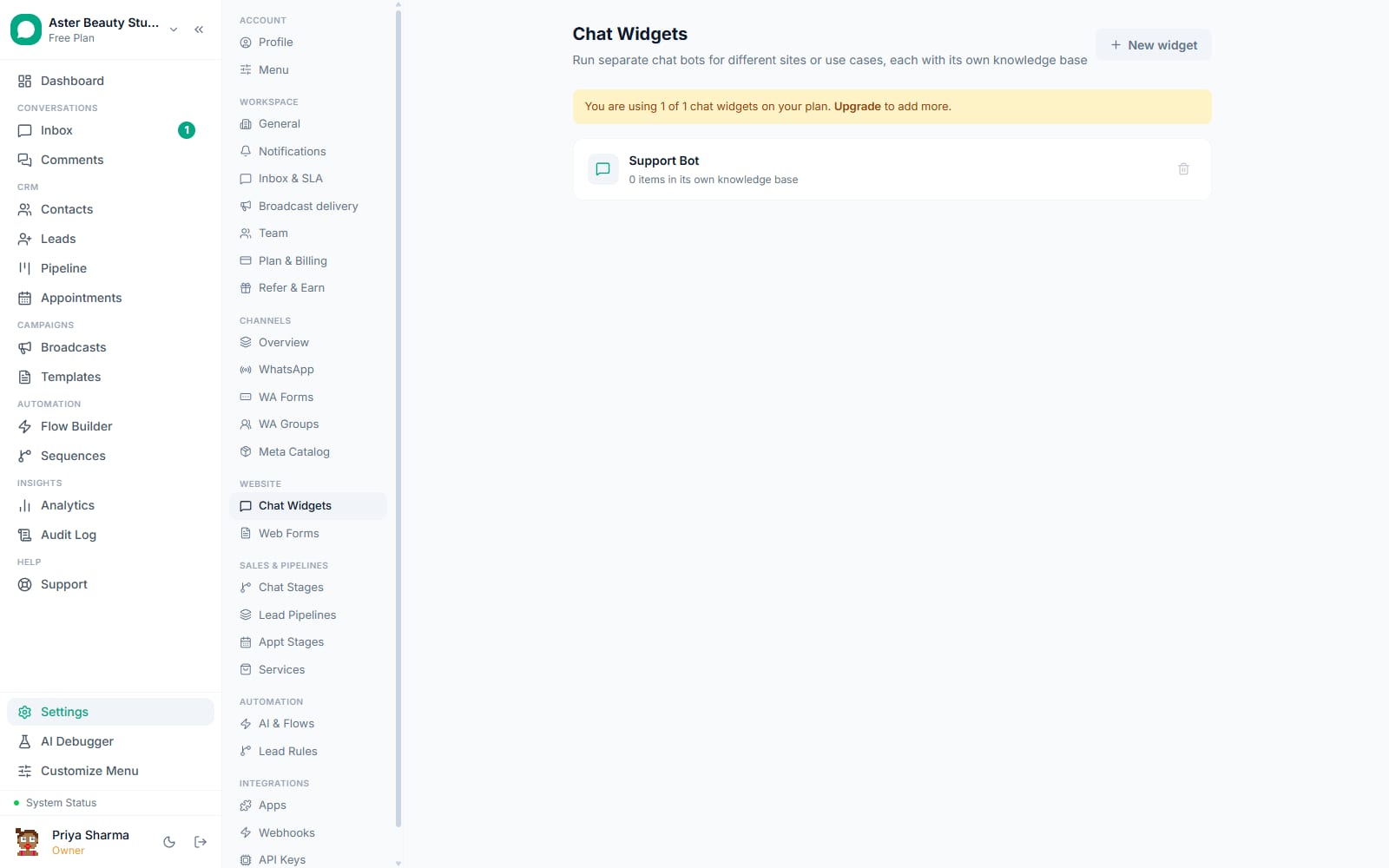
- Create a widget and add knowledge. Go to Settings, open Chat Widgets, and create a new widget. Give it a name, a header title and subtitle, a welcome message and a primary colour. On the Knowledge tab, paste FAQs, upload documents, or add a URL for the assistant to learn from; each widget's knowledge can be scoped to itself or shared with your other widgets and your WhatsApp AI chatbot.
Choose what the AI is allowed to do. Pick an AI model (VGraple AI works with no key, and your own provider key is optional), then turn on the actions you want: capture leads, request appointments, search your catalog for live prices, or hand off to a human. Set a fallback message for anything outside its knowledge, and decide whether it should offer a human the moment a visitor sounds frustrated.
Configure the lead form and domain whitelist. Turn on lead capture and choose which fields to show and require (name, email, phone with a country-code picker), and pick the pipeline a captured lead should land in. Add the domains the widget is allowed to run on; leave it empty while testing.
Copy the embed code and go live. On the Embed Code tab, copy the two-line script tag, which carries your widget's unique token, and paste it into your site just before the closing body tag. The launcher appears immediately; nothing else needs deploying on your side.
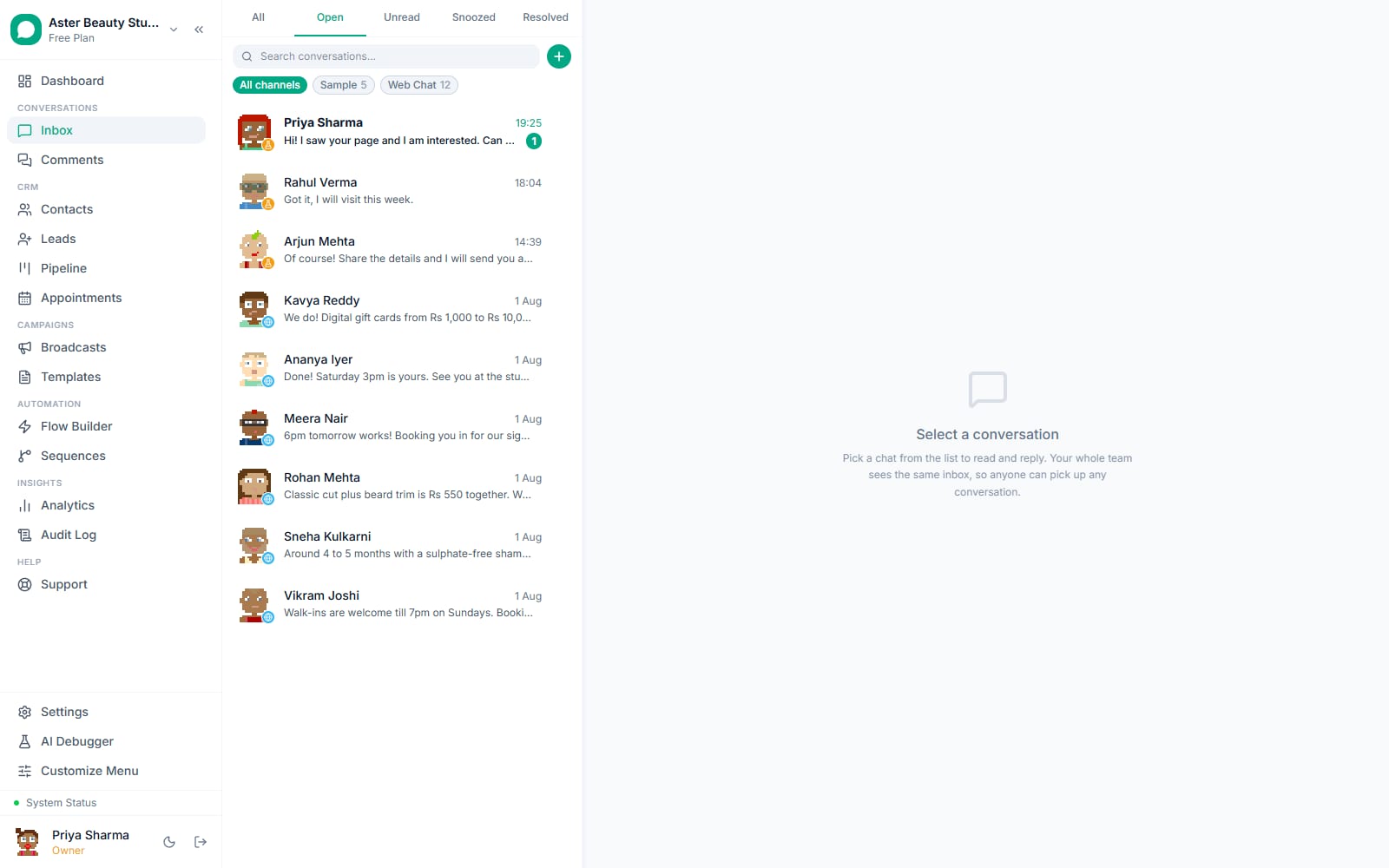
Watch conversations and handoffs. Every widget conversation is visible from your team inbox once it hands off, tagged as a web chat conversation with the AI's transcript above the handoff point. Anything the AI captured, name, email, phone, and any lead it created, is attached to the conversation.
How does the AI decide what it can answer?
The widget's AI reads only what you have given it: uploaded files, pasted FAQs, and pages you point it at, chunked and indexed for retrieval. Turning on Knowledge Only mode restricts every answer strictly to that content, refusing anything outside it instead of improvising from general knowledge. Without Knowledge Only, the assistant can reason more broadly but is still steered by your system prompt and the knowledge it was given first.
Each widget's knowledge base can stand alone or share content with your other bots. A business running one widget for its pricing page and one for its help centre can keep them separate, or point both at the same product knowledge and let only the tone and greeting differ.
Example
A coaching institute runs two widgets from one account: one on its admissions page trained on course fees, batch timings and eligibility, and one on its student portal trained on the refund and attendance policy. Both share the same knowledge base for course content but have different greetings and different lead forms.
What happens when the AI cannot help?
The assistant has an explicit action for escalating to a human, and it can also recognise a direct request ("talk to a person") or, if you turn the setting on, a visitor who sounds frustrated. Handoff moves the conversation into your shared team inbox as a normal thread, with the AI's transcript shown above the point where a human takes over, so the agent sees exactly what was already discussed instead of asking the visitor to repeat themselves.
If no agent is online when a handoff happens, the conversation still sits in the inbox waiting; a visitor who left a phone number during the chat can be followed up with directly, including on WhatsApp with their consent. The widget itself does not send a WhatsApp deep link automatically; the continuation onto WhatsApp is something your team does once you have their number.
Can the widget capture leads and book appointments?
Yes, both are optional actions you turn on per widget rather than something bolted on afterwards. Lead capture shows a short form for name, email and phone (with a country-code picker covering more than 30 countries) and, on submit, creates a contact and can create a lead in a pipeline you choose. The AI can also collect the same details conversationally and call the same capture action mid-chat instead of waiting for a form.
Appointment requests work the same way: if you enable the action, the assistant can take a preferred date, time and service, create an appointment request, and notify your team to confirm it, all inside the chat rather than sending the visitor to a separate booking page.
| Action | What it does |
|---|---|
| Capture leads | Saves an interested visitor as a lead with the details they share |
| Request appointments | Takes a booking request with a preferred time and notifies your team to confirm |
| Answer from catalog | Looks up your connected product or service catalog and quotes a live price |
| Hand off to human | Escalates the chat to your shared inbox when the visitor needs a person |
How does the widget recognise a returning visitor?
A visitor is identified by a random ID the widget stores in their browser, scoped to that specific widget's token so two different bots on the same page never mix up conversations. If the site that embeds the widget also knows who the visitor is, for example a logged-in customer, it can pass that identity to the widget, and VGraple CRM will match them to the same contact by that identity rather than the browser ID, so the same person resumes their thread even from a new device or after clearing their browser storage.
With VGraple CRM vs a basic live chat widget
| A basic live chat widget | VGraple CRM chat widget | |
|---|---|---|
| Answers when no one is online | A contact form or silence | AI answers instantly from your own knowledge base, any hour |
| Knowledge source | Scripted canned responses you write and maintain | Upload documents or FAQs; the assistant retrieves from them directly |
| Multiple bots | Usually one bot per account, or a costly add-on | Multiple widgets per account, each with its own knowledge and branding, within your plan's limit |
| Handoff to a human | A separate helpdesk tool, context often lost | Lands in the same shared inbox as your WhatsApp conversations, transcript attached |
| Lead capture | A static form, no conversational fallback | A configurable form plus a conversational capture action the AI can call mid-chat |
| Follow-up channel | Email only, or nothing | A contact with a phone number can be followed up with on WhatsApp |
| Cross-channel reach | Website only | The same configuration can extend to Instagram and Messenger DMs |
| Domain security | Often none | An allow-list of up to 20 domains enforced on every request |
Who uses it
D2C stores put a widget on the product and checkout pages, trained on shipping, sizing and return policy, so a shopper gets an answer before they abandon the cart and a genuinely interested visitor becomes a WhatsApp contact. See WhatsApp CRM for D2C.
Coaching institutes and schools use a widget on the admissions page to answer fee and batch questions instantly and capture a lead the moment someone asks for a callback. See WhatsApp CRM for education.
Clinics run a widget trained on services, doctor availability and insurance questions, handing any booking request to the front desk's inbox instead of leaving a patient to call during business hours. See WhatsApp CRM for healthcare.
Real-estate agencies put a widget on listing pages to qualify buyers on budget and locality before a human agent picks up the conversation. See WhatsApp CRM for real estate.
What Meta allows
Where a widget conversation later continues on WhatsApp, because your team messages a contact who shared their number, the normal WhatsApp rules apply from that point: outside a 24-hour customer service window you need an approved template, and marketing sends are subject to the same opt-out and frequency rules as any other WhatsApp conversation on your account.
Plans and limits
The chat widget ships on every plan, including Free, which includes 1 widget; Starter includes up to 10 widgets, Growth up to 10, and Scale is unlimited. Every capability described on this page, the AI actions, knowledge base, lead capture, custom branding, and the domain allow-list, is available at every tier. The underlying AI assistant is on every plan too and is paid for in AI credits, with 1,000 free each month.
Recent improvements
- 2026-08-24: The inbox AI status chip was fixed to count active Flow Builder automations correctly, and the free hosted model was moved to a newer, higher-quality model after the previous one was retired by its provider.
- 2026-08-15:
web_chatwas made an explicit, always-on entry in a widget's channel list, closing a gap where an older config saved without it could silently stop answering. - 2026-08-15: The Meta DM escalation engine shipped, adding the guardrails and settings that let the same widget configuration safely automate Instagram and Messenger conversations, not only the website widget.
- 2026-08-15: The AI now falls back to whichever provider your organisation actually has a working key for, instead of failing silently when the previously selected provider's key was removed.