On this page
A/B testing on a broadcast splits a sample of the audience between two template versions and picks a winner using a two-proportion z-test at 95% confidence, then sends the remaining audience to whichever version actually won. This article covers how to set up a test, how the winner is decided, and what happens when the result is not clear-cut.
A/B testing: first 5 of 7 steps
- 1Select your primary template as usual
- 2Turn on "Test two versions."
- 3Pick Version B's template
- 4Set the sample size
- 5Choose the winning metric and decision window
Before you start
- You need two approved templates: one for Version A (the template you would already have picked) and one for Version B, an alternative wording, header, or offer you want to compare.
- Build your audience first; the test sample is drawn from whatever audience you have set on the Audience step.
- Think about your metric ahead of time. Read rate tells you which subject line or opening line grabs attention; reply or click rate tells you which one actually drives action.
Steps
- Select your primary template as usual. On the Message step, choose the template for Version A the same way you would for any campaign, including its personalization mapping.
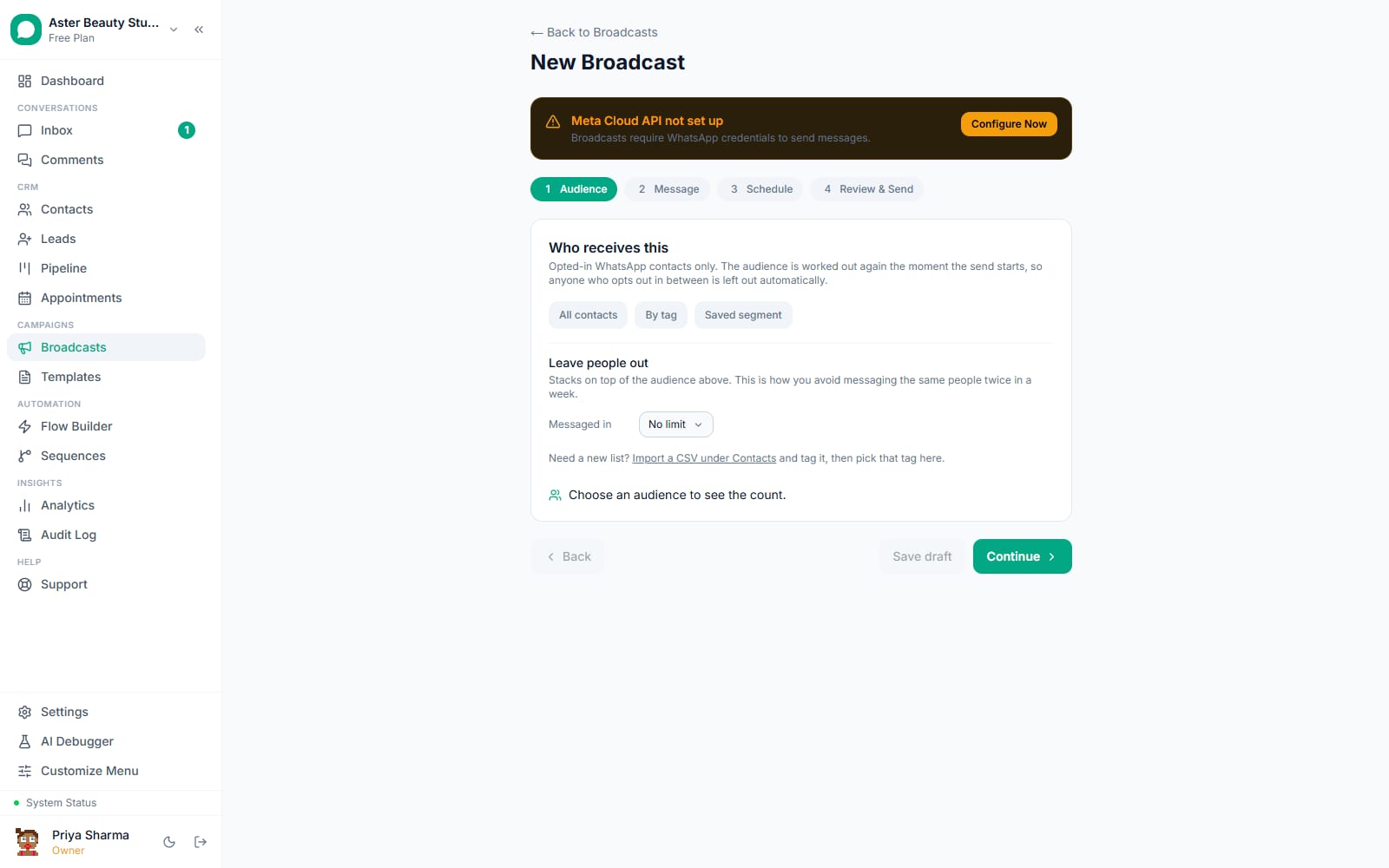
Turn on "Test two versions." Below the message settings, check Test two versions. A panel opens with three controls: Version B, Sample, and Winner by.
Pick Version B's template. Choose a different approved template from the dropdown; it cannot be the same template as Version A.
Set the sample size. Choose what share of the total audience the test itself uses: 10%, 20%, 30% or 50%. This portion is split between the two versions; the rest of the audience waits.
Choose the winning metric and decision window. Set Winner by to Read rate, Reply rate, Click rate, or Delivery rate, and choose how many hours to wait before deciding: 1, 2, 4, 8 or 24 hours after the test sample goes out.
Finish scheduling and send as normal. The rest of the composer (schedule, pacing, quiet hours) works exactly as it does for any campaign; the A/B mechanics run automatically underneath.
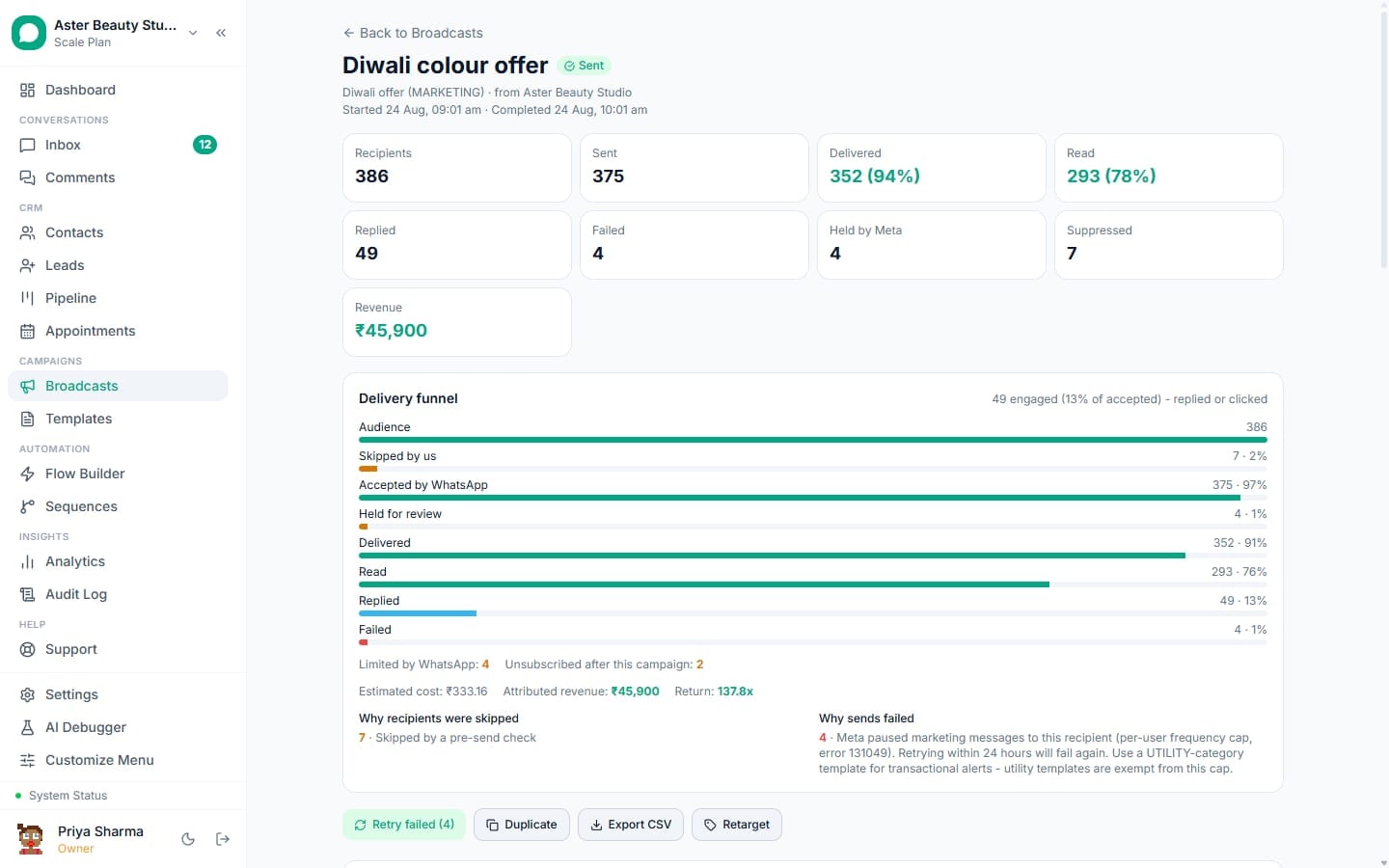
Watch the test resolve on the campaign detail page. Once the decision window closes, a comparison table appears showing each version's sent, delivered, read, replied and clicked counts, with the winner marked, and a plain-language decision note explaining the result.
How does the significance test actually decide a winner?
Email marketing tools have run this kind of test for two decades; running two campaigns to two separate lists and comparing raw percentages by eye is how a 3-point difference on 200 recipients gets mistaken for a real result when it is well within normal random variation. VGraple CRM uses a two-proportion z-test, comparing the two versions' success rate on your chosen metric (delivered, read, replied or clicked) against each other, and only calls a winner when the gap is statistically significant at 95% confidence, meaning there is less than a 5% chance the observed difference happened by chance alone.
The test needs both a minimum sample and a real gap to say anything useful. Below 30 recipients per version, the campaign reports plainly that there were too few recipients to test rather than guessing. Above that threshold, if the two rates are close enough that the test cannot rule out chance, the decision note says the versions were statistically indistinguishable and states the actual p-value, rather than crowning a winner because one number happened to be a fraction higher than the other.
Example
A real-estate agency tests two versions of a new-listing alert on a 4,000-contact audience, sampling 10% (400 contacts, 200 per version). The version leading with the property's location gets a reply rate of 18% against 11% for the version leading with the price, a large enough and consistent enough gap to be statistically significant. The remaining 3,600 contacts automatically receive the location-led version.
What you will see
While the test is collecting results, the campaign detail page shows "Collecting results. The winner goes to the rest of the audience when the window closes." Once decided, each version's row shows its counts and rates, the winning version gets a "winner" badge, and the decision note states either a clear win with its p-value, or that the two versions were statistically indistinguishable. The remaining, un-sampled audience then receives whichever version was sent to it, without a second audience split.
What happens to the arms after the test decides?
Each version of an A/B test is a child of the one campaign, not two separate broadcasts, which is why they share one audience split rather than each drawing its own. The sample is divided once, by the share percentage you set, and each arm's funnel (sent, delivered, read, replied, clicked) accumulates independently from that point on. When the decision window closes, the remaining, un-sampled audience is released to the winning arm without re-picking who gets it, so a contact who was never part of the test sample simply receives whichever version won, and every recipient of the campaign, sampled or not, still appears in the same campaign's single recipient table and export, filterable by which version they received.
Settings and options
| Setting | What it does | Options |
|---|---|---|
| Version B | The second template being tested against Version A | Any approved template other than Version A's |
| Sample | Share of the audience used for the test itself | 10%, 20%, 30%, 50% |
| Winner by | The metric the significance test is run on | Delivered, Read, Replied, Clicked |
| Decision window | How long to wait after the sample sends before deciding | 1, 2, 4, 8, 24 hours |
| Minimum sample per arm | Recipients needed per version before a significance test is possible | 30 (fixed) |
| Significance threshold | Confidence level required to call a winner | 95% (fixed) |
Why is the sample size a fixed set of choices rather than a free-form number?
Offering 10%, 20%, 30% or 50% rather than an arbitrary percentage or a raw recipient count keeps the trade-off visible in plain terms: a larger sample reaches a significant result with more confidence and sooner, but delays more of the audience from receiving the eventual winning version until the decision window closes, since the sampled portion is what runs the test while the rest waits. A small campaign benefits from a larger sample share, since the fixed minimum of 30 recipients per arm needs a meaningful fraction of a modest audience to reach at all; a very large campaign can use a small sample share and still comfortably clear that minimum on both arms, leaving most of the audience free to receive the winner sooner rather than waiting through the full decision window.
Troubleshooting
| Symptom | Likely cause | Fix |
|---|---|---|
| Decision note says "too few recipients per version to call a winner" | Fewer than 30 recipients received one or both versions | Increase the sample percentage, or run the test on a larger audience next time |
| Both versions look close but no winner is declared | The gap between the two rates is inside the margin of error at 95% confidence | Expected and honest; the better-performing version still goes to the rest of the audience, the note just does not claim statistical proof |
| Version B option is missing from the dropdown | No second approved template exists yet, or it is the same template already chosen for Version A | Approve a second template, or pick a different one for A |
| Comparison table is empty after the decision window closed | The campaign has not actually finished sending the sample yet, or the window has not elapsed | Wait for the decision window to pass; check the campaign is not paused |
| Test says a winner was found, but the difference looks small in raw numbers | A statistically significant result can still be a small numeric gap on a large enough sample | This is expected; significance measures confidence the difference is real, not its size |
Related reading
Pair A/B testing with send-time optimisation to control both the message and the timing, or read seeing revenue per broadcast to judge a winning version by money made, not just engagement.