On this page
- What you get
- How it works
- What does the pre-submission validator actually check for?
- Why was my template rejected, and how do I fix it?
- How do template categories work, and can Meta change mine later?
- What happens if a template gets paused, not just rejected?
- How does the industry gallery save time?
- What if I manage more than one WhatsApp Business Account?
- How large is the gallery, really?
- What Meta allows
- With VGraple CRM vs submitting through WhatsApp Manager directly
- Who uses it
- Plans and limits
- Recent improvements
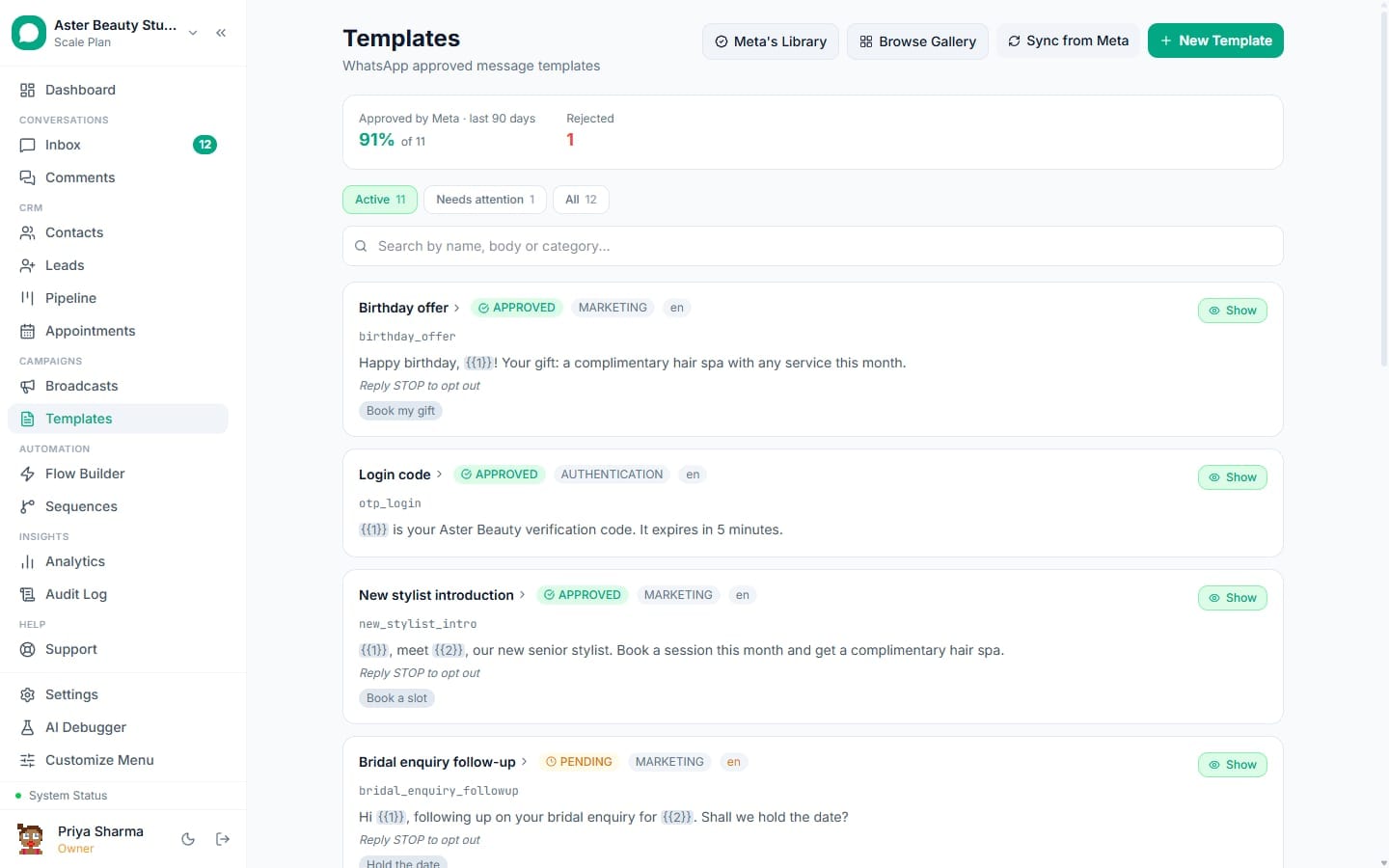
In short
- A pre-submission validator scores rejection risk against Meta's known rejection rules before you submit
- Every rejection is explained in plain language, with the field to fix, not just Meta's raw code
- A gallery of ready-to-submit templates by industry, pre-filled with your business name
- Real per-template analytics pulled from Meta, not just your own send counts
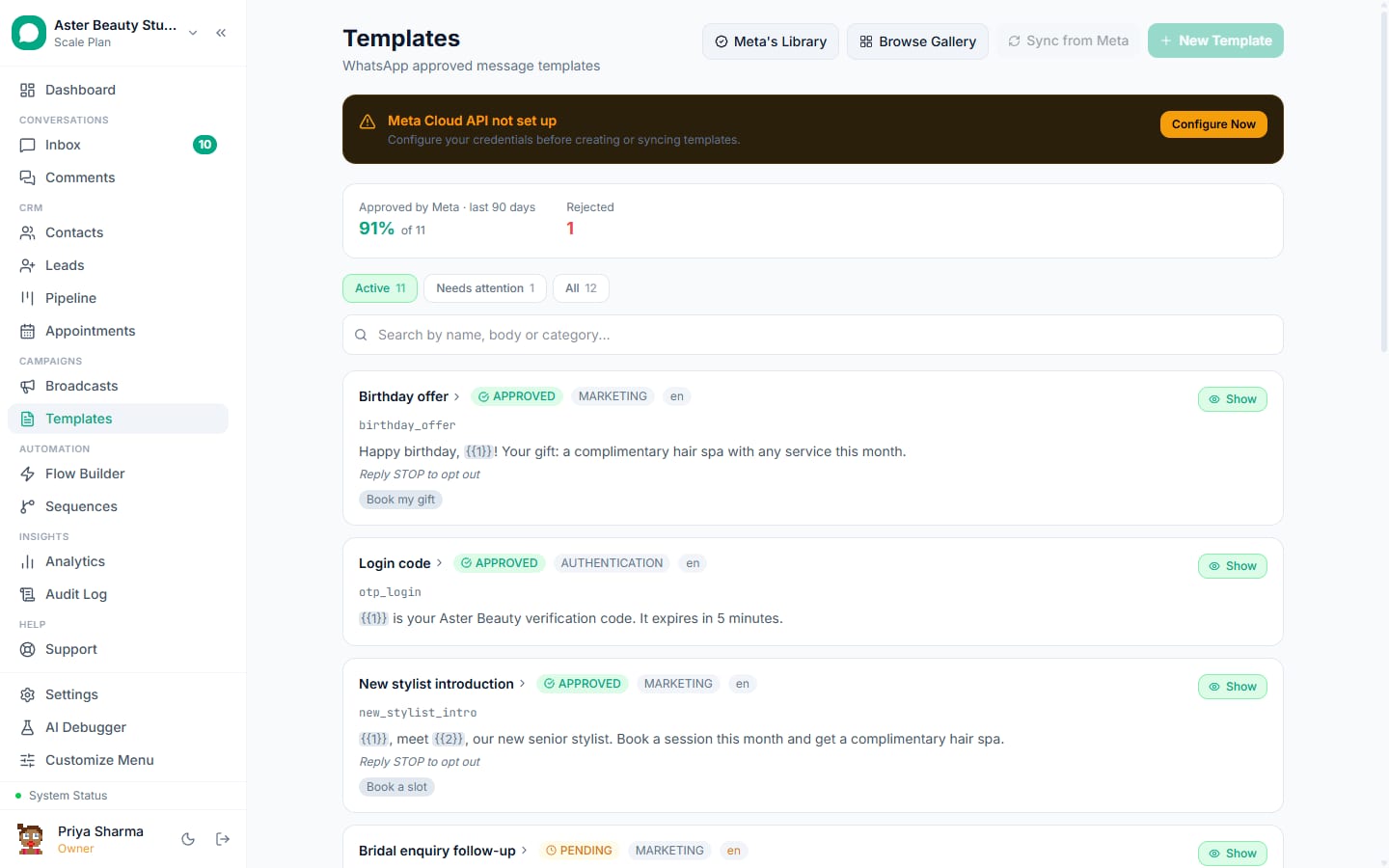
A WhatsApp message template in VGraple CRM is built, checked against Meta's known rejection rules before you submit it, and tracked with Meta's own delivery figures after it is approved, all from one screen. What changes for a business is fewer rejected submissions and fewer templates that quietly lose approval later: the builder catches the mistakes that cause both, and every rejection you do get is explained instead of left as a cryptic Meta code.
What you get
- A visual builder for every WhatsApp template type: text, image, video and document headers, body variables, footer, buttons, carousels, authentication and limited-time offers
- A pre-submission validator that scores rejection risk and names the specific factors driving it
- Plain-language rejection explanations mapped to Meta's actual codes, with the field to fix
- An industry gallery of ready-to-submit templates, pre-filled with your business name
- Real Meta-sourced analytics per template: sent, delivered, read and per-button clicks
- Name-collision and 30-day name-reservation checks before you submit, not after
- Automatic pause detection and the same delivery-error mapping used across broadcasts and the inbox
- One template usable from the inbox, broadcasts, flows, sequences and automation rules alike
How it works
- Start from the gallery or a blank template. Browse the gallery by industry and use case, or start blank. A gallery template pre-fills the body, footer, category and sample variable values with your business name in place of a placeholder.
Build the message. Add a header (text, image, video or document), write the body with numbered variables, an optional footer, and buttons: quick reply, URL, call, copy code, or a carousel with multiple cards. Authentication templates get a purpose-built OTP layout Meta approves near-instantly when it matches Meta's required format exactly.
Check the risk score before submitting. The pre-submission validator runs the template against Meta's known rejection rules and returns a 0-100 risk score in low, moderate or high bands, with each contributing factor named: a variable with no sample value, a message that opens or closes on a variable, a shortened URL, marketing language in a template marked Utility, and more.
Submit and track approval. Submit to Meta from the same screen. Status updates as Meta reviews it; if it is rejected, the stored reason is translated into what actually went wrong and which field to open, instead of Meta's raw rejection code.
Watch real performance after approval. A daily sync pulls Meta's own sent, delivered, read and per-button-click figures for each template, going back up to 80 days, so you can tell which templates actually work rather than relying only on your own send counts.
What does the pre-submission validator actually check for?
The validator is built against Meta's own known rejection reasons, weighted by how often each one appears in Meta's published guidance and in rejections this product has already stored, so a mechanically enforced rule (a missing sample value, a URL shortener) weighs more heavily than a stylistic one Meta applies unevenly. It checks, among other things: whether every variable has a sample value, whether a message opens or closes directly on a variable, whether two variables sit adjacent with nothing between them, whether there is enough fixed text around the variables, whether a limited-time offer is missing its required website button or is combined with a footer (Meta does not allow both), whether button labels repeat, whether a header variable is missing a sample, and whether the message reads as promotional while filed under Utility.
Each finding is shown with its own weight, so a template with one moderate issue and a template with five stacked issues do not look the same on the risk score, and you can see exactly which fix would move the needle most.
Example
A real-estate agency drafts a new-listing alert that opens with {{1}}, the property name, and ends with {{4}}, the price, with no sample values entered for either. The validator flags both as high-weight factors before submission; fixing them (adding fixed text before the first variable and sample values for all four) drops the risk score from moderate to low.
Why was my template rejected, and how do I fix it?
Meta's rejection reasons on their own are close to useless: INVALID_FORMAT or ABUSIVE_CONTENT tells you nothing about which line to change. VGraple CRM stores the rejection reason Meta sends and maps it to a plain explanation of the actual rule that was broken, the field it applies to (body, header, footer, buttons, category or name), and what to change, shown directly on the template. This turns "my template was rejected and I don't know why," the single most common complaint about tools in this category, into an actionable next step instead of a dead end.
How do template categories work, and can Meta change mine later?
Every template is filed under Marketing, Utility, Authentication or Service, and the category is a Meta classification that determines both the per-message pricing and whether the marketing frequency cap applies, not just a label you pick. Meta can and does recategorise an already-approved template if the copy reads as promotional, even when it was originally filed as Utility, and a recategorised template starts costing the higher rate and becomes subject to the marketing cap without warning. The validator checks a Utility-marked template for common marketing-signal words (offer, discount, limited time, exclusive, hurry, and similar) before you submit, specifically to catch this before Meta does.
What happens if a template gets paused, not just rejected?
A template that is already approved can still be paused by Meta for quality reasons (error 132015) or dropped for sustained low quality (132016, which escalates through timed pauses before permanent disabling). VGraple CRM detects both on the delivery side, the same error-code mapping used in broadcasts and the inbox applies here, and any running broadcast using a paused template parks itself automatically with the reason shown, rather than continuing to burn sends against a template Meta will not deliver.
How does the industry gallery save time?
Writing a WhatsApp template from a blank page, guessing at wording, variables, category and button setup, is where most rejection cycles start. The gallery ships dozens of ready-to-submit templates grouped by industry (salon and spa alone has fifteen, covering everything from appointment reminders to loyalty rewards), each with real body copy, sample variable values and a pre-set category that already reflects Meta's rules. Selecting one swaps a placeholder for your actual business name and drops you straight into the builder with a submission-ready draft, rather than a blank canvas.
What if I manage more than one WhatsApp Business Account?
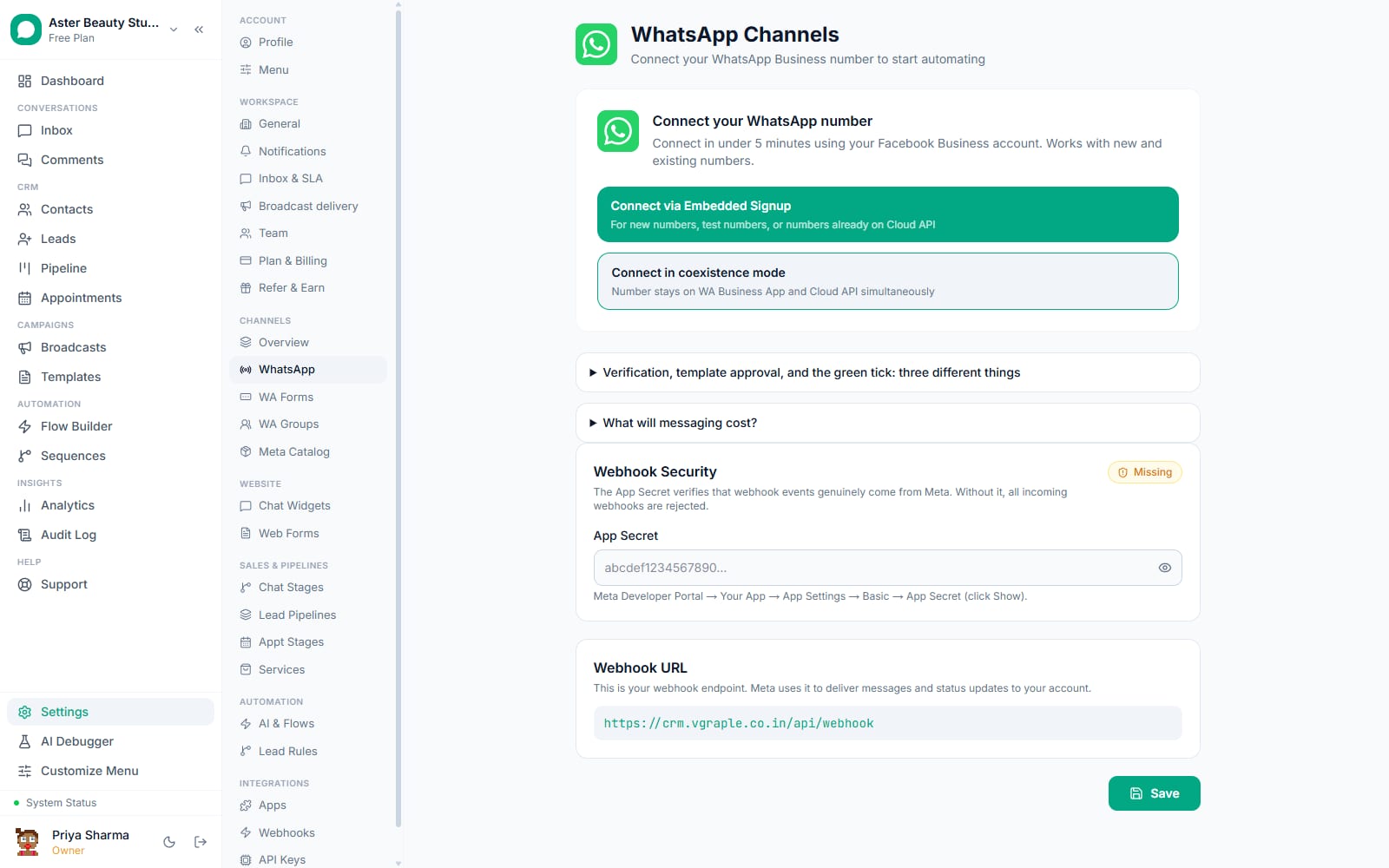
An organisation running more than one WhatsApp number, a franchise with a number per branch, or a business that split its consumer and commercial lines onto separate WhatsApp Business Accounts, needs templates, submissions and Meta credentials kept straight per account. VGraple CRM resolves the WhatsApp Business Account, access token and channel for every template operation (create, edit, delete, upload and sync) consistently, so a template built for one WABA cannot be silently attributed to the wrong number, and a business without a WABA configured gets told so up front instead of ending up with a template stuck in a permanent "pending" state that was never actually sent to Meta.
How large is the gallery, really?
The gallery currently ships 75 ready-to-submit templates across five industries: Salon & Spa (15 templates, from appointment reminders to loyalty rewards), Tattoo & Piercing Studio, Cosmetic Store, Dental Clinic and Real Estate, each with a mix of Utility templates (order and appointment status, reminders, confirmations) and Marketing templates (offers, win-back, new arrivals). More industries are added over time; a business outside the five listed can still use the closest match as a starting point and edit the wording, since the builder and validator work identically on a gallery template and one built from scratch.
What Meta allows
VGraple CRM checks name availability against both active and recently deleted templates before submission, so a name clash surfaces as a clear message instead of a failed API call after you have already used up a submission attempt.
With VGraple CRM vs submitting through WhatsApp Manager directly
| WhatsApp Manager directly | VGraple CRM templates | |
|---|---|---|
| Rejection risk before submitting | None; you find out after Meta reviews it | Scored 0-100 with the specific factors named |
| Rejection reason | Meta's raw code, no explanation | Plain-language cause and the field to fix |
| Starting point | Blank form | Industry gallery pre-filled with your business name |
| Performance data | Meta's own dashboard, separate from your CRM | Synced daily into the same screen as your other messaging data |
| Pause detection | You notice sends silently stop working | Detected automatically; running broadcasts park themselves with the reason shown |
| Reuse across channels | N/A | Same template sends from inbox, broadcasts, flows, sequences and automation rules |
Who uses it
Salons and spas submit appointment reminders, birthday offers and loyalty templates from the gallery in minutes rather than drafting each from scratch. See WhatsApp CRM for salons.
Dental clinics use utility-category appointment and reminder templates that stay clear of marketing language by design, keeping them exempt from the marketing frequency cap. See WhatsApp CRM for clinics.
D2C and cosmetic brands submit order-status, abandoned-cart and win-back templates from the gallery, then track which ones actually drive reads and clicks with Meta-sourced analytics. See WhatsApp CRM for D2C.
Real-estate agencies build new-listing and viewing-reminder templates with the validator catching variable-placement mistakes before a submission cycle is wasted. See WhatsApp CRM for real estate.
Plans and limits
The template builder, pre-submission validator, rejection explanations, industry gallery and Meta analytics sync are available on every plan, including Free. There is no separate cap on how many templates you can create or submit; conversations are unlimited on every plan, so VGraple CRM never caps how many template messages you send. Meta's charge for each delivered template is billed by Meta to your own Meta account.
Recent improvements
- 2026-08-19: Fixed three template defects found only by submitting real templates to Meta and sending them to a handset, closing the gap between what the builder showed and what Meta and WhatsApp actually rendered.
- 2026-08-19: A footer and a limited-time offer can no longer both be added to the same template; the builder now blocks the combination Meta itself does not allow.
- 2026-08-: Template builder phases 3 and 4 shipped: pre-submission rejection prevention and analytics sync that reads the figures Meta already publishes per template.
- 2026-06-: Carousel templates (multi-card, submitted to Meta and supported in the flow builder) and limited-time offer templates (coupon code, Copy Code button, expiry) both shipped, alongside full button validation rules in the validator.